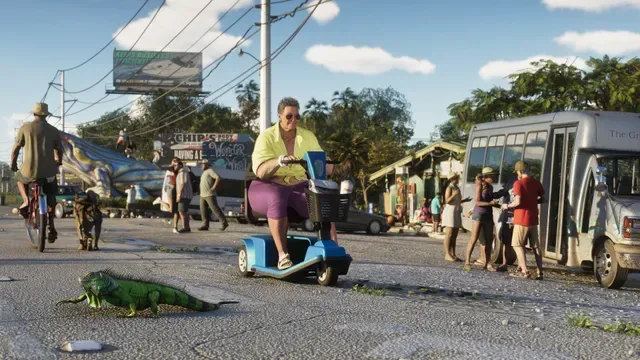
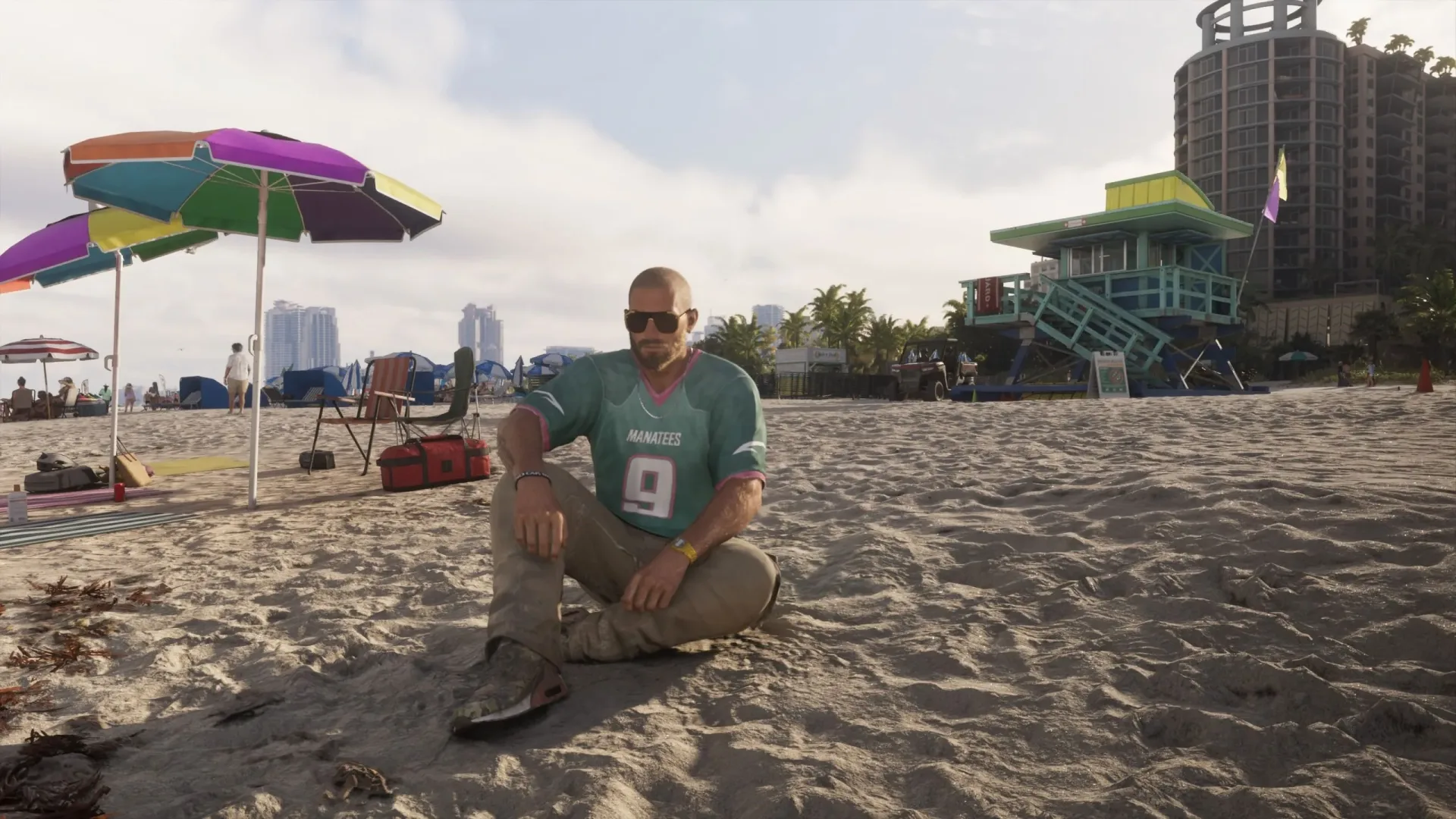
Grand Theft Auto 6 gives Leonida’s day-to-day systems a surprising amount of room to breathe. The headline-grabbing parts of an open-world crime game are easy to find: cars, pursuits, weapons and missions all announce themselves. The smaller interactions are different. Some live behind held inputs, some appear only in a specific position beside a vehicle, and others matter only when an unexpected scene unfolds on the street.
This guide collects 25 useful or entertaining details to try. They range from genuinely practical shortcuts—such as leaving a getaway vehicle running—to systems that make the world feel more reactive, including turn signals, pet treats and the option to photograph an arrest. Control prompts below use the standard PlayStation/Xbox pairing where supplied. Alternate inputs for Classic controls are included where they differ.
Driving details that are easy to overlook
1. Use partial R2 pressure to hold the speed limit on PS5
On PS5, the adaptive R2 trigger has an extra layer of control while driving. Hold it at its first resistance point to maintain the current speed limit, then press past that point for full acceleration. In plain terms, adaptive triggers are pressure-sensitive controls with physical resistance; here, the resistance gives the accelerator a useful midpoint rather than making it a simple on/off input.
This is most useful when the goal is to travel calmly instead of immediately launching into a high-speed escape. It also underlines that GTA 6’s driving inputs are not limited to maximum throttle and hard braking.
2. Duck in a stopped vehicle—unless the car has Heat
When stationary, hold Circle/B to duck below the steering wheel or dashboard. With Classic controls enabled, use Square/X instead. This can help conceal the character from passing police, but it is not a universal escape tool: authorities can still spot the vehicle if it carries Heat.
Heat is vehicle-specific attention from law enforcement. The important practical distinction is between hiding the driver’s body and removing the suspicion attached to the car itself. Ducking can help with the former, but it does not erase the latter.
3. Open the expanded vehicle controls
Hold D-pad Left while in a vehicle to open radio settings, then push the right stick upward for additional controls. Those options include opening or closing windows and the roof, plus switching hazard lights on or off. This is worth checking in different vehicle types, especially when a roof or window change may suit the moment better than an all-purpose menu assumption.
4. Use turn signals
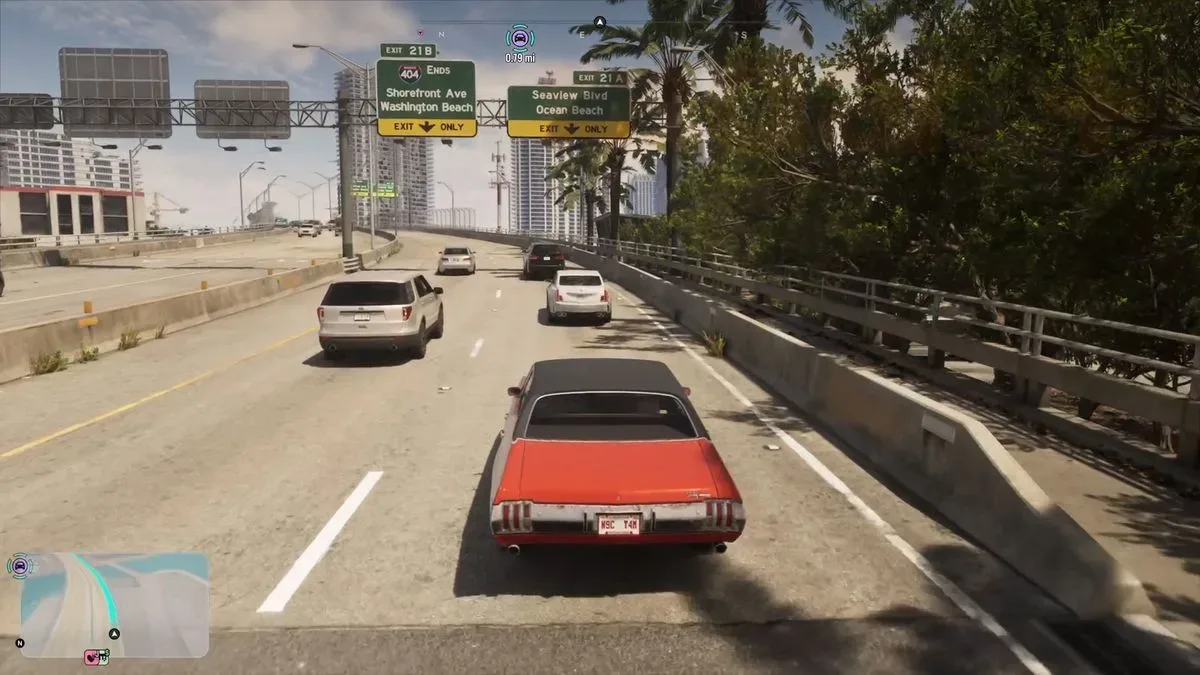
A tap of D-pad Left or D-pad Right activates the matching turn signal while driving. Other road users are more likely to yield when it is on. The signal shuts off after a turn, or it can be cancelled manually by tapping that direction again.
Related coverage includes GTA 6's Lesser-Known Controls Reveal a More Reactive Leonida.
This is a small interaction with a real gameplay implication. Signalling is not just cosmetic if it changes how traffic responds; it can make routine navigation less combative in a world where every unnecessary collision can become a distraction.
5. Toggle the radio without opening its menu
Double-tap D-pad Left to turn the radio on or off quickly. The same shortcut works for headphones and earbuds while on foot. It is a simple quality-of-life input, particularly useful for players who want ambient sound without spending time inside the larger radio controls.
6. Slide across a car hood
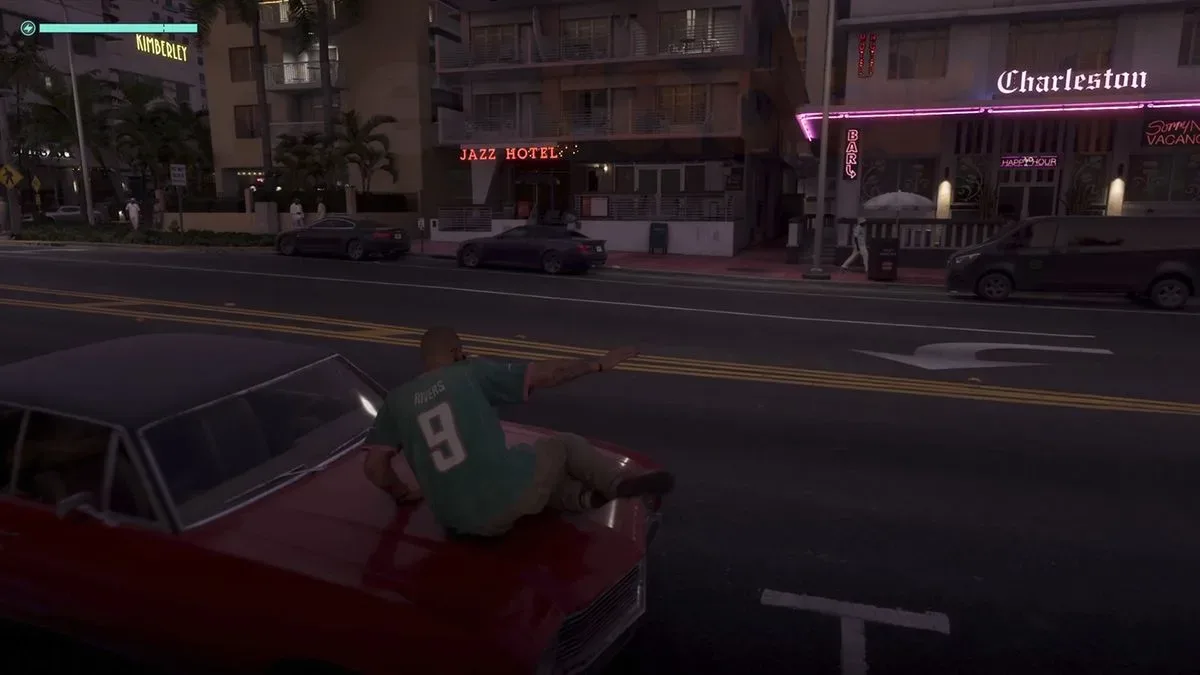
Run toward a vehicle’s hood and press Cross/A to vault across it with a slide. Under Classic controls, the input is Square/B. It is a quick way to reach the far side of a car when using it for cover, crossing a street-side obstruction, or simply refusing to take the long way around a parked sedan.
7. Cycle headlights from the road
Tap Circle/B while driving to move through headlight settings without entering the settings interface. Classic controls move this to Square/X. As with the radio shortcut, the value is speed: a setting that would otherwise require a pause in attention becomes available during the drive.
8. Leave the engine running when you get out
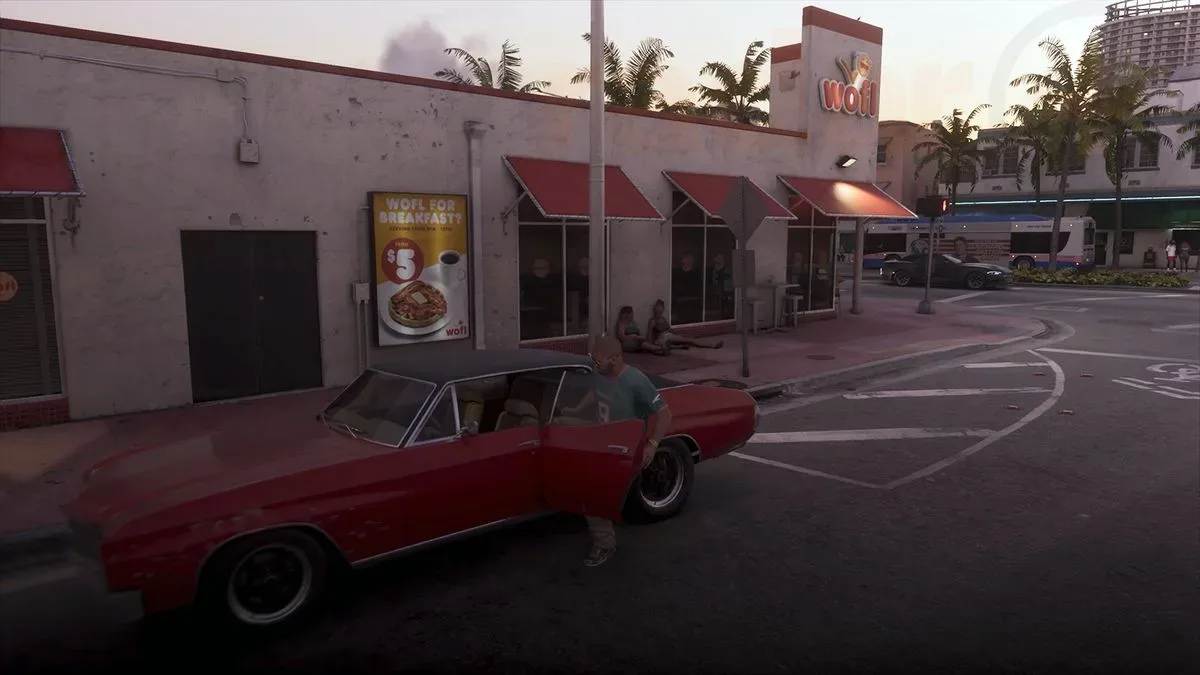
Double-tap Triangle/Y to exit a vehicle while leaving its engine running. The immediate use is clear: a car can be ready for a faster departure after a robbery or any other stop that turns dangerous.
The broader lesson is that getting out of a vehicle does not have to mean fully disengaging from it. If the situation calls for a quick return, the double-tap is a better fit than a normal exit.
9. Walk around a moving boat
The same double-tap of Triangle/Y works at a boat’s controls. It lets the character step away while the vessel maintains its current course and speed, opening the deck up for movement and weapon use. That creates a different kind of vehicle space: the boat remains in motion, but the player is no longer fixed to its helm.
10. Make the car door—or a bike kick—do some work
Press Square/X while driving a car to slam the driver’s door open into nearby people or vehicles. With Classic controls, use Circle/B. On a motorcycle, that same input performs a side kick instead. It is a close-range driving action, so its value lies in situations where simply steering around an obstacle is not the intended answer.
11. Get into the back seat on purpose
Hold Triangle/Y beside a vehicle’s rear doors to climb into the back rather than defaulting to the driver’s seat. This may sound like a role-playing flourish, but it is also a reminder that seat choice is an interaction rather than a fixed animation.
12. Passenger view is more than a camera angle
When riding as a passenger, hold L2/LT and click R3/RS to enter first-person view and look around the interior. First-person view means seeing through the character’s eyes rather than from an exterior camera. In this case, it turns a passive ride into a chance to inspect the cabin instead of watching the car from outside.
13. Interact with people from behind the wheel
Hold D-pad Up while driving to interact with NPCs, just as L2/LT does on foot. NPC means non-player character: a world inhabitant controlled by the game rather than another player. The action is useful because it carries the social interaction layer into driving instead of forcing every exchange to begin after getting out.
14. Vehicle insults can provoke a response
While unarmed in a vehicle, hold R1/RB to gesture rudely at nearby NPCs. Clicking R3/RS lets the character curse at other drivers. Both can draw a reaction. These inputs are not a low-risk way to smooth traffic relations, but they demonstrate that roadside encounters can be deliberately escalated without immediately reaching for a weapon.
15. The trunk can move unconscious people and bodies
Unconscious people and bodies can be picked up and placed in a vehicle trunk for transport. There is one firm limit: they cannot be taken into safehouses. That boundary matters. The trunk is a temporary transport option, not a means to bring everything encountered in the open world into a personal interior.
On-foot systems that reward closer attention
16. Put Jason or Lucia into Rest mode
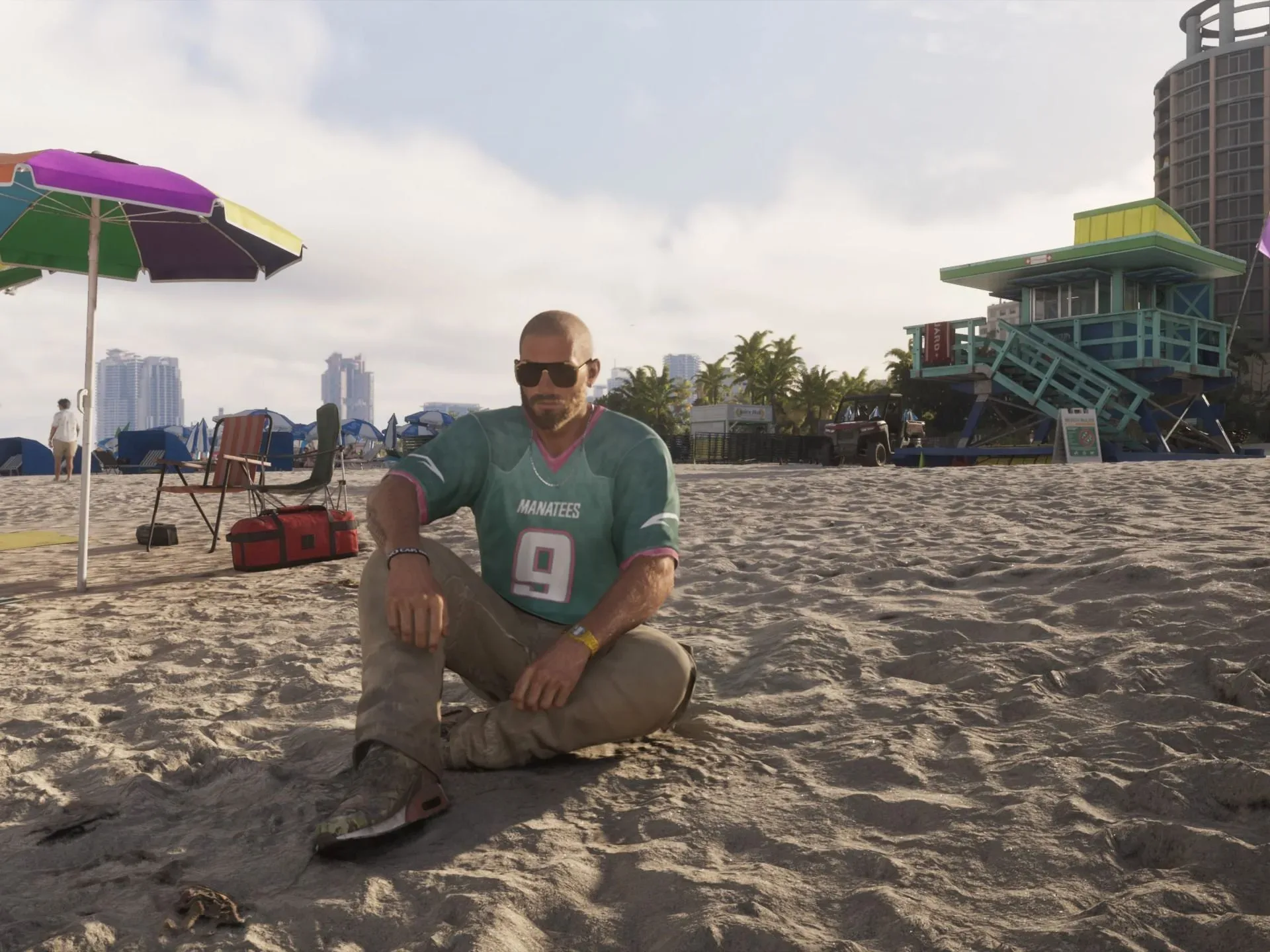
Hold Circle/B on foot to enter Rest mode; under Classic controls, hold L3/LS. Jason or Lucia can relax in context-sensitive ways, such as leaning against walls or fences or sitting on the beach. This is primarily expressive rather than tactical, but it is an example of the game recognizing surroundings as more than scenery.
17. Add a rude gesture to a face-to-face interaction
Target an NPC with L2/LT on foot, then press R1/RB to make the rude gesture. Unlike doing it from a car, this requires direct interaction range. The distinction is useful: the game separates vehicle-based reactions from the more deliberate act of confronting someone in person.
18. Buy treats, feed animals, and potentially quiet dogs
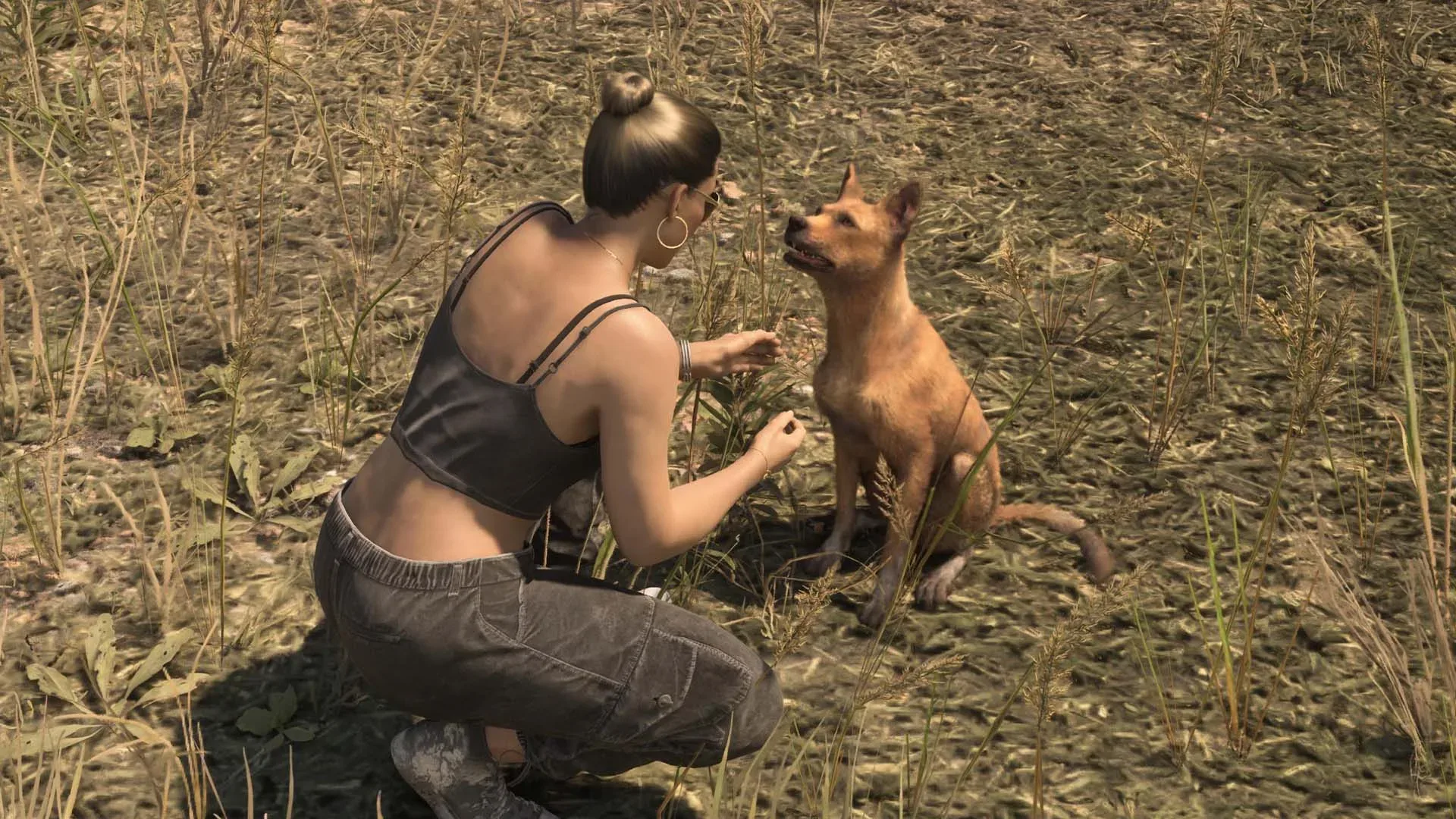
Convenience-store cashiers sell packs of 10 pet treats. Hold L2/LT while interacting with a cat or dog to feed it. Dogs can also be given a thrown treat from a distance: use Interact while aimed at the dog, then follow the prompt.
The distant throw has a practical role. It can often stop a dog from barking and exposing the player’s presence, or from attacking. “Often” is the key word: it is a situational tactic, not a guarantee. Still, treats are more than a pleasant animal interaction when a barking dog could disrupt a burglary or other stealthy movement.
19. Read the map’s dark-blue interiors cue
Buildings that can be entered appear in a darker shade of blue on the map. Those interiors are found throughout Leonida’s streets, and exploration can uncover cash, drugs, consumables, unique weapons and collectibles. A consumable is an item used up when used, rather than a permanent piece of equipment.
Entering a residence can also mean burglary, so witnesses remain a risk. The map colour is therefore an exploration clue, not a promise of free loot. It identifies a possible interior; what happens after entry depends on the location and the people in it.
20. Treat gold weapon icons as important finds
A weapon marked with a gold icon is unique. Once collected, a unique weapon can later be reclaimed from weapon lockers. That recovery rule makes gold-marked items especially worth noticing: they are not merely another temporary pickup that disappears from the player’s options after being dropped or left behind.
21. Turn Snapmatic discoveries into destinations
While browsing Snapmatic, highlight an interesting location with Square/X and choose Set Destination when the option is available. This can place the route on the map and add new points of interest. Snapmatic therefore works as more than a feed to scroll; it can direct actual exploration.
Not every image has to remain a vague “where was that?” moment. The destination function closes the gap between spotting a place and going there.
22. Police arrests offer two risky interventions
An arrest scene can be approached quietly. Open the police car’s trunk and there may be weapons, armor and healing items to steal—but being caught results in a minor Wanted Level. A Wanted Level represents police attention directed at the player, and even a minor one can turn an opportunistic stop into a complication.
There is another route: point the camera at officers making an arrest. They may decide to leave, and the person they were arresting can provide useful intel afterward. This outcome is presented as a possibility rather than a certainty, making it best treated as an experiment when an arrest appears rather than a reliable resource loop.
23. Check neighbourhood yard sales
Yard sales are worth watching for while driving through residential areas. They can offer inexpensive, distinctive outfits. This is a low-drama discovery compared with a crash scene or a police encounter, but that is exactly why it is easy to pass by: not every worthwhile world event arrives with flashing lights.
24. Investigate crashes—but expect consequences around drugs
Car and plane crashes can leave behind loot for players who investigate. If drugs are involved, the site may attract a gang trying to reclaim its goods, followed by police. The takeaway is straightforward: a crash can be an opportunity, but it can also become a layered encounter involving both criminals and law enforcement.
How to make these details useful rather than merely novel
The strongest pattern across these interactions is context. A shortcut matters because it fits a situation: keeping a car running before a fast departure, feeding a dog before it raises an alarm, using the map colour to choose an interior to investigate, or using a Snapmatic post to turn curiosity into a route.
Players looking to absorb the systems efficiently can start with the least risky experiments. Try the radio and headlight shortcuts, signals, Rest mode, passenger first-person view and Snapmatic destinations during ordinary travel. Then move on to actions that carry consequences, including hiding in a vehicle with Heat, entering residences, checking police trunks and investigating drug-related crashes.
That gradual approach also makes the game’s feedback easier to read. If traffic yields after a signal, if an animal responds to a treat, or if an interior produces a gold-icon weapon, the connection between the input and the result is clear. By contrast, stacking several provocative actions in a crowded area can make it difficult to tell what triggered an NPC or police response.
There is a pleasing split here between simulated manners and deliberate chaos. Signals, hazards, sitting down, choosing a rear seat and keeping the radio under control make Leonida feel lived in. Door slams, bike kicks, insults, trunk theft and opportunistic crime ensure it remains GTA. For a real-world vehicle readiness detour rather than a virtual one, see our coverage of the NOCO Boost GBX155.
Most importantly, these are not all mandatory systems. Some are direct tools for evasion or discovery; others exist to let players slow down, poke at the world, and see whether it pokes back. In an open world built around movement, that extra attention can turn a routine drive or walk into something much less routine.