A more complete XMB experience
ARMSX3 1.6.2, released on November 3, 2026, expands the Android emulator’s XMB Mode. The update adds dedicated Music and Video columns, giving users a way to browse personal media through an interface modeled on the PlayStation 3’s XrossMediaBar while keeping game emulation and the emulator’s own interface separate.
ARMSX3 is based on RPCS3 and is designed to run PS3 software on Android devices with ARM64 support. The project requires PS3 firmware to run, but that firmware is not bundled with the application. Its XMB Mode is ARMSX3’s own interface; it uses selected visual and system assets from a user-provided firmware installation without running Sony’s XMB software itself.
Music becomes a full player
The new Music column is more than a file list. Albums are shown with their covers, tracks continue through an album, and the Now Playing screen provides previous, pause, next, stop, repeat, shuffle, volume, a time bar, and playback-mode controls. A game’s music preview can also play without interrupting music already running in the player.
Users can add music from folders on the device or an attached drive. Import Album accepts an album folder or a ZIP archive containing the album and its cover, while Import Music allows individual tracks to be selected in batches. Albums can receive a replacement cover through the Change Cover command, and Original Cover restores the previous artwork. Music and video entries can be removed with Triangle/Y or by long-pressing the item.
Version 1.6.2 adds ALAC, AIFF, and WMA playback alongside MP3, AAC, FLAC, Ogg, Opus, and WAV. The release also brings four visualizer styles to Now Playing: Waves, Valley, Gaia, and Lines. Waves follows the XMB wave aesthetic, Valley offers a changing canyon-like landscape, Gaia shows flights over Earth through changing light, and Lines displays glowing lines in the month’s colour.
The visualizers include additional controls. Square opens them full screen, Left and Right switch between styles, and the right stick or a swipe changes Valley presets or Gaia flights. On a touch screen, tapping the album cover opens the visualizer view. These effects use visual elements associated with the PS3 firmware installed by the user rather than assets shipped separately with ARMSX3.
Video playback with device and emulator decoders
The new Video column gathers clips from ARMSX3’s video folder, user-added folders, USB drives, and SD cards. Entries show a first frame and duration, and leaving a film preserves its playback position for later viewing. The player supports MP4, MOV, MKV, WebM, 3GP, TS, M2TS, MPG, VOB, and AVI formats listed by the release notes.
Playback can use the Android device’s own decoder, including for 4K video. ARMSX3 also supplies decoding for media that the device cannot handle through its normal path, including DivX and Xvid video, MPEG-1 and MPEG-2, and films with AC3, DTS, or MP2 audio. Actual playback capability remains dependent on the device’s decoder and hardware.
Videos open in full-screen mode. Square cycles through Normal, Full Screen, Zoom, and Original display modes, while Triangle provides per-video aspect-ratio controls. Touch users can tap the video to play or pause.
The video player also exposes RetroArch shader presets. Triangle opens RetroArch Shaders, allowing a shader from the user’s installed packs to be applied to video playback, including CRT-style masks and other settings already tuned for games. This gives the media player some of the same presentation controls available elsewhere in the emulator.
A broader file workflow in XMB Mode
ARMSX3 1.6.2 introduces an internal file browser for the GitHub build’s import actions. Import Music, Import Album, Add Folder, Import Video, Change Cover, Music Settings sounds, themes, Toy Portal figures, and save-state imports can all use the same browser. It opens in the Download folder and can reach internal storage, SD cards, and attached drives.
Text entry is also more practical in XMB Mode. Tapping a keyboard text field opens the phone’s own keyboard and clipboard, while long-pressing the field can paste text. On a controller, Select performs the paste action. The changes should make folder names, searches, and other text-heavy tasks less dependent on a physical keyboard.
The release updates ARMSX3’s launcher icon so it fills circle, squircle, and rounded-square launcher masks edge to edge with the application’s purple colour. It also addresses a rare crash during startup while opening XMB Mode, with the project stating that the application now starts cleanly across devices.
Performance and save fixes
On ARM hardware, SPU code checks now use mixed checksum operations for block verification. The release identifies this as a faster path for those checks and credits the change to Whatcookie.
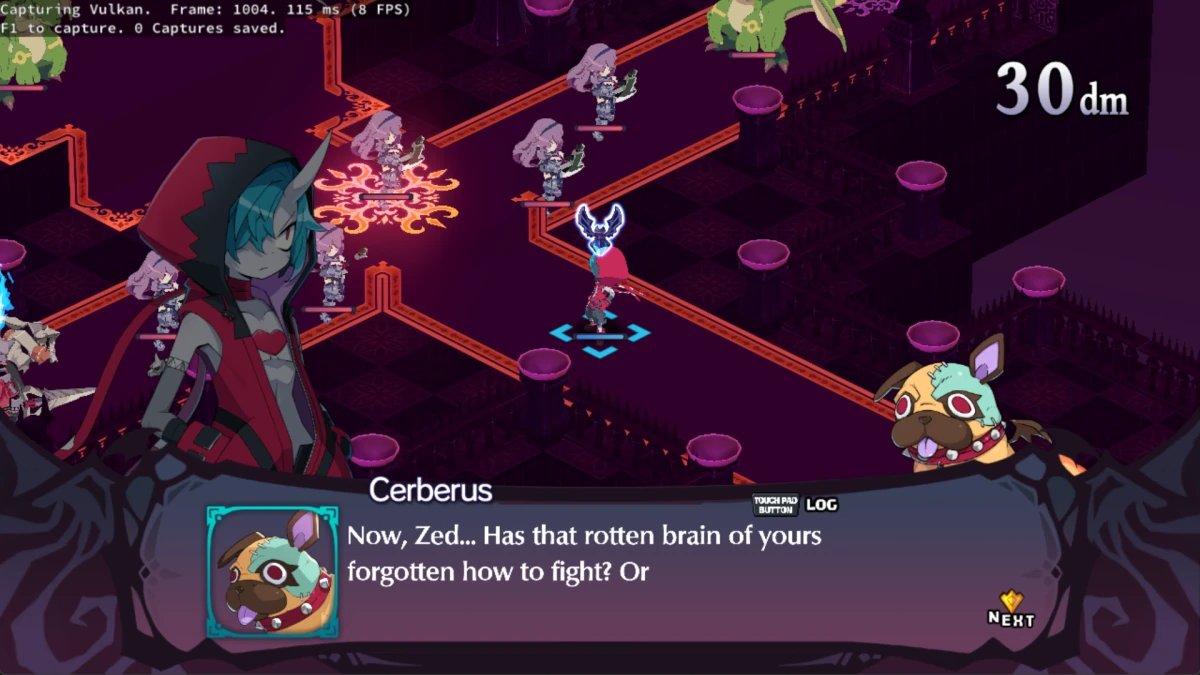
The Android packages were reuploaded to include an upstream save fix. In God of War III and Cars Race-O-Rama, saving now works with a full save list when a game hides the New Save option: the save list opens at its first entry instead. The fix is credited to digant73.
These changes complement the media additions with improvements to everyday emulator use. The file browser makes it easier to manage imported content, the startup correction addresses a failure during the initial XMB transition, and the save-list adjustment targets games whose menus do not expose the expected new-save command.
Android package availability
ARMSX3 1.6.2 is available as Android packages for armv8.2 with SDK 30, SDK 33, and SDK 35 targets, plus a legacy armv8.1 package using SDK 30. The release is dated November 3, 2026, and is tagged 1.6.2.
The application does not include PS3 firmware, games, or other Sony files. Users need their own PS3 firmware and games they own. The project says ARMSX3 is not affiliated with or endorsed by Sony Interactive Entertainment.