A more adaptable Android PlayStation emulator
ARMSX1 0.1.5 is an Android release of the PlayStation emulator, with a broad set of interface additions and fixes aimed at making games easier to organize and control. The release is tagged 0.1.5 and includes an Android APK.
The project emulates core PlayStation systems including the CPU, DMA, GPU, SPU, MDEC, GTE, timers, CD-ROM hardware, and memory cards. It can load BIN/CUE, single-track BIN, ISO, CHD, and supported ZIP disc archives, while also providing BIOS selection, PS-X EXE booting, screenshots, logging controls, VSync, and fast forward.
Performance and reliability fixes
Runahead and two-times and three-times resolution modes now work in this release. Runahead can help reduce perceived input delay, while higher-resolution modes provide a larger presentation image when the device has enough performance headroom.
The release notes report that slowdowns on Mali GPUs have been addressed, with those devices now reaching 60 frames per second with occasional drops to 55 frames per second. The project notes that the remaining drops are expected to receive another fix in a future update; actual results can vary by device and game.
Several problems affecting play sessions have also been corrected. NPC interaction stutter has been fixed, crashes on newer Android versions have been addressed, and memory-card saves should now persist correctly when a game attempts to save.
Box-art downloading has been improved as well, allowing the front end to find more games when building a library. This is particularly useful for users who manage a larger collection through the emulator's game-selection interface.
Custom collections and rearrangeable menus
The front end now supports custom collections. Users can move items into these sections by holding A, pressing A to drop the item, or pressing B to cancel the move. Custom collection entries can also use user-provided images or box art, giving library sections a more personal appearance.
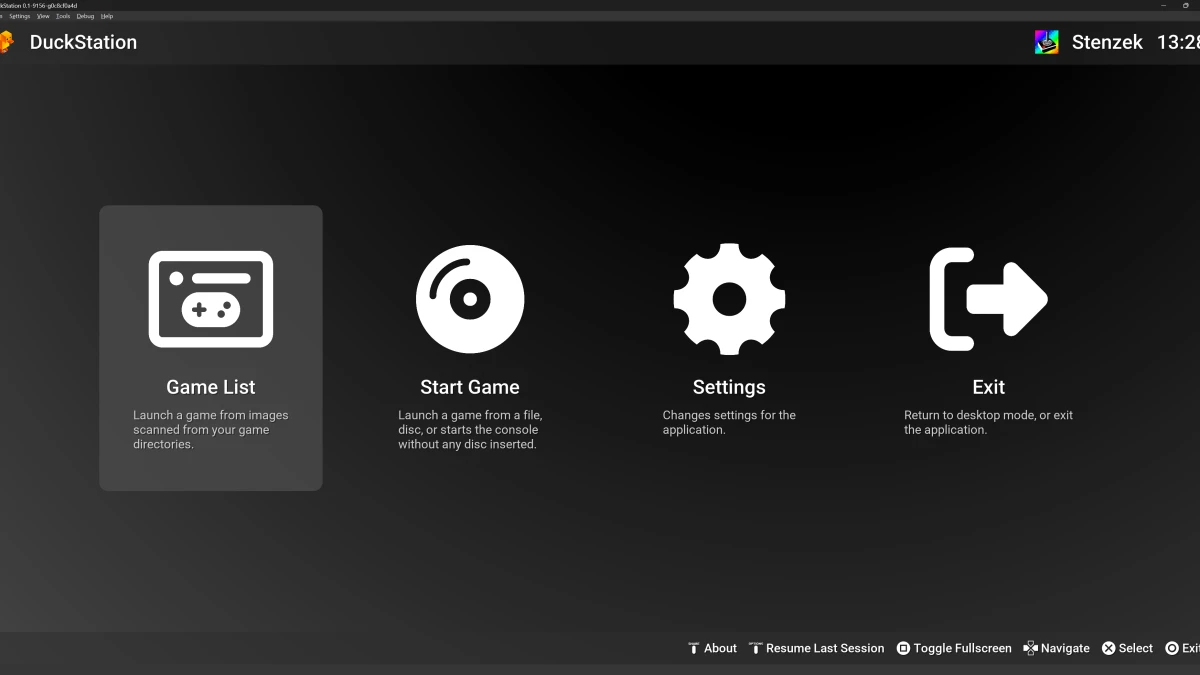
Menu tiles can be rearranged with Y, allowing the main interface to put frequently used sections in a preferred order. This gives users quicker access to settings, collections, or game-launching features without requiring a fixed layout.
Once a game is running, the quick-menu tabs and setting options can also be reordered. The release uses the same A-to-move, A-to-drop, and B-to-cancel pattern for these in-game controls.
More flexible hotkeys and settings access
Version 0.1.5 adds double-button mapped hotkeys for options within the relevant sections. Hotkeys are also available in the controller quick tab menu, providing another way to reach frequently used emulator functions without opening several layers of the interface.
Discord integration has moved from the upper-right corner into the main settings menu. This puts it alongside other configuration choices and makes the overall arrangement more consistent with the rest of the application.
Emulation and presentation options
ARMSX1 uses a software PlayStation rasterizer with 16-bit VRAM as the authoritative graphics state. Its default presentation path is SDL software rendering, while an optional SDL accelerated mode can upload changed VRAM scanlines to a texture. The accelerated presentation path does not replace PlayStation rendering with host-side triangles, so changing presentation modes preserves the same emulated GPU results.
The emulator offers cached and interpreter CPU engines. Cached mode stores decoded instruction handlers while still checking the emulated bus and opcode for every instruction; interpreter mode remains available as a reference and diagnostic path. These choices can be selected from Settings or through the documented configuration options on supported hosts.
Supported hosts and release context
Android and desktop are the project's main day-to-day targets. ARMSX1 also has ports for macOS, Linux, Windows, iOS, UWP, WebAssembly, and PSVita, although the project identifies those alternate targets as more platform-specific and potentially behind the desktop path.
The 0.1.5 release notes list the fixes and interface additions above but do not provide a complete item-by-item account of every change in the associated development changelog. The documented improvements make this build a substantial usability update for Android users, particularly those affected by newer-device crashes, unreliable memory-card saves, Mali performance problems, or a rigid library layout.