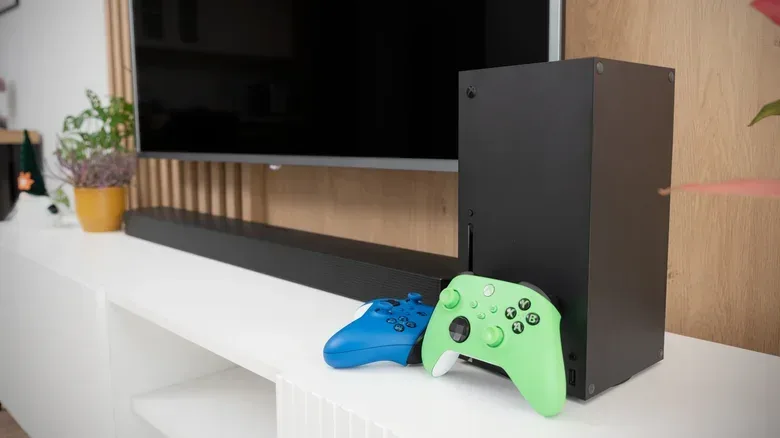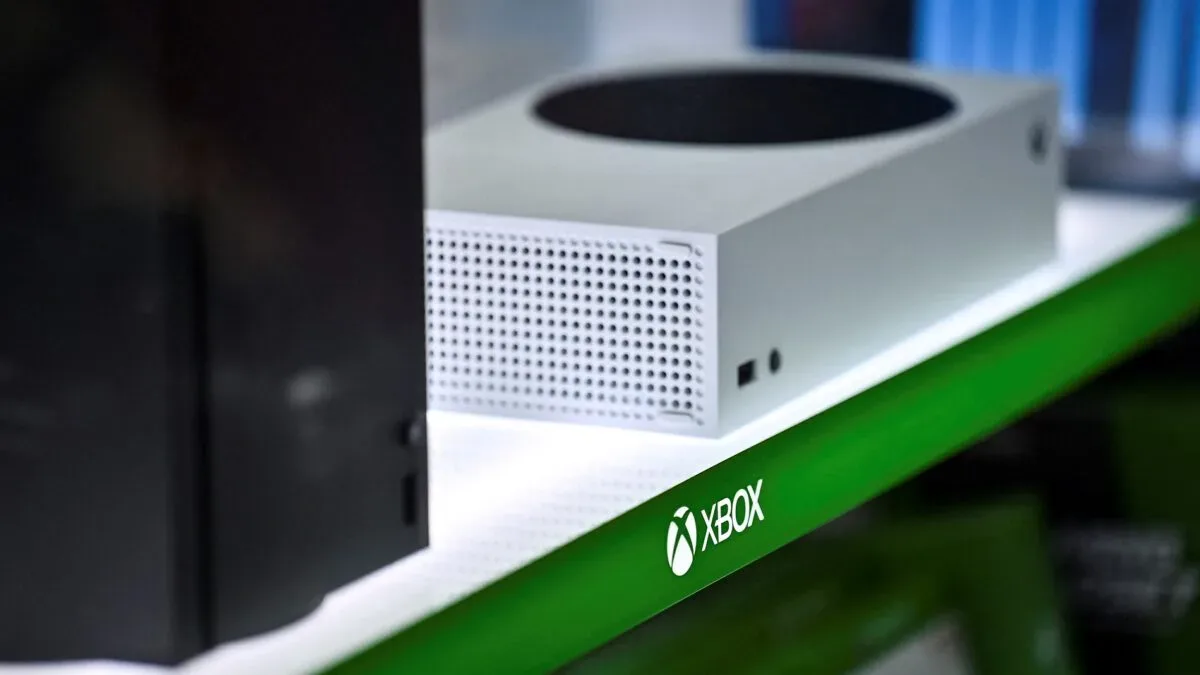

One terabyte sounds enormous until an Xbox Series X begins treating your storage menu like an overstuffed suitcase. The console’s 1TB internal drive is still a meaningful advantage over the 825GB in a PlayStation 5 Slim and the 256GB in a Switch 2, but the number on the box is not the number available for a game library.
After the operating system takes its share, a 1TB Series X may leave around 802GB or less for installed games and apps. For plenty of players, that is entirely workable. For someone who wants several blockbuster games installed alongside a rotation of multiplayer titles, the margin can disappear much faster than “one terabyte” suggests.
The sensible answer to “is 1TB enough?” is therefore not a universal yes or no. It depends on playing habits, the kinds of games in the library, and whether convenience now is worth paying more at purchase. The 1TB machine can be a good fit; the 2TB version can be the better value for a player likely to keep a broad, active library.
The usable-space reality: start with roughly 802GB
Storage capacity is often discussed as if every advertised gigabyte belongs to the player. It does not. The console operating system needs reserved space to function, leaving the 1TB Series X with approximately 802GB or less for games and applications. That is the meaningful starting point for any purchase decision.
From there, the question becomes simple arithmetic. A game taking 100GB uses about one-eighth of that usable pool. Several large titles, updates and additional content can turn a library that initially felt spacious into a cycle of choosing what to remove.
The extremes matter. Call of Duty: Modern Warfare 4 is cited at about 137GB for its single-player campaign alone, before accounting for the multiplayer material many players associate with the series. Grand Theft Auto 6 is listed at 225GB. One install of that size consumes well over a quarter of the roughly 802GB figure by itself.
That does not mean every Series X owner must buy 2TB. It does mean that the headline capacity should not be mistaken for room for a dozen enormous current games. A 1TB console could accommodate a carefully managed selection, but one or two giant installs rapidly reshape what “carefully managed” means. Anyone preparing for GTA 6 should also keep an eye on the official PS5 and Xbox fixes for GTA VI preload problems, since storage readiness is part of avoiding last-minute friction.
Why current games consume so much space
Modern file sizes are not just a case of developers being careless with a digital cupboard. Large game installs are strongly tied to the quantity and quality of their media assets: the textures, maps, character models and audio files that make up the world on screen and through headphones.
Related coverage includes Is 1TB Enough for an Xbox Series X? Storage Math for 2026.
Native 4K and high-resolution textures
Native 4K refers to a game rendering at a 4K resolution rather than relying entirely on a lower-resolution image. That visual target calls for high-resolution textures: detailed image files applied to surfaces such as clothing, buildings, vehicles and terrain. A sharper image needs source material with enough detail to hold up, and those files occupy storage.
Texture data is only one piece of the install. A large game can also carry extensive map data, 3D models and audio. Taken together, those assets explain why the storage expectations of the current Xbox era differ so dramatically from older hardware.
A different scale from the Xbox 360 era
During the Xbox 360 generation, 720p was a typical upper resolution limit. Rendering a wide landscape in Red Dead Redemption was a notable technical accomplishment. Current high-end games pursue far more detailed visual assets, and the storage footprint follows that ambition. The change is not merely that games look crisper; it is that the underlying package contains much more information.
Disc ownership does not sidestep the issue. Optical media cannot match the access speeds of an SSD, so installing substantial data remains a practical reality even when buying a physical game. A disc may be part of ownership, but it does not restore the era when a console’s drive could be ignored.
Who can live comfortably with the 1TB Series X?
A 1TB Series X remains a reasonable choice for players with a narrow active rotation. The key phrase is active rotation: the games someone is actually playing now, not every game they might eventually revisit. If a player generally focuses on one major campaign and perhaps one ongoing multiplayer game, roughly 802GB of usable space can be more than sufficient.
It is also important not to judge an entire library by the largest releases. Many 2D and independent games fall below 100GB. A player whose habits lean toward those games, smaller backward-compatible titles, or a limited number of simultaneous installs may rarely encounter a serious capacity problem.
- 1TB is likely enough if: you normally play only one or two games at a time, are comfortable deleting completed games, and do not need many massive releases ready to launch at once.
- 1TB is more restrictive if: you maintain several large current games, regularly switch among multiplayer games, or want a large selection installed for different moods and households.
- 2TB deserves priority if: console gaming takes up much of your free time and convenience is more valuable than managing downloads and deletions.
There is no prize for keeping every owned title installed forever. Deleting a finished game is a perfectly valid way to use a console. The practical issue is whether that maintenance feels harmless or irritating. Players with fast-changing interests may find it tedious to remove a title, download another, and then repeat the process when friends return to an older multiplayer game.
Expansion is possible, but it changes the value calculation
The Series X does offer a way to add capacity later, yet not all additional storage serves the same role. This distinction is where an apparently cheaper solution can become less satisfying.
NVMe expansion cards versus external SSDs
To run Series X/S games directly from expanded storage, the console requires an Xbox-compatible NVMe expansion card. NVMe is a type of fast solid-state storage designed for high-speed data access. In everyday terms, it is the category of expansion needed when the goal is to play compatible current-generation games without first moving them elsewhere.
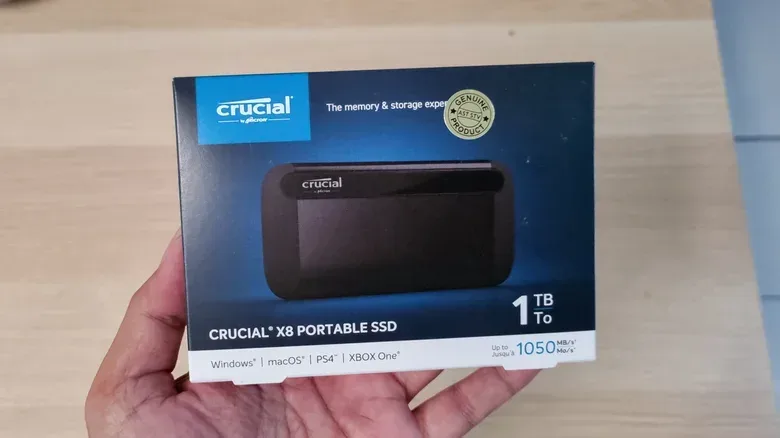
An external SSD can still be useful as storage, but it generally cannot load Series X/S games directly. It can hold those games instead of forcing a fresh download later, but the game must be transferred before play. That may be better than re-downloading a huge title, yet it is not the same experience as having more immediately playable space.
This is the decisive practical difference:
- Compatible NVMe expansion card: adds space from which Series X/S games can run.
- Most external SSDs: can store Series X/S games, but not load them for play directly.
Neither option is inherently wrong. An external SSD makes sense for a player who mainly wants a holding area for games that are not in the current rotation. An expansion card makes more sense for a player who wants a larger ready-to-play library. But the latter comes at a substantial cost.
The 2TB model can cost less than expanding later
Storage expansion cards are expensive enough to complicate any “buy the cheaper console now” plan. A 1TB Seagate card from Microsoft is stated to cost at least $200, with 2TB and 4TB cards costing considerably more. That is a serious add-on for what is, in effect, capacity that could have been part of the original purchase.
By comparison, the 2TB Galaxy Black Xbox is described as only $50 more than the 1TB Robot White version. Exact retail pricing and availability can change, but the comparison establishes the broader point: where that gap holds, paying for 2TB at the outset is dramatically cheaper than buying a 1TB console and later adding a 1TB expansion card.
This is not an argument that every shopper should automatically spend more. It is an argument for planning around the likely library rather than the first few downloads. A 1TB buyer who never feels restricted has avoided an unnecessary upfront expense. A player who expects to fill the console quickly may be paying for a false economy if they choose the smaller model solely to save $50.
A purchase checklist that avoids storage remorse
Before choosing between the two capacities, it helps to answer a few ordinary questions rather than trying to predict every game you will play years from now.
- How many big games do you want available without waiting? Think about titles you actively return to, not the full account library.
- Do you play several multiplayer games? Keeping multiple large online games installed is more demanding than finishing one campaign at a time.
- Are you happy to delete and reinstall? If the answer is yes, 1TB becomes easier to live with. If that sounds like routine annoyance, larger internal capacity has a clear benefit.
- Would later expansion be acceptable? Remember that direct play from added storage requires a compatible NVMe card; a standard external SSD is chiefly a storage-and-transfer option for Series X/S games.
- Is the 2TB price difference small where you are shopping? A modest initial gap should be judged against the much higher stated cost of official expansion cards.
For a focused player, 1TB remains a defensible and potentially comfortable amount of storage. For the player who treats an Xbox as a frequent-use game hub, the 2TB Galaxy Black model is the more accommodating target, whether purchased new or used. The extra capacity does not make games better, but it can eliminate the least glamorous part of modern console gaming: deciding which giant download has to leave before the next one can enter.