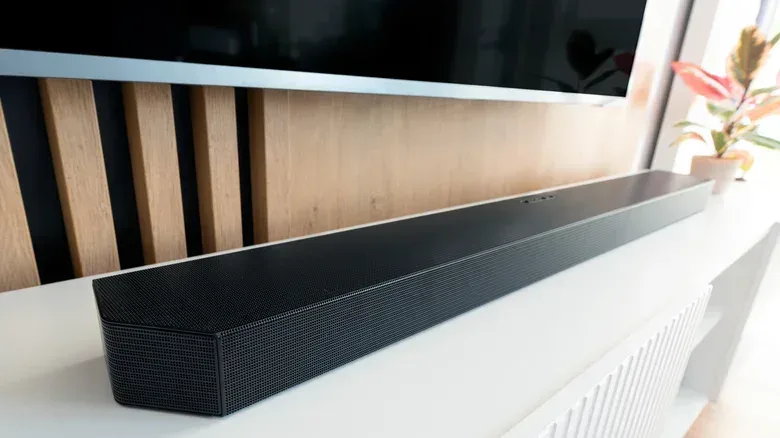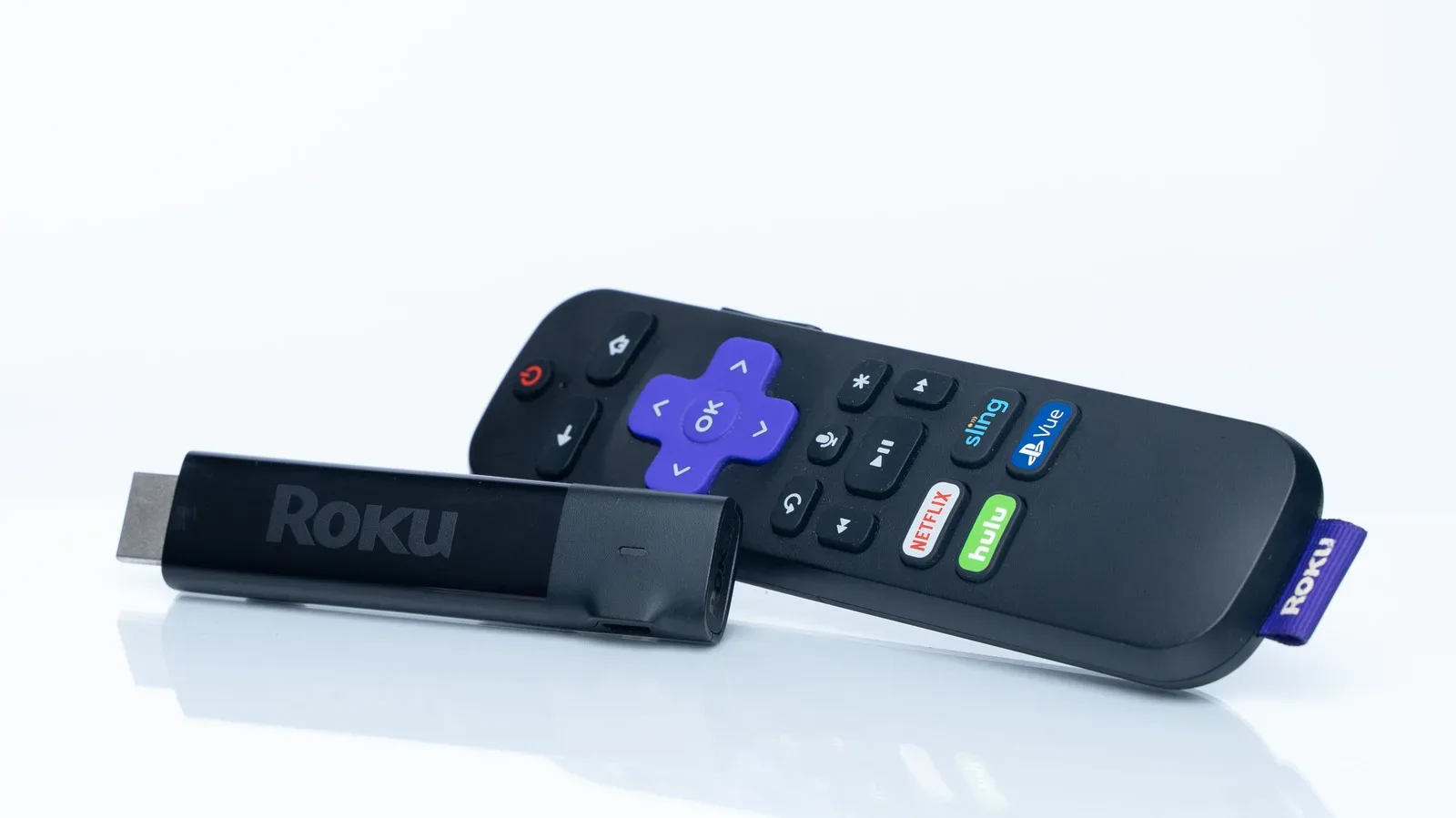
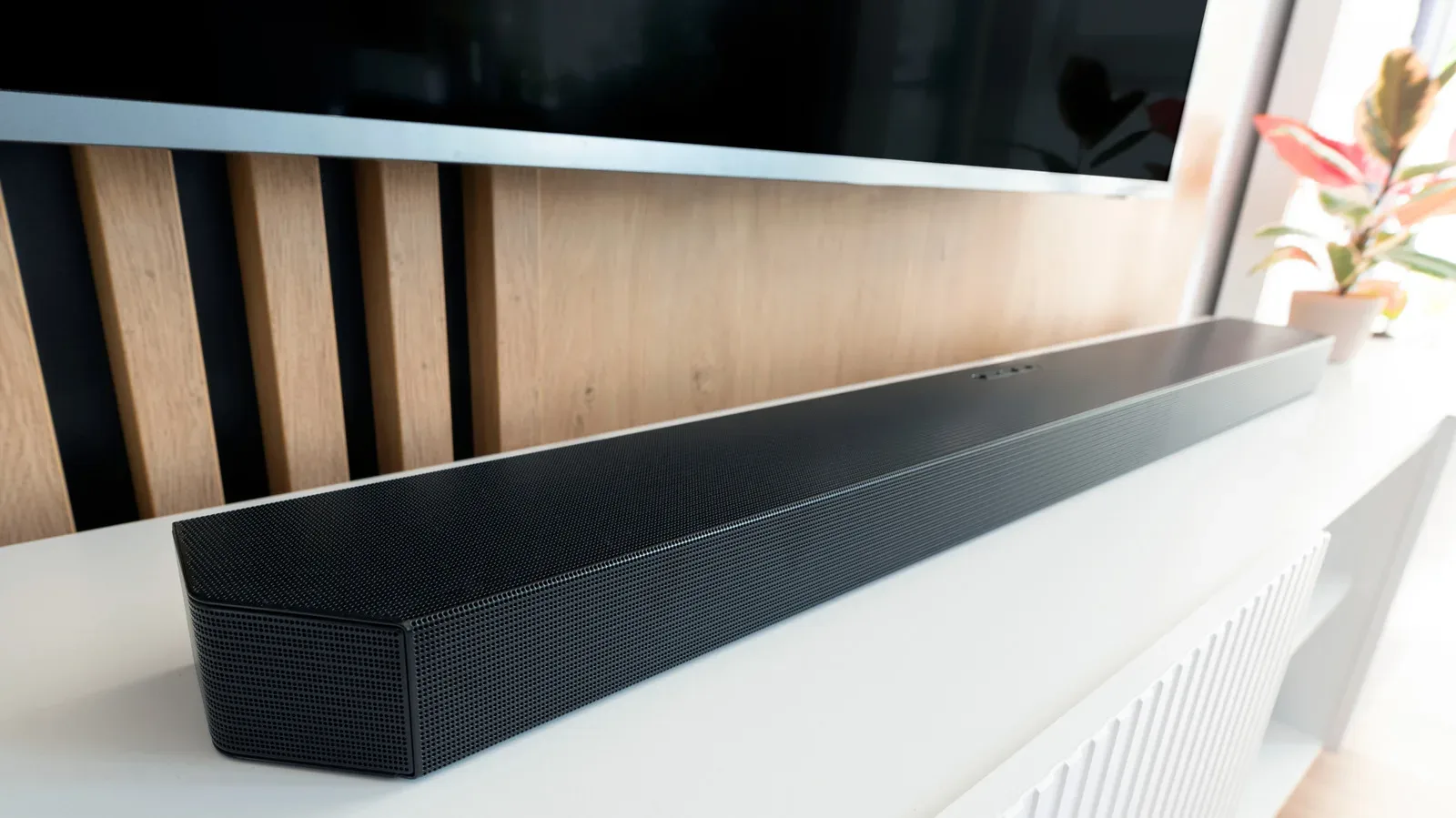
A soundbar is supposed to make movie dialogue clearer and big game moments louder, not turn every living room into a badly dubbed kung-fu film. Yet audio that arrives before or after the picture is a common annoyance in TV-and-soundbar setups. A commentator can call a winning play before it appears on screen; a character can finish a sentence while their mouth is visibly preparing to start it.
The encouraging part is that a soundbar delay does not automatically mean the hardware is broken. Audio and video now travel through a chain of devices, connections and processing settings. Finding where that chain falls out of rhythm is generally more productive than randomly changing every setting until the menu becomes a crime scene.
The first useful distinction is whether the sync issue affects everything or only one way of watching. That answer narrows the field dramatically.
Start by isolating the guilty part of the setup
Try content from another source. If the problem appears while watching a particular streaming service or cable broadcast, switch to a Blu-ray player or another input if one is available. When the second source remains correctly synchronized, the TV and soundbar may be behaving normally and the delay may lie with the original broadcast, stream or connected device.
On the other hand, if dialogue is late or early across every source, attention should shift to the television, the soundbar, their connection or the way those devices process a signal.
This matters especially for people who use a console through the TV. A gaming console is another potential stop in the audiovisual relay race, alongside the TV, soundbar, streaming hardware and wireless network. The same troubleshooting principle applies: compare inputs and routes rather than assuming the screen or the soundbar is solely responsible. PC players weighing upgrades elsewhere in their setup may also find our guide on when a dedicated graphics card is worth adding to a PC useful, but a graphics upgrade will not repair a soundbar sync mismatch.
Check the simple physical link first
Before confronting advanced menus, inspect the cable between TV and soundbar. An HDMI or digital optical connection that is loose or faulty can be the entire problem. Reseat the cable at both ends, then test again. If that changes nothing, trying another compatible cable is a sensible next step.
It is an unglamorous answer, but it is also a quick one. There is little value in adjusting timing controls while a poor connection remains in the signal path.
Related coverage includes Why Your Soundbar Audio Is Delayed and How to Get It Back in Sync.
Why adding a soundbar can create a timing mismatch
With a TV’s own speakers, the television handles both major jobs: it processes the video and processes the sound, then sends them out when its work is complete. Since the same device is coordinating both signals, the chances of a visible mismatch are reduced.
A soundbar changes that arrangement. The TV decodes and prepares the picture, while the soundbar receives and decodes audio. That is an extra stage, and the two devices do not necessarily finish their work at precisely the same instant. Even a small processing difference can be obvious when viewers are watching a face speak.
Audio processing is the work done to decode, transform or enhance sound before it is played. Video processing is the equivalent work for the image. Neither is inherently bad; many features exist to improve the experience. The problem is timing. If one component finishes video processing while another is still preparing audio, the two can emerge out of sync.
The delay can therefore come from more than one place:
- the television or soundbar’s processing behavior;
- a connected cable box, streaming device or game console;
- an HDMI or optical connection issue;
- Wi-Fi or Bluetooth conditions when wireless links are involved;
- the original cable broadcast or stream rather than the home equipment.
That list is why a source test is so valuable. It turns “something is delayed” into a smaller, more solvable question.
Use sync controls before making bigger compromises
Many TVs and soundbars include a dedicated timing adjustment. The wording varies by manufacturer, but look through audio or sound menus for Lip Sync, AV Sync, Audio Delay or Audio Sync. These controls let the owner alter the audio timing until speech matches the image.
The goal is not a mathematically impressive number. It is a result that looks right with real dialogue. Use a scene where a person speaks clearly on camera, make a small adjustment, and check again. Sports can expose a mismatch too, but visible speech is usually the most direct reference point.
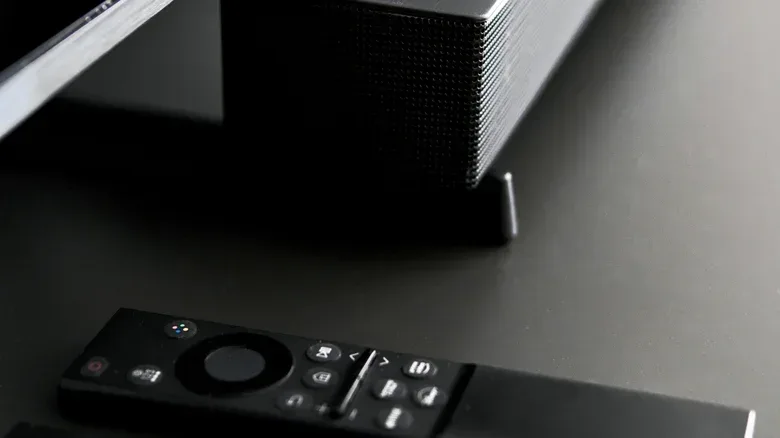
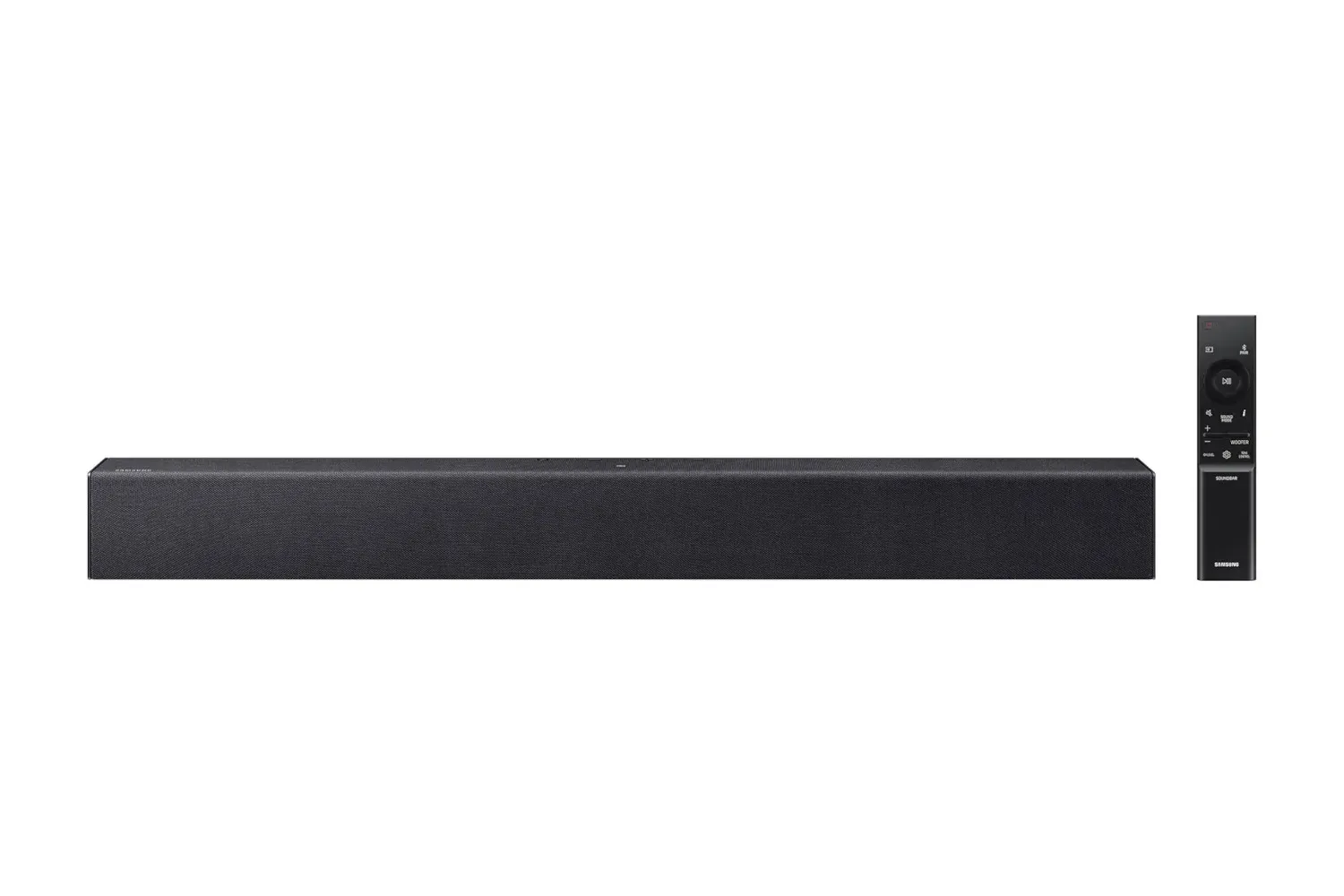
Soundbar controls can provide a second place to make the correction. Samsung soundbars may offer adjustments through the remote’s Sound Control and Audio Sync options, including Skip Forward/Backward controls or Audio Sync plus/minus functions. LG soundbars can provide an AV Sync setting. Sonos owners can use the Sonos app and navigate through System > [soundbar] > Home Theater > TV Dialog Sync, then move the slider until dialogue lines up.
Those names and paths are product-specific examples, not a reason to force a setting that your own hardware does not show. The underlying task is the same: find the timing control on the device doing the delayed playback and make a measured correction.
Turn off extra processing as a diagnostic step
Modern televisions advertise a long list of picture and audio enhancements. Digital noise reduction, dynamic contrast, game mode, movie or cinema modes, virtual surround sound, dialogue enhancement and 3D audio are among the settings that can add processing time.
That does not mean every feature should permanently be disabled. It means they should be treated as suspects. Temporarily turn off optional audio and video processing, test the sync, then decide what is worth restoring. If synchronization improves when one feature is disabled, that is useful evidence that the enhancement was adding enough delay to be noticeable.
This is a practical trade-off rather than a universal rule. A feature may contribute to picture or sound quality while also increasing lag. For some viewers, perfect dialogue timing will matter more; for others, the preferred balance may vary by activity. What matters is making the choice knowingly instead of assuming every premium-sounding setting can operate without a timing cost.
ARC, eARC and why the HDMI label matters
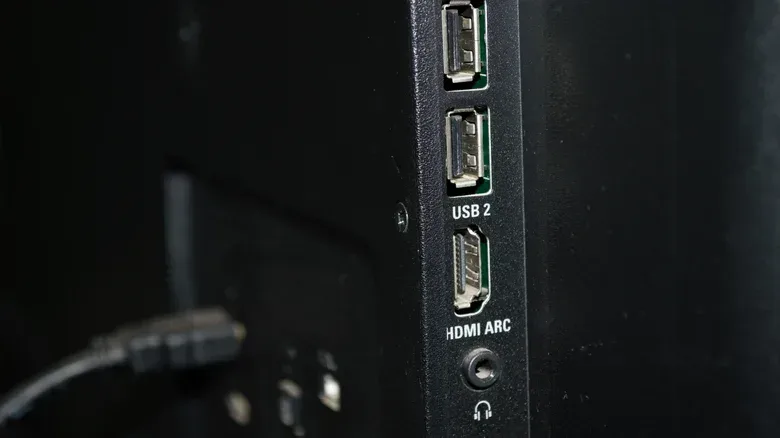
HDMI ARC stands for Audio Return Channel. It allows audio to travel from the TV back to a soundbar through an HDMI connection, avoiding a separate audio cable in compatible setups. But ARC hardware can contribute to delay when it must take high-end, uncompressed audio and convert it into a form that can pass through the available connection.
The relevant formats mentioned here include Dolby TrueHD, DTS-HD Master Audio and 5.1 surround sound. When conversion is required, it takes additional time. That can create the gap between what viewers see and what they hear.
eARC, or enhanced Audio Return Channel, is intended to address that limitation. If both the TV and soundbar have HDMI eARC ports, connecting them with an ultra-high-speed HDMI cable can avoid the ARC bandwidth issue described above. Compatibility matters on both ends: an eARC-capable soundbar alone does not make the TV’s port eARC-capable, and vice versa.
It is worth distinguishing the terms from a generic HDMI connection. ARC and eARC refer to audio-return capabilities on compatible ports and devices. They are not simply interchangeable labels for every HDMI socket in the room.
Direct routing can remove the TV from audio decoding
If a setup allows it, direct routing is another way to reduce opportunities for delay. Instead of connecting a cable box, streamer or console to the TV first, connect that source to the soundbar’s HDMI input. Then run an HDMI cable from the soundbar’s HDMI output to the TV.
In this arrangement, audio goes straight to the soundbar for decoding rather than taking the TV-mediated route first. Fewer processing handoffs can mean fewer chances for the picture and audio to drift apart.
This is particularly relevant where neither the TV nor the soundbar supports eARC. It is not a magical fix for every system—source-specific and wireless issues can still exist—but it is a logical alternative when the normal TV-to-soundbar ARC path is the bottleneck.
PCM and stereo: a possible fix with a clear downside
Changing the TV’s audio output format, or a source device’s format, to PCM or stereo can reduce processing time. PCM is an audio format option that can simplify the path compared with surround processing in this context.
However, it comes with a meaningful compromise: it removes surround sound. For someone who bought a soundbar specifically to improve the cinematic impact of movies or games, that may be too high a price for a timing fix that could instead be solved with a sync setting, direct routing or eARC-compatible hardware.
Think of PCM or stereo as a troubleshooting comparison and a fallback, not necessarily the first permanent change to make. If it corrects the delay, it supports the idea that audio processing or format conversion is involved.
A sensible order for troubleshooting
- Test another source to learn whether the issue is tied to one service, broadcast or device.
- Reseat the HDMI or optical cable; replace it if necessary.
- Look for Lip Sync, AV Sync, Audio Delay or Audio Sync controls on the TV and soundbar.
- Temporarily disable optional picture and sound processing features, then retest.
- Check whether both TV and soundbar support eARC, and use an ultra-high-speed HDMI cable when they do.
- Consider direct routing from the source to the soundbar, then to the TV.
- Use PCM or stereo only with an understanding that surround sound is sacrificed.
- Update firmware and, if needed, power-cycle the components.
For that last step, unplug the home-theater devices for roughly a minute. Plug them back in one at a time, then test again. Firmware updates are also worth checking because they can address device bugs. It is less dramatic than throwing the remote onto the sofa, but considerably more likely to get the voices and faces back on the same schedule.