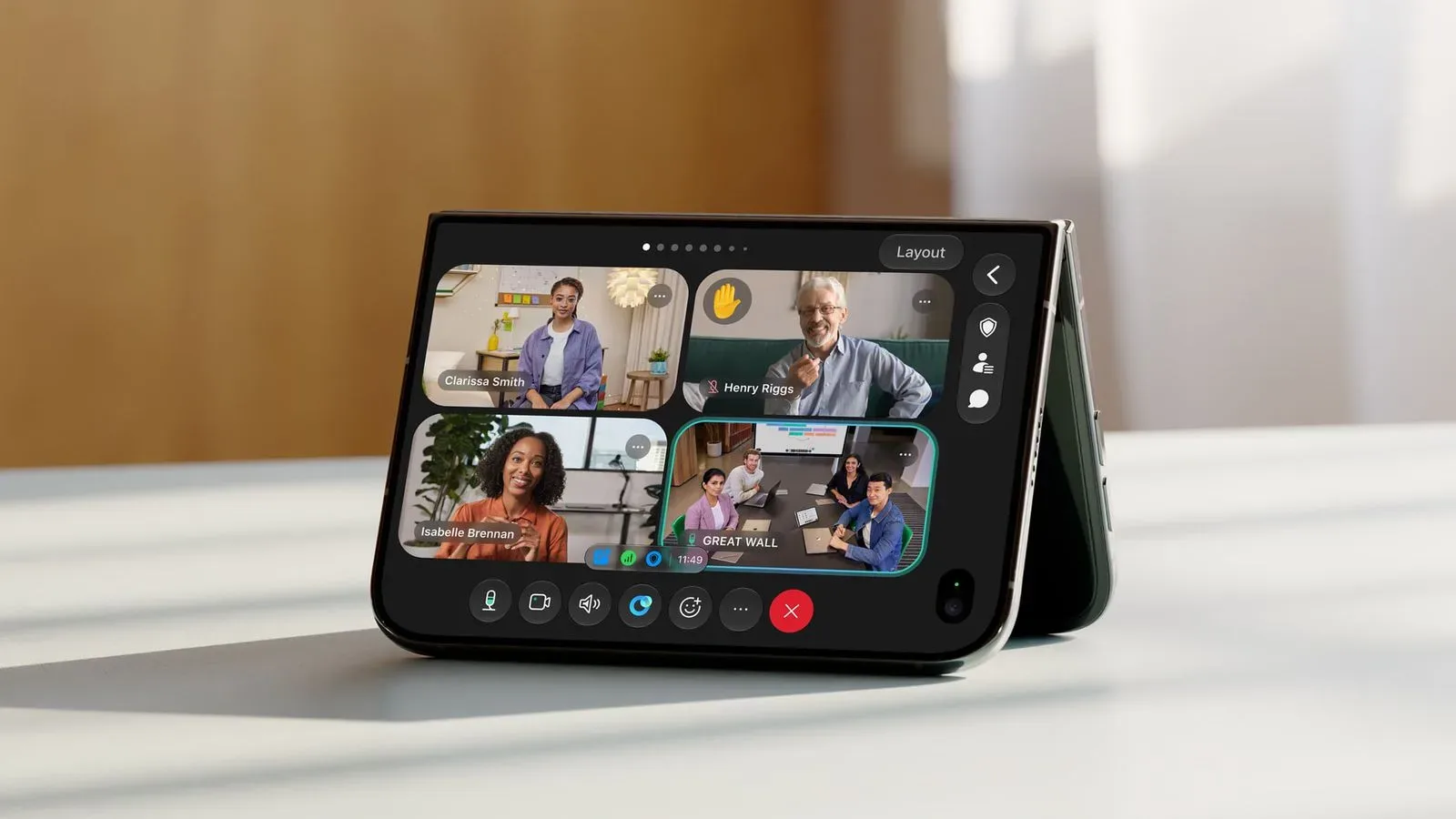
Video calls have always demanded a little geometry: prop the phone against a mug, balance it on a stack of games, then hope nobody sends a message at the precise moment the whole arrangement gives up. Webex’s latest iPhone update is built around removing at least some of that improvised furniture engineering.
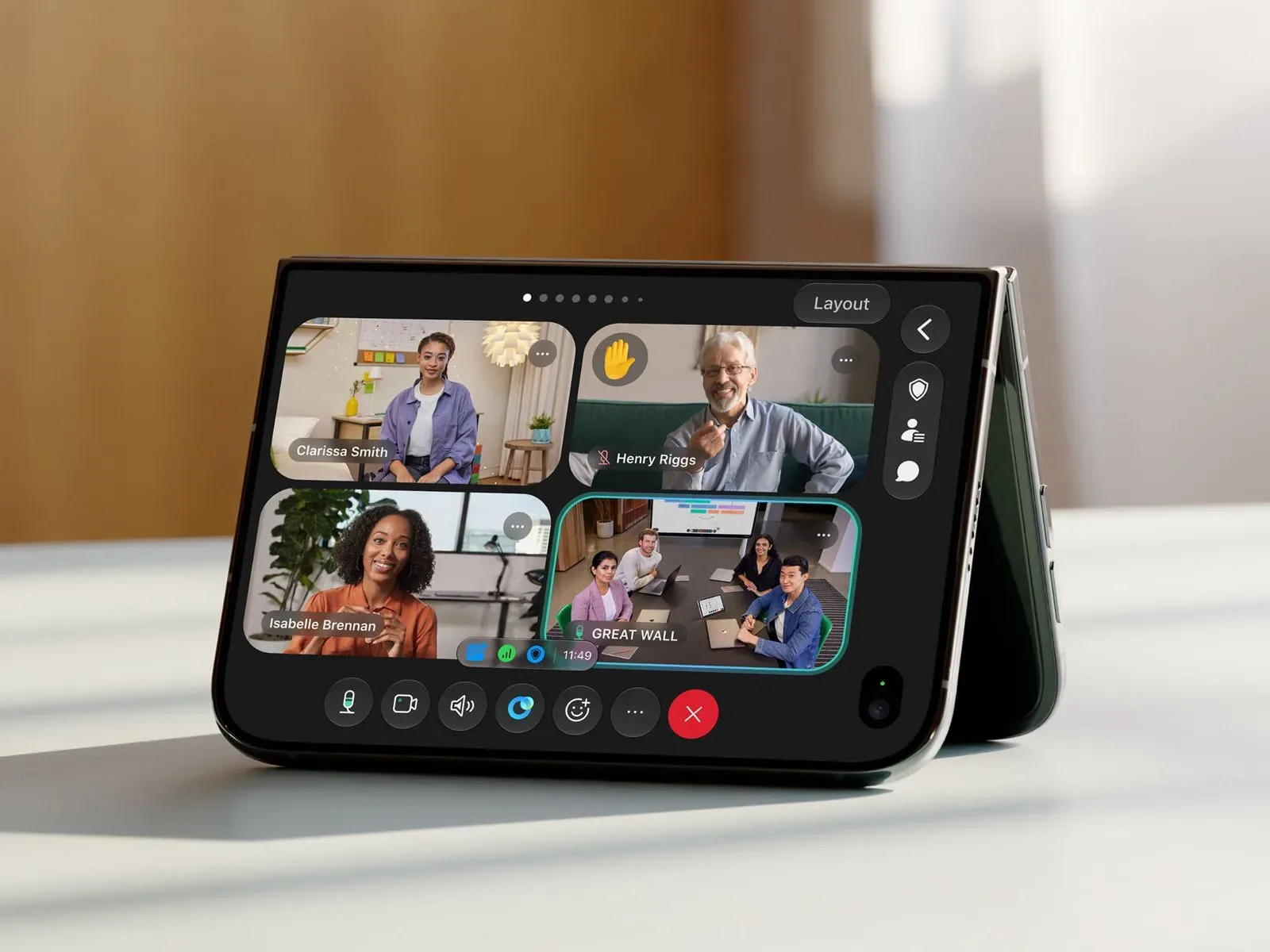
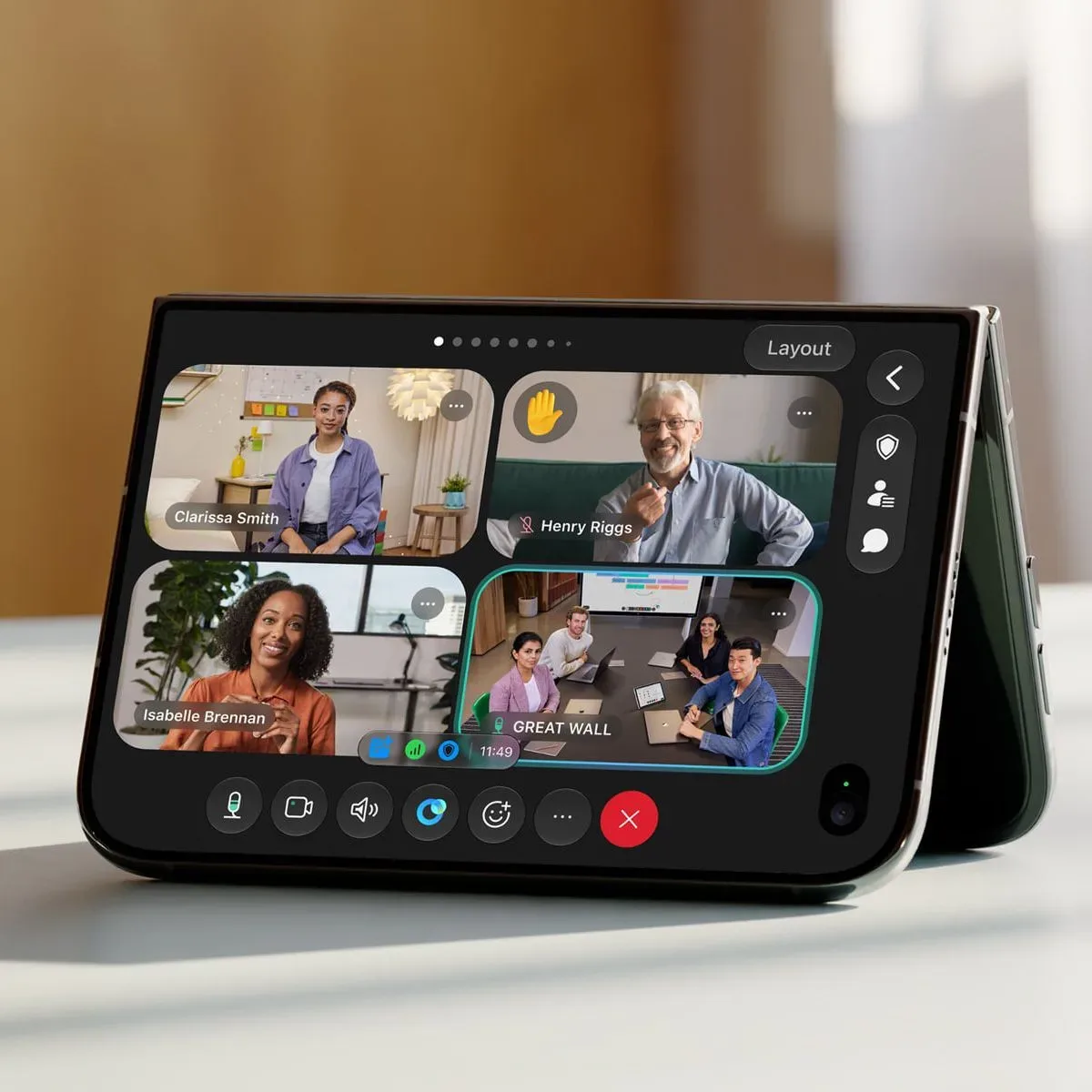
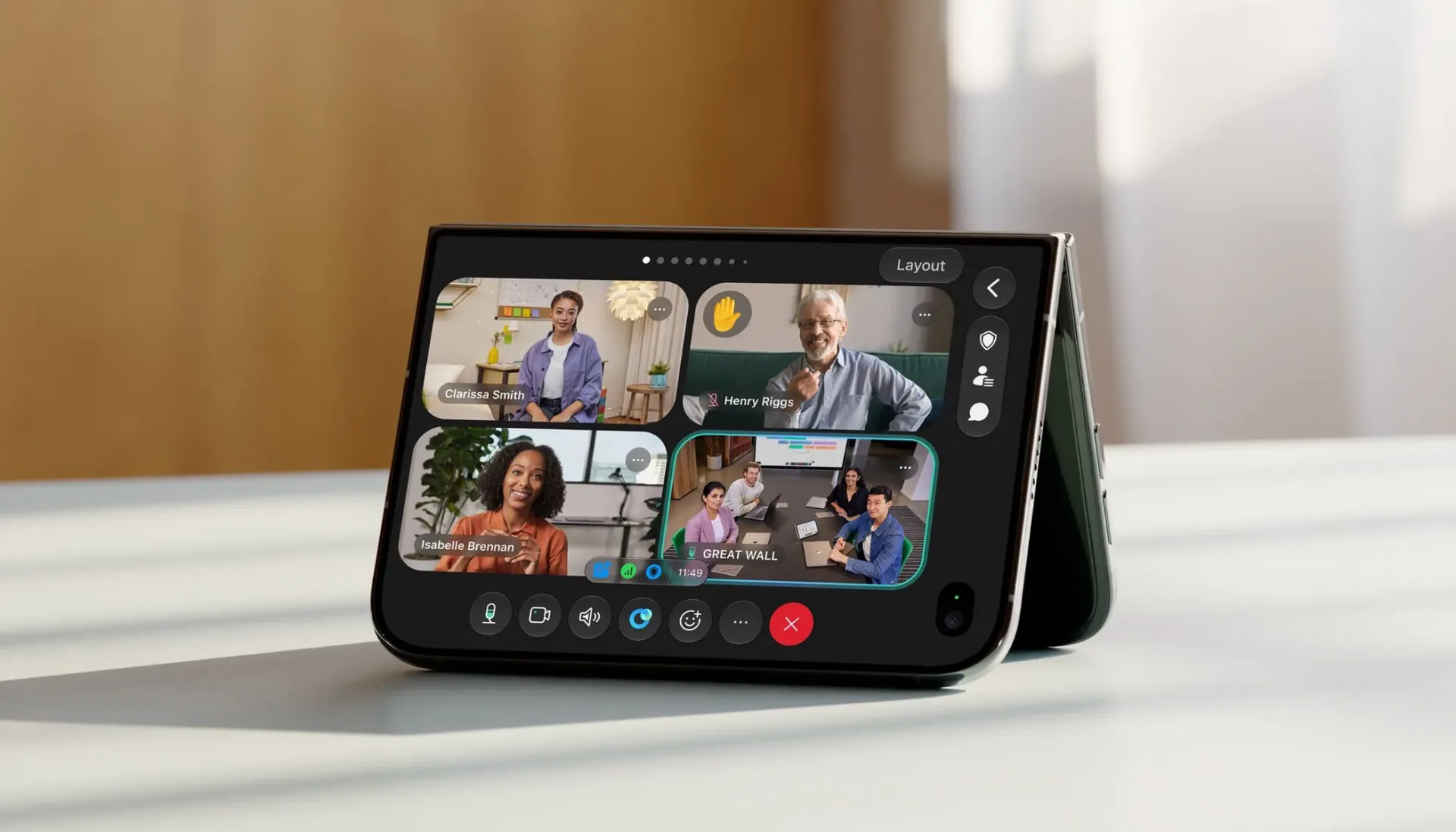
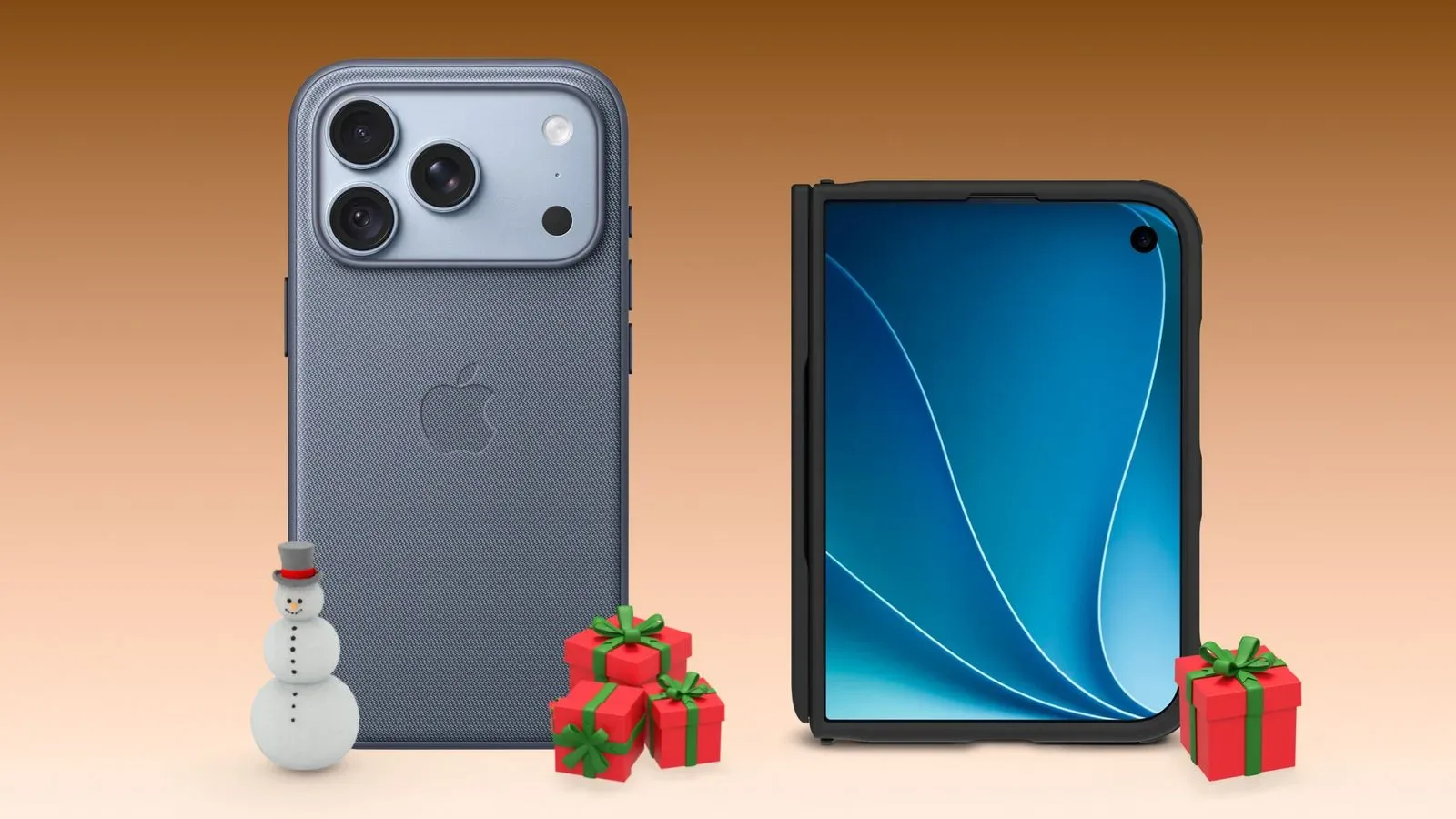
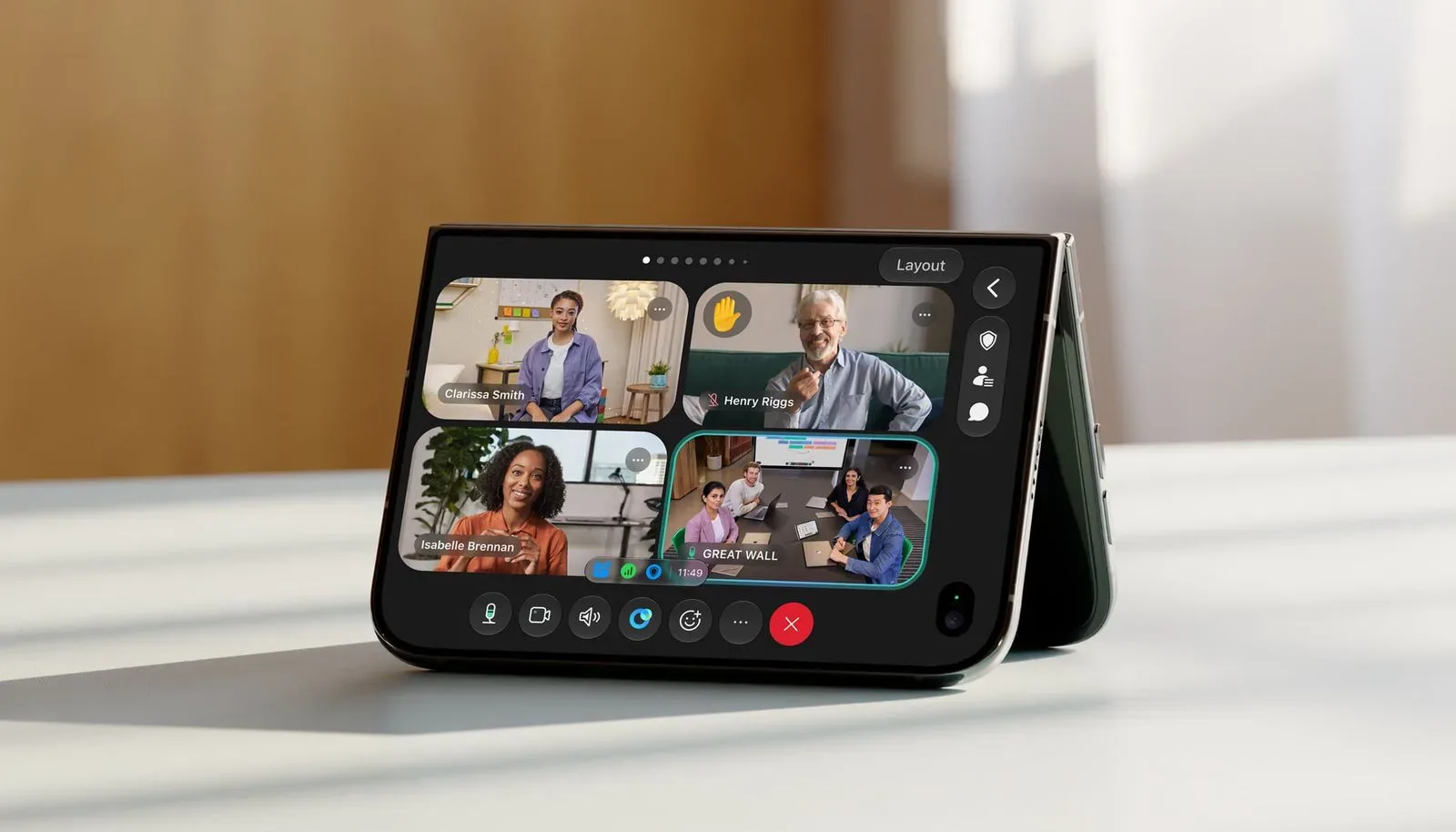
The app now supports Apple’s iPhone Duo across its various physical positions. Webex can run while the device is open or closed, in portrait or landscape orientation, and in laptop or tent positions. It is a practical list rather than a flashy one, but it matters because a folding device changes what “using a phone for a meeting” can look like from moment to moment.
For anyone who spends the day shifting between a quick check-in, a shared presentation, a camera demonstration and note-taking, the promise is straightforward: Webex is designed to adjust to the way the iPhone Duo is placed, rather than making the user continually reshape the device around a single app layout.
What Webex is adding for iPhone Duo
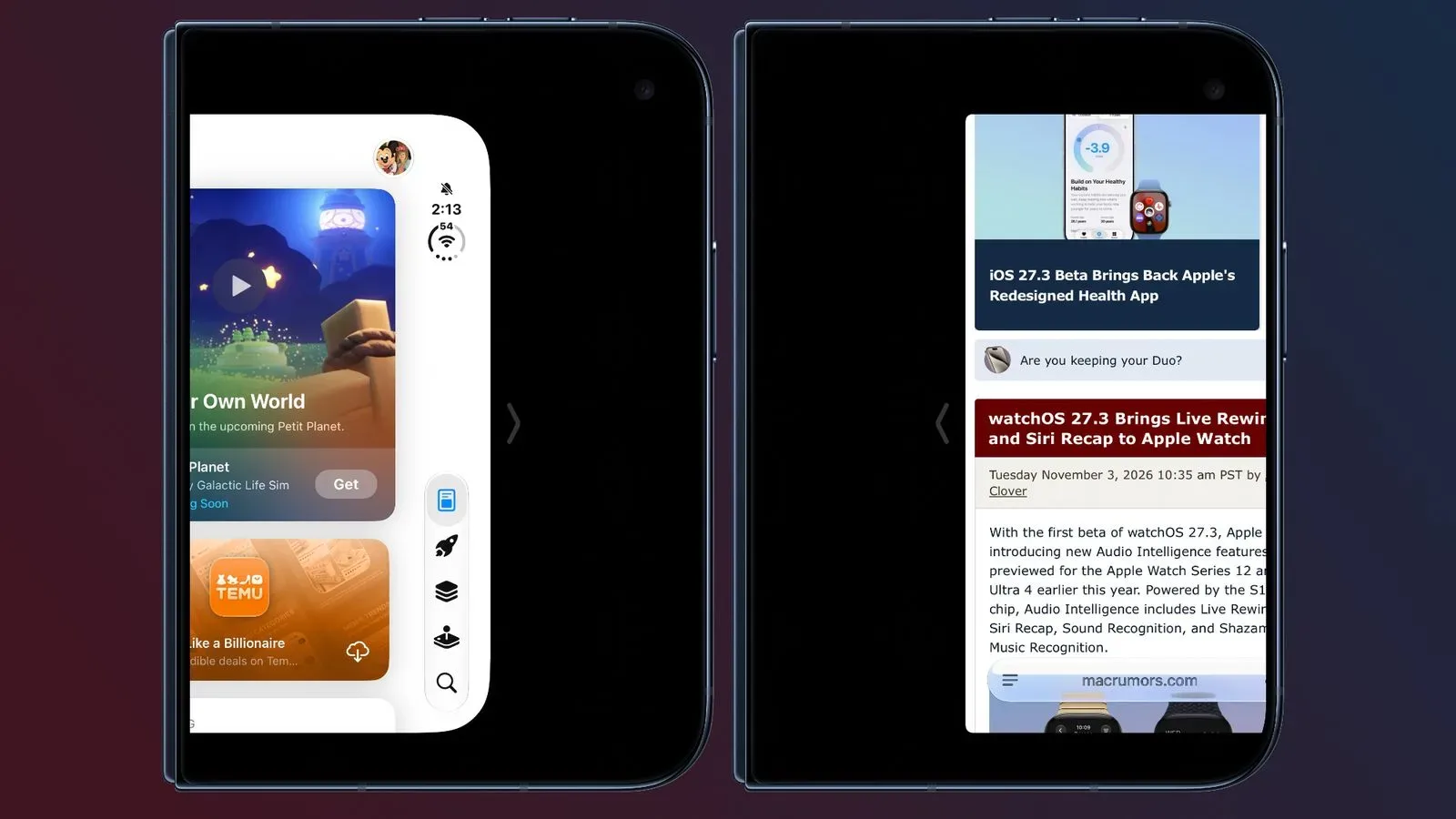
When the iPhone Duo is opened, Webex can display more meeting participants, retain shared material on screen and provide access to a whiteboard. The app also supports Split View, allowing Webex to operate alongside another app.
Those details address a familiar limitation of phone-based meetings. A conventional phone screen often turns a conference into an exercise in choosing what not to see: participants, presentation material, chat, controls or the document needed to respond intelligently to the presentation material. The open iPhone Duo configuration gives Webex more room to treat those elements as simultaneous parts of a meeting instead of a succession of screens to tap between.
Split View refers to running two apps at once in a divided screen layout. In this case, it could mean keeping Webex visible while consulting another app, rather than repeatedly leaving the call. The update does not specify which companion apps or workflows are best suited to this arrangement, so users should view it as flexible multitasking support rather than a promise of a particular meeting setup.
The whiteboard is another useful inclusion. A shared whiteboard is a collaborative area where attendees can work through ideas visually. On a smaller mobile device, that kind of tool can feel like a feature best saved for a computer. The larger open layout makes it more plausible to access in the middle of a call without immediately sacrificing the rest of the meeting view.
Laptop position makes camera sharing more purposeful
The more distinctive addition is Webex Mobile Camera Share. With the iPhone Duo open in a laptop position, users can stream the phone’s camera into a meeting. Other participants can then view the live feed and annotate it.
Annotation means adding marks or comments directly over shared visual material. In practical terms, a participant may be able to point out a detail in whatever the camera is showing rather than relying on verbal directions alone. That can be especially useful when the subject is physical: paperwork, a rough sketch, an object, a workspace or anything else better shown than described.
The laptop position is important here. It gives the device a self-supporting form, allowing the camera to face the intended subject while the screen remains available for the person hosting the meeting. It is a more deliberate use of a foldable phone than simply opening an app on a larger screen. Webex is treating the changing shape of the hardware as a way to support a different collaboration mode.
Tent position offers a related hands-free idea, though the update’s specific camera-sharing description is tied to laptop position. The broader compatibility means a user is not locked out of Webex merely because the device is placed differently. That sounds basic, but consistency is the entire point of a work app: a meeting tool should not become precious about whether its phone is sitting upright, folded shut or opened flat while the meeting is already underway.
The new Notetaker Agent is aimed at the room, not just the call
Cisco has also added the Webex Notetaker Agent to the iPhone app. The feature can transcribe and summarize in-person conversations, and create action items.
That wording is worth separating into its component parts. A transcript is a written record of spoken conversation. A summary is a condensed account of the discussion. Action items are the tasks or follow-ups identified from that conversation. Together, they are meant to reduce the familiar post-meeting scramble in which everyone agrees that somebody definitely volunteered for something, but nobody can identify who.
The emphasis on in-person conversations broadens the iPhone app beyond calls held inside Webex. Rather than positioning the phone only as a screen for remote attendees, the Notetaker Agent is presented as a tool for capturing a conversation happening in the same room. That could make the phone useful before, after or alongside a formal video meeting, depending on how a team works.
There are sensible boundaries to keep in mind. Transcription and automated summaries are aids to documentation, not a substitute for participants checking what was recorded and assigned. The update says the agent can create action items, but it does not establish that every summary will correctly capture context, speakers or decisions. For important discussions, users should still review the output, clarify responsibilities and make sure all participants understand that a conversation is being captured.
Why the layout support matters more than a spec-sheet tick
Foldable devices invite software developers to think in states rather than screen sizes. Closed, open, portrait, landscape, laptop and tent are not merely cosmetic variations; each can change the distance from the user, how the device stands, how much information fits at once and whether its camera can point at something without being handheld.
Webex’s update acknowledges those states directly. Open mode is positioned around meeting visibility, shared content and whiteboarding. Laptop position is tied to Mobile Camera Share. Split View addresses the work of consulting another app during a call. The result is less about declaring that a foldable can technically launch Webex and more about making its form factor relevant to the job at hand.
That distinction is also useful for people deciding whether mobile multitasking is genuinely part of their routine. Better connectivity is only one half of the setup; where a call happens and how the device can be positioned matter too. For a broader look at the network side of a home gaming-and-work setup, see Mesh Wi-Fi vs. a Standalone Router: What Gamers Should Choose for Better Home Coverage.
What this means for Webex users
The update is most relevant to people using an iPhone Duo as more than a pocket device. Someone joining a short call while holding the phone may notice little beyond dependable support across orientations. Someone who routinely presents shared material, wants a live overhead-style camera view, or needs notes from an in-person discussion has more reason to explore the new tools.
- More participants and content in open mode: intended to make active meetings easier to follow.
- Whiteboard access: gives users a collaborative visual workspace from the opened device.
- Split View: keeps Webex available while another app is also in use.
- Mobile Camera Share: sends a live iPhone camera feed to the meeting from laptop position, with annotation available to participants.
- Notetaker Agent: can transcribe and summarize in-person conversations and produce action items.
Webex is available as a free download from the App Store. The update does not detail whether every capability has the same requirements across account types, meeting configurations or regions, so users with a particular workflow in mind should verify the options available in their own Webex setup.
Still, the direction is clear. The iPhone Duo’s different positions are being treated as practical meeting modes, not just a device trick for the person at the table who enjoys opening and closing their phone during a call. And for once, the mug can return to its primary job: holding coffee, not serving as a wildly underqualified phone stand.