A separate network for smart-home devices sounds like tidy digital housekeeping: put the bulbs, cameras, locks and speakers in their own lane, keep phones and laptops in another, and reduce the odds that a vulnerable accessory becomes a route into more sensitive hardware. It can be a sensible move. It is not, however, a universal fix—and for some homes, it creates exactly the kind of frustrating device-discovery and control problems it was meant to avoid.
The useful question is not simply, “Should every smart device be isolated?” It is: what problem is the separate network intended to solve, and can the devices that need to communicate still do so? Range, security and convenience pull in different directions. A setup that improves the signal to an outdoor camera may complicate configuration from a phone. A guest network that limits access to a laptop may also prevent a local smart-home controller from finding the accessory it is supposed to control.
That trade-off matters because smart-home hardware is not just a collection of gadgets that occasionally check an app. Accessories can need to communicate with the internet, with a control device, and with other devices involved in routines and automations. Poor Wi-Fi planning can lead to dropped accessories, unreliable automations and, at the more serious end, avoidable security exposure.
Two different ideas often get called “separate network”
There are two common approaches, and they do different jobs.
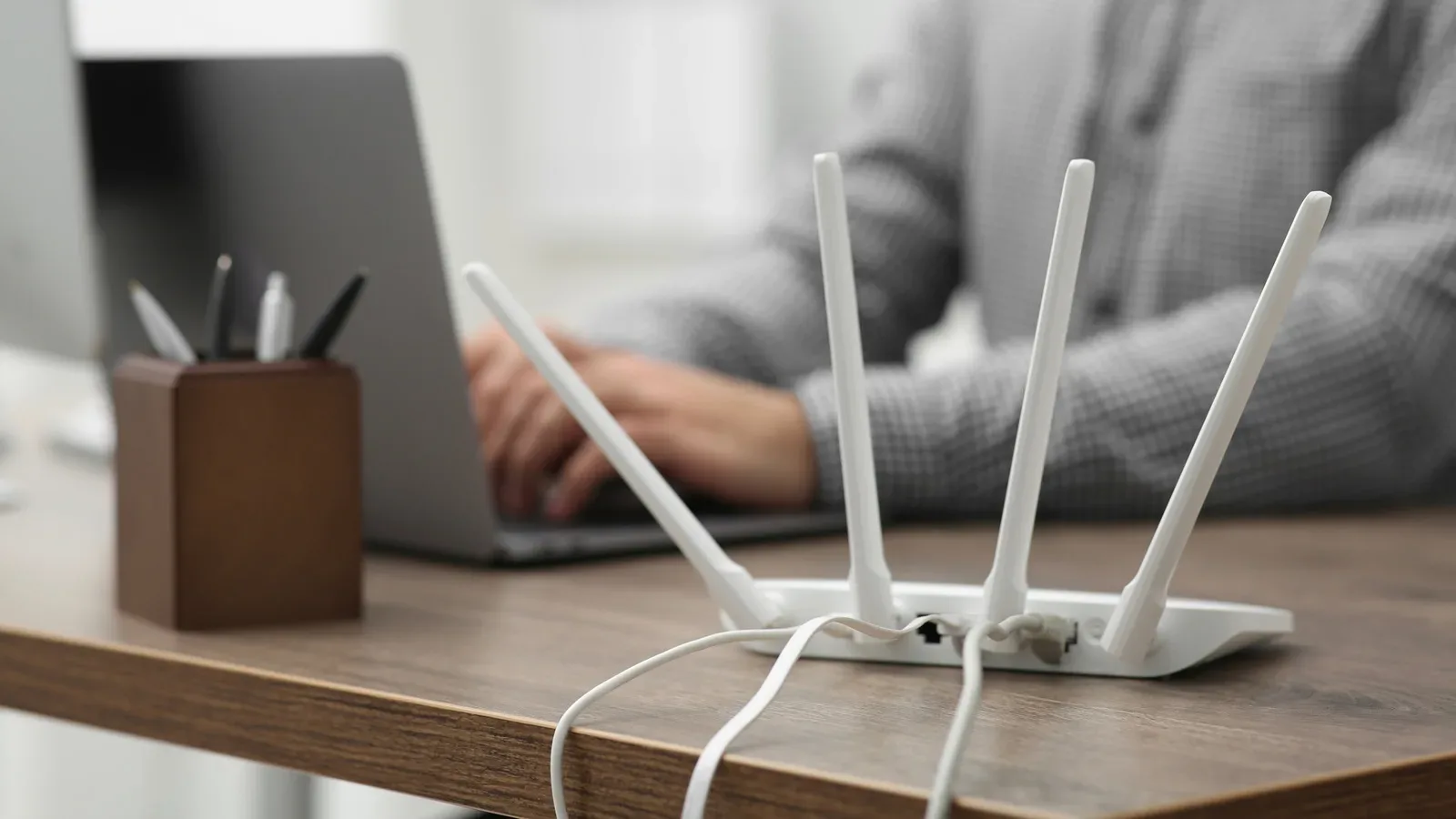
- Splitting Wi-Fi bands into separate network names: A router may offer 2.4GHz, 5GHz and sometimes 6GHz Wi-Fi. Giving one band its own SSID—an SSID is simply the network name shown when connecting a device—lets a household deliberately place accessories on that band.
- Using a guest network: This is a separate login intended to restrict what connected devices can access on the main network. The aim is less about wireless reach and more about isolation.
These are not interchangeable measures. A dedicated 2.4GHz SSID can be a practical response to weak coverage for compatible smart-home gear. A guest network is more directly a security decision. It is possible to consider both, but combining them without checking how local control works can make a smart home considerably harder to operate.
Why 2.4GHz can help accessories stay connected
For smart-home products, raw wireless speed is frequently less important than dependable coverage. The 5GHz and 6GHz bands offer more bandwidth, but 2.4GHz has greater inherent reach. That can make a meaningful difference for devices located farther from the router or separated by more difficult parts of a home.
Outdoor hardware is the obvious case. A lock, string lights or a security camera may benefit more from a signal that reaches it consistently than from the extra bandwidth available at higher frequencies. A smart lock failing to respond or a camera dropping offline at an important moment is a reliability problem, not a benchmark-score problem.
Creating a separate 2.4GHz SSID can therefore be useful if an accessory is already flaky because of range. It also gives owners a direct way to ensure that 2.4GHz-only gear is joining a compatible network during setup. But this is a targeted remedy, not routine maintenance. If devices are stable where they are, moving everything to 2.4GHz is unlikely to add value merely because it is an option.
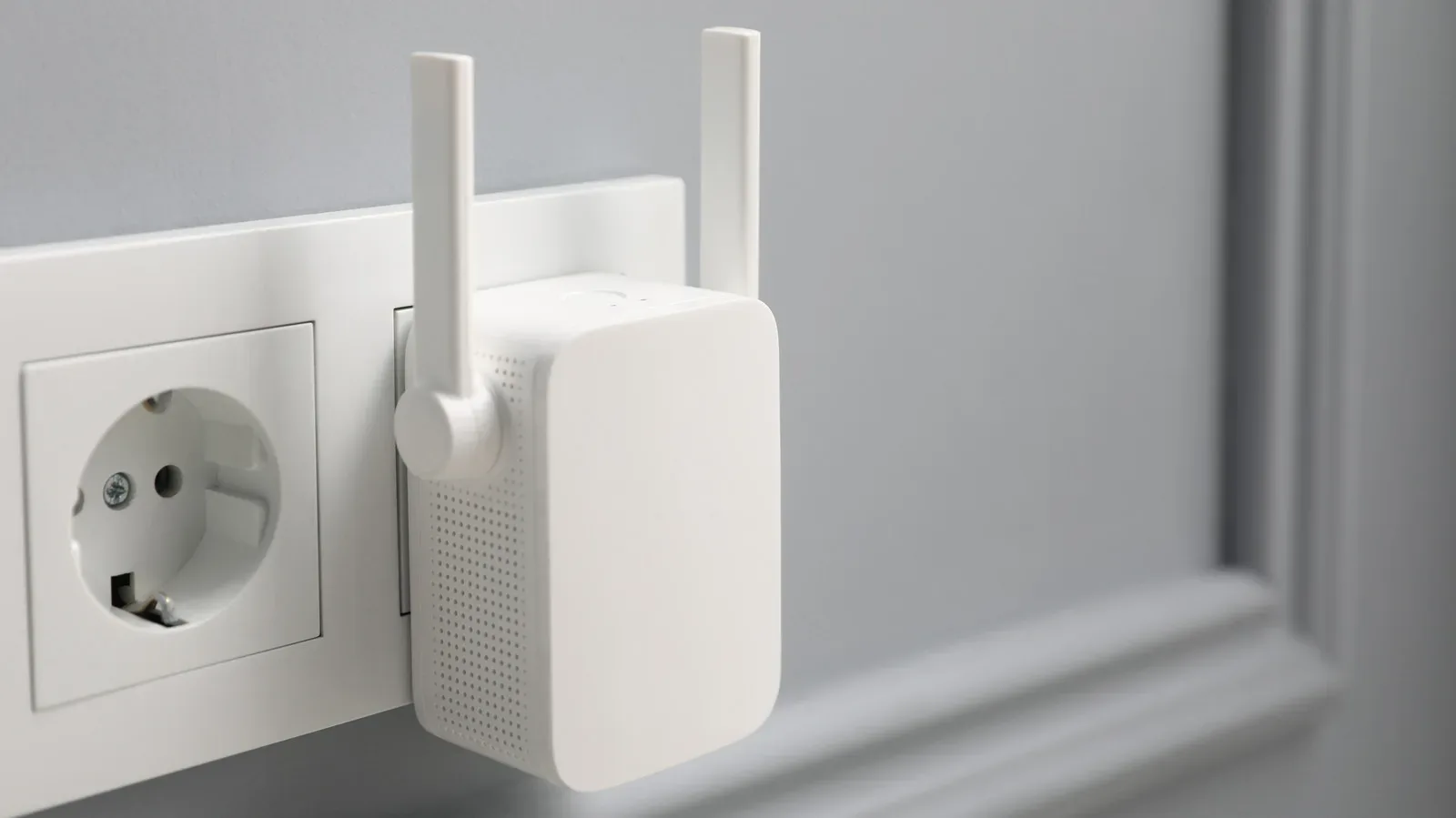
More severe coverage issues may call for mesh Wi-Fi instead. A mesh system uses multiple routing points to extend coverage around a home. That is a different answer from band splitting: rather than forcing devices onto a lower-frequency network name, it is intended to provide more consistent connectivity across a larger area.
Why a guest network can reduce security exposure
The security case for a guest network is straightforward in principle. Smart-home products can have vulnerabilities like other connected devices, while cameras and other home-focused accessories raise the stakes if they are compromised. Separating those accessories from phones, tablets and laptops can make it harder for an attacker exploiting one device to reach hardware that contains more sensitive information.
That is a meaningful form of risk reduction, but it should not be treated as a magic shield. Network separation helps limit the consequences of a problem; it does not guarantee that the accessory itself is secure. Choosing reputable brands and strengthening the rest of a household’s security still matter. For people concerned about how connected products handle personal information more broadly, changes to device permissions are also worth watching, as in this report on Android photo-consent requirements.
There is also a proportionate view to take. If a household has reputable devices and no signs of connectivity trouble, a network overhaul may add more operational risk than practical benefit. The more complicated the smart-home installation, the more carefully any isolation plan needs to be tested.
The major catch: isolation can stop devices from finding each other
Guest networks are designed to separate devices, which is precisely why they can interfere with smart-home control. A phone or tablet on the primary network may be unable to reach an accessory placed on the guest login. That can affect manual control, initial setup and configuration. A user may have to move their phone or tablet off its usual Wi-Fi network to work with the accessory.
Split band names bring a related but slightly different concern. Devices on separately named 2.4GHz and 5GHz networks should be able to communicate in theory, but real-world setups do not always behave that way without changes to other router settings. The important practical lesson is that a separate SSID is not proof that everything will keep working as before.
This is especially relevant when the home relies on local communication rather than a purely cloud-mediated control path. If a control device, accessory or automation expects to discover another device on the local network, an overly strict separation can break that path. The result may look like a mysterious app problem—an accessory that vanishes, refuses setup, or does not respond—when the underlying issue is simply that the devices are no longer allowed to see one another.
Mesh Wi-Fi changes the calculation
Band splitting is not a good fit for mesh systems that rely on a unified SSID and automatic steering. Automatic steering is the router’s process of guiding devices to an appropriate band or access point without requiring the user to choose between multiple network names. It supports seamless handoff as devices move around the home and is part of how mesh systems maintain broad, consistent coverage.
Breaking that unified approach into separate 2.4GHz and 5GHz names works against the design of such a system. In this situation, treating a separate 2.4GHz network as the default smart-home answer can be counterproductive.
There is another setup wrinkle: some lower-cost accessories that only support 2.4GHz may be difficult to detect reliably from a phone or tablet during configuration on a mesh network. That does not establish that every 2.4GHz-only product will fail on every mesh system. It does mean compatibility and onboarding deserve attention before reorganizing an entire home around an assumption that the device and router will cooperate.
What to check before changing anything
Because reconfiguring many accessories can become a serious chore, the sensible approach is to map the existing setup before changing network names or passwords. The goal is to avoid solving a narrow problem by creating a wider one.
- Name the problem. Is the issue poor range to an outdoor device, a concern about limiting access to phones and laptops, or unreliable control? The fix should match the problem.
- Identify which devices need local access. Consider the phone, tablet or computer used for control and configuration, plus the accessories involved in automations. If they must communicate on the local network, determine whether a guest network would block that traffic.
- Check the router model of the home. A conventional router and a mesh system may have very different expectations around SSIDs and band steering. Do not assume instructions intended for one will translate cleanly to the other.
- Check whether any accessories require 5GHz. If some devices cannot use 2.4GHz, an all-accessories 2.4GHz plan will not work. Likewise, a 2.4GHz-only product may add setup complications in a mesh environment.
- Change in small stages. Reconfigure and verify a limited number of devices before migrating dozens. Confirm that app control, setup access and automations still behave as required.
- Keep the everyday controller in mind. If a phone, tablet or Mac is used to manage the system, isolation of that device from the accessories can backfire. A security improvement that prevents legitimate control is not a finished solution.
A practical decision rule
Use a separate 2.4GHz SSID when a compatible accessory has an actual range or connection problem that the band’s greater reach can reasonably address. Consider a guest network when reducing the pathway from smart-home hardware to devices holding sensitive information is the priority—and only after checking whether local control will be blocked.
Avoid making either change solely because it sounds more advanced. Smart-home networking is a balancing act: reliable access for the owner, appropriate limits on device-to-device access, and enough simplicity that the system remains maintainable. The strongest configuration is not necessarily the one with the most network names. It is the one that addresses a real reliability or security need without disrupting the connections the home depends on.