For anyone preserving game footage, mods, save-related documentation, screenshots, creative projects or other irreplaceable files, recordable Blu-ray still has an appealingly physical promise: put data on a disc, store it safely, and come back to it years later. But the medium is not a time capsule that can be forgotten in a drawer.
The realistic lifespan of recordable Blu-ray depends heavily on what kind of disc it is, how it was made, how it is stored, and whether there is still a working drive and compatible software when the time comes to read it. That final point matters as much as the condition of the disc. A perfectly preserved archive is of limited use if the hardware needed to open it has disappeared from the setup.
Blu-ray is now a specialist format beside downloads, streaming and flash storage, yet it remains relevant to people who value physical media or want an offline copy of important files. Its capacity has limits: even the largest BD-R discs reach 128GB. That can be sufficient for selected projects or carefully curated archives, but it is not a reason to treat a stack of discs as the only home for a large library.
The short answer: lifespan ranges widely
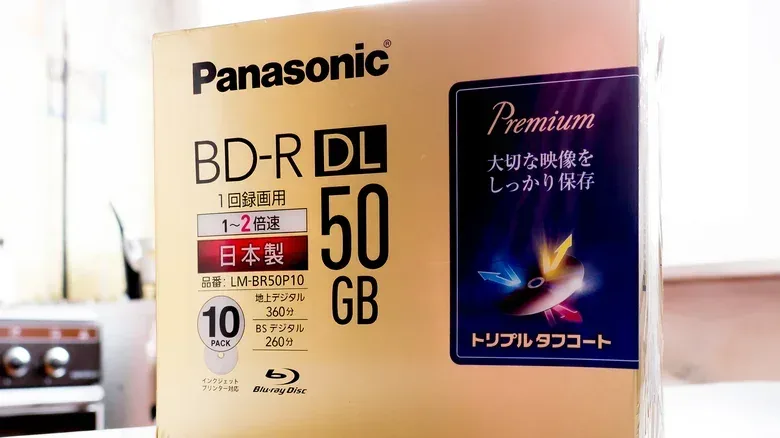
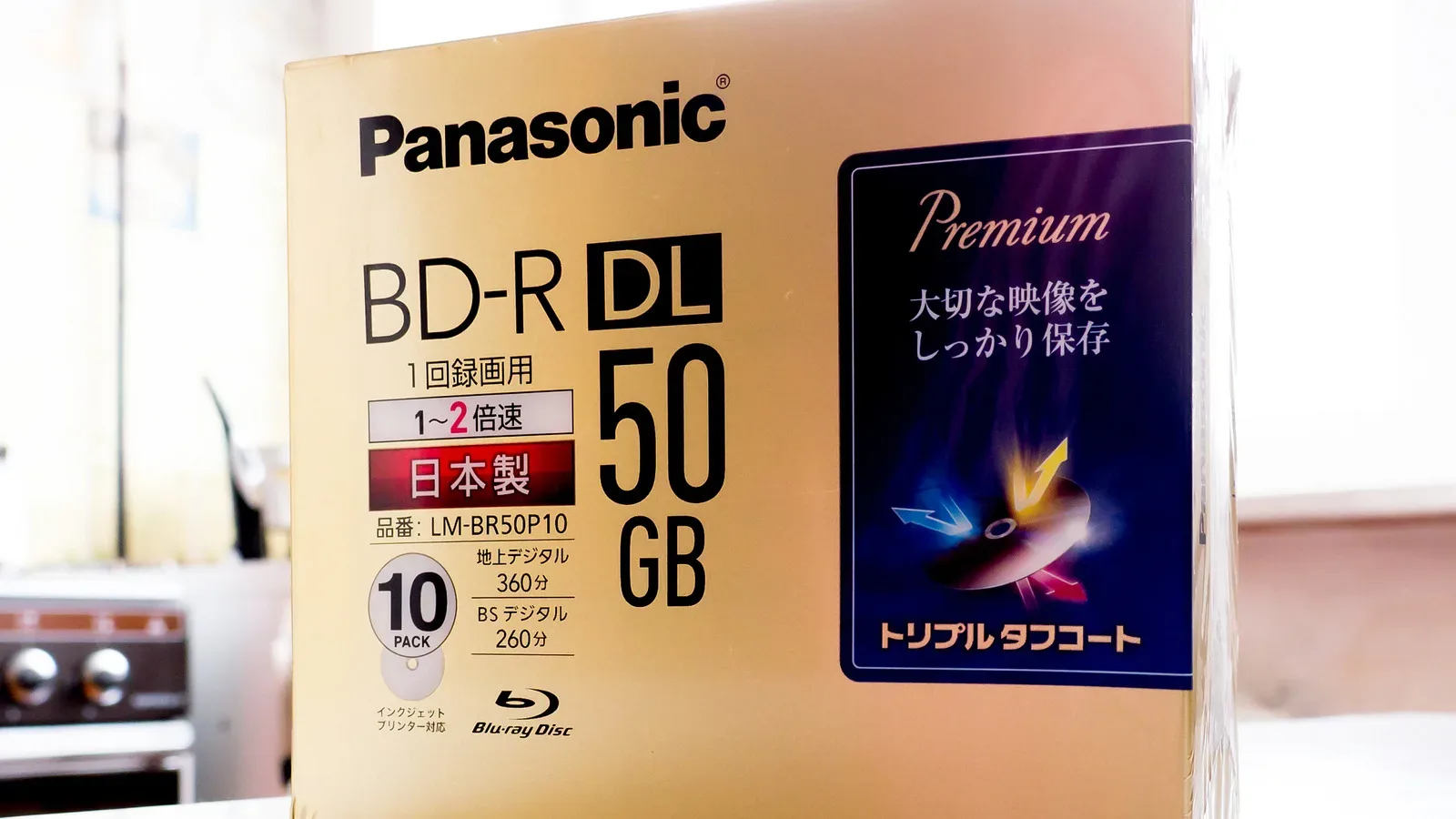
Recordable Blu-ray discs are often labeled BD-R, meaning Blu-ray Disc Recordable. The available preservation figures are broad rather than absolute guarantees. The least expensive BD-R media has an estimated average life of roughly five to 10 years. For genuinely critical material, that range is a warning against buying solely on price.
Higher-quality BD-R media can improve the outlook. Better discs may use a silicon-and-copper alloy recording layer rather than a dye layer, and may also use a gold metal layer. A dark gray or grayish-brown appearance can help identify discs using the alloy recording layer. These construction choices are associated with an estimated 10- to 20-year lifespan—about double the estimate for the cheapest discs.
BD-RE means rewritable Blu-ray Disc. These discs can conceivably remain usable for about 20 to 50 years. That is an impressive potential span for an optical format, especially for material intended to outlive a current PC, console generation, or home-storage arrangement. It is still a potential lifespan, not a promise that every disc will survive for five decades or that its contents will be conveniently accessible then.
What “disc rot” actually means
People often use “disc rot” as though it describes one single failure. It is better understood as an umbrella term for different forms of gradual deterioration. A Blu-ray disc is built from layers, and several processes can undermine those layers over time.
- Oxidation: the reflective layer can slowly oxidize.
- Moisture-related damage: moisture can attract mold or contribute to separation between a disc’s layers.
- Light exposure: ultraviolet light may fade a label. The labeling risk is more prominent than a direct data risk in this context, but a dark storage space remains the sensible choice.
Some deterioration may be visible before a disc goes into a drive. Discoloration or spots are warning signs worth noticing. They do not turn visual inspection into a complete test, however. The important practical lesson is that archive media should be checked periodically rather than assumed healthy because it looks clean at a glance.
Related coverage includes How Long Recordable Blu-Ray Discs Can Last.
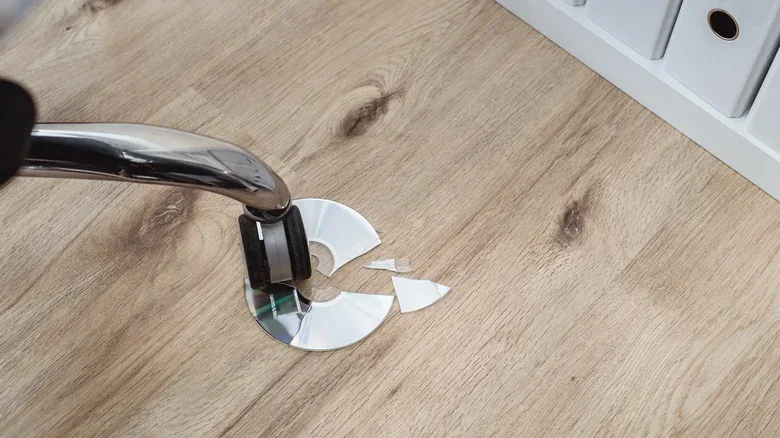
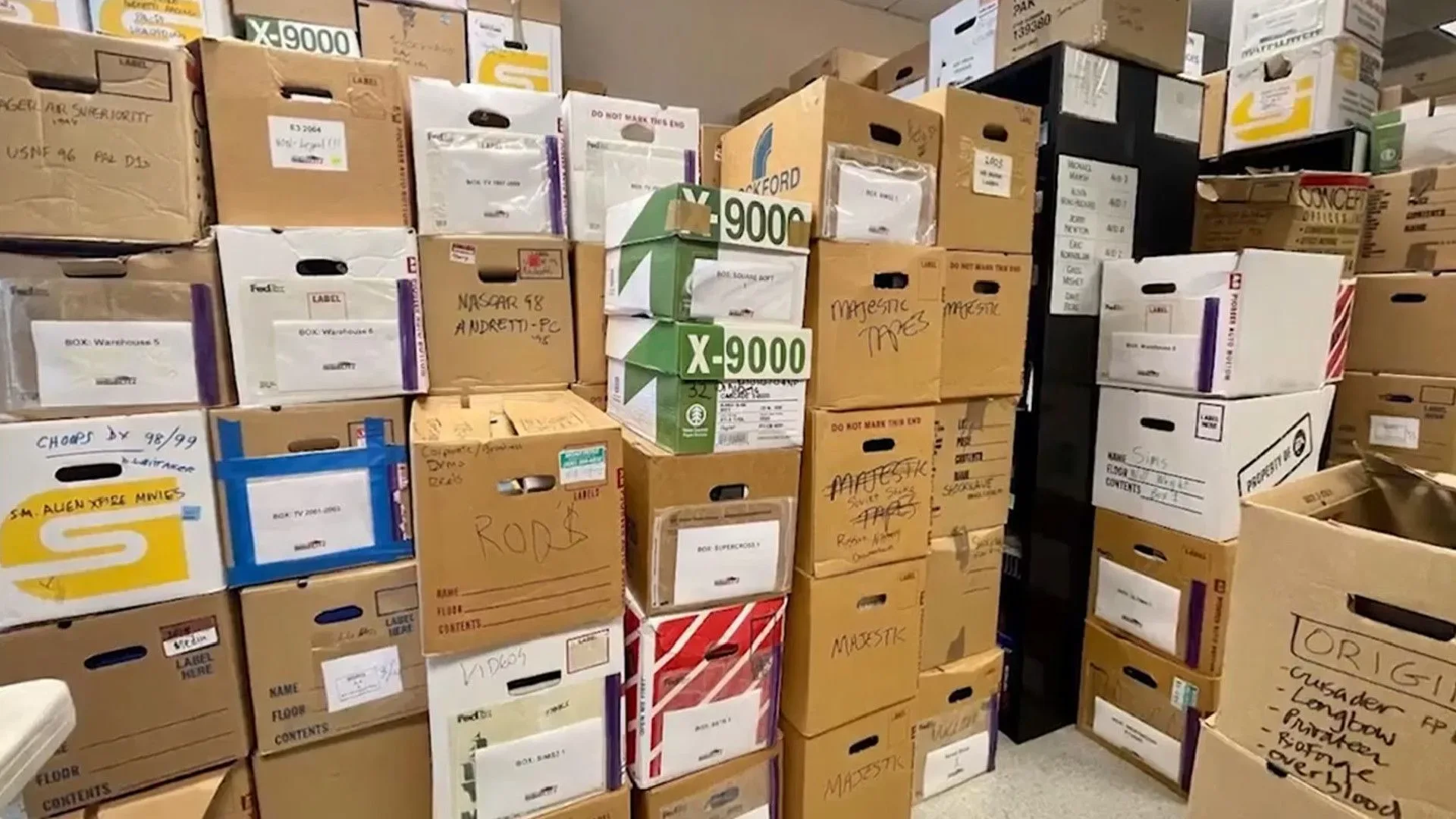
Storage conditions can slow down the risks. A relatively dry, dark and cool location helps deter rot. That does not eliminate the ordinary hazards of handling and moving discs. Optical media can be scratched or cracked, and damage that seems minor can make a disc unreadable. A collection left at the bottom of a moving box, for example, has a much more immediate problem than gradual chemical decay.
Why this matters for game preservation at home
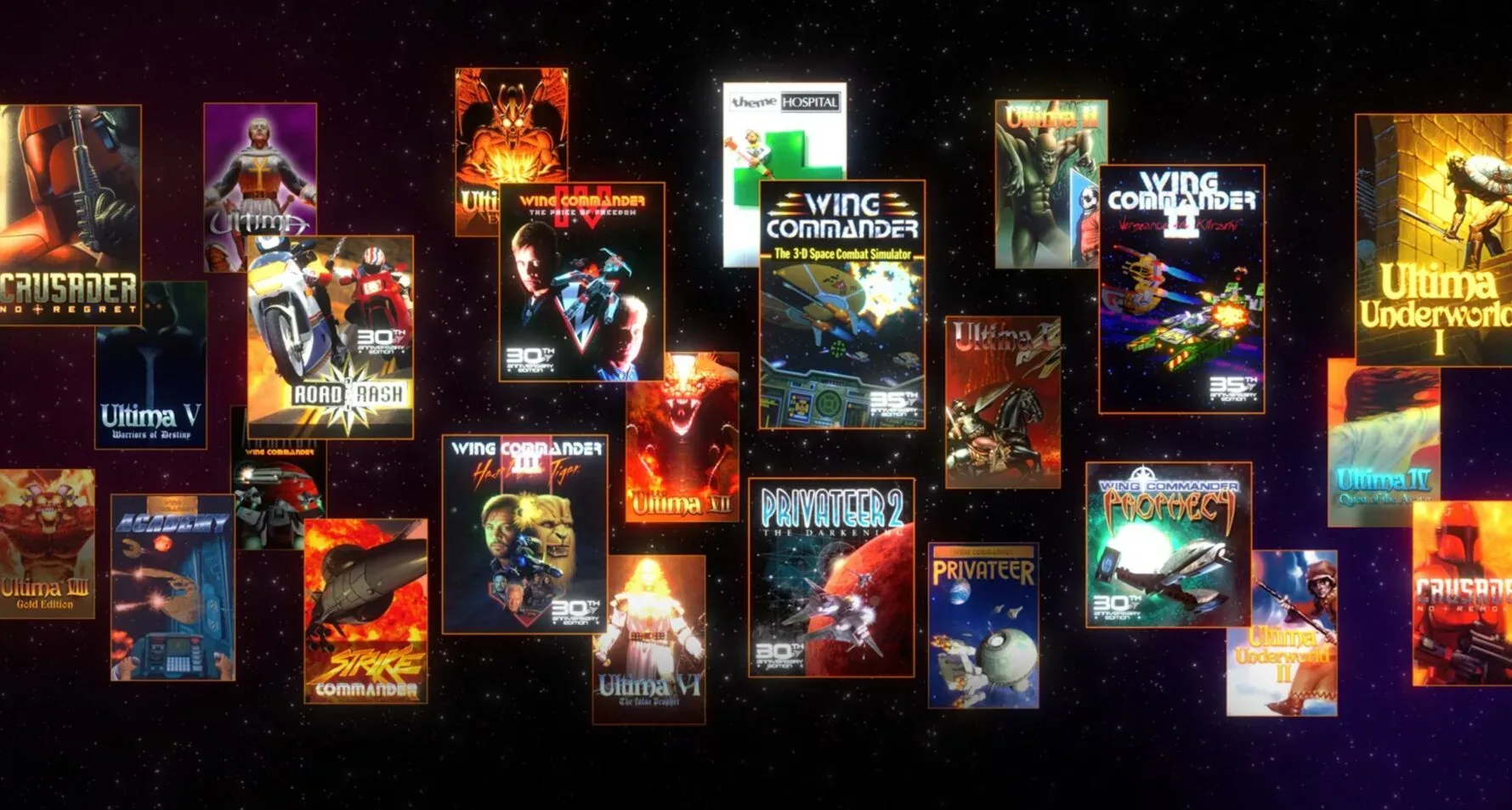
Not every digital game-related file needs the same protection. A replaceable download and a personally created video file carry different stakes. The most defensible use for recordable Blu-ray is as one part of a plan for files that would be hard or impossible to recreate: original captures, edited videos, personal project files, documentation, and other records tied to a player’s history or creative work.
The key distinction is between storage and preservation. Storage means putting files somewhere. Preservation means making it likely that those files can still be located, read and migrated when technology changes. A BD-R can contribute to preservation, but it cannot solve all of it by itself.
Capacity is one constraint. With a maximum of 128GB per BD-R, the medium requires choices about what earns a place on disc. Another is fragility. An external SSD may hold much more data and, when housed in a tough metal enclosure, is less likely to be physically destroyed by an everyday mishap. Neither fact means SSDs are a universal replacement for discs; it means the two forms of storage fail in different ways and can complement each other.
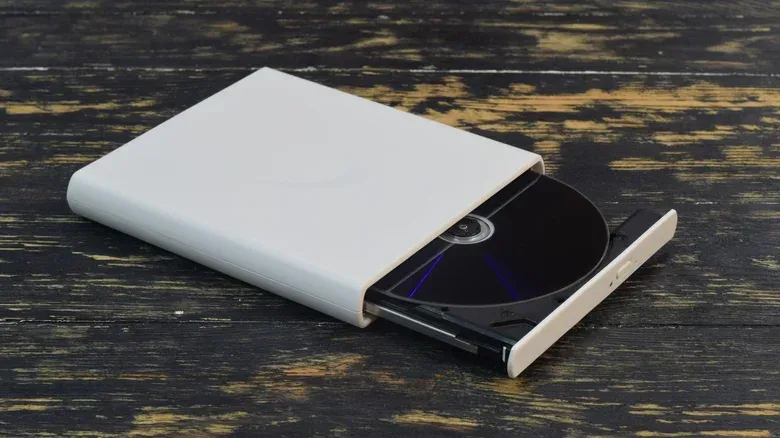
There is also an access problem. Optical drives are no longer standard equipment in computers. External burners and blank Blu-ray media can currently be found online, but long-term manufacturing support is uncertain, including from companies such as Sony that are pulling back from this market. In 10 or 20 years, the greater threat may not be a damaged disc but an absent drive—or an existing drive whose software drivers no longer work with newer operating systems.
That concern has a direct parallel with the wider archival task around games and hardware. Efforts such as Nintendo’s search for a digital archivist for legacy game and hardware records underline a basic reality: keeping digital material is also about keeping it organized and reachable as systems evolve. At home, the scale is smaller, but the principle is identical.
Build a backup plan, not a Blu-ray shrine
The most useful rule for critical data is to avoid dependence on a single medium. A common approach is one copy in the cloud plus two copies on separate kinds of local storage. It will not fit every budget, internet connection or collection, and it does not mean every file must be duplicated in every place immediately. The point is to avoid a single failure deciding the fate of something irreplaceable.
A practical setup can assign different roles to each copy. Blu-ray can provide an offline local layer for a chosen archive. A second local copy can sit on a different storage medium. A cloud copy, where feasible, gives separation from local accidents. This arrangement reduces the damage caused by one scratched disc, one misplaced drive, or one device that becomes unsupported.
The most important maintenance habit is migration. “Migration” simply means copying files from an aging or declining format to a newer, usable one before access becomes difficult. It is not an admission that the old medium failed. It is the normal work of keeping an archive alive. If a disc collection remains readable today, that is the ideal time to ensure the same files also exist somewhere newer.
A sensible checklist for optical backups
- Do not make a budget BD-R the sole copy of important files; its estimated average lifespan is only five to 10 years.
- For a Blu-ray layer, favor better-constructed media when the files justify it. Discs with silicon-and-copper alloy recording layers can be identified by a dark gray or grayish-brown look and are associated with a 10- to 20-year estimate.
- Store discs in a relatively cool, dark and dry place, and protect them from scratches, cracks and pressure during transport.
- Watch for visible spots or discoloration, then act before a questionable disc becomes the only copy available.
- Keep at least one alternate local copy and, where realistic, a cloud copy.
- Keep the ability to read the archive in mind. A disc, a working optical drive and compatible drivers are all parts of the same system.
- Plan to move files to fresher storage rather than waiting for a disc or drive to become a rescue job.
Recordable Blu-ray remains capable of being a valuable offline archive tool. Quality BD-R can offer a meaningful 10- to 20-year window, and BD-RE may extend much further. Yet long-lived media is only one piece of durable access. For game-related memories and projects that truly matter, the safer bet is redundancy, careful storage and regular migration—not faith in any one disc, drive or platform.