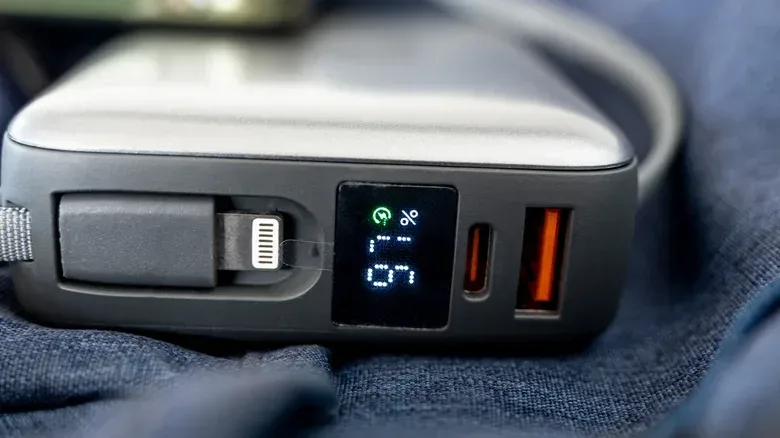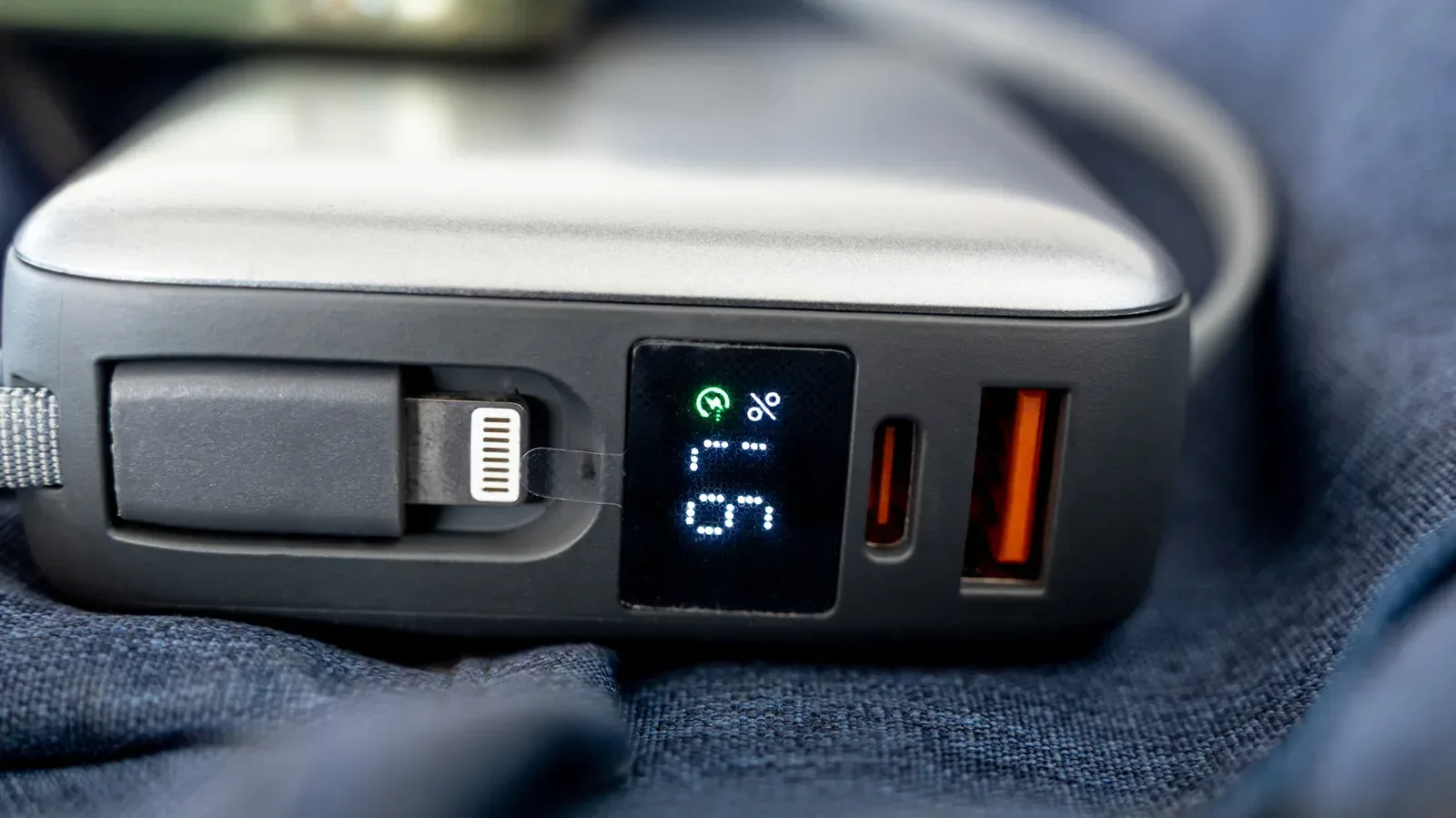
An orange USB port can look like a helpful bit of hardware shorthand: plug a phone in there, and perhaps it will keep charging after the PC is shut down. That is often the intent. But the useful word is often, not always.
Unlike a clearly published port specification, the orange plastic inside a rectangular USB-A socket is not a universal promise. Manufacturers can use it to call attention to an always-on charging feature, enhanced charging capability, fast data, or a physical characteristic of the connector itself. It is a visual cue that a port may do something notable—not a reliable decoder ring for exactly what that thing is.
For a desktop gaming setup, a laptop dock, or the tangle of controllers and charging leads around a console, that distinction is practical. A port that supplies power while a machine is off can be genuinely convenient. Yet it does not automatically mean the port offers the fastest file transfers, the strongest available charging output, or both. Before assigning the orange socket to an important job, check the documentation or product specifications for the specific machine or accessory.
What orange USB ports commonly indicate
The most common association is always-on charging. In this arrangement, the USB port can continue providing power from the system’s power supply or internal battery even when the computer itself is turned off. That can make it a sensible place for a phone, wireless headset case, controller, or another device that only needs power rather than an active computer connection.
The key caveat is that orange is not standardized as the color for that function. No industry-wide rule says that every orange USB-A port must remain powered when its host device shuts down. Treat the color as a prompt to investigate, not confirmation that overnight charging will work.
This also helps explain why two orange ports can behave differently. One maker may use orange to mark charging availability after shutdown. Another may use it to emphasize a different capability. Even when a port is intended for charging, its maker might not be using the color to guarantee a particular charging wattage.
Always-on power is not the same thing as faster charging
It is easy to merge those ideas because they both concern charging, but they answer different questions. Always-on charging asks: will the port still supply power when the host device is off? Faster charging asks: how much power can the port supply?
An orange port may satisfy the first question without being especially fast. Conversely, a port can deliver power during shutdown yet have a data capability that does not match the fastest USB-A ports on the machine. The only dependable way to determine the port’s behavior and output is to consult its product documentation or online specifications.
That applies especially when an accessory needs more than a trickle of power. A visible color insert tells a user very little about the entire charging chain. The port, the connected device and the cable each matter. A device may not be able to use a port’s maximum capability, and a cable also has to support the relevant capability. An orange insert cannot overcome either limitation.
Orange does not settle the speed question
Orange USB-A ports are frequently associated with USB 3.0, a connection capable of data transfer rates up to 5 Gbps. In many common color comparisons, blue and orange ports are both treated as USB 3.0-class connections. If that is true for a particular computer, shifting a cable from blue to orange should not improve data-transfer speed simply because the insert changed color.
Instead, the practical difference may only become apparent when the PC or accessory is powered down. A blue port may stop delivering power while an orange port stays available for charging. That is useful behavior, but it is not a speed upgrade.
There is an important inverse case too: an orange port can keep a device charging while not offering 5 Gbps transfers. Color alone does not rule that out. Anyone moving large files, using external storage, or connecting an accessory for both power and data should verify the individual port rather than assume that orange means top performance.
A brief technical translation: USB-A, USB 3.0 and 5 Gbps
USB-A describes the familiar rectangular connector shape referenced here. It does not, by itself, reveal every power or data capability of the port behind it.
USB 3.0, also called SuperSpeed in this context, is associated with transfers of up to 5 Gbps. “Up to” matters: it is the stated maximum, not a guarantee that every connected device and cable will achieve that rate in every situation.
Gbps means gigabits per second, a measurement of data-transfer rate. It is separate from charging behavior. A port can be useful for data, useful for charging after shutdown, useful for both, or prioritized for neither task particularly well. An orange plastic insert cannot communicate all of those details by itself.
Even blue is not a perfect universal answer. USB-IF recommends blue for SuperSpeed USB 3.0 5 Gbps USB-A connectors, but it is a recommendation rather than an infallible identification method. That makes orange, purple and other nonstandard colors even more dependent on manufacturer-specific explanations and labels.
The same color can mean completely different hardware features
Two examples show why a universal orange-port rule would be misleading. On certain Intel NUC PCs, orange identifies an enhanced charging connection. Intel specifies up to 1.5 amps for that port, compared with 900 milliamps for blue ports on those models. That is a concrete charging-related distinction within those products.
Advantech uses orange differently: to designate high-retention USB connectors. In that case, the feature is mechanical. The connector is designed to hold a plug more securely, with a required withdrawal force 50 percent greater than that of a conventional USB connector.
Both uses are sensible for their intended hardware, and neither makes the other incorrect. They simply demonstrate why a color chart detached from the product’s own documentation cannot provide a complete answer. The orange insert is a manufacturer-selected signal, not a shared technical language with one binding definition.
How to identify what an orange port actually does
A quick, evidence-led check is more valuable than relying on the color:
- Identify the host device. Look up the exact computer, dock or accessory model. Port behavior belongs to that product’s design, not to orange USB ports in general.
- Read the port descriptions. Product manuals and official specification pages may identify an enhanced charging, always-on, SuperSpeed or other feature. Printed symbols beside the socket can help, though they are not always present or easy to see.
- Separate power from data. Confirm both the charging behavior and the data specification if the port is expected to handle both duties. Do not assume one implies the other.
- Check the cable and connected device. Their capabilities can limit the result. A capable port is only one part of the connection.
- Plan around the actual requirement. Use a confirmed always-on port when post-shutdown charging matters. Use a confirmed fast-data port when transfer speed matters. Use a port documented for both when both jobs matter.
This is particularly worthwhile for people building or maintaining a PC setup. Controller charging, headset receivers, external drives and phone cables can quickly make every rear and front-panel port valuable. A dedicated always-on port may be best reserved for a device that needs power after shutdown, while a known high-speed connection can remain free for storage or another data-heavy accessory.
The broader lesson is simple: hardware colors are hints, not contracts. That is also a useful mindset when comparing the specifications attached to newer portable computers, including devices discussed in this report on a future MacBook Neo 2. Model-specific specifications, rather than a visual convention, are what establish a device’s actual capabilities.
What to expect from an orange USB port
Expect it to be worth checking. It may be an always-on charging outlet that remains live after a computer shuts down. It may support USB 3.0-class transfers up to 5 Gbps. It may offer enhanced charging on a particular product. Or, as with high-retention connectors, it may be drawing attention to how firmly a cable is held in place.
Do not expect the color to guarantee any one of those outcomes. It does not prove a specific wattage, prove 5 Gbps transfers, or prove that a phone will continue charging while the host is off. The strongest answer is always the least colorful one: find the exact model’s documentation, identify the port’s stated function, and make sure the cable and accessory are suited to the job.