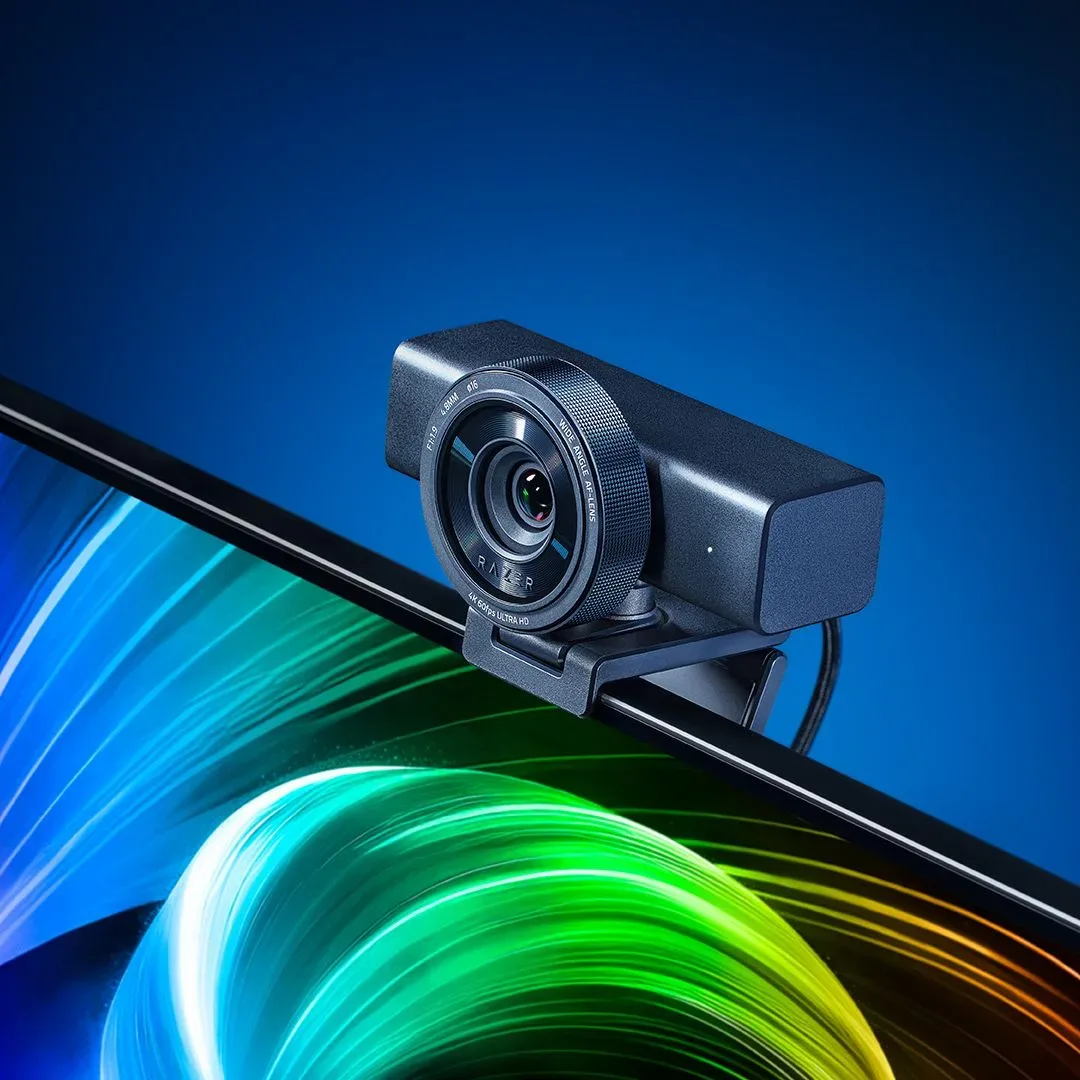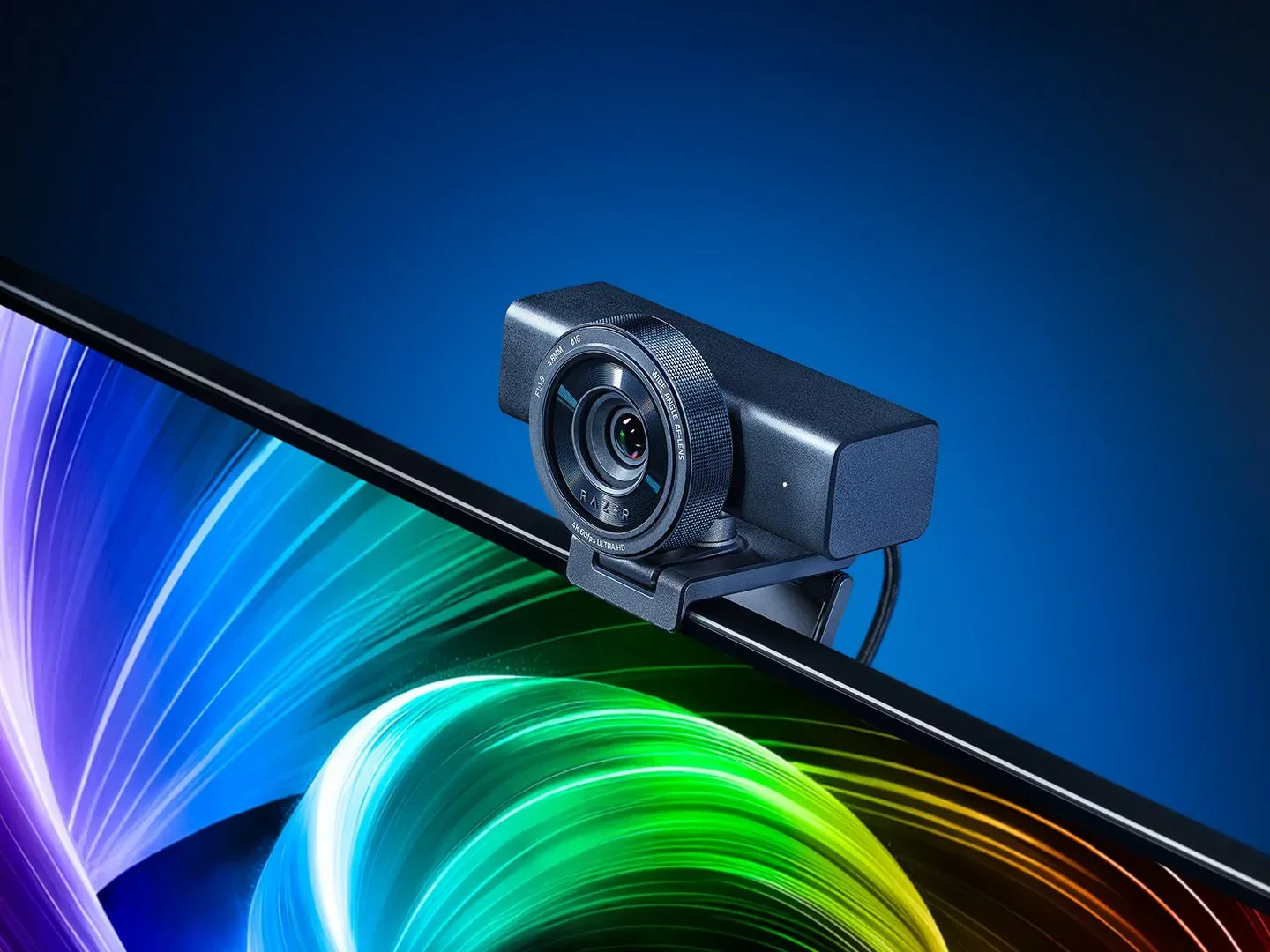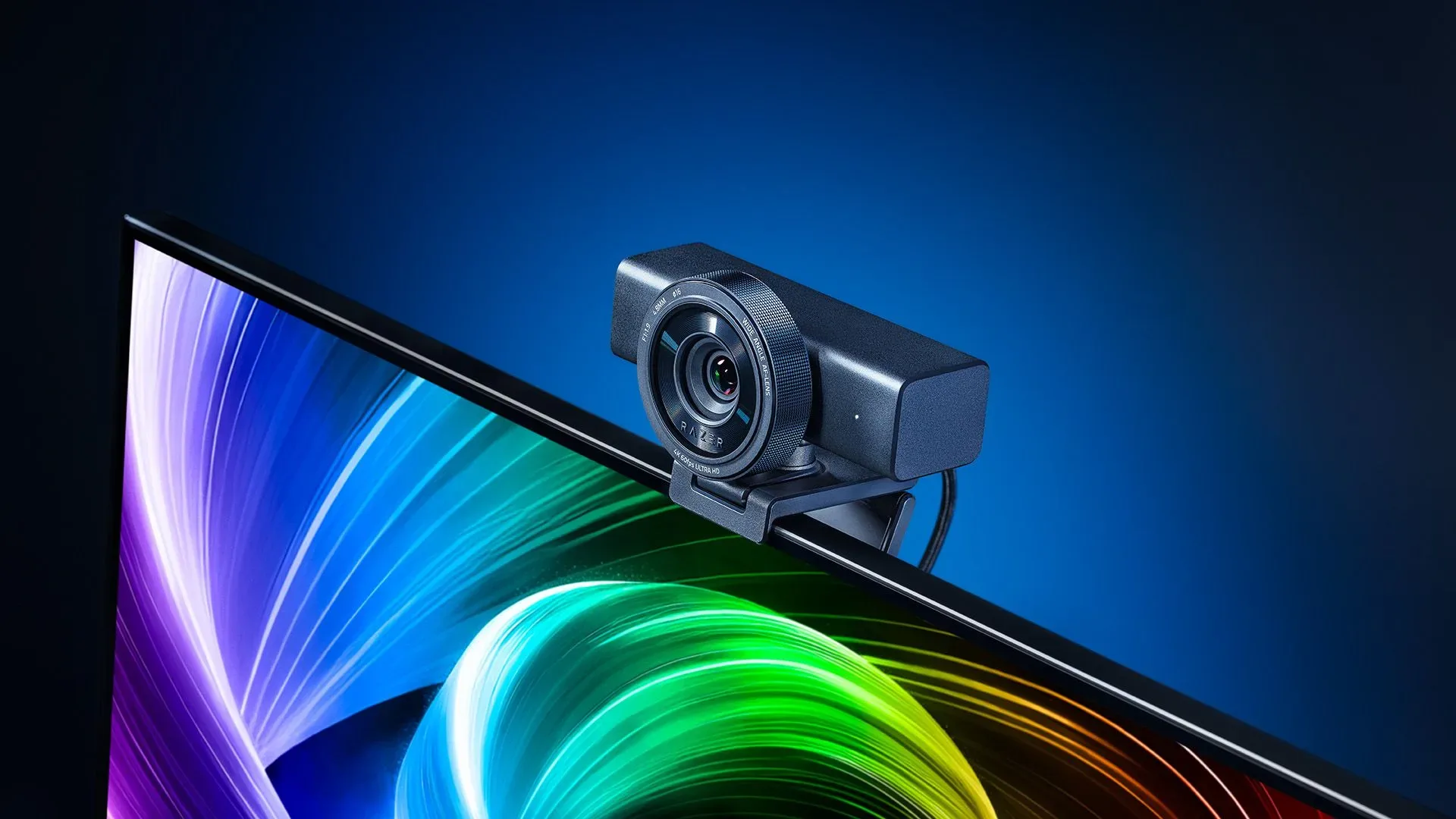
Razer has introduced the Kiyo V2 Pro, a high-end webcam built around 4K capture at 60 frames per second and aimed squarely at streamers, YouTubers and other creators who want more camera control than a typical plug-and-play webcam offers. It is positioned as the successor to the Kiyo Pro Ultra, which arrived in early 2023, while keeping the same listed launch price of $299.99 / £299.99.
That price makes the Kiyo V2 Pro a specialist piece of desktop gear rather than an impulse upgrade. But its specification is equally specialist: a Sony STARVIS 2 sensor measuring 1/1.8 inches, an f/1.9 lens, 4K60 recording, ultra-high dynamic range, a wide-angle view designed to avoid edge distortion, and granular controls through Razer Synapse. Razer also includes AI-powered auto-framing, a universal mount, a standard L-shaped monitor mount and an integrated privacy shutter.
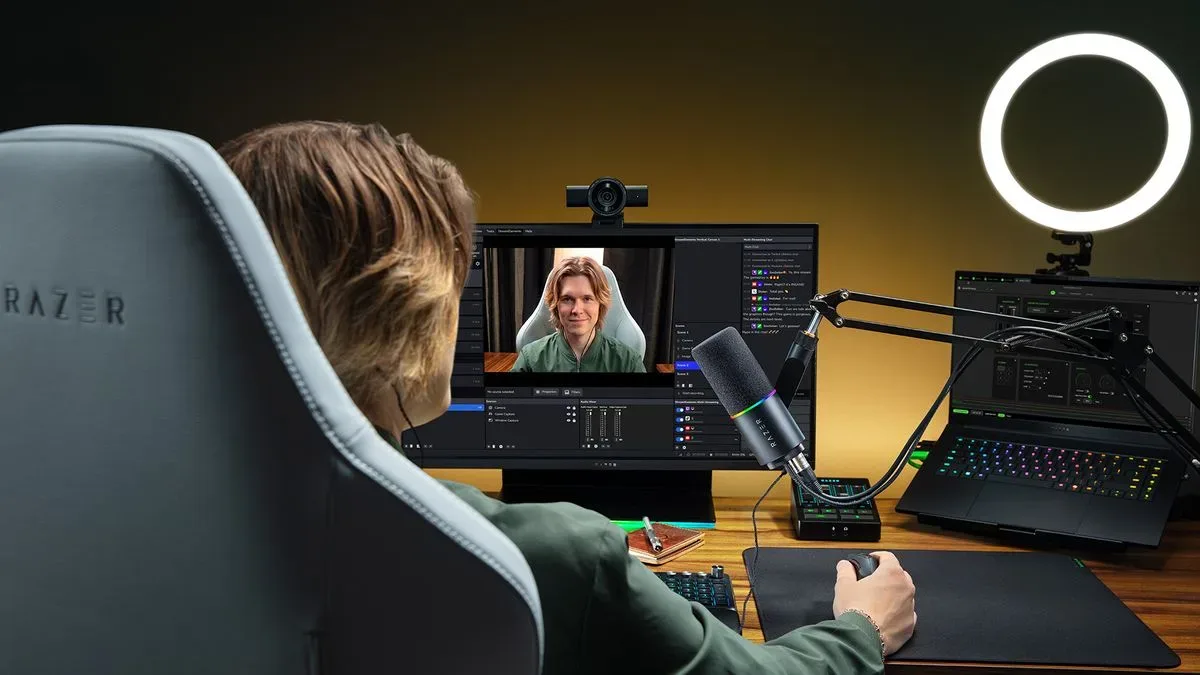
For gaming creators in particular, the pitch is clear. A camera is not merely an accessory when it is used for a face-cam, commentary recording, livestream, remote interview or live reaction. It is part of the presentation surrounding the game. That matters whether someone is discussing major PC releases such as Control Resonant’s day-one patch and preload situation or producing evergreen videos away from a streaming setup.
A premium webcam rather than a compact convenience model
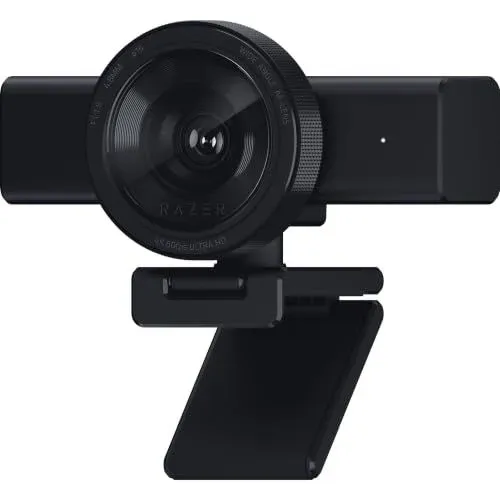
The V2 Pro does not appear to chase the small, unobtrusive look common to many webcam designs. Its body uses a horizontal form behind the familiar front-facing Kiyo lens, and it remains physically substantial, much like the Kiyo Pro Ultra. That bulk is a practical trade-off. More capable imaging hardware and mounting flexibility can make a webcam less discreet on a monitor, but they also reflect the product’s focus on image quality and manual adjustment rather than simple portability.
The sensor is smaller than the one in the Kiyo Pro Ultra. That earlier Ultra model remains notable for having the largest sensor fitted to a webcam, while both cameras use an f/1.9 aperture. Sensor size and aperture are two factors that influence how much light a camera can work with. They are not the whole story of image quality, but they are especially relevant to creators who work in rooms without elaborate lighting.
STARVIS 2 is Sony sensor technology intended for strong sensitivity in difficult lighting. In straightforward terms, it is designed to help a camera gather and process usable visual information when a scene is not brightly illuminated. Razer says the Kiyo V2 Pro can deliver 4K60 with less motion blur than previous Kiyo models. That claim will matter most when a creator moves frequently on camera, gestures during a stream, or records at a pace where a sharper motion rendering is preferable.
4K60 means a 4K-resolution video signal at 60 frames per second. Resolution describes the amount of picture detail, while frame rate describes how many individual images are shown every second. A 60fps mode can make movement appear smoother than 30fps footage, though creators will still need to consider the demands it places on their computer, recording workflow and delivery platform. The Kiyo V2 Pro’s headline capability is therefore not simply “4K,” but the combination of a high-resolution image and a high frame rate.
HDR, wide-angle coverage and what those labels mean
Razer also lists ultra-high dynamic range and a wide-angle lens with no edge distortion. High dynamic range, generally shortened to HDR, concerns a camera’s ability to preserve information in both bright and dark portions of an image. A webcam facing a bright window, for example, may have to balance the light behind its subject against shadows on the subject’s face. The practical goal is a more balanced image rather than blown-out highlights or featureless dark areas.
Related coverage includes Razer Kiyo V2 Pro Launches With 4K60 Capture for Streamers and Creators.
The stated no-edge-distortion design is also worth noting. Wide-angle lenses can be useful when a creator wants to fit more of their setup, a second person or a larger background into frame. Yet a very wide view can make objects and faces near the edges look stretched. Razer’s claim is that the V2 Pro’s wide-angle presentation avoids that problem. As with the motion-blur and HDR promises, that is a manufacturer-described capability rather than an independently established result.
None of these specifications removes the importance of a sensible recording space. A webcam can provide latitude for adjustments, but a subject still benefits from deliberate lighting, a camera position close to eye level and a background that does not compete for attention. The V2 Pro seems designed to give creators more options within those fundamentals, rather than replace them with automatic processing.
Synapse brings hands-on camera settings
The Kiyo V2 Pro’s strongest differentiator may be the depth of control available in Razer Synapse. The software offers one-click image enhancement and DSLR-style image customization, alongside adjustment options including ISO, shutter speed, white balance, exposure, gain and motion clarity.
Those terms can look intimidating, but each addresses a familiar camera problem:
- ISO controls a camera’s sensitivity setting. Raising it can brighten an image, but may also introduce unwanted visual noise.
- Shutter speed determines how long the sensor collects light for each frame. It affects exposure and the appearance of movement.
- White balance helps a camera interpret color under different kinds of lighting, such as daylight or warmer indoor lamps.
- Exposure is the overall brightness relationship created by settings such as shutter speed and sensitivity.
- Gain is another brightness-related adjustment, and excessive use can have image-quality consequences.
- Motion clarity is a control intended to help tune how motion is rendered.
This approach gives the product two potential audiences. Someone who wants fast setup can use the one-click enhancement, while a creator who notices inconsistent skin tone, bright background windows or unwanted blur can investigate the controls more deeply. The availability of options does not guarantee a better result by itself; it shifts more of the decision-making into the creator’s hands.
That distinction matters for streamers. An automatic webcam mode can be preferable when moving between rooms or starting a call quickly. A saved, deliberately adjusted image can be more useful in a fixed desk environment where lighting and camera position remain stable. The V2 Pro appears intended to accommodate both approaches.
Auto-framing is AI pan, tilt and zoom—not image generation
Razer has added AI-powered auto-framing. Here, “AI” refers to framing assistance comparable to the pan, tilt and zoom functions seen in webcams from companies including Obsbot and Insta360. It is not generative AI and does not mean the camera is inventing or altering the scene with synthetic imagery. The feature is intended to keep the subject better positioned in frame.
Auto-framing can be useful for a host who moves while presenting, or for a creator who wants the camera to maintain a more centered view without manually repositioning hardware. Conversely, a carefully composed static shot may benefit from leaving automation off. A streamer using a deliberately placed background prop, a widescreen desk setup or a particular amount of headroom will likely want predictable framing instead of a camera continually making compositional decisions.
The important practical question is not whether auto-framing exists, but whether it can be easily enabled or disabled depending on the production. The broader collection of Synapse controls suggests Razer is targeting users who want that choice.
Mounting and privacy details
Razer supplies both a universal mount and a standard L-shaped mount, allowing the Kiyo V2 Pro to sit on a monitor or be fitted to a tripod. The inclusion of a tripod-friendly option is useful because monitor placement is not always ideal. A creator may want the camera at eye level, closer to a display, or positioned independently of a monitor that moves on an arm.
An integrated privacy shutter is built into the camera. That is a straightforward but valuable physical measure: when closed, it covers the webcam’s view. It can offer reassurance when the device remains connected but is not in active use, without requiring a separate accessory.
There is one change from the previous approach. The V2 Pro does not include a separate rubber lens cover, with Razer’s reasoning being that a second cover is unnecessary when the webcam already has an integrated shutter. It is a sensible simplification for day-to-day privacy, although users who prefer additional protection for a costly exposed lens may see the omission differently.
Price, retailer discrepancy and who should consider it
The official launch price is listed as $299.99 / £299.99, matching the Kiyo Pro Ultra’s launch pricing. That is firmly premium-webcam territory. A listing at $349.99 was also observed at Amazon, creating a meaningful difference from the stated MSRP. Buyers comparing options should check regional pricing through Razer before assuming a third-party listing reflects the intended price.
At this level, the Kiyo V2 Pro is not necessarily the right purchase for every player who occasionally joins a video call. Its case is stronger for people who regularly appear on camera and value 4K60 capture, low-light-oriented sensor technology, manual image controls, flexible mounting and a physical privacy shutter in one dedicated unit.
It is also not a direct specification-for-specification replacement for the Kiyo Pro Ultra’s larger sensor. Instead, Razer’s newer camera pairs a smaller 1/1.8-inch STARVIS 2 sensor with 4K60 output, HDR, reduced-motion-blur claims and a familiar roster of creator-focused adjustments. Prospective buyers deciding between the two should treat the sensor-size difference as a real part of the comparison, rather than assuming a later model automatically supersedes every aspect of its predecessor.
Ultimately, the Kiyo V2 Pro’s proposition rests on control. It offers automatic enhancements for convenience, AI framing for keeping a subject in view, and detailed camera settings for creators willing to shape their own image. The $299.99 / £299.99 price asks buyers to value that flexibility, as well as 4K60, over the simpler role a basic webcam is built to fill.
Shop the products
Check current price, model and availability at the retailer.