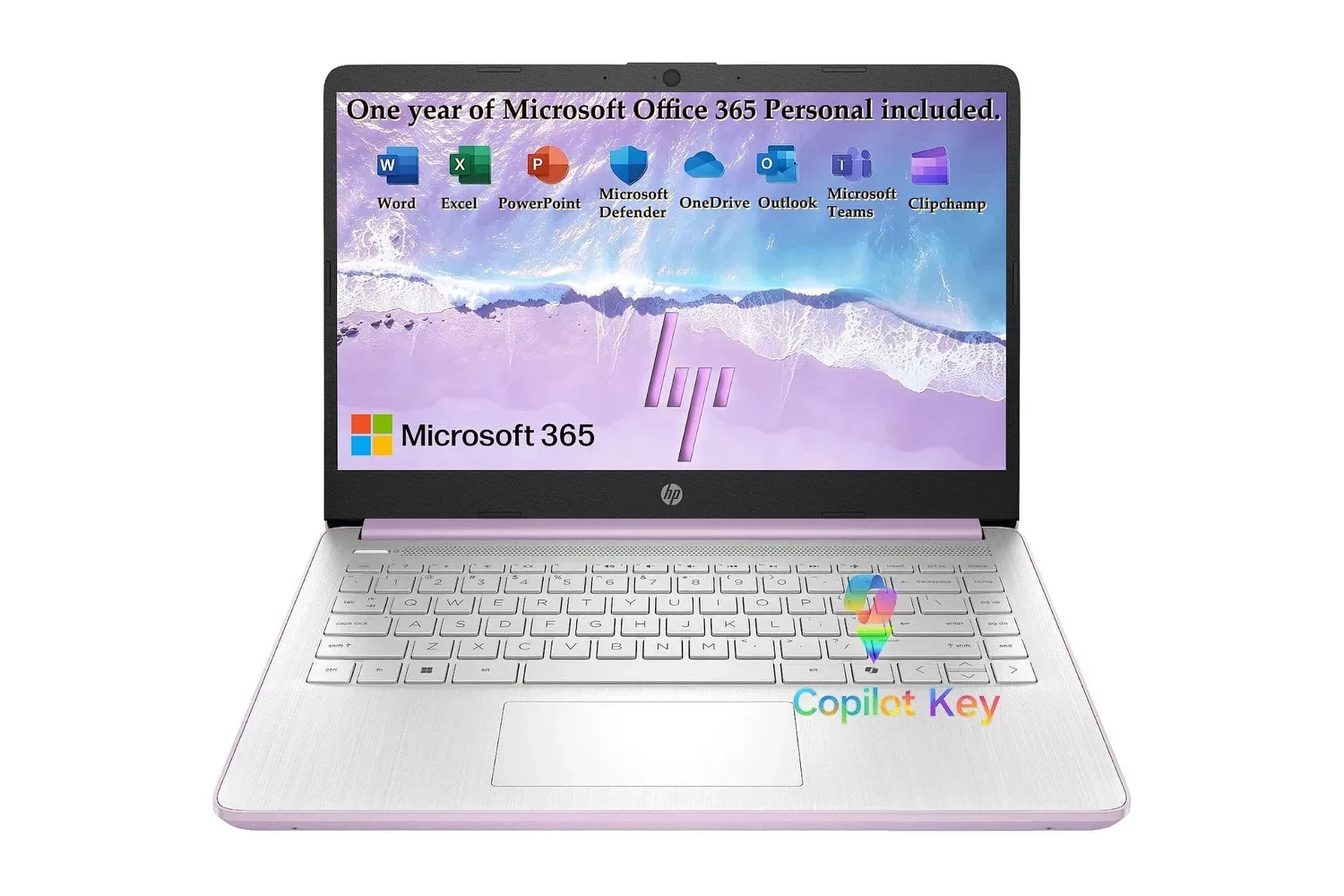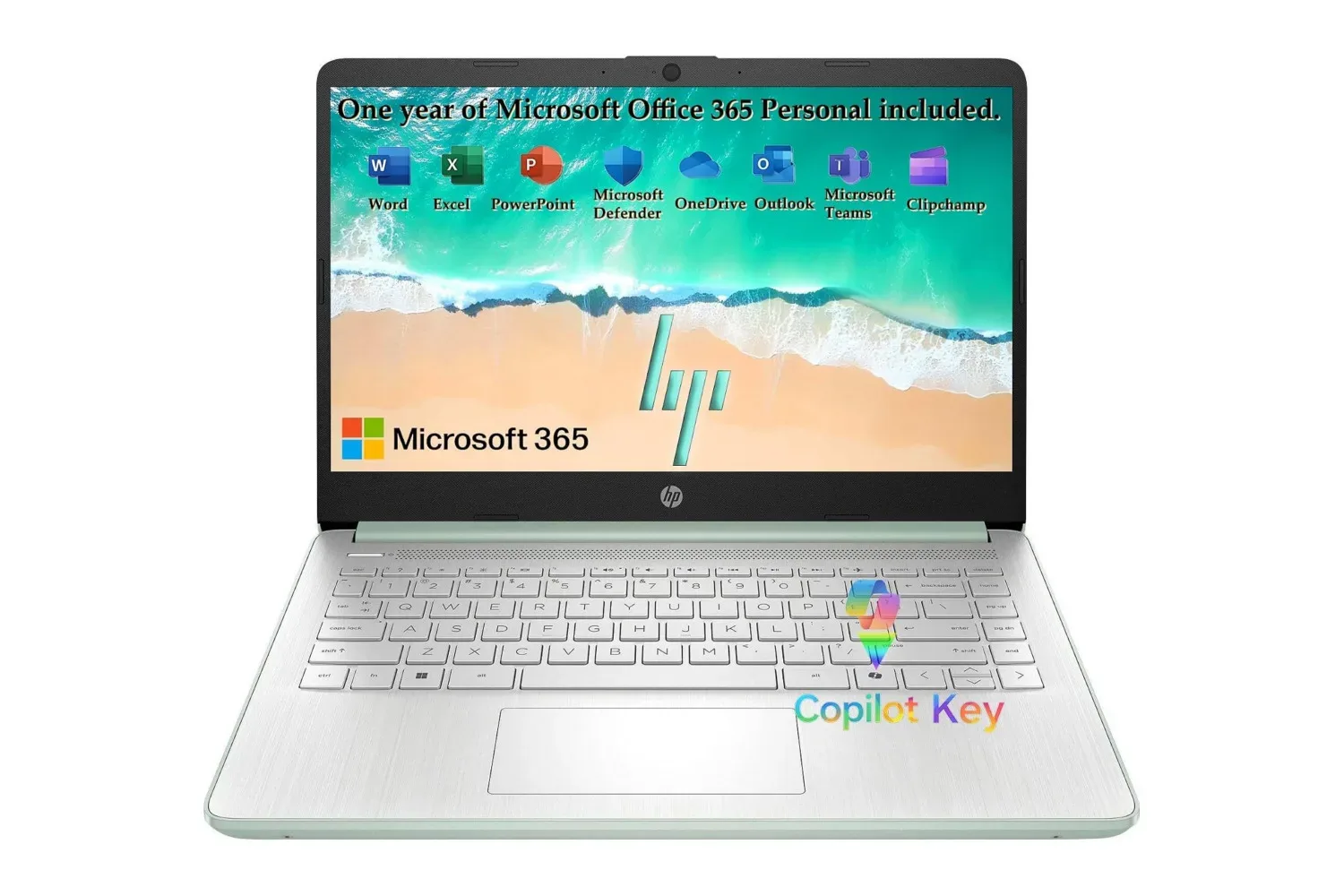
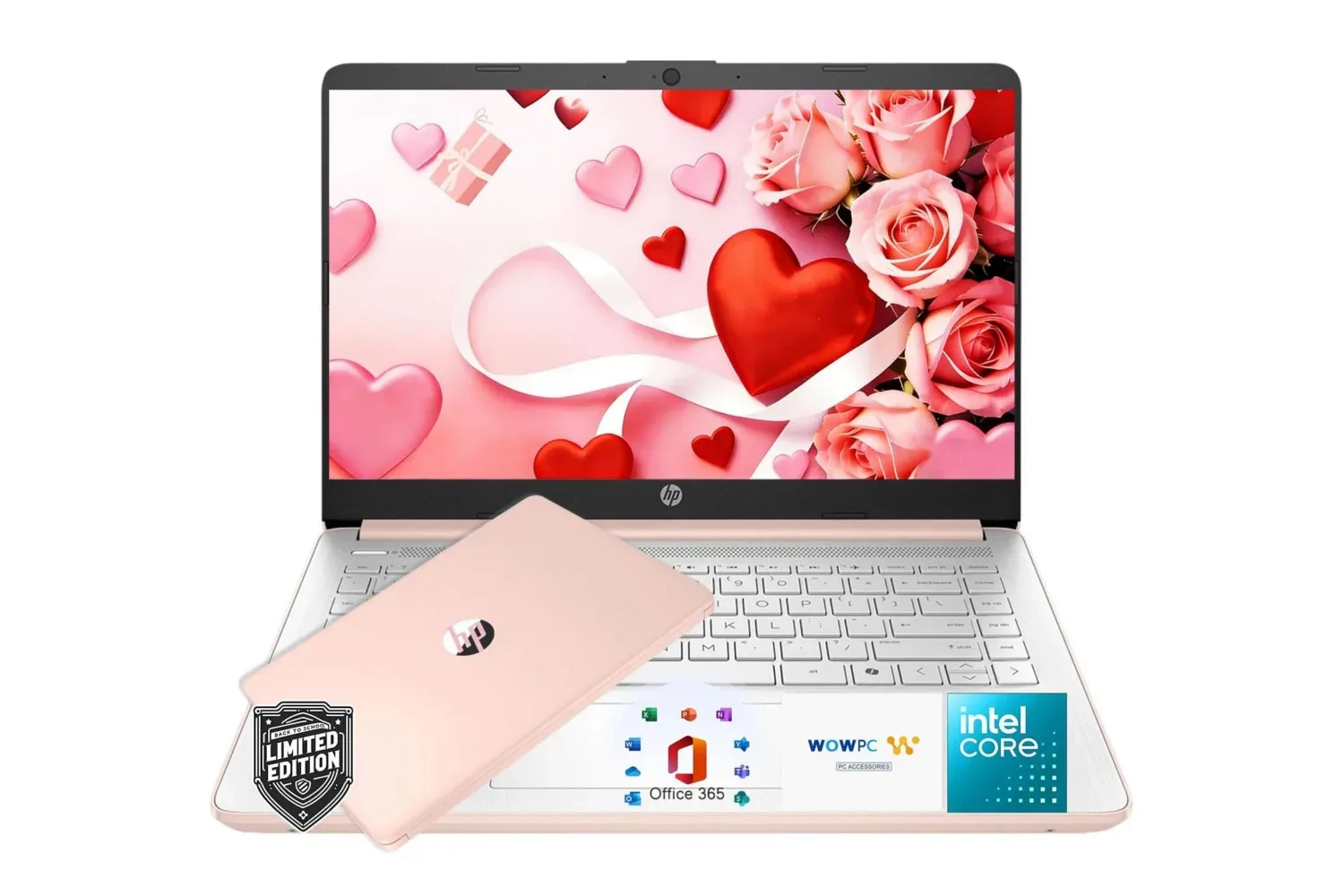
A Rose Gold HP laptop bundle is listed at $320, down from a stated regular price of $770. The package combines a 14-inch HP laptop with Windows 11 installed, Microsoft 365 access and 1TB of cloud storage. A Sky Blue version is also discounted, though it is listed at $330; other available colours are not reduced to the same price.
The headline number is clearly attractive for anyone whose needs are centred on web browsing, documents, video calls, streaming and schoolwork. But the specifications also draw a fairly sharp line around the sort of work it is intended to handle. This is an entry-level everyday laptop rather than a gaming machine, creative-workstation replacement or a system designed for intensive multitasking.
What the bundle includes
The laptop arrives with Windows 11 pre-installed, eliminating the initial operating-system setup that can come with a bare device. The bundle additionally includes Microsoft 365, which provides access to familiar productivity applications including Word, Excel and PowerPoint, plus 1TB of cloud storage.
For students, households and users who routinely exchange Office-format files, that software component can be particularly practical. A laptop is more useful on day one when it has the tools needed to write an assignment, build a spreadsheet or prepare a presentation. Still, prospective buyers should check the exact terms associated with the Microsoft 365 inclusion before purchasing, including how long access lasts and whether an account or renewal is required. Those details are not specified in the listing information available here.
Cloud storage means files are saved on remote servers and reached through an internet connection rather than living exclusively on the laptop. A 1TB allowance is a substantial capacity for documents, photos and many routine backups. It should not, however, be treated as an automatic substitute for a personal backup plan: access depends on an account and connection, and it remains sensible to understand where important files are stored.
The hardware is aimed at basics, not big workloads
At the centre of the system is an Intel N150 processor paired with Intel Graphics and 4GB of RAM. RAM, or random-access memory, is the fast working space a computer uses for applications and browser tabs that are open right now. More RAM generally gives a machine greater headroom when several tasks run simultaneously.
That 4GB figure is the main reason to set expectations carefully. The machine should be better suited to a focused workload—such as writing in a browser, watching a stream, joining a video call or working on a document—than to keeping numerous tabs, large applications and background processes open at once. The configuration is described as capable of regular, less resource-intensive tasks, but not as a strong option for heavy multitasking.
The integrated Intel graphics are also important context for Joking Joystick readers. Integrated graphics use the processor platform rather than a separate, dedicated graphics chip. That can be entirely appropriate for desktop work, video playback and basic visual duties, but there is nothing in the provided specifications to suggest this bundle is built for modern, demanding PC games. Anyone shopping chiefly to play newer games should look beyond the discount and establish the games’ system requirements first.
The same caution applies to jobs such as substantial video editing, complex image work, large coding environments or extensive spreadsheets. A low price can represent genuine value when the machine fits the task; it can become a false economy when limited memory turns routine use into a compromise. The most useful buying question is not simply whether the package has a long feature list, but whether its processor, graphics and memory match the work waiting for it.
That distinction is relevant in a broader PC context too. Players who want a system for game-specific utilities, save management or community tools may find a simple Windows laptop sufficient for light jobs, while the game itself may require far more capable hardware. The value of maintaining access to PC tools and utilities remains apparent in stories such as Dragon Age fans building PC fallbacks for Inquisition world-state imports, but software needs and gaming-performance needs are not the same thing.
A 14-inch display and a broad port selection
The HP has a 14-inch LED micro-edge display with 62.5% sRGB coverage and a claimed 79% screen-to-body ratio. The latter is a measurement of how much of the laptop’s front is occupied by the screen rather than its surrounding bezel. A higher proportion generally means the display makes better use of the available lid space.
sRGB is a common colour space used across web content and many consumer displays. The stated 62.5% coverage is a specification worth noting rather than overinterpreting. It gives a point of reference for the panel’s colour capability, but the available information does not establish professional colour accuracy, brightness measurements or other display characteristics that photo and video specialists may need. For ordinary documents, browsing, calls and video, the 14-inch format is likely the more relevant part of the proposition: it is large enough for typical laptop work while remaining a conventional portable size.
There is a built-in camera and speakers for video calls, again reinforcing the laptop’s home, school and general-use focus. The connectivity list is more expansive than the bare minimum, with Wi-Fi 6 and Bluetooth 5.4 for wireless connections, alongside USB-C, two USB-A ports, HDMI, an SD card reader, a headphone/microphone combo jack and an AC Smart Pin.
Those physical connections carry practical benefits. USB-A remains useful for older peripherals, while USB-C is increasingly common for newer accessories. HDMI can connect the laptop to a compatible monitor or television without immediately needing an adapter. The SD card reader may matter to people moving files from cameras or other devices, and the headphone/microphone jack is helpful for wired headsets. Ports are often easy to overlook beside processor and display specifications, yet they can determine whether a buyer needs extra hubs and adapters after checkout.
Battery claims need real-world context
HP claims up to 11 hours of video playback or 7.5 hours of wireless streaming on one charge. The difference between those figures is useful. Playing a local video file and streaming content over a wireless connection do not put precisely the same demands on a system. Wireless streaming requires network activity in addition to playback, so a shorter quoted runtime is unsurprising.
These are manufacturer claims, not a guarantee that every user will receive those runtimes. Battery life can vary with display brightness, wireless use, software running in the background and the specific tasks being performed. For a buyer who works away from an outlet, the streaming estimate is arguably a more relevant reference point than the higher local-video number. For a buyer who largely uses the laptop at home, the difference may be less consequential.
Who should consider the $320 bundle?
The current price makes the most sense for someone who wants a low-cost Windows machine for clearly defined, lighter duties and values the included productivity software and cloud storage. It may suit writing, email, classroom work, streaming, simple web use, online meetings and managing documents. The 14-inch screen, HDMI output, card reader and mix of USB ports make it a flexible everyday device on paper.
It is less compelling for buyers who already know they need to regularly multitask across demanding programs, edit media, or play current PC games. In those cases, 4GB of RAM and integrated graphics are limitations to weigh before the sale price becomes the deciding factor. A discount does not alter the hardware tier; it changes how much that tier costs.
As with all time-sensitive retail offers, the $320 Rose Gold price and $330 Sky Blue price should be verified at checkout. The reduction is presented as limited-time, and colour-specific pricing can change independently. Buyers should also confirm the included Microsoft 365 terms, return conditions and the exact configuration in the listing rather than assuming every similarly named HP model carries the same bundle.
Shop the products
Check current price, model and availability at the retailer.