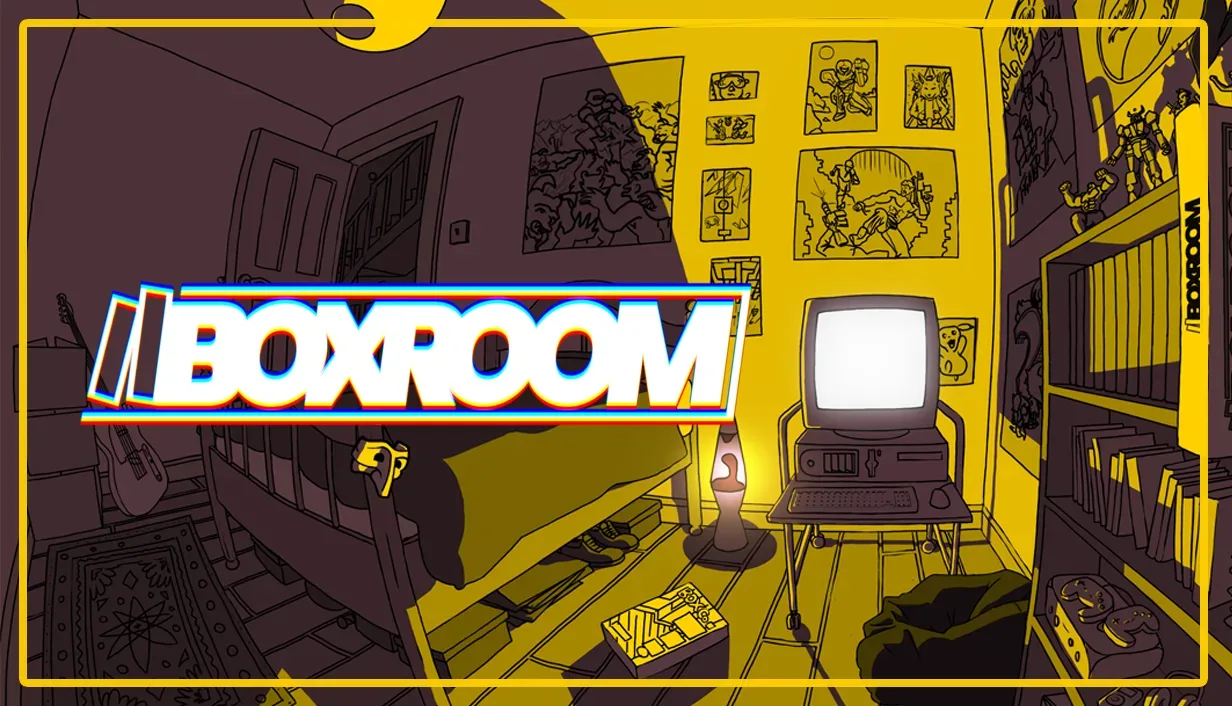

BOXROOM has reached version 1.0, bringing Pantaloon’s room-building celebration of physical media out of early access after a development period shaped substantially by community feedback. The release is not framed as a single new decorating pack or a narrow technical patch: it consolidates the project’s central idea of making personal game-display spaces, then adds tools intended to make those spaces easier to build, populate and share.
The headline addition is a partnership with Twitch/IGDB that lets the game retrieve game artwork and metadata locally. Alongside that feature, version 1.0 introduces a new tutorial, an outdoor weather system, improvements to Photo Mode, an in-game browser for Steam Workshop mods and smaller environmental cosmetics, including skirting boards.
Those additions join features built across four major updates during early access. BOXROOM previously gained Photo Mode, music casing, video playback, custom artwork, scalable objects and the ability to share Rooms through Steam Workshop. Taken together, the feature set positions the game less as a conventional objective-led game and more as a digital space for arranging, displaying and personalizing game-related objects and environments.
What BOXROOM’s 1.0 release adds
Version 1.0 brings a mix of usability features, presentation options and tools for community-made content:
- Local game artwork and metadata: BOXROOM can now pull this information through the Twitch/IGDB partnership.
- A new tutorial: A guided introduction should help establish the basics for people arriving with the full release.
- Outside weather: Environmental conditions beyond the room itself add another layer to a build’s atmosphere.
- An improved Photo Mode: This expands on one of the tools already introduced during early access.
- An in-game Steam Workshop mod browser: Players can browse Workshop mods without treating the feature as something entirely outside the game’s interface.
- New cosmetic details: Skirting boards are specifically named among the finishing options.
Individually, features such as weather or skirting boards may sound modest. Their importance makes more sense in a game focused on building convincing rooms. A display room is often defined by the smaller signals of place: the edge where wall meets floor, the visual mood outside a window, or whether the collection’s labels and cover art feel recognizable. BOXROOM’s 1.0 additions largely address those details rather than changing the premise.
Why local metadata and artwork matter
Metadata is descriptive information attached to an item. For a video game, it can include identifying details and accompanying artwork rather than the game software itself. In BOXROOM’s context, pulling game artwork and metadata locally can streamline the process of turning a favourite title into something that can be represented in a room or shrine.
The practical appeal is clear: manually assembling labels and images for a large display is a different kind of task from decorating. Support for a dedicated game-information database can shift more of the player’s time toward arrangement, curation and visual experimentation. It also helps the game’s virtual shelves and display areas serve the broader physical-media theme rather than feeling like a blank prop collection.
The supplied details do not define the exact scope of the metadata, the library coverage, or every way the imported information is used. That distinction matters. The confirmed point is that BOXROOM now pulls game artwork and metadata locally through Twitch/IGDB; it should not be assumed that every title, format or presentation option is covered in the same way.
From game shrine to digital museum
Pantaloon describes BOXROOM’s aesthetic possibilities in deliberately broad terms. Players can make game shrines into digital museums, while the room-building tools can also support arcades, shops and seasonal decorations such as pumpkins. That range is useful because it distinguishes a shrine from a collection of generic furniture.
A shrine suggests a focused tribute: one series, one game, a favourite era, or a personal corner built around a particular object. A digital museum, by contrast, suggests curation. The creator is arranging objects and context to tell viewers what belongs together and why. An arcade or shop leans further into environmental design, where the room itself becomes the subject rather than simply a container for individual items.
Scalable objects, custom artwork and video playback—features added during early access—support those different approaches. Scale can influence whether an object reads as a small shelf item or a room-defining centerpiece. Custom art gives builders a way to alter the visual identity of a space. Video playback can create a moving focal point, such as a display rather than a static wall. The release information does not promise particular workflows beyond those named features, but it does establish a toolkit aimed at expressive presentation.
Design influences: 90s core, millennial grey and RGB
The 1.0 update revisits 90s core influences while also offering millennial grey and RGB options. These are style directions, not a claim that every room must be built around nostalgia. Their inclusion instead gives creators a set of visual languages that can make the same basic room feel noticeably different.
“90s core” points to a retro-leaning influence consistent with BOXROOM’s interest in physical media. “Millennial grey” signals a more subdued, neutral palette. RGB refers to the familiar programmable coloured-light look associated with contemporary gaming setups. Placing those aesthetics together means a builder can push toward a period-flavoured bedroom or game room, a restrained modern display area, or a lighting-heavy setup without abandoning the same underlying collection-and-room concept.
That flexibility is significant for a creative game because personal collections are rarely visually uniform. One creator may want a tightly arranged archive-like display. Another may prefer an overgrown seasonal room or a loud arcade environment. The available styles give the game room to embrace both orderly curation and deliberately busy fandom spaces.
Steam Workshop tools put sharing closer to the build process
Steam Workshop has been part of BOXROOM’s sharing story already: Rooms can be shared there. The 1.0 update adds an in-game Workshop mod browser, bringing discovery of community-created material nearer to the act of building. A mod, short for modification, is user-created material that expands or changes a game’s content or presentation within the support provided by that game.
The difference between sharing Rooms and browsing Workshop mods is worth separating. A shared Room is a creative space made for others to view or use within the game’s systems. A mod is a broader category of community addition. The supplied release notes confirm both elements exist in BOXROOM’s ecosystem, but do not specify precisely which types of content any given mod can change. What is clear is that the new browser aims to make Workshop material more accessible from inside the game.
For a project driven by personalization, that is a logical focus. Community content can help people find new decorative directions, while room sharing gives those directions a place to be seen. It also means BOXROOM’s long-term identity need not rest entirely on a fixed list of developer-made objects. The game has systems for players to exchange spaces and discover additions, though the quality and scope of individual Workshop entries will naturally vary.
Early access feedback has a visible role in the final release
Pantaloon says the 1.0 additions and refinements include community-requested work, and specifically thanks the Nested Loop Discord community for its involvement during early access. That community has more than 1,400 members.
It is important not to overstate what that means: the available information does not assign individual features to particular requests or identify a formal voting process. But the overall direction is consistent with feedback-oriented development. A tutorial addresses onboarding. An in-game Workshop browser addresses access to community content. Extra environmental details and expanded aesthetic options answer the kinds of presentation concerns that arise when people spend time building and sharing detailed rooms.
The four major early-access updates also establish that BOXROOM did not wait until 1.0 to gain its major creative functions. Photo Mode, media-related features, custom artwork, scalable objects and Workshop room sharing were introduced along the way. The full release therefore acts as a milestone built on an accumulated toolset, with new features meant to make that toolset more cohesive.
What the update means for prospective builders
For players curious about BOXROOM, the strongest takeaway is its emphasis on authored spaces. The game is about the display and atmosphere around games and other media, not merely identifying titles in a catalogue. The local artwork and metadata feature may reduce friction around representing games; Photo Mode gives a way to frame a finished result; weather, lighting styles and small architectural details help establish mood; and Workshop integration expands the social and modding side of the experience.
That makes the 1.0 release particularly relevant to people who enjoy virtual interior design, game-room aesthetics and the act of organizing a collection into a visual story. It may also appeal to anyone who wants to create a digital arcade, shop or seasonal space rather than reproduce a literal real-world room.
BOXROOM’s release arrives amid continuing interest in the tools and communities that shape PC games, from official mod support to the limits platform holders place on modification. For a separate look at one recent platform-security development, see this report on a reported Switch 2 update affecting a jailbreak route. BOXROOM’s Workshop support is a different, officially integrated model: its stated goal is helping users share Rooms and browse mods as part of the creative experience.
With 1.0 now live, Pantaloon’s project stands as a finished release shaped around the pleasures of placing, styling and sharing digital representations of physical-media culture. The added systems are less about chasing one universal “best” room than giving builders more ways to decide what their own ideal game space looks like.