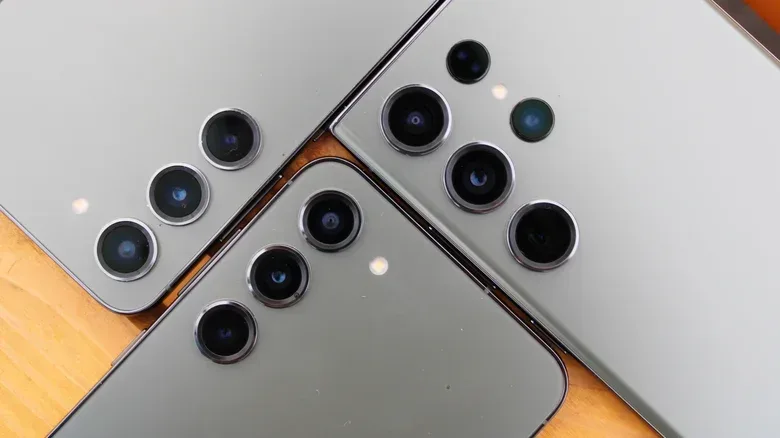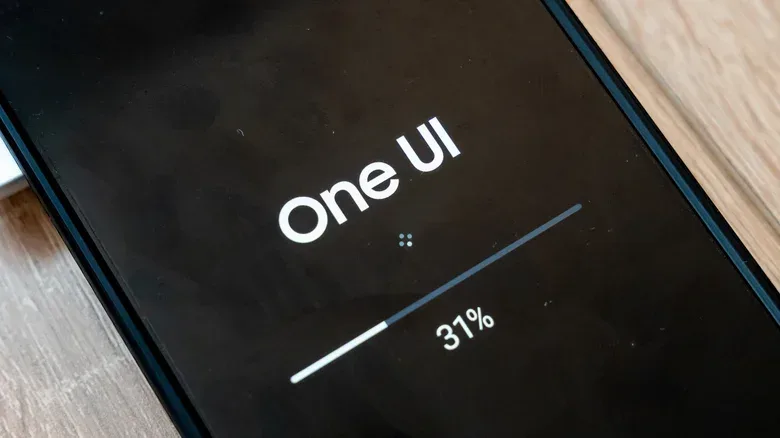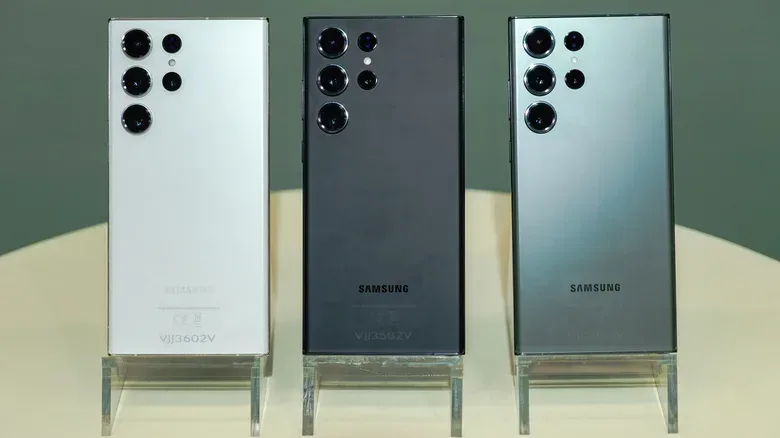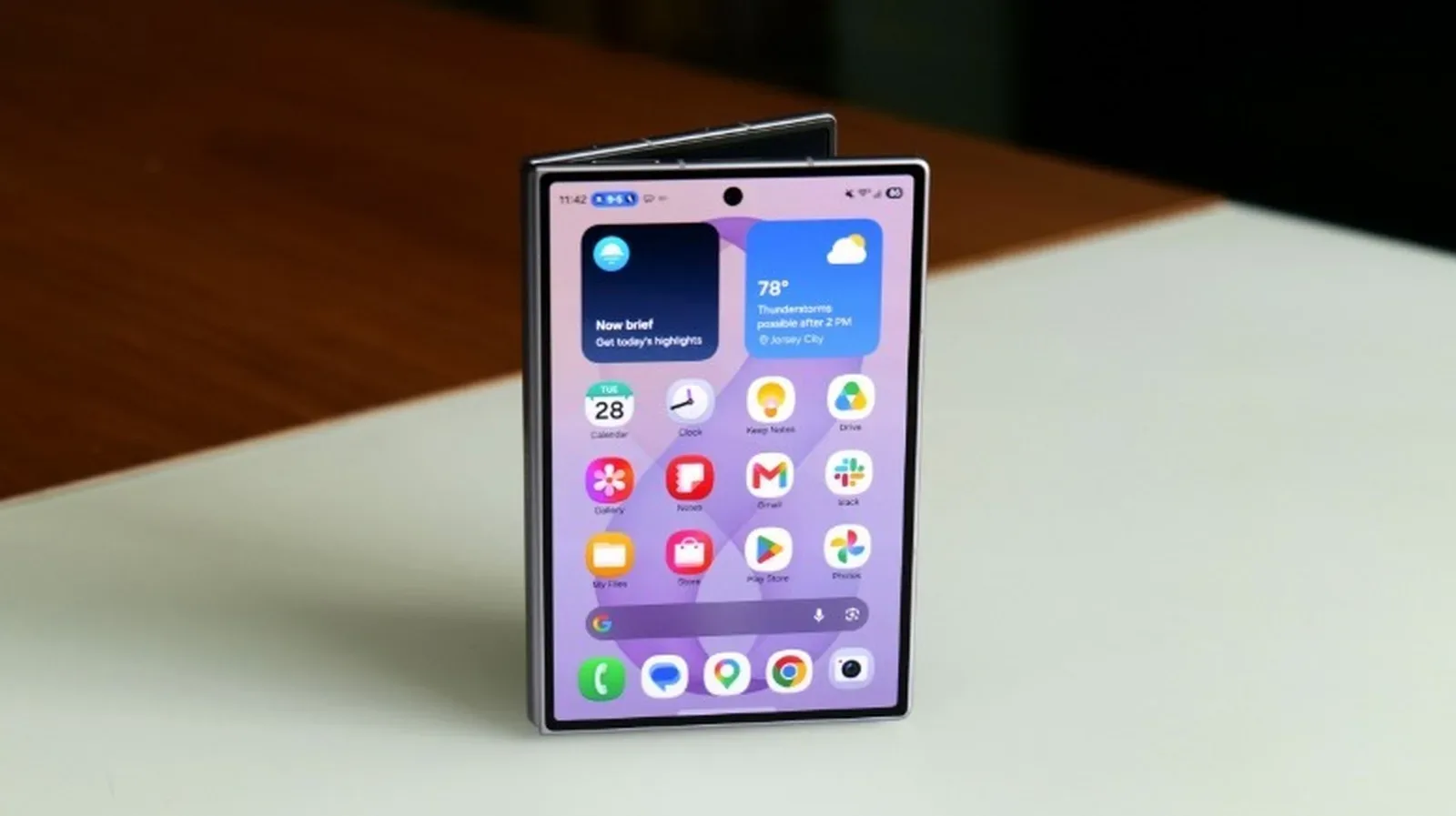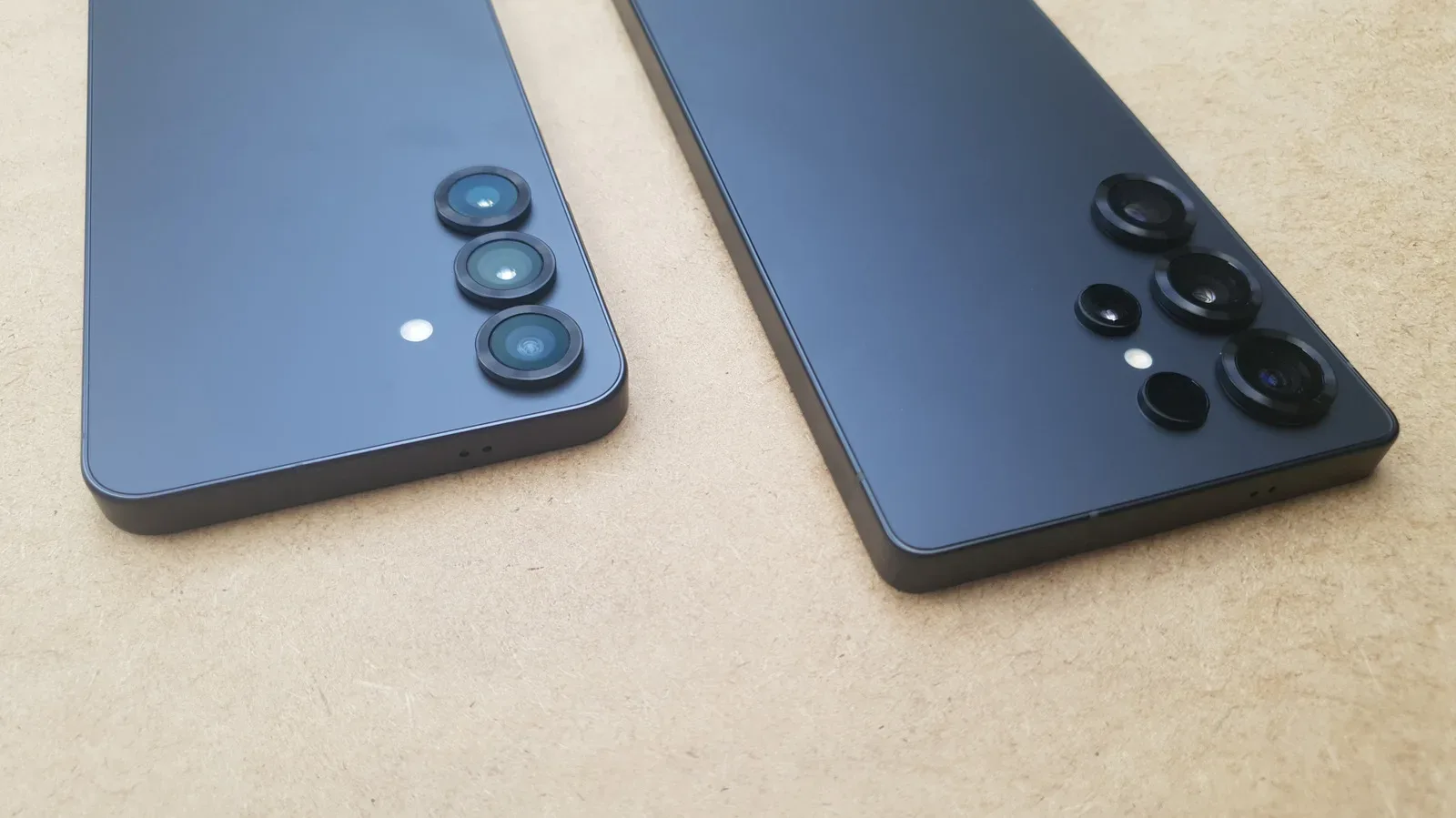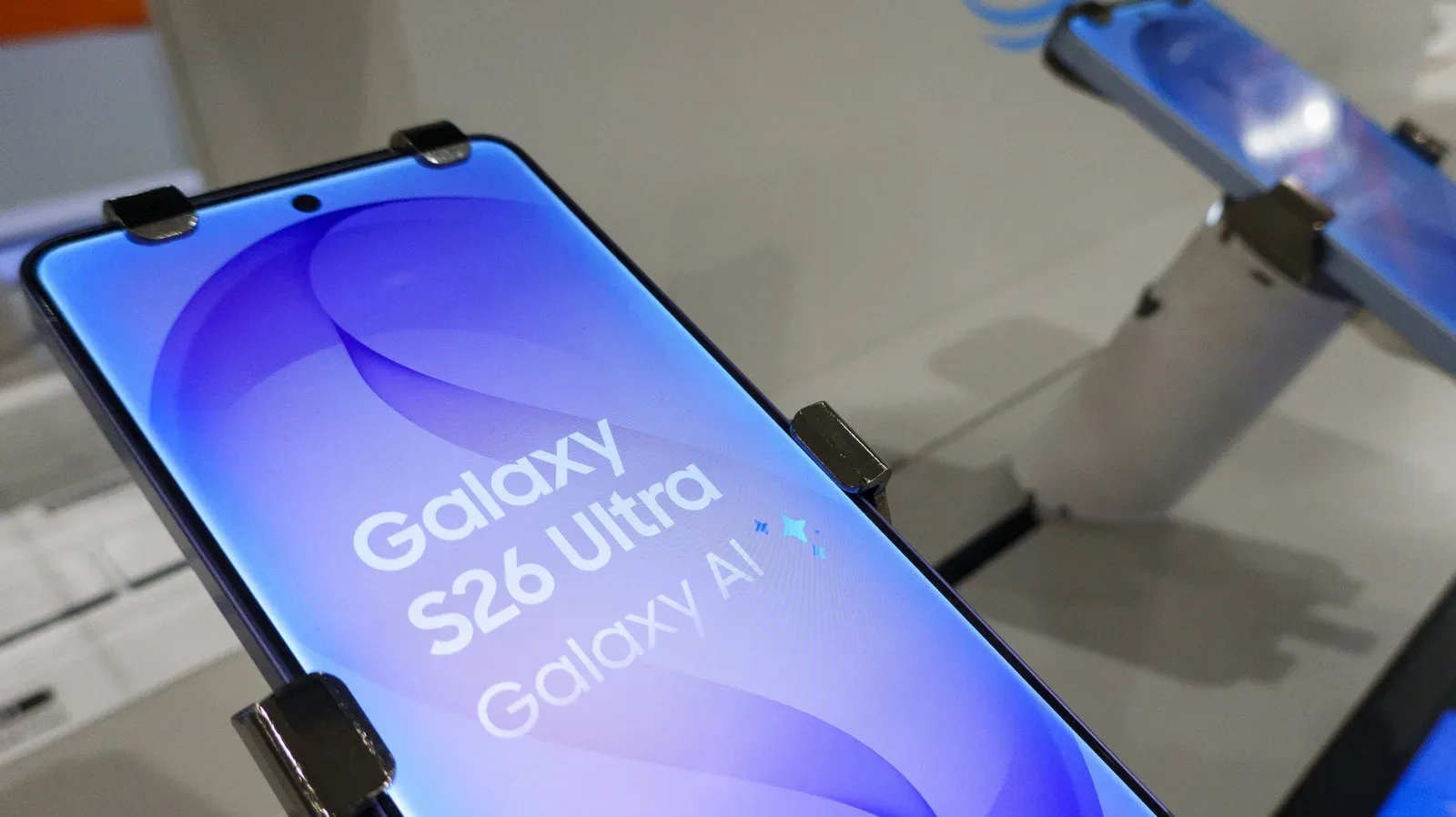
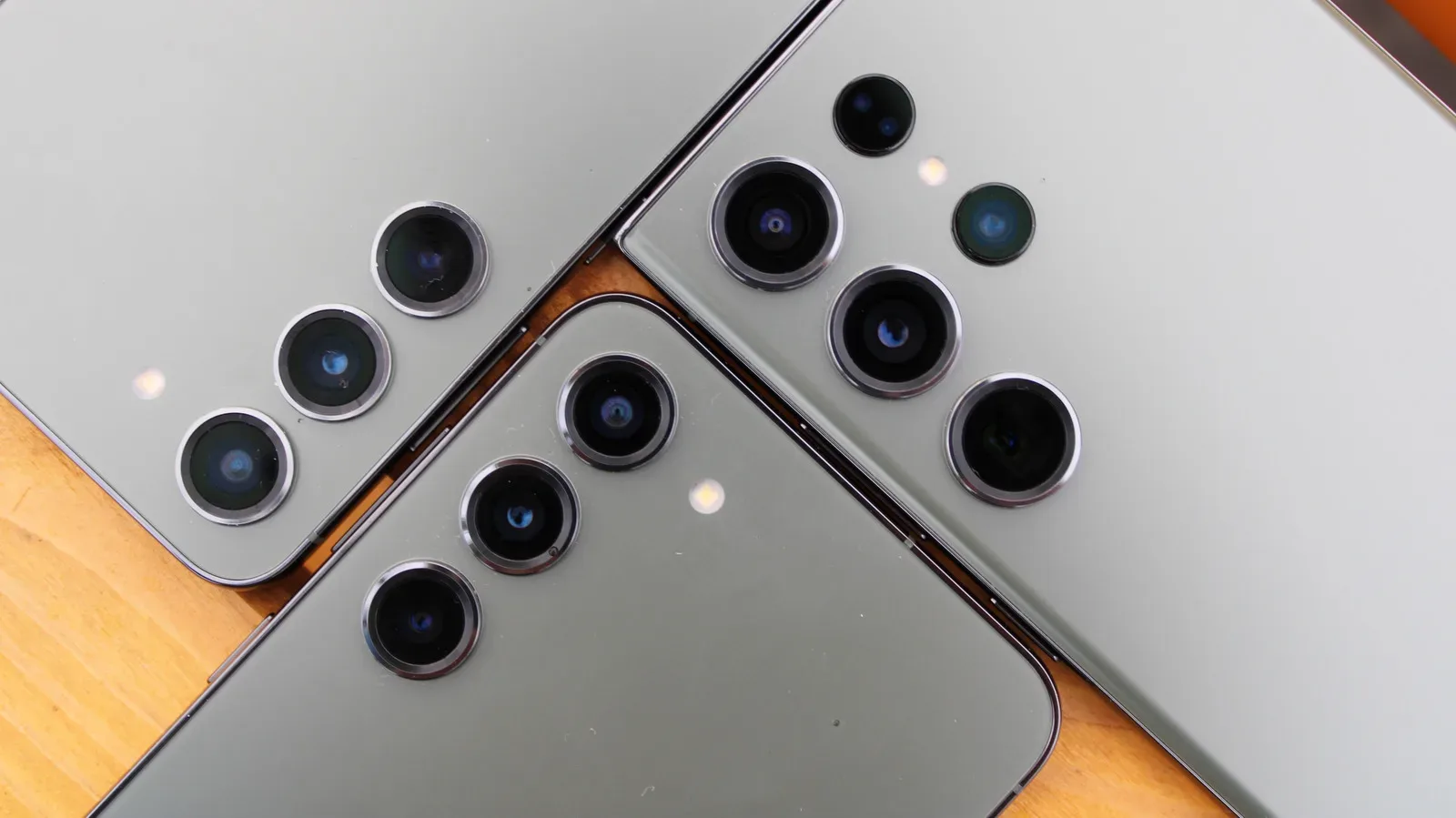
The Galaxy S23 family has reached the last major-software-update checkpoint. Samsung’s Android 17-based One UI 9 began rolling out to the Galaxy S23, S23+ and S23 Ultra in South Korea on October 14, 2026, followed by Europe a few days later. The Galaxy Z Fold 5 and Galaxy Z Flip 5 received it in the US on October 23.
For owners, the important part is less dramatic than “last update” makes it sound. One UI 9 is expected to be the final major OS upgrade for these phones, not an off switch. They should continue to work, run their existing apps and receive security fixes for years. Samsung’s current schedule points to 2028 as the final year of security patches for the S23 range and several related 2023 models.
Still, it is a clear dividing line. New Android versions are where broad platform changes, redesigned system functions and some newer Galaxy AI capabilities usually arrive. Once a phone is outside that window, its remaining software life is principally about keeping the existing experience secure and stable rather than adding another full layer of features.
Which Galaxy devices are finishing major Android updates?
The affected 2023 devices include:
- Galaxy S23, Galaxy S23+ and Galaxy S23 Ultra
- Galaxy S23 FE
- Galaxy Z Fold 5 and Galaxy Z Flip 5
- Galaxy A54, Galaxy A34 and Galaxy M54
- Galaxy Tab S9 series
The timing follows the support promise Samsung made in early 2022 for selected Galaxy hardware: up to four generations of One UI and Android upgrades, plus up to five years of security support. The Galaxy S23 launched with Android 13. Android 14, Android 15, Android 16 and Android 17 therefore make four major version steps. One UI 9 is the Android 17 stop.
That distinction matters because “One UI” and “Android” are closely related but not identical labels. Android is Google’s underlying mobile operating system. One UI is Samsung’s software layer on top of it: the visual design, settings structure, Samsung-specific applications and device features that shape how a Galaxy phone behaves. A new One UI release can bring Samsung changes alongside the new Android foundation, but it is not an app that can simply be deleted if an owner dislikes the interface.
A third-party launcher can alter the home screen and app drawer, which is useful for anyone who prefers a different layout or icon treatment. It does not replace the rest of One UI, including the system settings, notification behavior, privacy controls or Samsung’s built-in services.
What One UI 9 actually brings to the S23 series
One UI 9 is not merely a ceremonial final badge for the S23. The update brings a more customizable Quick Panel, improvements to Samsung DeX and Samsung Notes, additional accessibility options and a location privacy indicator.
The Quick Panel is the control area reached from the top of the screen, where users commonly toggle Wi-Fi, Bluetooth, sound modes and other device settings. Greater customization can be meaningful in everyday use because frequently used controls can be easier to reach instead of being buried behind additional taps.
Samsung DeX is the company’s desktop-style mode, designed to let compatible Galaxy devices present a more PC-like interface when used with an external display and peripherals. Samsung Notes, meanwhile, is its built-in notes app. The supplied update details do not spell out every DeX or Notes change, so owners should avoid assuming a particular workflow feature has been added until the update reaches their device and its changelog is available.
The location privacy indicator is a more straightforward practical addition: it gives a visible cue when an app is accessing location information. Privacy indicators do not decide whether an app should have access, but they can make unexpected use easier to notice. That is especially relevant for users who periodically audit which apps have location permission.
Galaxy AI is a selective upgrade, not a full S23 feature drop
There is an important limitation behind the usual “AI update” excitement. Samsung lists the S23 and S23 FE as compatible with One UI 9’s AI-powered Privacy Alerts. But several other new Galaxy AI functions do not appear to be supported on the S23 lineup or S23 FE.
The unavailable group includes My FanCam, Now Nudge, custom Now Brief cards and Call Brief. The Galaxy AI entry in the Korean S23 Ultra changelog identifies scrollback for live Interpreter conversations. In plain terms, owners should expect a targeted set of additions rather than feature parity with newer Galaxy flagships.
This is worth keeping in mind when comparing phone generations. A major operating-system update does not guarantee that every headline feature reaches every supported device. Compatibility can differ by model, and AI tools in particular may be limited to newer hardware or to specific product tiers. For an S23 owner, One UI 9’s core interface, privacy and accessibility changes are the firmer expectation; any feature advertised around newer Galaxy models should be checked against the S23’s own update notes.
The S23 FE has one unresolved rollout detail
The Galaxy S23 FE is on the same major-upgrade timetable, but it was not part of the first S23 rollout wave and Samsung had not provided a One UI 9 release date for it in the supplied information. That means owners should separate two questions: whether the phone is eligible, and when a specific region or carrier will deliver the update. The answer to the first is yes; the date for the second was still unconfirmed.
It is also sensible not to plan around a hypothetical One UI 9.5 extension. Samsung previously delivered One UI 8 to the Galaxy S22 family but halted its One UI 8.5 update, despite both releases being based on Android 16. One UI 9.5 has been expected to debut on the Galaxy S27, but there is no indication that it will change the S23’s completed major-upgrade allocation.
Security patches are now the support story that matters most
Major Android updates are visible because they change the interface and feature list. Security patches are quieter, but they become more consequential once major-version support ends. Samsung’s security schedule still lists the S23, S23+, S23 Ultra and S23 FE for monthly updates, and the October 2026 patch bundled with the stable S23 release addressed 79 vulnerabilities.
A security patch is a software update that fixes known weaknesses which could otherwise be exploited. Those fixes can matter for routine activities that carry sensitive information, including signing into financial services, accessing work email and storing personal accounts on the phone. A device can remain perfectly capable of making calls, taking photos and playing games while becoming a poorer choice for those tasks if its security support has expired.
For the S23 range, Z Fold 5, Z Flip 5, A54, A34 and M54, 2028 is the stated final year for patches, consistent with five years of support from launch under Samsung’s earlier policy. It is best read as a support horizon, not a promise that every region receives every patch on precisely the same day.
Carrier-locked phones can complicate the schedule. A carrier may issue updates quarterly even when Samsung itself is supplying monthly patches. Owners of unlocked and carrier versions may therefore see different timing. If a phone is used for work access or banking, checking the installed security-patch level in Settings after an update is more useful than judging support solely by whether a new visual feature appeared.
A practical checklist for S23 owners
- Back up important data before installing a major update. A backup is sensible whenever system software changes, regardless of model.
- Read the changelog for the exact model and region. The headline One UI version does not ensure identical features across all Galaxy phones.
- Check the security-patch date after the update. This identifies whether the current security component arrived alongside the new software.
- Keep automatic updates enabled if security is the priority. Support is most valuable when the fixes are actually installed.
- Watch for display issues rather than dismissing them. Following One UI 8.5’s rollout in May, some S23 owners reported permanent green or pink lines on their displays. Reports do not establish that every affected handset shares a cause, but a persistent line warrants documentation and a conversation with the seller, carrier or Samsung support.
For readers weighing a newer handset, the support-policy change after the S23 generation is the bigger strategic difference. When the Galaxy S24 launched in early 2024, Samsung moved to seven generations of OS upgrades and seven years of security updates. That commitment was not applied retroactively to the S23 family. The Galaxy S26, which received One UI 9 in September, is expected to be supported through 2033.
That does not make a Galaxy S23 suddenly obsolete. It does make the remaining support calendar easier to understand: One UI 9 is its final full-system level-up, while 2028 is the date range to keep in view for security. Owners who are happy with their current hardware can keep using it with confidence while patches continue; owners planning a purchase around maximum software longevity now have a much clearer reason to prioritize the newer support policy. For more context on where Samsung may take the next interface revision, see the reported One UI 9.5 Memory app direction.