Buying an additional controller for a console can turn into a surprisingly serious expense, particularly for players who want a more conventional gamepad than the compact Joy-Con-style option. A listed discount on the 8BitDo Ultimate 2 gives Switch 2 owners another route: the controller is priced at $58, reduced from its usual $70. That is a 17% reduction, or $12 off the stated regular price.
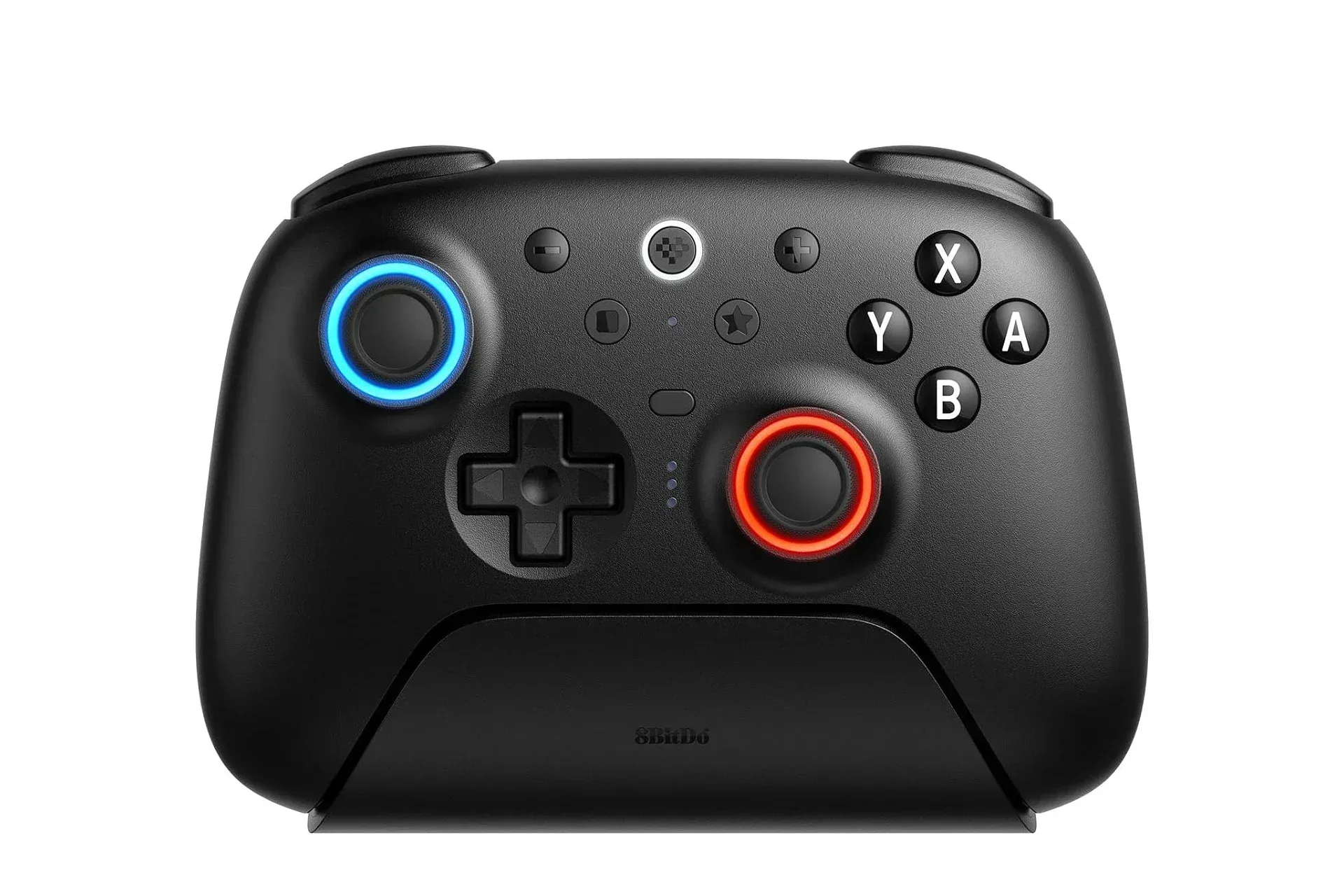
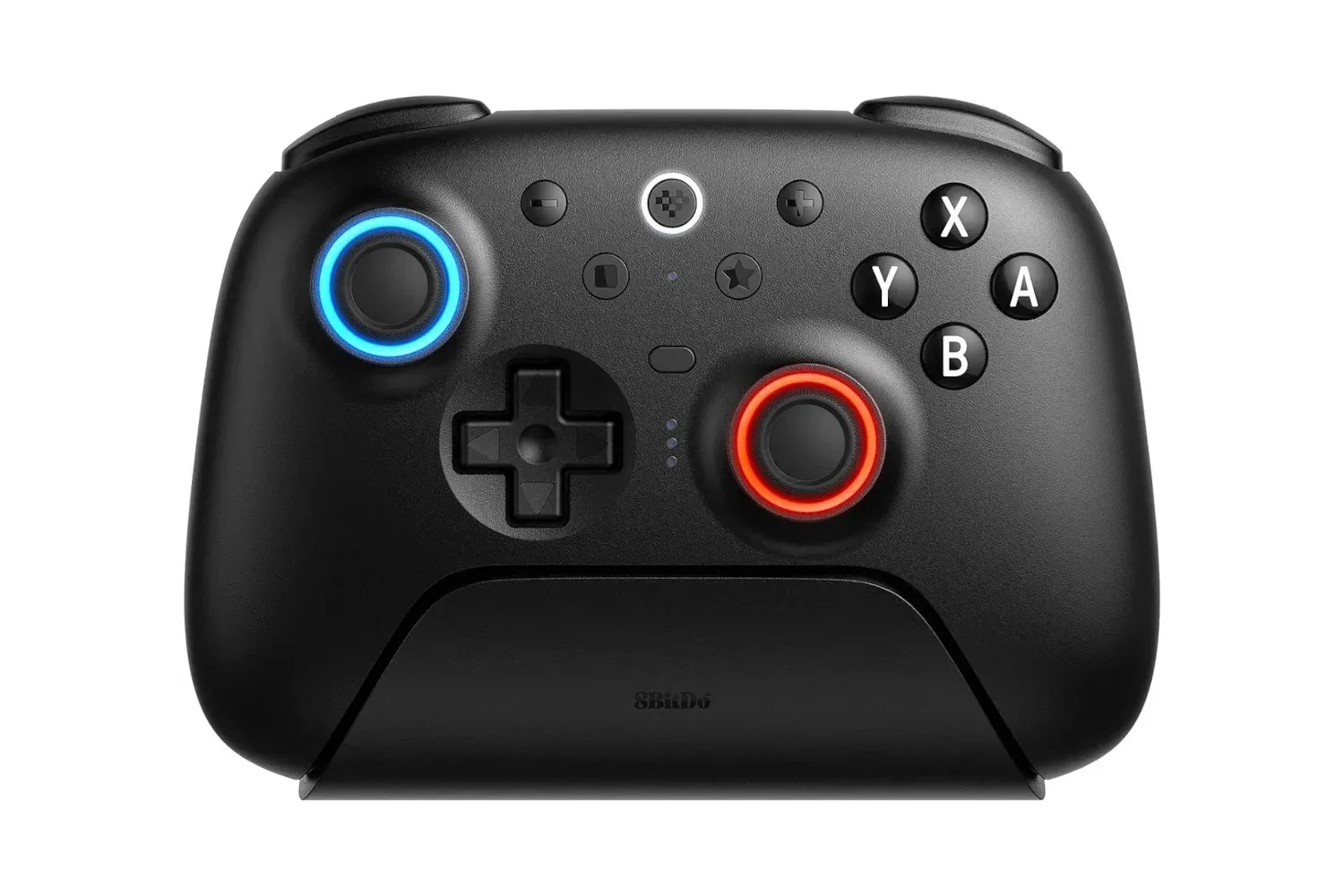
The price matters because this is not being positioned as a bare-bones spare pad. The Ultimate 2 is described as a feature-heavy, pro-style controller with an asymmetrical analog-stick layout, illuminated sticks, motion controls, vibration, two programmable rear buttons and a dedicated charging dock. It also has triggers that can be switched between Hall effect and tactile modes.
For someone building a local multiplayer setup, replacing a controller that does not feel comfortable, or simply wanting a pad that can live on a dock rather than disappear into a drawer, those details may be more important than the discount percentage alone. A lower sticker price is useful; a controller that fits the games and the player is the actual point.
What the $58 listing changes
At the stated $70 regular price, the Ultimate 2 sits in the range where buyers are likely to compare it closely with first-party options. At $58, it becomes a less expensive alternative while retaining features associated with a more premium controller package. The included dock is especially notable in that calculation. A charging solution is not merely decorative when a controller is intended for frequent use: it creates a consistent place to put the pad between sessions and can reduce the odds of discovering a depleted battery just as a game is starting.
That does not make the controller an automatic purchase for every Switch 2 player. Anyone happy with the controls they already own may have no reason to add another pad. Likewise, a temporary retailer listing should be treated as temporary rather than as a permanent new price. Shoppers should confirm the current price, the exact model and the retailer’s product details before checking out.
Still, for buyers who were already looking for a traditional controller, the reduction puts a meaningful amount of distance between the Ultimate 2’s stated $70 price and its listed $58 sale price. It is a simple value proposition: spend less than the normal asking price without stepping down to a controller described as feature-light.
A traditional shape for players who do not love Joy-Cons
Controller preference is intensely personal. Some players enjoy smaller split controls and the flexibility they bring, while others prefer a single, full-size gamepad for longer sessions or certain genres. The Ultimate 2 targets the latter group with the familiar asymmetrical-stick arrangement: one analog stick sits higher on the left side while the other sits lower on the right.
That layout will be instantly familiar to many gamepad users. More importantly, it gives the controller a different physical proposition from smaller detachable controls. Comfort cannot be settled by a specification sheet, because hand size, grip style and preferred games all vary. But the Ultimate 2’s design gives players seeking a conventional pad a clearly different option from Joy-Cons.
Related coverage includes 8BitDo Ultimate 2 Drops to $58 for Switch 2 Players Seeking a Pro-Style Pad.
The controller also retains the button arrangement players expect from this type of gamepad. Its light-up analog sticks are an aesthetic addition rather than an essential performance feature, but they help distinguish the Ultimate 2 from plain, utility-first pads. For some people that visual flourish will be appealing; for others, the practical features will carry far more weight. Either way, it is useful that the controller’s design is not relying on lighting alone to make its case.
Explaining Hall effect and tactile trigger modes
The standout technical claim here is the ability to change the triggers between Hall effect and tactile modes. These are two different approaches to how a trigger responds to a press, and the choice can affect how a controller feels in the hand.
Hall effect refers to a sensing method based on magnetic fields. In controller discussions, the term commonly signals a contactless way of detecting movement rather than a conventional physical contact point. The practical takeaway for a player is that this mode is intended to provide a different trigger response and is part of the controller’s flexibility.
Tactile, meanwhile, describes a more distinct physical sensation when a control is pressed. For players who prefer a clear, deliberate response from a trigger, a tactile setting may be the more attractive option. The value is not that one setting is universally superior. It is that the Ultimate 2 lets the owner choose the feel that suits a given game or personal preference.
That adjustability is useful because controllers are not used in one uniform way. A player may want a different response depending on whether they are navigating a fast-moving action game, playing a title that makes frequent use of triggers, or simply trying to make the pad feel closer to what they enjoy. The source material does not establish which mode is best for specific games, so buyers should view the feature as customization rather than a promise of better performance in every situation.
Motion controls and vibration remain practical features
Motion controls are included, and that is a meaningful consideration for a controller intended for Switch 2 players. Motion input means the pad can detect movement, allowing games that use motion-based interactions to be played with a controller that is not limited to sticks and buttons. The feature can be a requirement rather than a bonus for games built around it, which makes its inclusion more important than a cosmetic extra.
Vibration is also part of the package. In broad terms, vibration provides physical feedback from the controller during gameplay. Players differ on how much they value it, and some turn it down or off, but its presence means the Ultimate 2 is aiming to preserve a familiar console-controller feature set rather than strip it away in pursuit of a lower price.
Together, motion controls and vibration help explain why this is positioned as a serious alternative rather than just a backup controller. They address parts of the console experience that players may expect from a full-featured pad. Before buying, it remains sensible to review product information for the games a player cares about most, especially if motion functionality is a must-have.
Rear buttons and the case for customization
The Ultimate 2 includes two rear buttons that can be assigned by the user. Rear buttons are controls placed where middle fingers can potentially reach them while thumbs remain on the sticks or face buttons. Their appeal is straightforward: they can give players another input option without forcing a thumb away from a primary control.
Not every player needs rear buttons, and not every game benefits from them equally. They can also take time to get used to; an extra input is only useful when it does not lead to accidental presses or make a controller less comfortable. But their inclusion makes the Ultimate 2 more adaptable for buyers who like to tailor a layout.
For Switch 2 owners weighing the pad against a first-party controller, that is the broader point. The question is not simply whether the Ultimate 2 has the necessary buttons. It is whether its combination of charging dock, adjustable triggers, motion controls, vibration and rear-button customization better matches the way that person plays.
How it fits among other Switch 2 controller choices
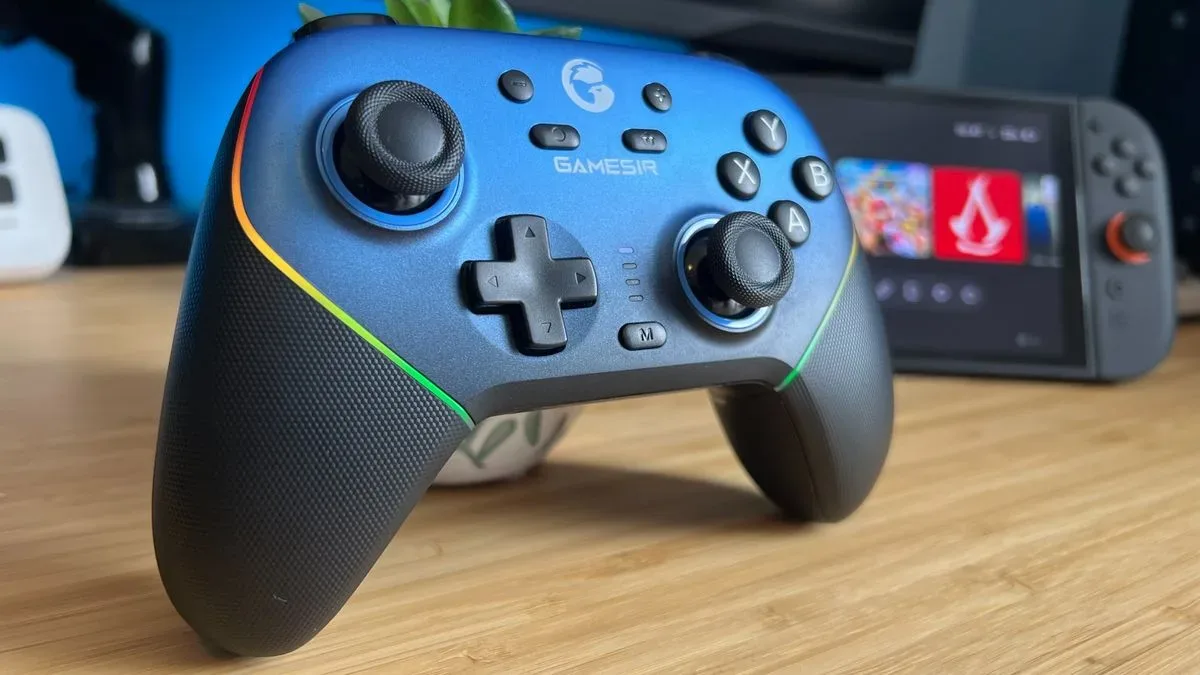
The Switch 2 controller market is not limited to one first-party answer and one generic alternative. Different third-party pads can emphasize different priorities, including price, layout and platform-specific functionality. For example, our look at the GameSir Super Nova’s Switch 2 considerations illustrates why individual features and unanswered compatibility questions should matter as much as headline pricing.
The 8BitDo Ultimate 2’s pitch is clearer: it combines a traditional asymmetric layout with a dock and a substantial collection of control features, then temporarily lowers its stated cost to $58. It is not presented as an official Nintendo controller, and buyers should not assume that every behavior or console function is identical to a first-party pad merely because the layouts look comparable.
That distinction is useful when shopping. “Third-party” does not automatically mean inferior, nor does “more features” automatically mean better for every player. It means the buyer should identify the non-negotiables first. If a full-size grip, docked charging, motion support and configurable rear buttons are priorities, the Ultimate 2’s feature list is relevant. If a particular first-party function is the priority, confirm that requirement before treating a sale price as decisive.
Who should consider the deal
- Players who want a full-size alternative: The traditional gamepad shape and asymmetrical sticks are aimed at people who would rather use a conventional controller than Joy-Con-style controls.
- Households adding a second pad: A $58 listed price can make the extra-controller purchase easier to justify than the stated $70 regular price.
- People who forget to charge controllers: The bundled charging dock offers a designated resting and charging spot.
- Customization-minded players: Switchable trigger modes and two user-assignable rear buttons are the central reasons to look beyond a basic controller.
- Games that use motion input: Motion controls are included, making the controller more relevant for players who need that capability.
Conversely, buyers who only need the least expensive possible spare controller may not need this many features, while players with highly specific needs should verify them against the product listing. Comfort, button feel and feature requirements remain individual decisions.
The listed $58 price makes the 8BitDo Ultimate 2 worth a closer look for Switch 2 players seeking a feature-rich, traditional controller without paying its stated $70 regular cost. Its strongest selling points are not just the lights or the discount: they are the dock, motion controls, vibration, adjustable trigger feel and rear-button flexibility gathered in one controller. With time-limited deals, the practical move is to verify the live listing before purchasing rather than assume the price will remain in place.
Shop the products
Check current price, model and availability at the retailer.