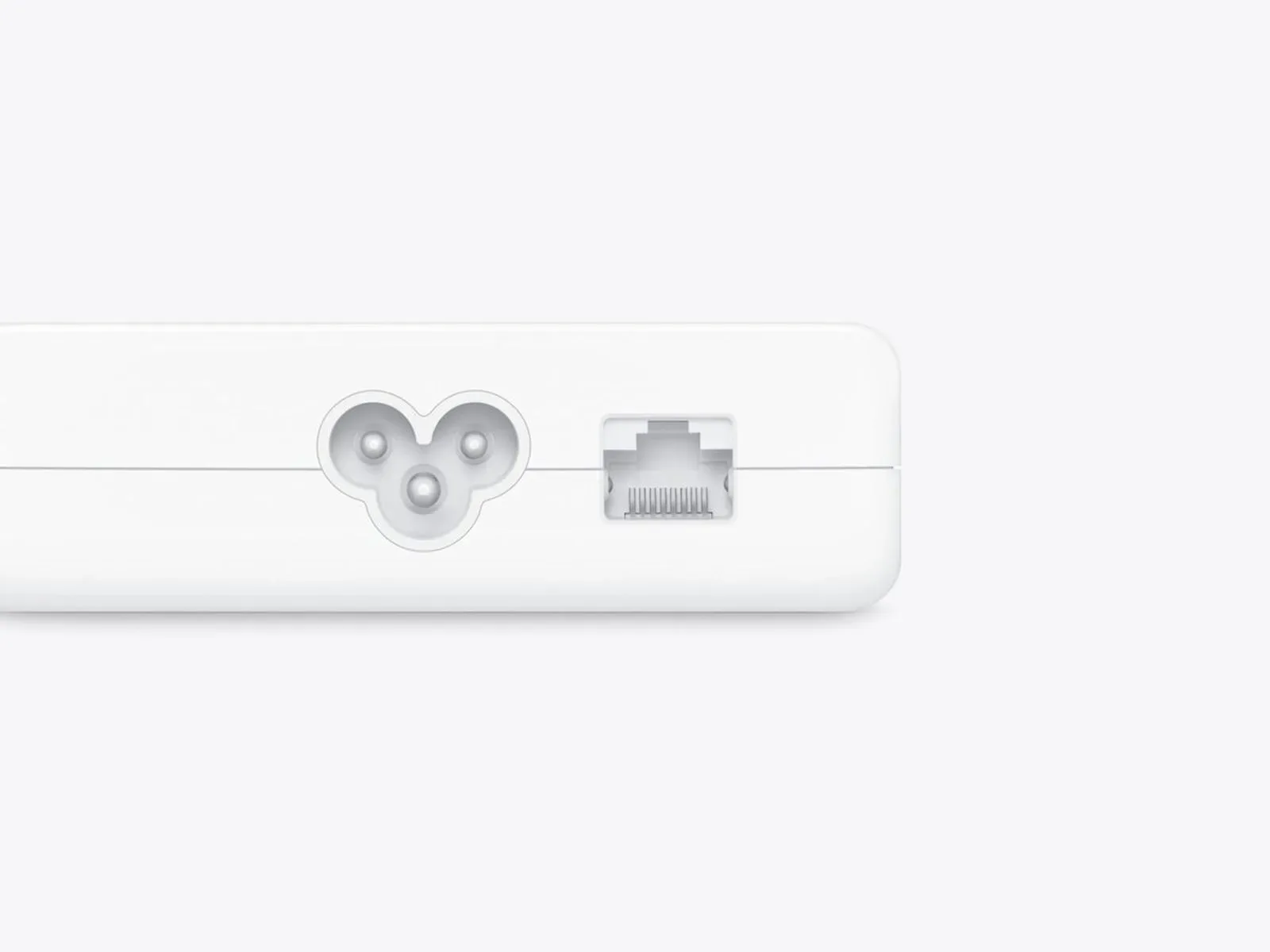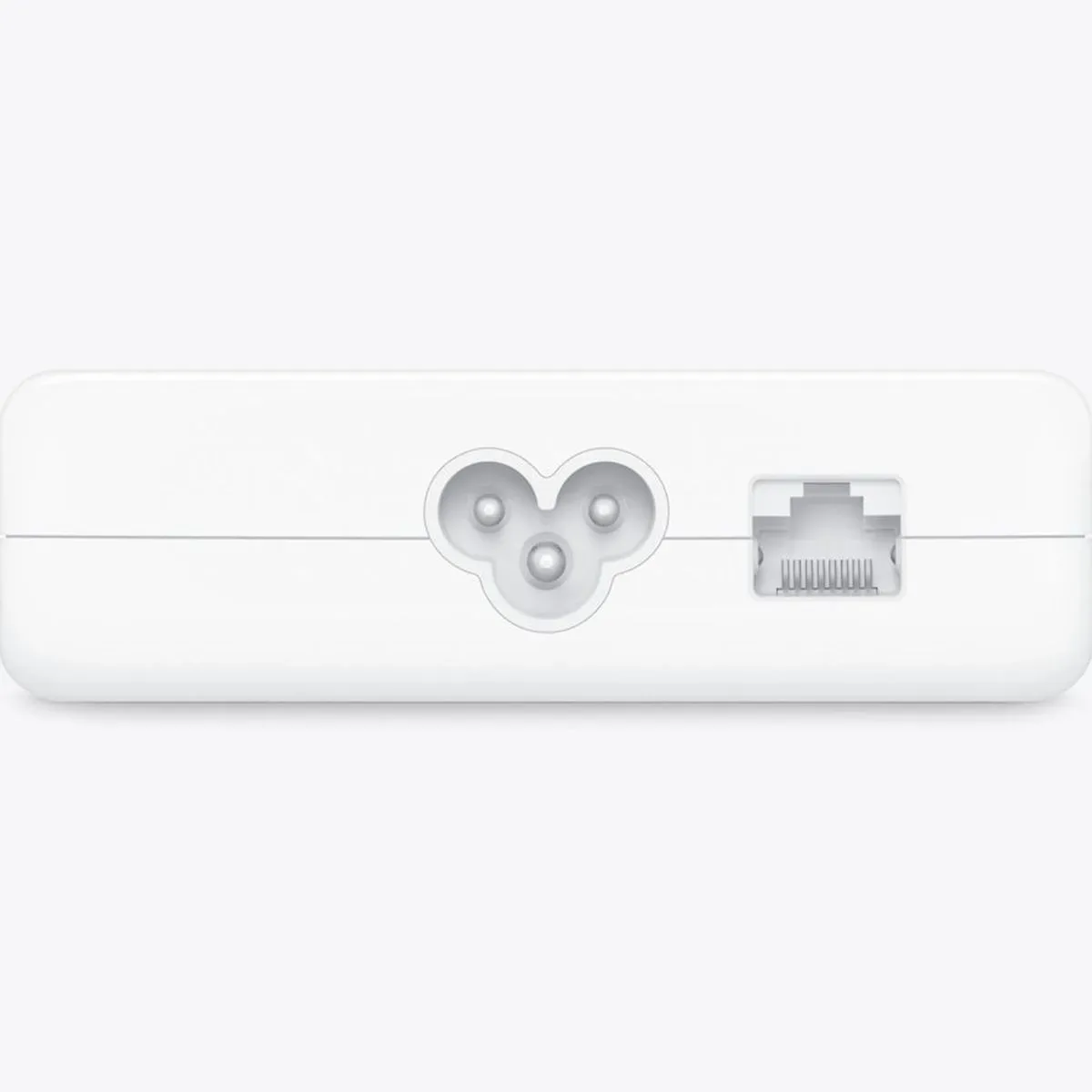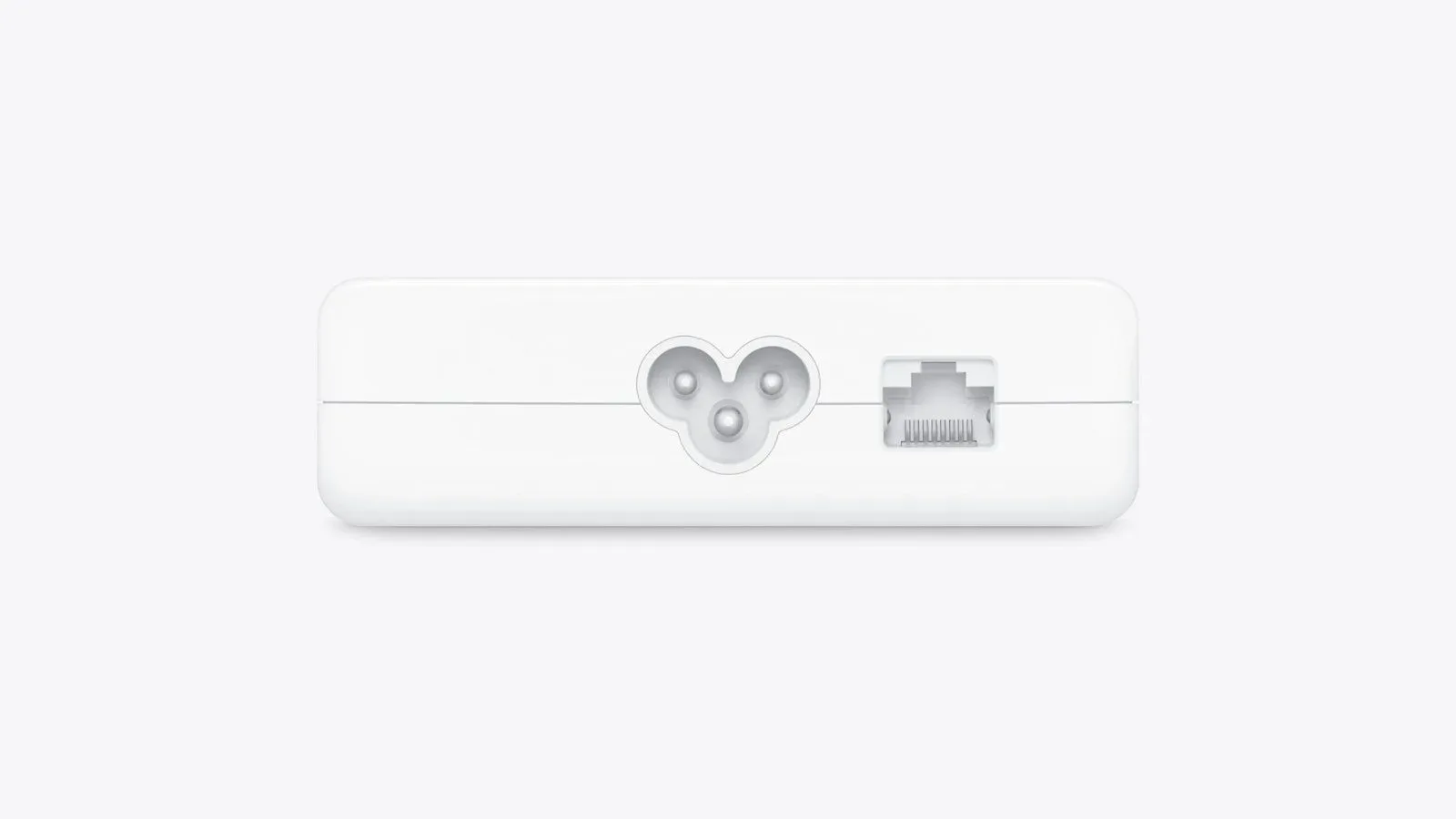
The new iMac with Apple’s M6 chip can be configured with a 2.5 Gigabit Ethernet connection, delivered through the computer’s power adapter rather than through a port on the iMac itself. It is a modest specification change with a practical point: buyers who rely on a wired network can select a connection rated above the optional 1 Gigabit Ethernet offered on the prior model.
For the lower-end M6 iMac, the 2.5 Gigabit Ethernet port is a $30 upgrade. The higher-end iMac includes it as standard. The physical arrangement remains notable because the network socket is part of the power adapter, so the desk cable handling—and the adapter a buyer receives—matter as much as the all-in-one’s rear connections.
What is changing on the new iMac
The central change is simple. The prior iMac’s optional wired-network configuration was limited to 1 Gigabit Ethernet. The M6 iMac raises that optional capability to 2.5 Gigabit Ethernet.
“Gigabit Ethernet” describes the class of wired network connection selected for the machine. Here, 2.5 Gigabit is the higher-rated option relative to 1 Gigabit. That does not promise that every download, upload, game service, or local transfer will run at that figure. Actual results depend on the rest of a user’s network and the service or device at the other end. But the configuration removes the iMac’s previous 1 Gigabit optional-port limit for people whose wired setup can make use of the newer option.
The choice also has a clear model split. A lower-end buyer should treat Ethernet as an explicit configuration decision: it adds $30. On the higher-end model, 2.5 Gigabit Ethernet is already included. Anyone comparing configurations primarily around wired networking should therefore check both the iMac tier and the adapter specification before finalizing an order.
The port lives on the power adapter
This Ethernet port is not built directly into the M6 iMac chassis. It is housed in the external power adapter. In practical terms, the wired network cable connects to the adapter, and the adapter connects onward to the iMac.
That design makes the power adapter more than a simple power brick for buyers selecting the wired option. It is the location of the Ethernet hardware. A clean setup may benefit from placing the adapter where both a power outlet and an Ethernet cable can reach it without straining cables or leaving the adapter in an inconvenient spot.
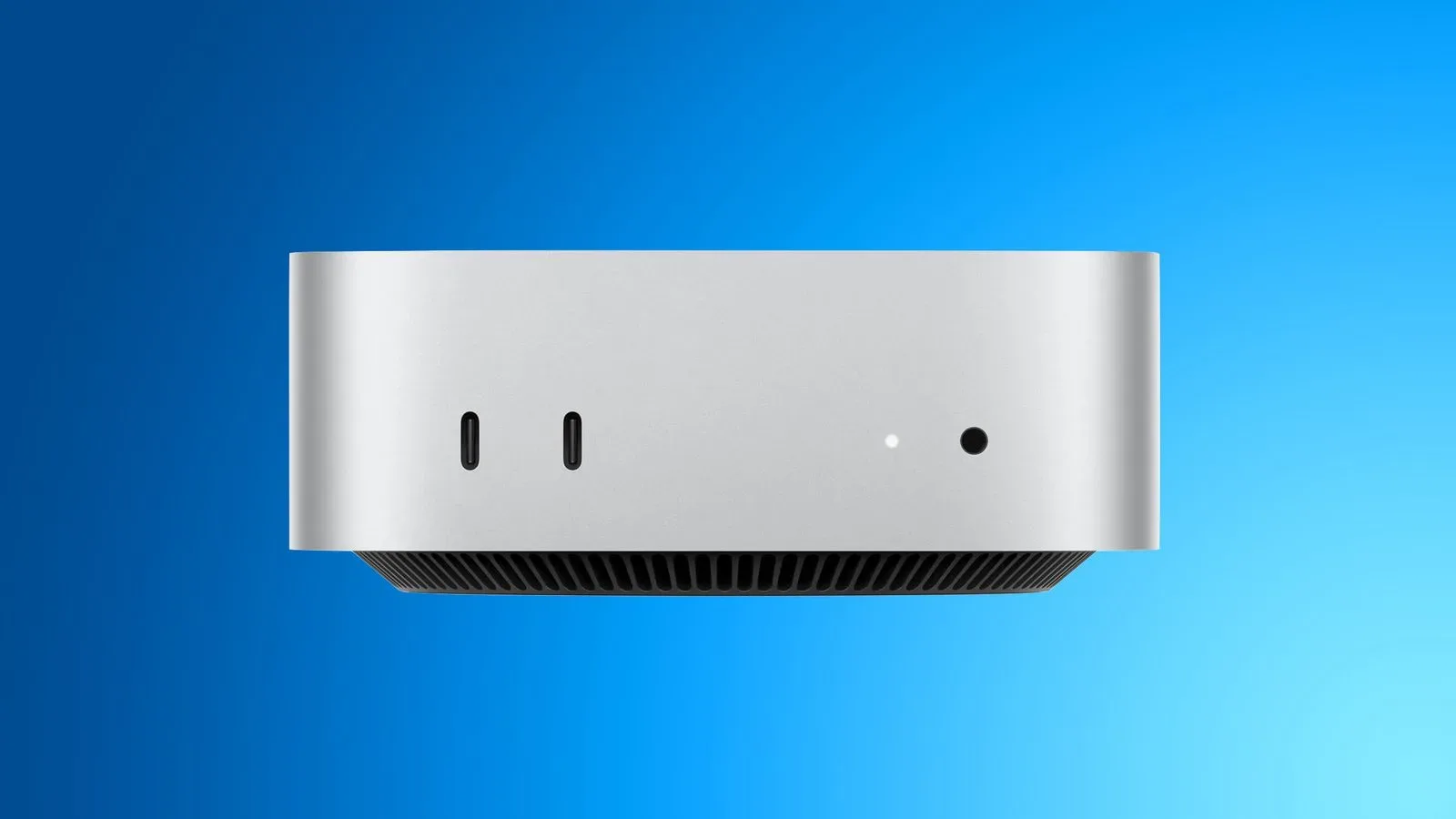
It is also worth distinguishing the computer from its included power hardware when checking a configuration. Seeing no Ethernet jack on the iMac itself would not indicate that a configured 2.5 Gigabit connection is absent; the relevant port is on the adapter. Conversely, a buyer who wants wired networking should ensure the chosen configuration includes the appropriate adapter rather than assuming every M6 iMac arrangement has the same port.
Why a wired option can matter for gaming setups
For a desktop that may share a room with consoles, a gaming PC, network storage, or a router, Ethernet is a direct physical network connection. The appeal is not that it automatically makes every online game or download faster. Rather, it gives users a wired path to their local network, and the new iMac’s 2.5 Gigabit option raises the rated ceiling of that path compared with the previous optional 1 Gigabit version.
That distinction is important. Internet access, a home network, a router, another computer, and a cable connection can each become the limiting part of a transfer. Selecting a 2.5 Gigabit Ethernet-equipped iMac does not by itself upgrade those other components. It does mean the iMac’s optional wired interface is no longer the same 1 Gigabit option used by the preceding model.
For some players and creators, the relevant question may not be an online match at all. Large game files, captured footage, project assets, and backups can move across a local network. Whether the higher-rated iMac connection provides an advantage in a particular setup is dependent on the equipment and links around it. The useful purchasing takeaway is narrower: the M6 iMac provides a 2.5 Gigabit Ethernet configuration where the previous model offered an optional 1 Gigabit connection.
A small configuration detail, not a blanket speed guarantee
Specification labels can invite overconfident assumptions. The 2.5 Gigabit Ethernet option is a hardware capability, not a statement that all network activity will reach a particular speed. It should be assessed alongside a buyer’s existing networking needs, rather than treated as an automatic upgrade for every household or desk.
That makes the $30 lower-end option relatively straightforward to interpret. It is not described as a different M6 chip, a separate iMac, or a software feature. It is a choice for the power adapter’s Ethernet port. Buyers who know they need a wired connection rated above the older optional 1 Gigabit arrangement now have that configuration available; buyers who do not use wired networking can weigh whether it is relevant to their setup.
The standard inclusion on the higher-end model likewise reduces one configuration concern for that tier. It does not settle whether a user’s network can benefit from the interface, but it means the hardware option is included without the lower-end model’s listed $30 add-on.
What buyers should check before choosing
- iMac tier: The lower-end M6 iMac requires a $30 upgrade for 2.5 Gigabit Ethernet, while the higher-end model includes it.
- Port location: The Ethernet socket is in the power adapter, not the iMac enclosure.
- Existing network: Consider whether the rest of the wired network is appropriate for the connection you intend to use.
- Desk layout: Plan for an Ethernet cable to reach the external power adapter.
- Expectation setting: Treat 2.5 Gigabit as the rated interface option, not a guarantee for all internet or network activity.
The update is particularly easy to overlook because it is attached to the power adapter instead of the display-and-computer unit people see on a desk. Yet it is a meaningful generational specification improvement for wired users: the new M6 iMac’s optional Ethernet ceiling rises from the previous model’s 1 Gigabit to 2.5 Gigabit.
For more Apple hardware coverage, see our report on the reported MacBook Neo 2 timeline and specifications.