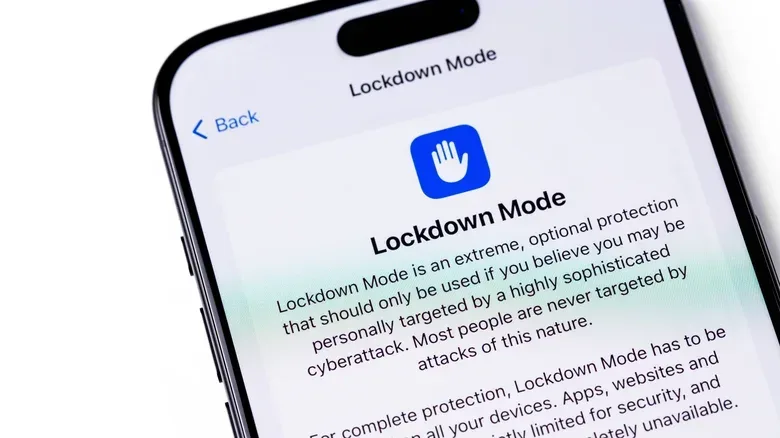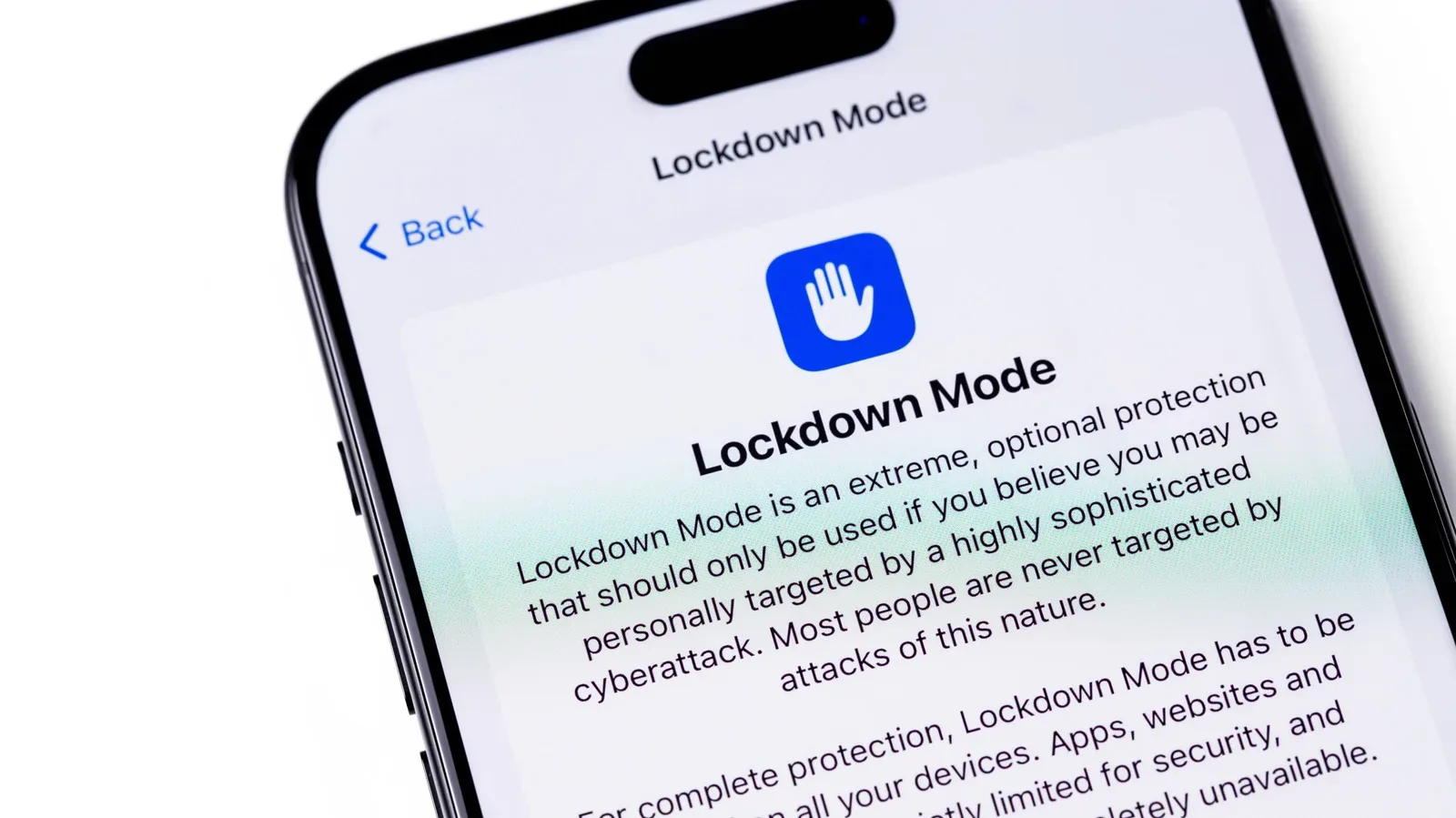
Apple’s Lockdown Mode is deliberately not an everyday iPhone setting. It is an unusually strict security option for people who believe they may face highly targeted digital surveillance, including attacks involving commercial spyware such as Pegasus. For that comparatively small group, losing some convenience can be a sensible trade for reducing the number of ways a device can be compromised.
For nearly everyone else, the same restrictions that make Lockdown Mode useful can make an iPhone meaningfully less pleasant to use. Message attachments become limited, many link previews disappear, browser behavior changes, FaceTime contact is narrowed, and several connectivity and Apple-service features are curtailed. It is less like enabling a routine privacy toggle and more like putting the phone into a defensive posture.
That distinction matters. Security tools are not automatically better merely because they are more aggressive. The best protection is appropriate to the threat a person actually faces and practical enough to remain enabled. Lockdown Mode has been available since 2022, and Apple describes it as an extreme layer of protection for individuals who may be specifically targeted by sophisticated spyware. Journalists, activists and politicians are among the groups that can face this kind of risk.
What Lockdown Mode is designed to prevent
Commercial spyware is software used to secretly monitor a target’s device. The concern in this context is not the ordinary nuisance of unwanted advertising or generic scam messages. It is the possibility of a focused attacker using a technical weakness to gain access to a particular person’s communications or data.
Lockdown Mode works by removing or restricting features that could provide an attack vector: a route an attacker might use to reach a device. Fewer active paths and fewer kinds of data processed by the phone can mean fewer opportunities for a maliciously crafted message, attachment, call, webpage or connection to exploit a flaw.
A 2023 exploit known as Blastpass illustrated why a feature this severe exists. It used iMessage to install Pegasus spyware on Apple devices. Researchers found that devices using Lockdown Mode were immune to that spyware. That does not mean the mode renders an iPhone invulnerable in every imaginable situation. It does show the core strategy at work: reduce exposed functionality enough that a known route to compromise is no longer available.
Apple’s confidence in the feature is also reflected in its Security Bounty program: a bypass of Lockdown Mode qualifies for a 100 percent bonus on top of the normal reward. A security bounty is a program that pays researchers for responsibly finding and reporting vulnerabilities. The additional reward underscores how important a successful bypass would be.
The everyday features an iPhone sacrifices
The most immediate changes are likely to be felt in communication. In Messages, most kinds of attachments are blocked. Link previews are also disabled. A link preview is the compact card that can show a page title, image or description before someone opens a URL. It is convenient, but previewing a link requires the device to process material related to it. Restricting that behavior removes one potential avenue for an attack.
Related coverage includes iPhone Lockdown Mode: Who Needs It and What It Limits.
FaceTime also becomes more selective. Calls are blocked unless they come from someone the user has called recently. This is a significant change for anyone who receives calls from new professional contacts, event organizers, service providers, family members using a new number or other people who do not already have recent calling history.
Web browsing can be affected as well. Lockdown Mode restricts how JavaScript operates in browsers. JavaScript is a programming language widely used to make websites interactive: it can power page elements, forms, media controls and dynamic content. Because modern websites often depend on it, a tighter JavaScript environment may make pages slow down, partially fail or stop working as intended. That can turn ordinary browsing into a troubleshooting exercise, especially on sites built around complex interactive elements.
Connectivity is constrained in a similarly intentional way. When the iPhone is locked, wired connections are disabled. In practical terms, the phone cannot communicate with a computer or accessory over a cable unless the owner unlocks it with the passcode. The phone also stops automatically joining unsecured wireless networks. Support for 2G and 3G networks is disabled, though those networks were discontinued in the United States years ago.
The restrictions continue into device management and Apple’s wider ecosystem:
- Configuration profiles cannot be installed. This may be a deal-breaker where a school or employer requires one.
- Phone-call notifications from an iPhone do not appear on a paired Apple Watch.
- Home invitations and Game Center are unavailable.
- Photo sharing is restricted.
None of those limitations is accidental collateral damage. Each is part of a design that favors minimized exposure over normal flexibility. But their practical effect can be substantial. Someone who relies on an employer-managed setup, interacts regularly with unfamiliar people through FaceTime, or often shares photos and documents may find Lockdown Mode disruptive even before encountering a difficult website.
Who should turn it on?
Lockdown Mode makes the most sense for people who have a reason to believe they are at heightened risk of targeted spyware. That can include public figures or people whose political activity, reporting, advocacy or public role might make them a target. Spyware such as Pegasus is generally associated with targeted surveillance rather than broad, random attacks, including deployment by governments against opponents or protesters.
Apple may notify a person if it believes they have been targeted by spyware. A notification of that kind is a serious reason to consider Lockdown Mode promptly, because the feature is purpose-built for this threat model.
It can also be reasonable for a person with an elevated risk profile to use Lockdown Mode proactively, even without such a notification. The relevant question is not whether someone wants maximum security in the abstract. It is whether the potential consequences of a targeted compromise outweigh the day-to-day loss of features.
For someone in that position, the default restrictions are the point. Lockdown Mode is strongest when its protections are left intact. It provides a clearly defined trade: less functionality in return for fewer available routes of attack.
Exceptions offer flexibility, but also weaken the posture
Apple does provide ways to make Lockdown Mode less disruptive. A user can exclude selected contacts from messaging restrictions, allowing trusted people to send videos or documents. Specific websites and apps can also be excluded.
This flexibility may be useful where a vital work site does not function under the browser restrictions, or where a close contact needs to send a file. Still, an exception should be understood for what it is: a reduction in the coverage Lockdown Mode was intended to provide. Reopening a feature for a contact, site or app can restore some of the exposure the setting would otherwise remove.
That does not mean exceptions are always wrong. Security often requires balancing a credible risk against the ability to keep working, communicating and accessing necessary services. But a person who believes they are actively targeted has a strong reason to keep exceptions rare and preserve the defaults. In that scenario, inconvenience is not a flaw in the tool; it is part of the defense.
A practical decision framework
For most iPhone owners, Lockdown Mode is probably unnecessary. Apple devices already include security and privacy protections without requiring users to accept this level of disruption. Routine phone use does not, by itself, indicate a heightened threat from sophisticated commercial spyware.
Instead of treating the setting as a standard recommendation, consider three practical questions:
- Is there a credible reason to expect targeted surveillance? A public-facing role or a specific warning carries more weight than a general desire for stronger privacy.
- Can the device still support essential obligations? Check whether work or school depends on a configuration profile, whether key contacts can reach you under the FaceTime restrictions, and whether necessary sites still work.
- Can the strict defaults remain in place? If frequent exceptions are required for messaging, sites or apps, the setting may be a poor fit—or a sign that the user needs to plan carefully around the restrictions.
People who are merely curious can enable it for a few days and observe the impact. The setup process is straightforward: on a compatible iPhone, open Settings, choose Privacy & Security, scroll to Lockdown Mode, select Turn On & Restart, then confirm with the passcode. The same section contains the option to turn it off later.
Compatibility begins with iOS 16 on iPhone. It is also available on iPadOS 16 and later, watchOS 10 and later, and macOS 13 Ventura and later. Trying it on a non-critical device, or during a period when a person can tolerate potential website and communication friction, is a sensible way to understand the real impact without assuming that every restriction will matter equally.
Security updates and Lockdown Mode serve different purposes
Lockdown Mode should not be mistaken for a substitute for ordinary device upkeep. The mode narrows what the device is able to do in order to reduce risk from targeted exploitation. Software updates, meanwhile, address flaws that have been found and patched. Both are part of a broader security posture, but they solve different problems.
That distinction is especially important for people who conclude they do not need Lockdown Mode. Leaving it off is not a sign that security does not matter; it means the extreme restrictions do not fit the person’s likely risk. Keeping iPhone software current remains a separate, routine consideration. Recent iPhone software work has included extensive vulnerability fixes, as covered in a report on iOS 27.2 security patches.
Lockdown Mode is valuable precisely because it is specialized. It recognizes that a journalist, activist or political figure facing a credible spyware threat may need an option beyond normal protections. At the same time, its list of trade-offs explains why it should not be casually enabled for every user. The feature’s promise is not effortless safety. It is a stricter, less convenient iPhone for the people who may need that extra defensive distance most.