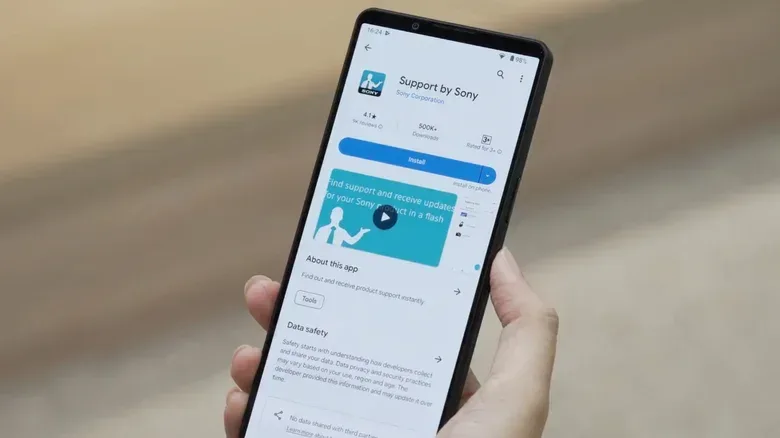
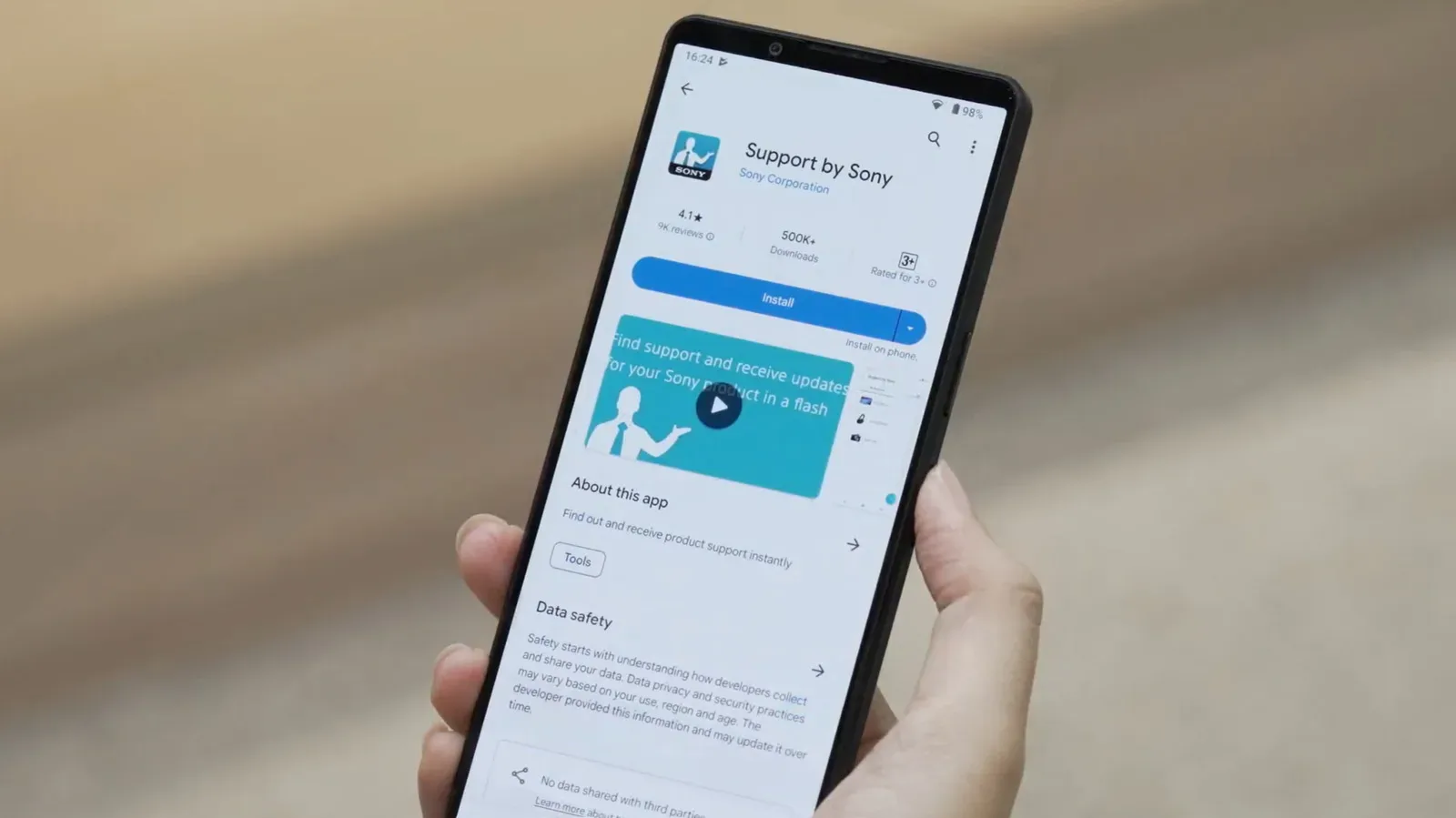
Sony plans to discontinue its cross-product Support by Sony app on February 28, 2027, ending a single mobile destination that handled support notices across parts of the company’s broad hardware lineup. After that date, the app will be removed from Apple’s App Store and Google Play, while people who still have it installed will see a notice that the service is no longer available.
For owners, the significant change is not that Sony support is disappearing altogether. The company is directing users to dedicated applications for compatible headphones, speakers, televisions, soundbars and cameras, with its website remaining an option for manuals, firmware downloads and troubleshooting. The trade-off is clear: product-specific software can expose more useful controls, but a household with several Sony device categories may now need to keep track of several apps instead of one general support hub.
Sony has not explained why it is retiring Support by Sony. It also has not said whether bookmarks saved in the app will move to a replacement service. Those two details matter for people who have used the app as a quick reference point for product information and support resources.
What ends when Support by Sony is switched off
Support by Sony has served as a notification and help layer rather than a full device-control utility. It could alert users to firmware updates, assist with troubleshooting, and deliver product and company news. Following the February 2027 cutoff, existing users will no longer receive firmware update messages through it, and product messages that were previously available in the app will no longer be accessible there.
Firmware is the low-level software installed on a device itself. A firmware update can fix bugs, improve compatibility or change device behavior. In practice, an alert only tells an owner that an update exists; the actual update process can require a different app, a television’s own settings menu, or a download from a support page. Sony’s move places more of that process inside apps that communicate directly with particular product types.
That distinction explains part of the appeal of dedicated apps. A general support app can centralize messages, but it cannot necessarily provide the controls needed for a pair of headphones, a soundbar or a camera. A device-focused app can be designed around setup, settings and updates for the hardware it supports.
Still, convenience is also a feature. Someone with just one compatible Sony device may have a straightforward transition. Someone using Sony headphones, a BRAVIA television and a camera could be routed to different services, and compatibility varies by model. The result is a more capable set of individual tools, but a less unified support experience.
The replacement path depends on the product
Headphones and speakers: Sony Sound Connect
For supported headphones and speakers, Sony is steering users toward Sony Sound Connect. The app can configure equalizer settings and install firmware updates on compatible hardware. An equalizer, often shortened to EQ, is a control for adjusting the balance of audio frequency ranges; it lets listeners change the emphasis placed on parts of the sound rather than merely adjusting volume.
Related coverage includes Sony Will Retire Support by Sony in 2027 and Shift Users to Device Apps.
Sound Connect is not an entirely new foundation. Sony renamed its existing Headphones Connect app in October 2024 and expanded the scope of the refreshed app to more audio products, including LinkBuds open earbuds and speakers. That broader product remit makes it a logical place for audio-device support, settings and updates.
For a supported audio product, the change could therefore be more useful than receiving an update alert in a separate support app. The owner can manage the relevant setting or start the update from the same device-oriented application. The important qualifier is “supported”: owners should confirm that their specific hardware works with Sound Connect rather than assuming every Sony audio product uses it.
Televisions and soundbars: BRAVIA Connect, where supported
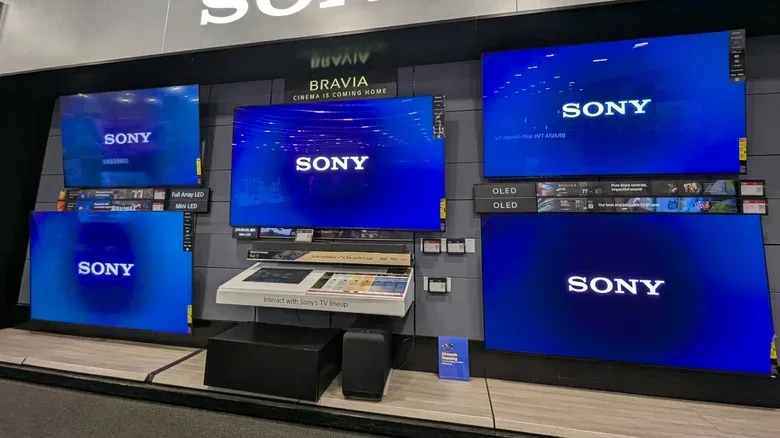
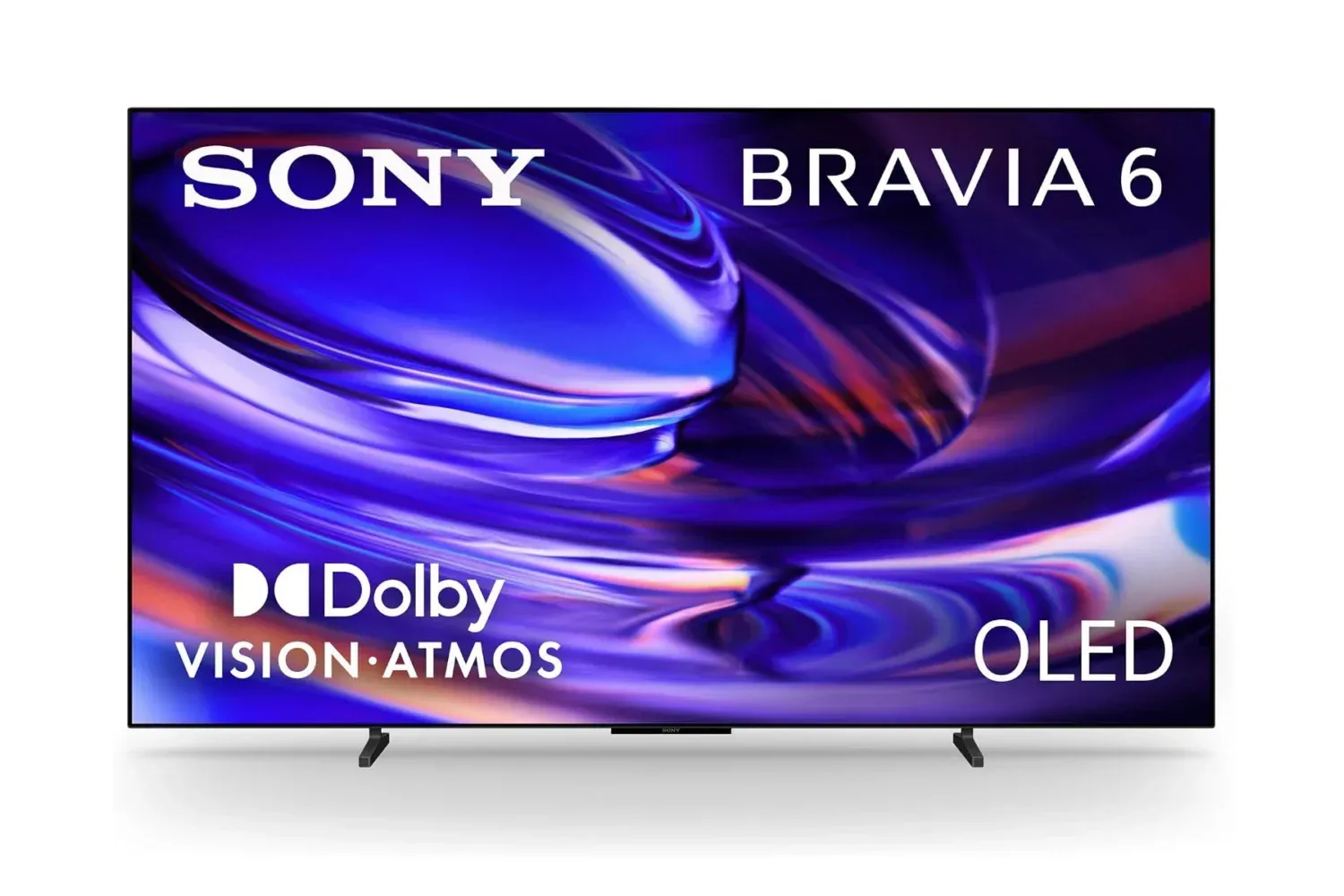
Compatible televisions and soundbars are being directed to Sony BRAVIA Connect. It can provide remote control, setup and support functions for compatible devices, including soundbars such as the Bravia Theater Bar 5. Combining those tasks can make practical sense: television setup and soundbar configuration often involve choices that are specific to the device rather than a general support workflow.
However, BRAVIA Connect is not universal across Sony’s television catalog. That means owners should not treat the app as a guaranteed replacement simply because they have a Sony TV. Sony also notes that some televisions running Android TV or Google TV can check for software updates through a Settings or Help menu, depending on the model.
This is a useful fallback to remember. The operating system shown on a TV can affect where update controls appear, and menu labels may differ by model. Looking inside the set’s Settings or Help area can be more productive than searching for a missing mobile-app feature, particularly if the television is not compatible with BRAVIA Connect.
Cameras: Creators’ App, with an older-app exception
For compatible cameras, Sony points users to Sony Creators’ App. Its functions include remote shooting, media transfer and firmware updates. Remote shooting means using the connected mobile device to trigger or operate camera shooting functions from a distance; media transfer refers to moving photos or other media from the camera to the mobile device.
Here again, compatibility creates an important exception. Some older Sony cameras still require Imaging Edge Mobile instead of Creators’ App. A camera owner should therefore identify the supported app for the precise camera model before deleting an older app or assuming a new one will pair successfully.
The wider lesson is that “Sony app” is not a single ecosystem with a universal doorway. App selection is increasingly tied to product category, generation and compatibility. This is common-sense advice, but it is especially relevant during a migration away from a catch-all support app: check the product’s support information first, then install only the app that applies to that device.
A practical checklist before February 28, 2027
There is time before Support by Sony reaches its end date, so owners do not need to turn this into an urgent same-day project. But taking a few small steps ahead of time can prevent a future support or update task from becoming a scavenger hunt.
- List the Sony devices you actively use. Separate them by category: audio gear, TV or soundbar, and camera. This makes the app split easier to understand.
- Check which devices are compatible with a dedicated app. Sound Connect is for supported headphones and speakers; BRAVIA Connect applies to compatible TVs and soundbars; Creators’ App supports compatible cameras. Some older cameras use Imaging Edge Mobile instead.
- Record anything saved in Support by Sony that you may need later. Sony has not said whether existing bookmarks will transfer. Saving relevant links or noting product details before the shutdown is the cautious move.
- Learn the alternative update route for each device. Sony’s web support tools remain available for manuals, troubleshooting and firmware downloads. Certain Android TV and Google TV models can also locate updates in Settings or Help.
- Keep update notifications in perspective. After the shutdown, Support by Sony will no longer provide them. The applicable product app or the device’s own menu will become more important for checking whether an update is available.
It is also worth distinguishing an app update from a firmware update. Updating Sound Connect, BRAVIA Connect or Creators’ App updates the software on a phone. Updating firmware changes software on the headphones, TV, soundbar or camera. They are related but not interchangeable, and an up-to-date phone app does not by itself prove that the connected hardware is current.
Connectivity can be part of the process too. Devices may use wireless connections or, in some cases, a physical connection while updating or transferring files. For a refresher on why connector names and shapes can be misleading, see this explanation of USB-A ports and what PC users should check. The relevant manual for a specific Sony product remains the safer reference for its exact update requirements.
More control, less centralization
The case for Sony’s replacement apps is straightforward. Sound Connect can handle audio configuration as well as updates. BRAVIA Connect can cover setup and remote-control duties in addition to support. Creators’ App combines camera-focused jobs such as remote shooting, transfer and firmware installation. These are tasks a notification-oriented support hub is not built to perform deeply.
The downside is fragmentation. The old arrangement gave people one place to receive alerts and access product messages across categories. The new arrangement asks users to know which tool corresponds to which hardware, and it does not eliminate legacy exceptions. BRAVIA Connect does not work with all Sony TVs, while certain older cameras remain on Imaging Edge Mobile.
For a single-device owner, that may be a fair exchange: one more capable app for one product. For a long-time Sony household, the calculation is different. More direct control may come with app-hopping, multiple sign-in or setup flows, and several places to check for support information. Sony’s website becomes the common fallback when a particular product is not covered by the newer apps.
Support by Sony currently has more than 1 million downloads on Google Play, so its retirement affects an established user base rather than an obscure experimental service. With the shutdown date set for February 28, 2027, the most sensible preparation is simply to identify each product’s supported path now—then use the device-specific app or support website when the all-in-one hub is gone.