
Apple reported an outage affecting a broad set of its online services, disrupting parts of the ecosystem that iPhone, iPad and Mac owners use for account access, purchases, media, support and device setup. The company said an internal update caused outages that morning, adding that many systems had returned while work continued to restore the rest.
The incident was notable not simply because one app or feature stopped responding, but because reports involved multiple services that normally operate as separate touchpoints for the same Apple account. iCloud, App Store, Apple Music and Apple Pay were among the services cited in reports. Apple’s own status information also listed problems with iCloud account sign-in and AppleCare on device.
At the time of the status update, iCloud account sign-in could be slow or unavailable. AppleCare on device was listed as temporarily unavailable for all users, while the App Store and Apple Music were also identified as affected by an outage. Separate user reports described trouble with Apple Pay and device activation. The complete scope of the disruption was not known at that point.
What was affected
The reports began with a small number of connection complaints around 11:30 a.m. ET, then rose sharply into the thousands at roughly 12:29 p.m. ET. That pattern is useful context, but it is not the same as a precise count of people unable to use every service. Outage-reporting sites show user-submitted reports; they can reveal a sudden, widespread issue, but they do not independently define its technical cause or the exact number of affected accounts.
Apple’s status entries supplied the firmer picture of which systems were experiencing trouble:
- iCloud account sign-in: sign-in may have been slow or unavailable.
- App Store: listed as experiencing an outage.
- Apple Music: listed as experiencing an outage.
- AppleCare on device: temporarily unavailable for all users.
- Apple Pay and device activation: users also reported problems, though the available information did not establish the full extent of those reports.
Apple said many systems were back up after the internal update triggered the disruption, and that remaining systems were being brought online as soon as possible. That wording establishes a cause at a high level—an internal update—but does not specify which component changed, why it created failures, or how individual services were connected to the incident.
Why account sign-in problems can feel bigger than one outage
An Apple account is the identity layer behind a range of services. Put plainly, it is what allows a device and Apple’s online systems to recognize the account attempting to access purchases, cloud features and other connected tools. If the sign-in portion is unavailable, the effects can surface in more places than a person might expect.
That does not mean every feature on every device necessarily stops working. A temporary account-sign-in failure is different from an outage of the device itself, and different again from the loss of data stored locally on that device. The practical impact depends on what a user is trying to do at the moment: signing in, checking an account-linked service, installing something from the App Store, starting Apple Music, seeking device-based AppleCare assistance or activating a device.
For users caught in the middle of a problem, that distinction matters. Seeing an unavailable sign-in screen does not, by itself, indicate that an account has been deleted, that a password has changed, or that the device needs to be erased. Likewise, an App Store outage can prevent a new download or update from beginning without proving that an already installed app has failed.
Device activation is a particularly time-sensitive example
Device activation is the process by which a newly set up or reset device connects with Apple’s systems to complete activation. If that service is affected, a person setting up a phone, tablet or other device can encounter an obstacle at precisely the point when the device is supposed to become usable. It is a narrower use case than routine iCloud sign-in, but it can feel more urgent because setup is often happening after a purchase, replacement or reset.
The reports of activation trouble should therefore be read carefully: they point to potential friction for some users, but the available information does not establish that activation was unavailable to everyone or for the entire period of the broader disruption.
Apple Pay reports and the checkout problem
Apple Pay is another service where the real-world consequences of an outage can arrive quickly. A person attempting to complete a purchase may only learn there is a problem at checkout. However, reports involving Apple Pay should not be expanded into a claim that every payment method, merchant terminal or Apple Pay transaction was affected. The information available identified user reports, not a complete map of payment availability.
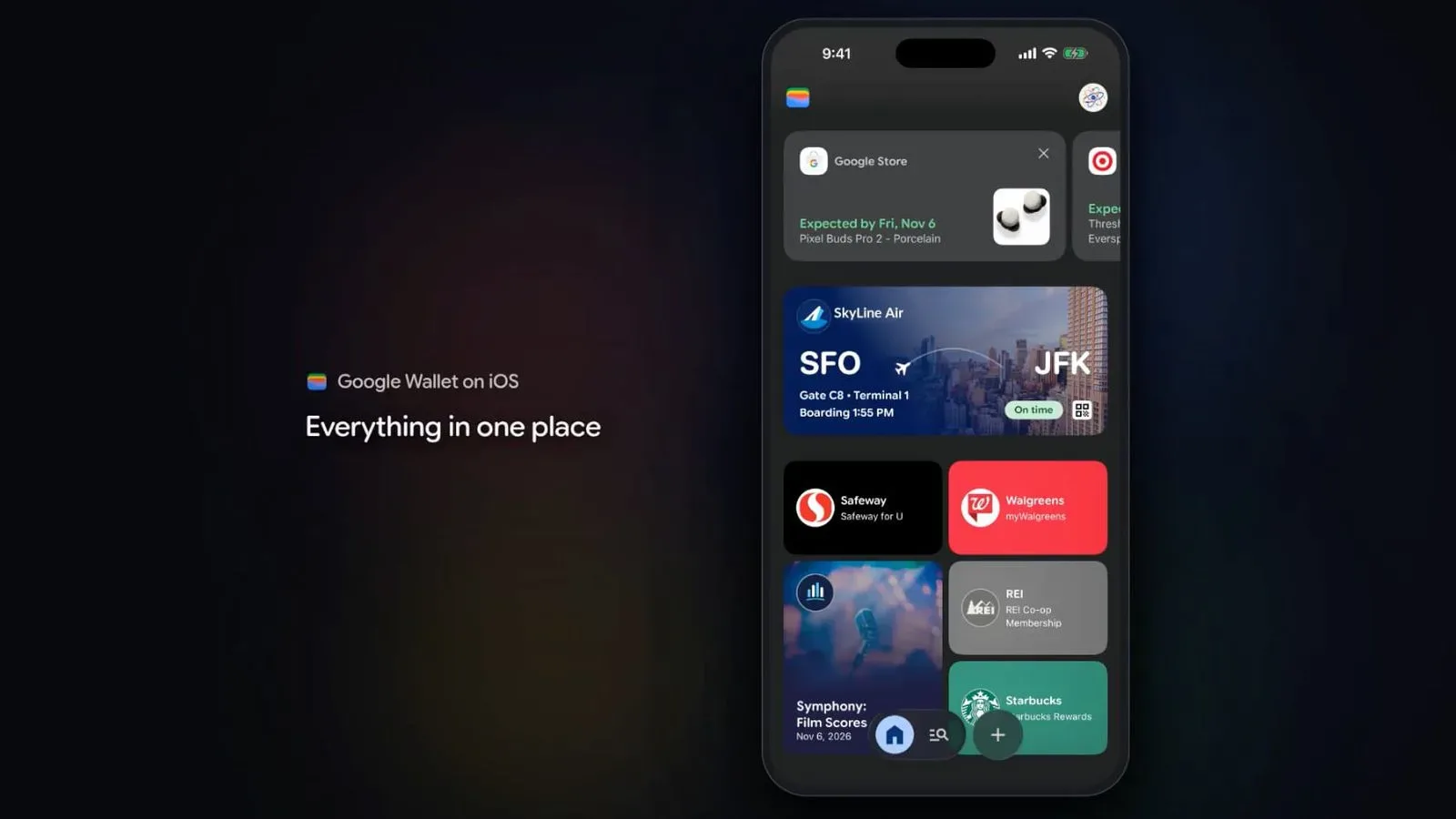
The episode also underlines why it is helpful to keep an alternative payment option available when a digital wallet is central to day-to-day purchases. That is a general resilience point rather than evidence of a broader payments failure in this incident. Apple Pay’s role on iPhone sits within a changing wallet landscape; for related platform context, see Google Wallet’s arrival on iPhone and the limits around checkout access.
For those encountering a failure during an incident like this, repeatedly removing cards, resetting account credentials or making sweeping device changes can create new complications without addressing a server-side disruption. When a company’s system-status information identifies an ongoing incident, waiting for recovery is often more sensible than treating the first error as proof of a personal account issue.
What “internal update” tells us—and what it does not
Apple’s explanation points to an internal update as the trigger. In technical terms, an update can refer to a change in software, configuration or underlying service infrastructure. The available statement does not identify which of those categories applies here, so it would be speculation to assign the outage to a particular application, authentication system, data center or network component.
Still, the list of affected services shows why update-related incidents can be disruptive. Modern online services depend on shared systems: account identity, backend connections, service configuration and the machinery that routes requests. A change to one shared dependency can produce failures that look unrelated to the person holding the device. Someone may see an App Store error, another person may be unable to access Apple Music, and a third may have trouble activating a device—even if the underlying issue is part of the same event.
That is analysis of the operational pattern, not a confirmed description of Apple’s infrastructure. The confirmed facts are more limited: multiple Apple services experienced issues, Apple linked the outages to an internal update, many systems had returned, and restoration work was continuing for the remaining systems.
Practical steps for users during a multi-service outage
When trouble appears to involve several online services at once, the best immediate response is usually measured rather than drastic. The following steps can help distinguish a broad platform problem from an issue isolated to one device or connection:
- Check the official system-status information. Look for entries that match the affected feature, such as account sign-in, media services or the App Store.
- Note the exact task that fails. Is the issue sign-in, an app download, playback, payment or activation? Precise symptoms are more useful than a general “nothing works” description.
- Avoid unnecessary account changes. An outage message is not, on its own, a reason to reset a password, erase a device or remove payment information.
- Use an alternative when timing matters. This may mean a different payment option for a purchase or delaying a nonessential download or setup step until services recover.
- Try again after the service is restored. A request that failed while a system was unavailable may succeed normally once the underlying outage has cleared.
These are cautious troubleshooting principles, not a guarantee that every error is caused by the wider event. A local connectivity problem can happen at the same time as a public outage. But a documented multi-service incident is a strong reason to pause before taking disruptive corrective action on a device.
A reminder about the reach of cloud-dependent services
This outage came shortly after a major Microsoft disruption that affected key applications including Outlook and Teams for much of November 12. Microsoft later attributed that incident to an old bug. The two events do not establish a shared cause; they are separate outages involving different companies. Together, though, they illustrate a basic point about connected services: a fault in a central online system can become highly visible because so many everyday activities depend on it.
For Apple users, iCloud is not just a single destination in a menu. Account access can sit behind purchases, support interactions and service access across multiple devices. That reach is convenient when systems are functioning normally, but it makes even a temporary interruption feel larger than a single broken app.
Apple’s statement indicated progress, with many systems already back online, while acknowledging that remaining systems still needed to be restored. Users affected by sign-in errors, App Store trouble, Apple Music failures, unavailable on-device AppleCare, payment issues or activation problems should interpret the event as an ongoing service incident rather than assume a permanent fault with their account or hardware.