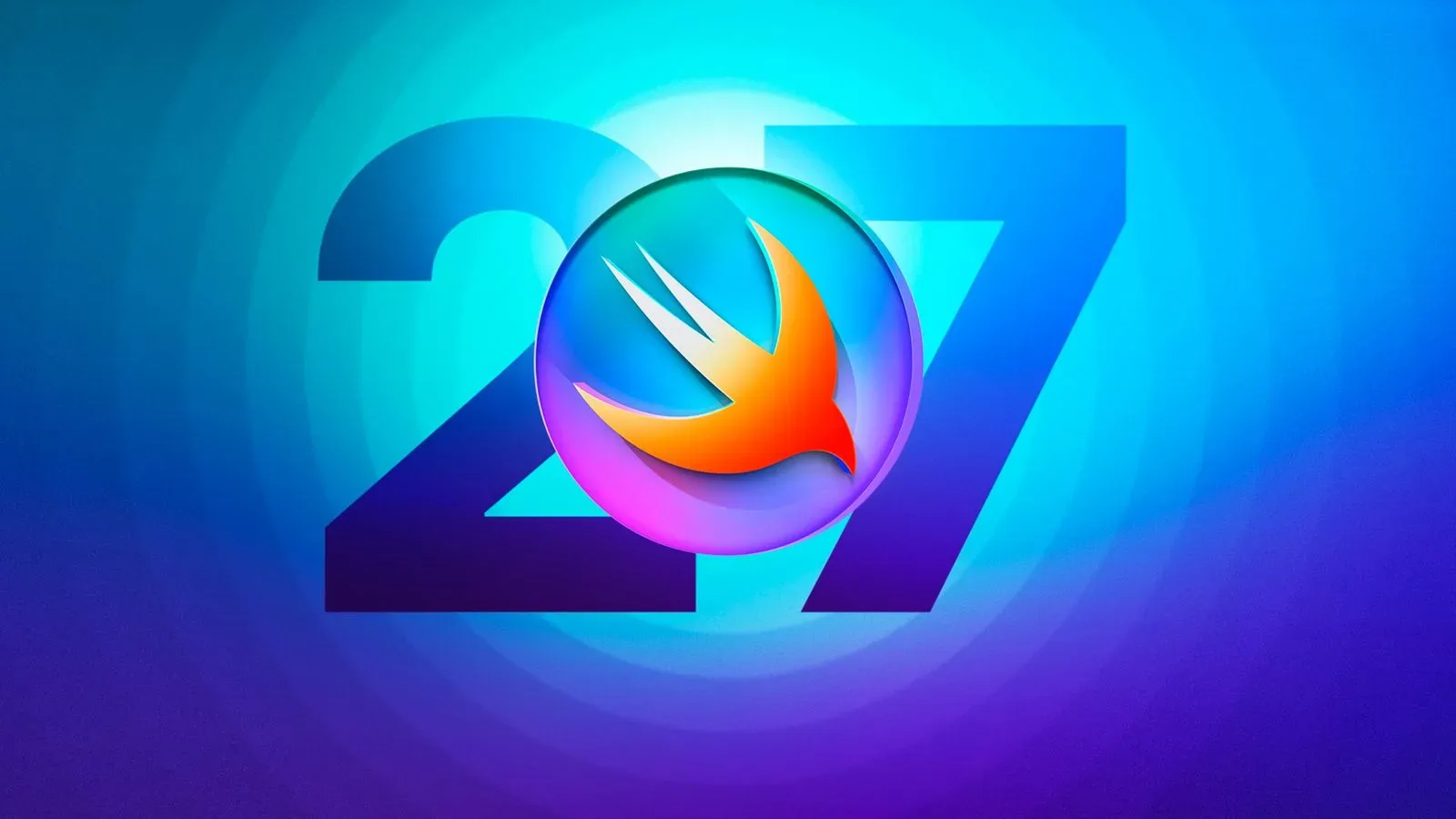
Apple’s Swift Student Challenge will return in 2027 with a February submission window and a meaningful change for young developers: entrants can submit an app for any platform, rather than working within the previous iOS-device focus.
Submissions are scheduled to open on February 8, 2027, and close on February 28, 2027. The challenge asks students around the world to create an app in Xcode or Swift Playgrounds that can be experienced within three minutes. That time limit is short, but it is also the central design constraint: a project has to communicate what it does, why it matters, and how it works without asking judges to settle in for a long onboarding process.
For students interested in games, interactive art, accessibility tools, game-adjacent utilities, or a compact playable concept, the change in platform scope could be especially useful. It does not mean every kind of project will be equally practical to build in a few minutes, nor does it spell out platform-specific requirements beyond the use of Xcode or Swift Playgrounds. It does mean the brief is no longer framed solely around an iOS-device app.
The dates and the core brief
The 2027 entry period lasts 21 days, from February 8 through February 28. Students who intend to enter should treat the dates as a delivery deadline rather than the beginning of their creative process. Apple is providing preparation resources ahead of the contest, including tutorials and online Meet with Apple sessions intended to cover coding intelligence features and offer project inspiration.
The basic submission requirement is straightforward on paper:
- Create an app in Xcode or Swift Playgrounds.
- Ensure the app can be experienced within three minutes.
- Submit during the February 8–28, 2027 window.
- Meet the separate rules and eligibility conditions published for the challenge.
Those final rules matter. A strong concept is not a substitute for complying with eligibility and submission requirements, so prospective entrants should read the challenge materials closely before assuming a project qualifies.
What “any platform” changes
The broader platform wording is the biggest announced adjustment. Earlier editions had apps designed for iOS devices. For 2027, students may submit an app for any platform.
That is a larger creative canvas, but not a license to make an unfocused one. Platform choice should serve the idea. A student designing a fast touch interaction might still find an iPhone- or iPad-oriented concept the clearest fit. Someone exploring a spatial interaction could instead think about how the environment itself informs the project. A desktop-style interface might make sense for a tool whose value comes from arranging information or creating something. The important point is that a platform should strengthen the app’s central experience, not become the project’s only hook.
For game creators, this opens room to think beyond the conventional mobile prototype. A three-minute app experience could be a small arcade challenge, a narrative interaction, a spatial puzzle, a playful creative toy, or an accessibility-minded controller concept. Those are examples of approaches, not announced judging categories or promises about what will win. The brief supports compact apps; it does not require a full game, a commercial-ready product, or a giant feature list.
That distinction is useful because student competitions can tempt entrants to overbuild. A sprawling adventure with several incomplete systems may communicate less than one polished interaction that explains itself immediately. In a three-minute evaluation window, clarity is part of the craft.
The three-minute limit is a design tool
“Can be experienced within three minutes” should not be read as merely a stopwatch requirement. It encourages a particular type of design: a project with a quick path to its most important idea.
For an interactive app, that usually means the first screen has a job to do. The user should be able to understand where to tap, click, move, select, or look without wading through extensive setup. If an app solves a problem, it should show the problem and the solution early. If it is playful, the play should start early. If it makes a social or inclusive point, the interaction should make that point tangible rather than depending on a long explanation.
There is also an editing lesson here. A project does not need to demonstrate every possibility it could eventually contain. It needs to make its best case in the allotted experience. For a game-like entry, one well-tuned mechanic can be more legible than a collection of disconnected mechanics. For a utility, one complete task flow can be more persuasive than several partial screens. For a creative experiment, the meaningful moment should arrive before the clock becomes the audience’s main concern.
Practical planning for a short-form project
- Write the one-sentence premise. Describe what the app lets a person do and why that activity is worthwhile.
- Identify the first meaningful interaction. A person should reach it promptly, with minimal instructions.
- Build the smallest complete loop. In a game, that may be action, response, and a clear outcome. In a tool, it may be input, processing, and a useful result.
- Remove anything that delays the point. Excessive menus, lengthy tutorials, and unfinished branches can work against a three-minute experience.
- Check the applicable rules early. Technical requirements and eligibility details can shape a project as much as the concept does.
This is analysis of the announced format, not a list of official judging instructions. The formal criteria remain the ones Apple publishes for the challenge.
What Apple says it is looking for
Winners will be selected for demonstrating excellence in innovation, creativity, social impact, or inclusivity. The use of “or” is important: the announcement identifies multiple routes for a project to stand out rather than declaring that every entry must be an all-in-one showcase of each value.
Innovation can be understood as a fresh or purposeful way of approaching an interaction or problem. It does not necessarily require novelty for its own sake. Creativity concerns the expression and design of the idea, whether through mechanics, presentation, storytelling, or the way a person participates. Social impact points toward apps that can address a meaningful human or community concern. Inclusivity centers whether more people can take part in and benefit from an experience.
These concepts can overlap, but they should not be reduced to labels applied after development. A project arguing for inclusivity should make its access or participation choices apparent in the experience. A social-impact project should be clear about the interaction it offers, not just the issue named in its description. And an inventive game mechanic still benefits from an understandable goal and feedback.
The pre-challenge learning material signals several areas students can explore. Develop in Swift tutorials cover SwiftUI, AI and machine learning, and spatial computing. SwiftUI is Apple’s framework for constructing app interfaces with Swift. Machine learning refers broadly to systems that derive outputs from patterns in data; the announcement’s mention of AI and machine learning indicates an educational topic available to explore, not a requirement that entrants add AI to their apps. Spatial computing concerns software experiences that use space and surroundings as part of interaction.
That distinction is worth keeping in view as discussions around AI continue across entertainment and technology. Recent debate over AI’s creative role underlines why students should begin with a human-centered purpose, then use a technical feature only if it makes the experience clearer or more useful. The Swift Student Challenge announcement offers learning resources in this area, but it does not suggest that AI-based entries receive special status.
Tools and preparation resources
Entrants can build with Xcode or Swift Playgrounds. Xcode is Apple’s development environment, while Swift Playgrounds is designed as a more approachable environment for learning and experimenting with Swift. Which one is appropriate depends on a student’s familiarity, the project’s scope, and the workflow they prefer; the announcement accepts apps made in either.
Apple’s upcoming Meet with Apple online sessions and tutorials are useful not because they can substitute for an idea, but because they can help turn an idea into a smaller, achievable build. Students new to SwiftUI, spatial computing, or machine-learning concepts can use the material to learn the vocabulary and the tools before deciding whether those subjects genuinely belong in their submission.
A prudent approach is to select one technical ambition and one experiential ambition. For instance, the technical ambition might be learning a new interface pattern, while the experiential ambition is ensuring every user understands the activity quickly. Piling several unfamiliar technologies into the same short project can create risk: complexity takes time away from polish, and polish is particularly visible when an app is assessed quickly.
What winners can expect
Apple will choose winners from the challenge, and a group of Distinguished Winners will be invited to Apple Park in Cupertino, California, for WWDC 2027. The announcement does not state how many students will receive that designation or provide WWDC 2027 dates.
WWDC is typically held in June. Apple is expected to announce iOS 28, iPadOS 28, macOS 28, and other software updates carrying the “28” naming during the 2027 event. That makes the Apple Park invitation an opportunity to be present during a major developer-focused moment, but students should avoid treating unannounced WWDC scheduling details as fixed until Apple confirms them.
For now, the actionable calendar is simple: prepare in advance, use the available learning sessions and tutorials, verify the official rules, and submit between February 8 and February 28, 2027. The expanded platform scope gives entrants more freedom. The three-minute format gives that freedom a productive boundary.