Adobe and Google are expanding their software partnership around a familiar workplace nuisance: the PDF that arrives in Gmail, lives in Drive, needs a small edit, and somehow turns into a miniature side quest before anyone can send it back.
Announced during Adobe’s Max conference in Miami, the planned integrations center first on Adobe Acrobat, Google Drive and Gmail. The companies say people will be able to choose an edit with Acrobat option from file previews, creating a more direct route from Google’s file and email surfaces into Adobe’s PDF tools.
That sounds modest, but it addresses a genuine friction point. PDF stands for Portable Document Format, a format designed to keep a document’s appearance consistent across devices and software. That consistency is useful for forms, contracts, proofs and final documents. It can also make even ordinary revisions feel less straightforward than editing a word-processing file. The proposed Drive and Gmail connection is aimed at reducing the number of steps between finding a PDF and working on it in Acrobat.
The partnership also runs in the opposite direction. Google AI models are due to be incorporated into Acrobat, with the stated goal of helping people work with documents conversationally, understand their contents and produce assets such as presentations, resumes and reports more quickly. Acrobat is also set to become accessible from Gemini’s chat window, and the companies say that access is planned for Google Search’s AI Mode in the future.
For users, the headline is not that PDFs suddenly become exciting. They remain PDFs, bravely preserving page layouts while everyone else tries to get through the afternoon. The more important change is an attempt to make the tools surrounding those files feel less separated: storage and email on one side, document editing on another, and AI assistance presented as a layer between them.
What the Drive and Gmail connection is intended to do
Under the announced plan, a PDF preview in Google Drive or Gmail will offer a path to Acrobat for editing. The companies describe it as a direct connection between the products.
That matters because a file preview is commonly the point where a user decides what needs to happen next. A preview may be enough to read a document, check an attachment or confirm that the right version arrived. But if a change is needed, the workflow typically moves out of that lightweight viewing context. The planned Acrobat option puts a clearly defined editing destination closer to the document itself.
There is an important limit to the announcement: it describes the direction of the integration, not every behavior, requirement or rollout detail. No further specifics were provided here about eligibility, timing, supported account types or the complete set of Acrobat functions available through the Drive and Gmail pathway. The sensible interpretation is therefore that this is a planned convenience feature, rather than a reason to assume every PDF task will be handled identically in every Google surface.
Related coverage includes Adobe and Google Deepen Acrobat, Drive and Gemini Connections.
Still, the design principle is clear. Instead of asking a person to manually bridge a Google preview and a dedicated PDF editor, the two companies want that bridge to be visible where the file is already being viewed.
Gemini inside Acrobat: conversational help, not document magic
Google’s AI models are also being positioned inside Acrobat. The companies say this will help users edit PDFs through conversation, make sense of information in documents and build more polished derivative materials faster.
“Conversationally” is the key technical term here. It means the user can express an instruction or question in natural language, rather than relying only on menus, toolbars and manual document navigation. In practice, the announced use cases point toward asking for help understanding a document, requesting edits and using the document as a basis for materials such as a report or presentation.
That is different from an AI model simply opening a document. The proposed value is that the model is connected to an application built for PDF work, while Acrobat is connected to Google’s models. The division of labor matters: Acrobat is the document-focused environment, while Gemini is the conversational interface and model layer.
It also means users should keep a distinction in mind between assistance and verification. An AI system may help surface, summarize or transform information, but a user remains responsible for checking important edits, factual claims and the final presentation. The announcement promises faster work, not an exemption from reading the document before sending it to a client, school, colleague or hiring manager. Even the smoothest workflow should retain a human review step—especially where accuracy, formatting or sensitive material matters.
Acrobat in Gemini and, later, Search AI Mode
Adobe says people will be able to reach Acrobat directly from the Gemini chat window. That makes Gemini a possible starting point for a task that ends in Acrobat, rather than merely a separate place to ask questions about the task.
The companies additionally say this is coming to AI Mode in Google Search in the future. AI Mode is Google Search’s AI-oriented experience, and its planned Acrobat connection suggests the partnership is intended to reach beyond standalone productivity apps. However, the future-facing wording is significant. There is no detailed schedule in the available information, so it should be treated as a stated direction rather than an immediately available feature.
The larger industry pattern is familiar: AI tools are increasingly being embedded at the point where users already begin work, whether that is a chat interface, a file preview, a mobile app or a search experience. The practical promise is less app-switching. The tradeoff is that users will need to understand which product is performing which part of the job, particularly when a workflow moves from a search or chat prompt into a document editor.
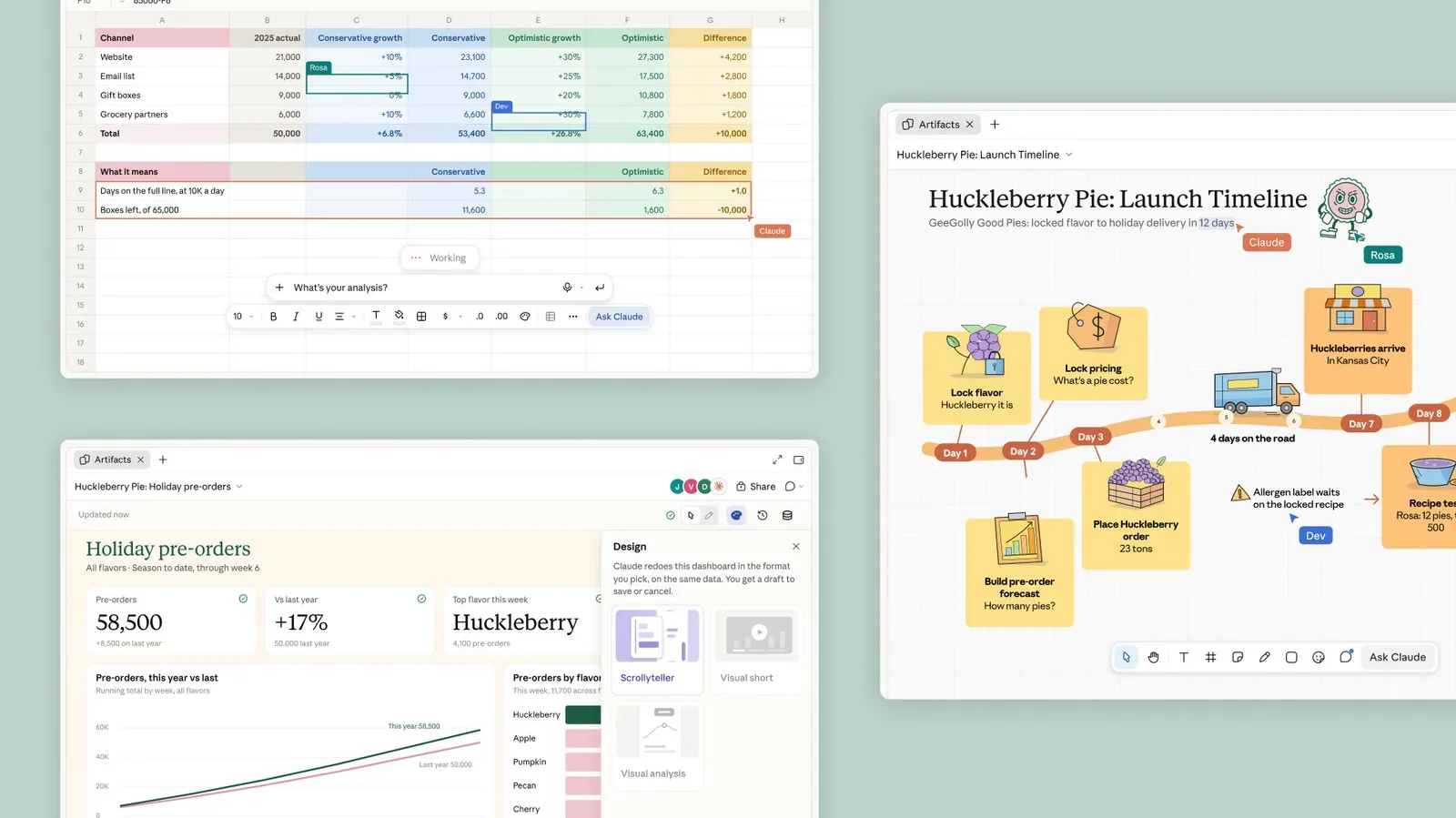
Adobe’s move comes as other companies also aim AI at everyday office tasks. For a related example, AI features are being pushed into sheets, meetings and whiteboards, underscoring the competition to make assistants part of the normal workspace rather than a separate destination.
Creative Cloud and DeepMind plans remain less defined
Acrobat is the most concrete portion of the announcement, but Adobe says the connectivity will eventually broaden to other products. Subscribers can already access a range of Google AI models in Photoshop, Express and Premiere. Adobe’s position is that the process should become simpler over the coming months.
That is meaningful for creative workflows, but it is also where the details become thinner. The announcement does not spell out which additional integrations will arrive first, what the revised experience will look like, or which Google models will be available in each Adobe product. Users should not infer a specific new Photoshop, Express or Premiere feature from the broader promise alone.
Adobe also plans to integrate its products with Google DeepMind for what it calls creative editing experiences. DeepMind is Google’s AI research laboratory. The companies have not explained exactly how this planned integration will work. Adobe did say that third parties are already exploring customization of a Google image model for Photoshop that could enable near-real-time edits.
Near-real-time, in this context, refers to edits that are intended to happen with very little visible delay, making an AI-assisted change feel closer to an interactive creative tool than a long background process. But the wording remains exploratory: third parties are investigating customization, and the available information does not establish a launch date, a final capability set or the precise model behavior.
That uncertainty is worth preserving because AI announcements often combine available tools, private tests and longer-term ambitions under one broad “AI” label. Here, the Acrobat, Drive, Gmail and Gemini linkage is the clearest operational story. The deeper creative-model work is a stated plan with much less detail behind it so far.
Firefly’s wider role and Premiere’s mobile preview
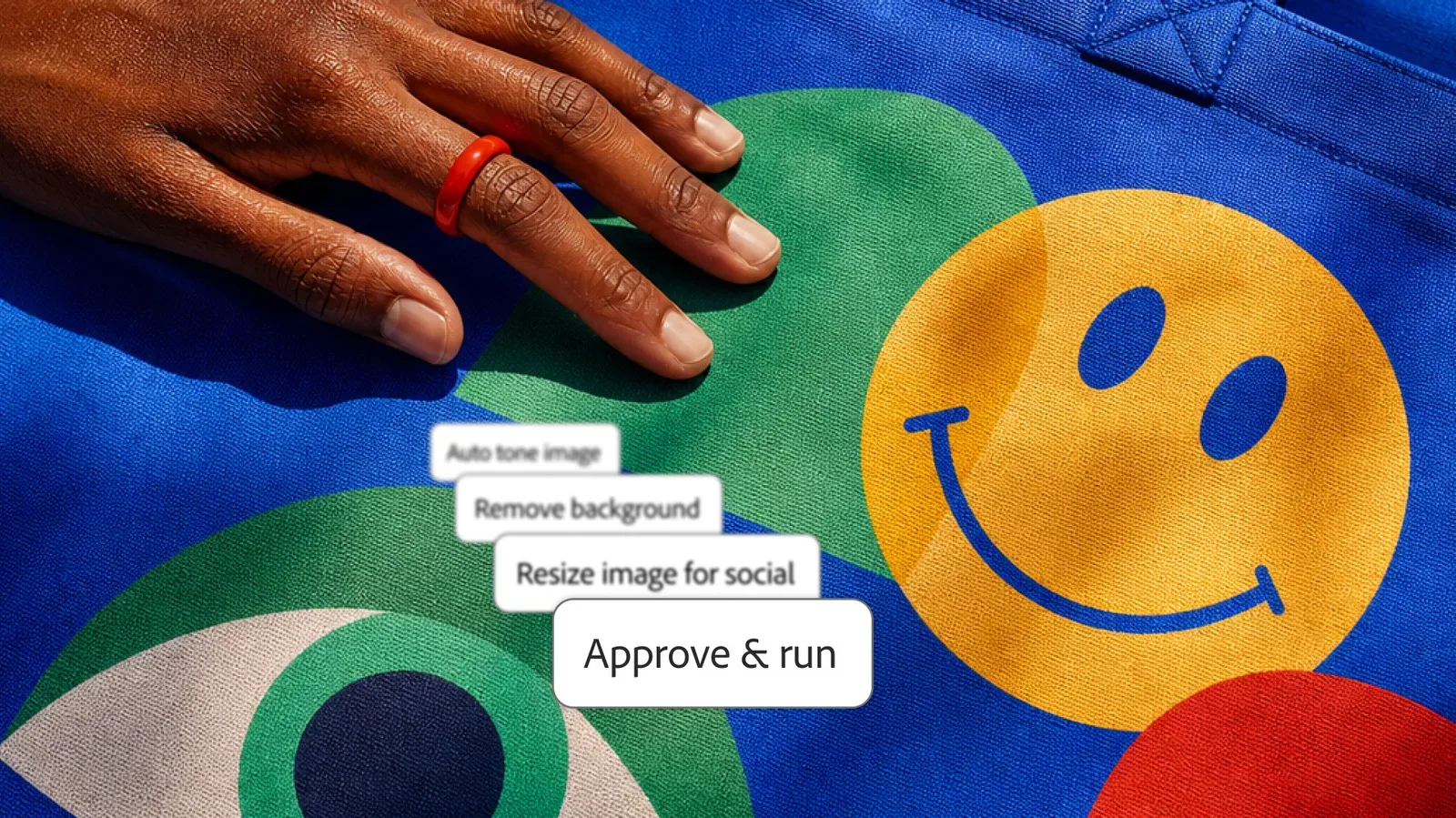
The Google partnership arrived alongside a broader Adobe AI push. Adobe is bringing its Firefly AI assistant to much of the Creative Cloud product lineup. Firefly is Adobe’s AI assistant, and the company says it will soon be capable of handling multi-step tasks.
Multi-step tasks are tasks composed of several actions rather than one isolated command. The announcement frames this in terms of the “agentic AI” approach. Agentic AI generally describes systems intended to carry out a sequence of actions toward a goal, instead of merely responding to one prompt at a time. Adobe has not provided a full task list or detailed operating model in the available information, so the important takeaway is the direction: Firefly is being positioned to coordinate more involved work inside Adobe’s tools.
Adobe is also introducing an AI assistant to certain mobile apps, beginning with Premiere. The assistant is designed to let people make edits using natural-language requests. This feature is starting in private preview before a broader rollout.
A private preview is an early, limited-access stage. It is not the same as general availability, and it usually means a product is still being evaluated before it is offered more widely. For Premiere users, the announcement is promising: natural-language editing on mobile could lower the barrier to making quick changes. But it is not yet a reason to expect the feature on every device or account.
What to watch next
The strongest near-term question is implementation. An edit button in Drive and Gmail is easy to understand, but its usefulness will depend on how smoothly people move between Google’s preview surfaces and Acrobat. The Gemini connection raises a second question: how clearly will the interface show when a user is chatting, inspecting a document, making an edit or generating a new asset from the document’s contents?
For Creative Cloud users, the watchword is specificity. Adobe has said existing access to Google AI models in Photoshop, Express and Premiere should become simpler, and it has outlined a DeepMind-related creative-editing direction. What remains unknown is the exact sequence of product changes and the practical boundaries of those tools.
For now, Adobe and Google are betting that the most useful AI integration is not necessarily the flashiest one. It may be the one that removes a handoff people already perform repeatedly: open an emailed PDF, find the edit tool, understand the document, make a revision, and keep moving. If the integrations work as described, that particular office mini-boss may lose a few hit points.