Adobe is pushing its Firefly AI Assistant beyond one-off prompts and toward a more autonomous role inside Creative Cloud. The company has outlined expanded agentic capabilities that let the assistant take on multi-step jobs, present a proposed workflow for approval, and potentially handle recurring work in the background.
The pitch is not simply “type a prompt, receive an image.” It is closer to delegating the repetitive setup around a creative project: organizing incoming media, applying established looks, preparing audio, maintaining backups, and then moving toward related promotional tasks. That is a meaningful shift for software best known for tools that expect a person to make, inspect and refine individual editing decisions.
What Firefly’s new planning mode is meant to do
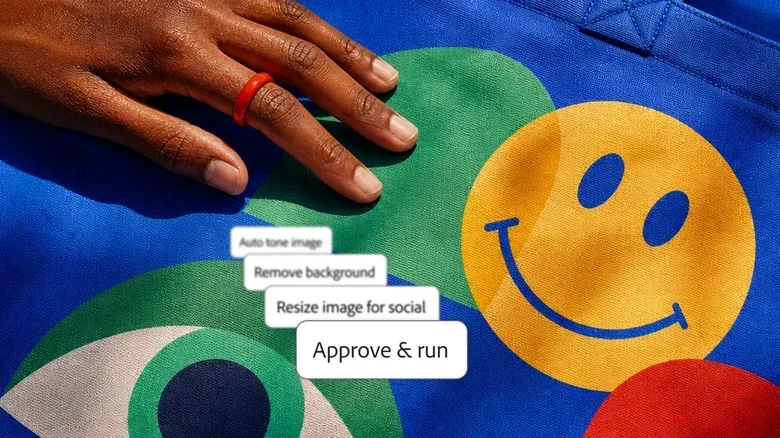
The updated Firefly AI Assistant can now carry out multi-step tasks. Before it starts, a new planning mode shows the proposed workflow, allowing the user to review and edit the steps and then approve the job. That approval stage is central to the feature’s practical value. A creative request often sounds straightforward while concealing numerous choices: which clips matter, what visual treatment fits the project, how aggressively audio should be cleaned, and what should be preserved before changes are made.
In this context, an agent is software designed to work through a sequence of actions toward a larger goal rather than answer a single isolated request. A conventional generative feature might create one asset or apply one command. An agentic workflow can break a request into smaller actions, arrange them into a plan and perform them after the user signs off.
Adobe is also allowing users to select the model that orchestrates a task, or leave that decision to its software. “Orchestrating” here means coordinating the sequence of work: determining how the request is approached and which steps are needed to complete it. The announcement does not establish which model is best for which task, so the sensible takeaway is choice and oversight, rather than a guarantee that every automated plan will suit every project.
For teams and solo creators alike, the more consequential addition may be broader customization. Users can define colors and brand guidelines that apply across projects handled by the assistant. In theory, that gives recurring automation a set of guardrails. A promotional asset that is neatly produced but ignores the established visual identity is still a costly miss; reusable brand constraints could help make routine output more consistent.
Always-on agents target the repetitive parts of post-production
Adobe is previewing always-on agents intended for recurring tasks. In a demonstration, the assistant was asked to process footage while it was uploaded to a project. It offered to organize the raw files, apply LUTs automatically, clean up audio and back up the media. Those proposed actions were subject to approval through planning mode. Once the footage was organized, the assistant was then assigned to prepare a social-media promotion campaign for the project.
That example matters because it describes a chain of production work instead of a single dramatic edit. Creators frequently lose time not only cutting video, but also sorting material, keeping files protected, preparing derivative posts and maintaining a coherent visual treatment from one output to another. Automating those jobs could reduce administrative drag, particularly when projects repeatedly follow a familiar structure.
A LUT, short for look-up table, is a preset used to transform color and tone in footage. Applying one can help establish a shared look among clips. But it is not a substitute for artistic judgment: a preset that works for one scene may not be right for another. Adobe’s preview therefore underscores why the ability to inspect the proposed plan is important. The agent can be useful as a workflow assistant, while the creator remains responsible for deciding whether its choices fit the footage and intended style.
Audio cleanup has similar practical limits. The demonstrated workflow includes it, but “clean” is not an entirely objective target. The desired result can differ between dialogue, music, location ambience and deliberately rough material. A workflow that reduces routine effort can still require a human check before a project is treated as finished.
Premiere mobile is getting a natural-language editing agent
Separately, Adobe is bringing an agent to the Premiere mobile app. The tool is designed to help users make edits through natural-language requests, meaning a person can describe what they want rather than navigate every edit through manual controls. It is entering private preview first, with a broader rollout planned afterward.
Premiere mobile debuted on iOS before arriving on Android. The agent could make the mobile app more approachable for people working quickly from a phone, though private preview status is worth emphasizing: this is not the same as general availability, and Adobe has not established a timetable here for the broader rollout.
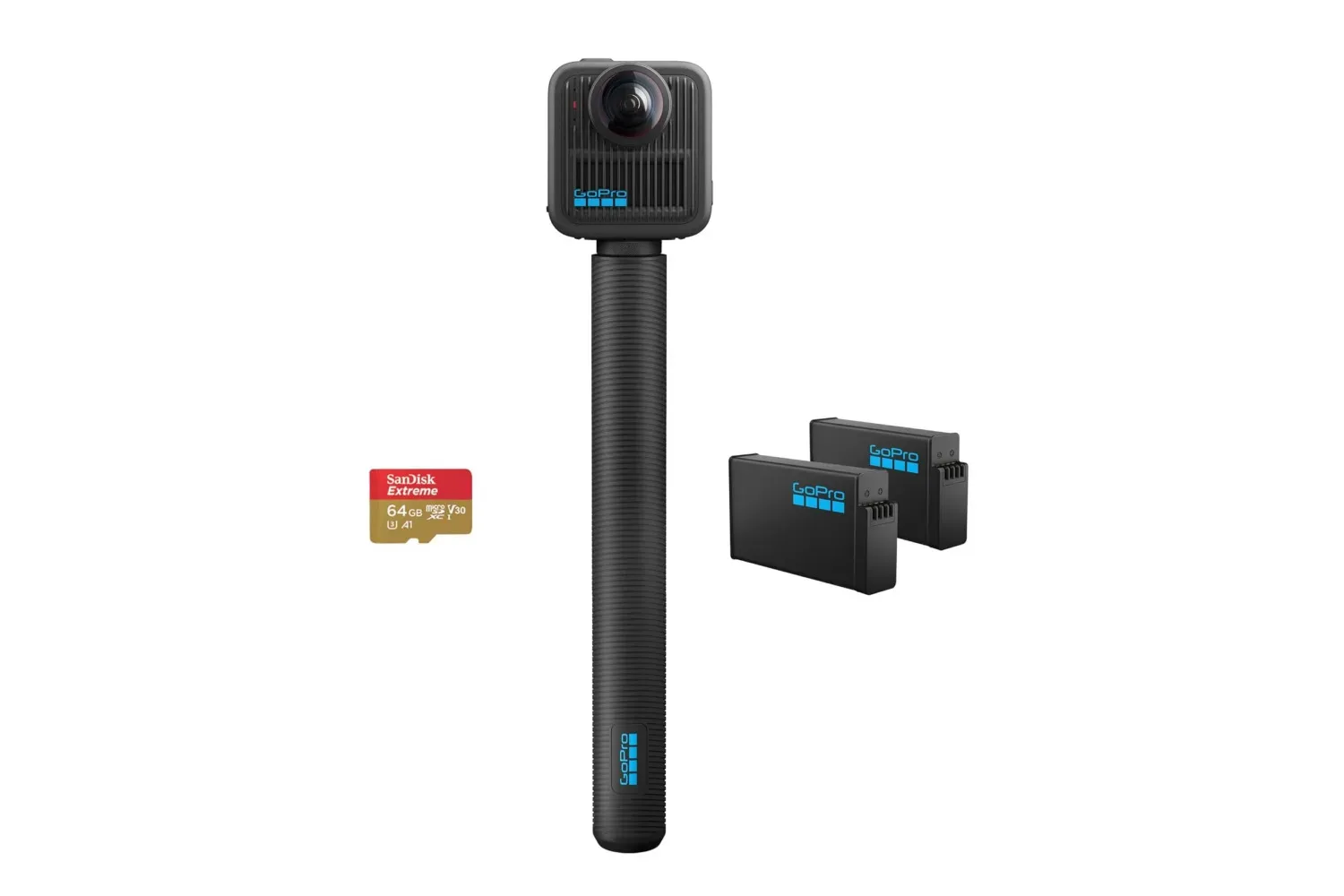
Mobile-friendly editing assistance may be especially appealing for creators who move footage from capture to short-form promotion quickly. That does not change the need for capable capture hardware, of course; creators comparing gear may also want to note the GoPro MAX2 bundle listing for a separate example of a camera-focused package aimed at gathering footage in the first place.
MCP connections could let chatbots work locally in Adobe apps
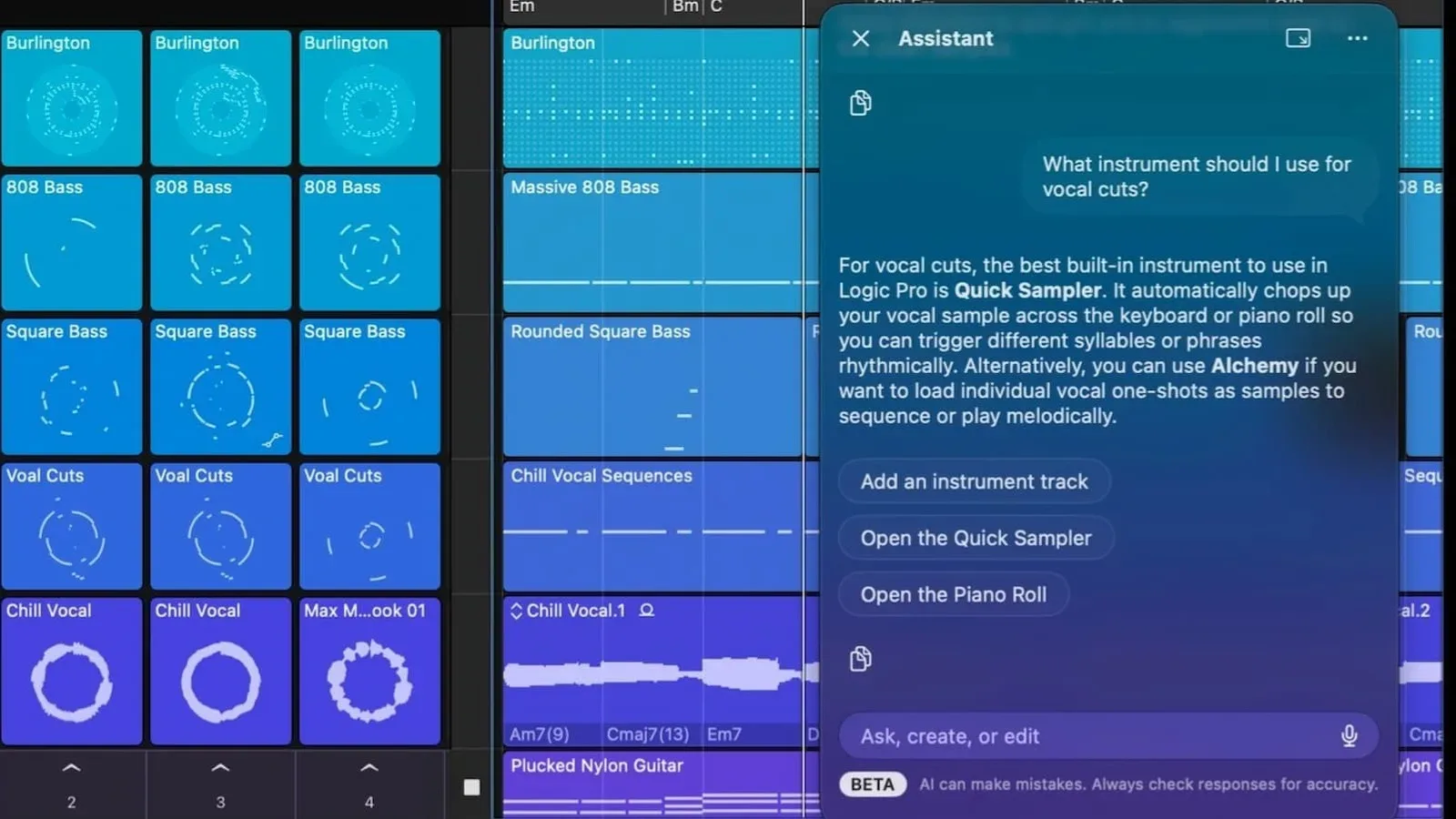
Adobe is also testing a set of MCP connections that can give a user’s chosen chatbot local access to Photoshop, Illustrator, Premiere and After Effects. The stated goal is to let a chatbot do things such as edit layers.
MCP, in this announcement, refers to connections that let external chatbots interact with these creative applications locally. The important word is “local”: Adobe is describing a route for a chatbot to operate with access to software on the user’s own system, rather than merely talk about how to perform a task. It could make conversational commands more useful, but it also raises the stakes for permission management and review. Granting a tool the ability to affect layers, projects or media is categorically different from using a chatbot for suggestions.
Because these connections are being tested, users should treat them as an early-stage capability, not a settled production workflow. The supplied details do not spell out their final availability, security controls or exact range of supported operations. For now, the clearest confirmed point is Adobe’s direction: it wants Creative Cloud applications to be accessible through more conversational, agent-driven interfaces.
Automation is not the same thing as replacing creative control
These features also sharpen a long-running concern around creative software: if a system can turn raw footage into organized, color-treated material and create campaign assets from a request, where does that leave the professional who previously did much of that work manually?
Adobe’s stated position is that it remains a creative company serving creatives, with the aim of meeting people at different points in their skill development and helping them hone their craft. The demonstrated use case for entrepreneurs making social posts reflects the broader audience such tools could reach: people who want results from sophisticated creative software without first becoming expert users of every panel, timeline and layer system.
There is a less dramatic reading, too. The new tools may shift the work rather than erase it. Someone still has to establish the brand rules, decide which material deserves attention, approve the plan, identify mistakes and make the subjective calls that distinguish an acceptable social asset from an effective one. Automation can reduce steps, but it cannot make those choices universally objective.
The strongest practical case is therefore not “set it and forget it.” It is supervised delegation. Creators with repeatable workflows could use a recurring assistant to handle organization and initial preparation, then spend more attention on the edit, the message and the final quality check. Creators with unusual or highly sensitive projects may use the same tools more cautiously, retaining tighter control over every stage.
Why reliability and governance will matter
Adobe believes the professionalism, security and reliability of its products can help retain users in its ecosystem as coding models make it easier for alternatives to emerge. That argument becomes more important as assistants gain access to richer parts of a project. A tool that merely drafts text is one thing; a tool asked to organize raw media, clean audio, create promotional work and access local creative applications needs to behave predictably.
Planning mode is Adobe’s most visible answer in this announcement. It inserts a moment where the creator can see and alter the intended workflow before authorizing it. Brand colors and guidelines provide another layer of direction. Neither feature eliminates the possibility of undesirable output, but both frame the assistant as a system that is meant to operate within creator-defined boundaries.
For now, the rollout is a mixture of available capability, previews and testing. The upgraded Firefly AI Assistant is positioned around multi-step jobs and workflow planning; always-on recurring agents have been previewed; the Premiere mobile agent is in private preview; and the MCP connections are being tested. The direction is unmistakable even where the details remain unfinished: Adobe wants its creative apps to do more of the operational work surrounding a project, while asking the user to supervise the plan rather than manually initiate every action.