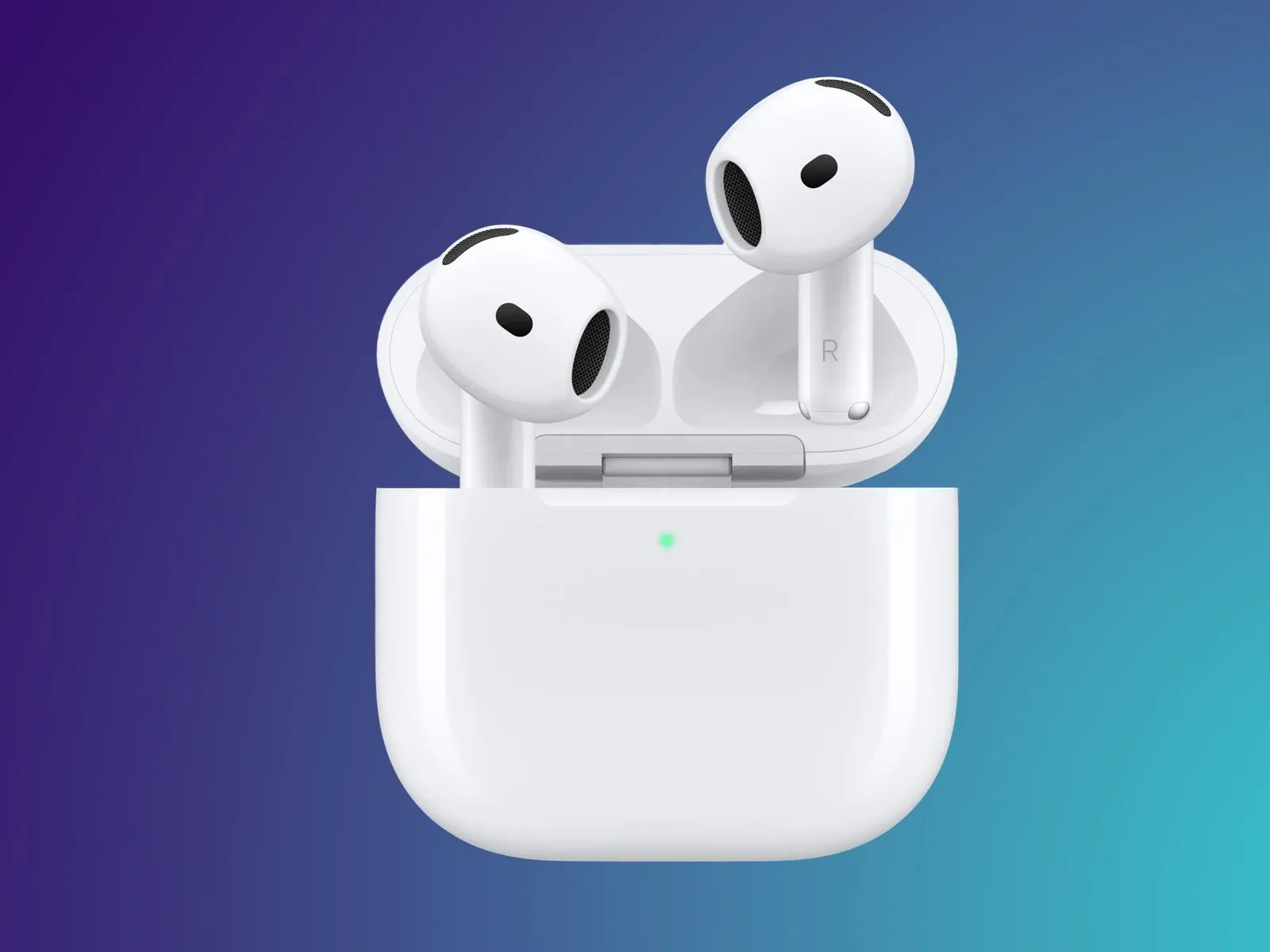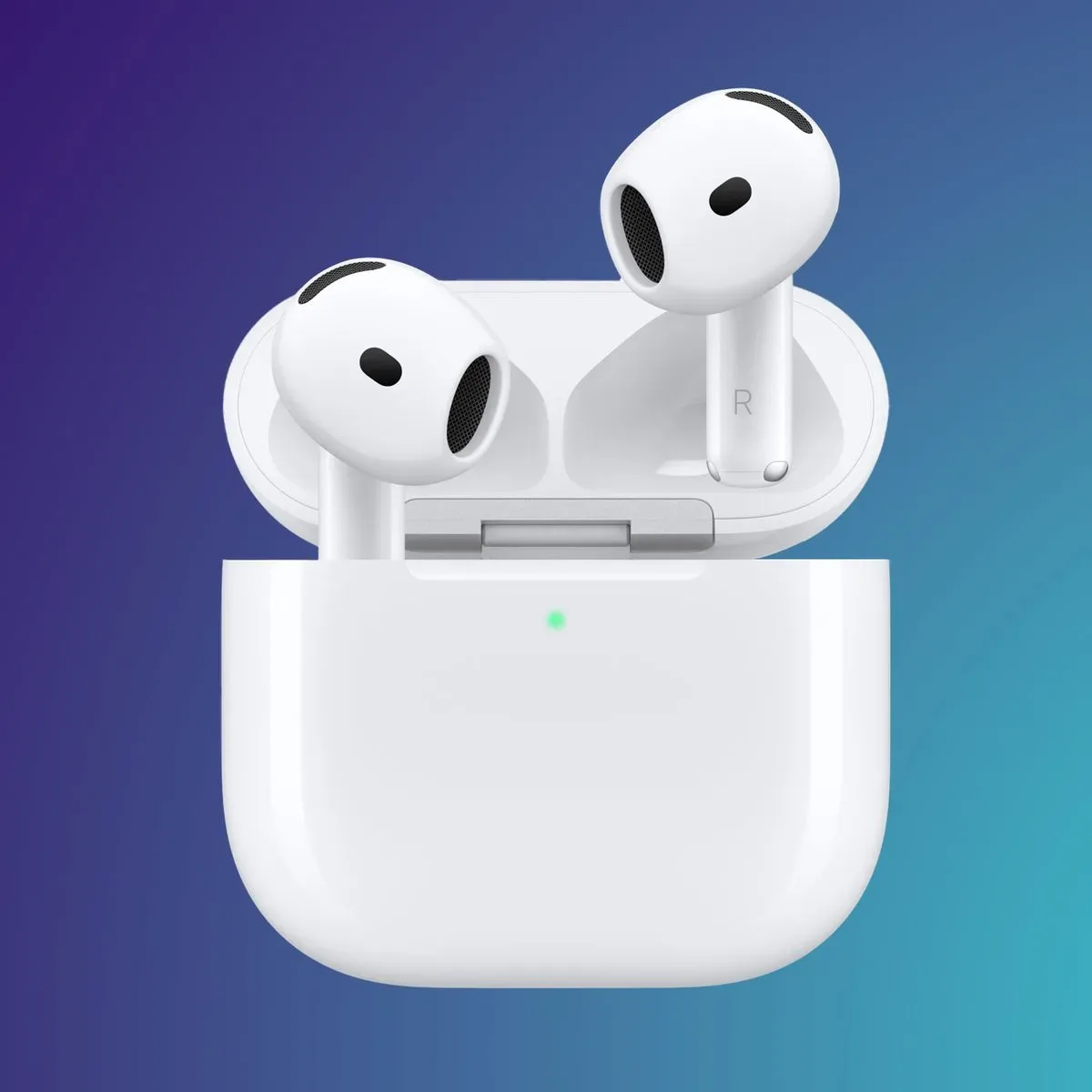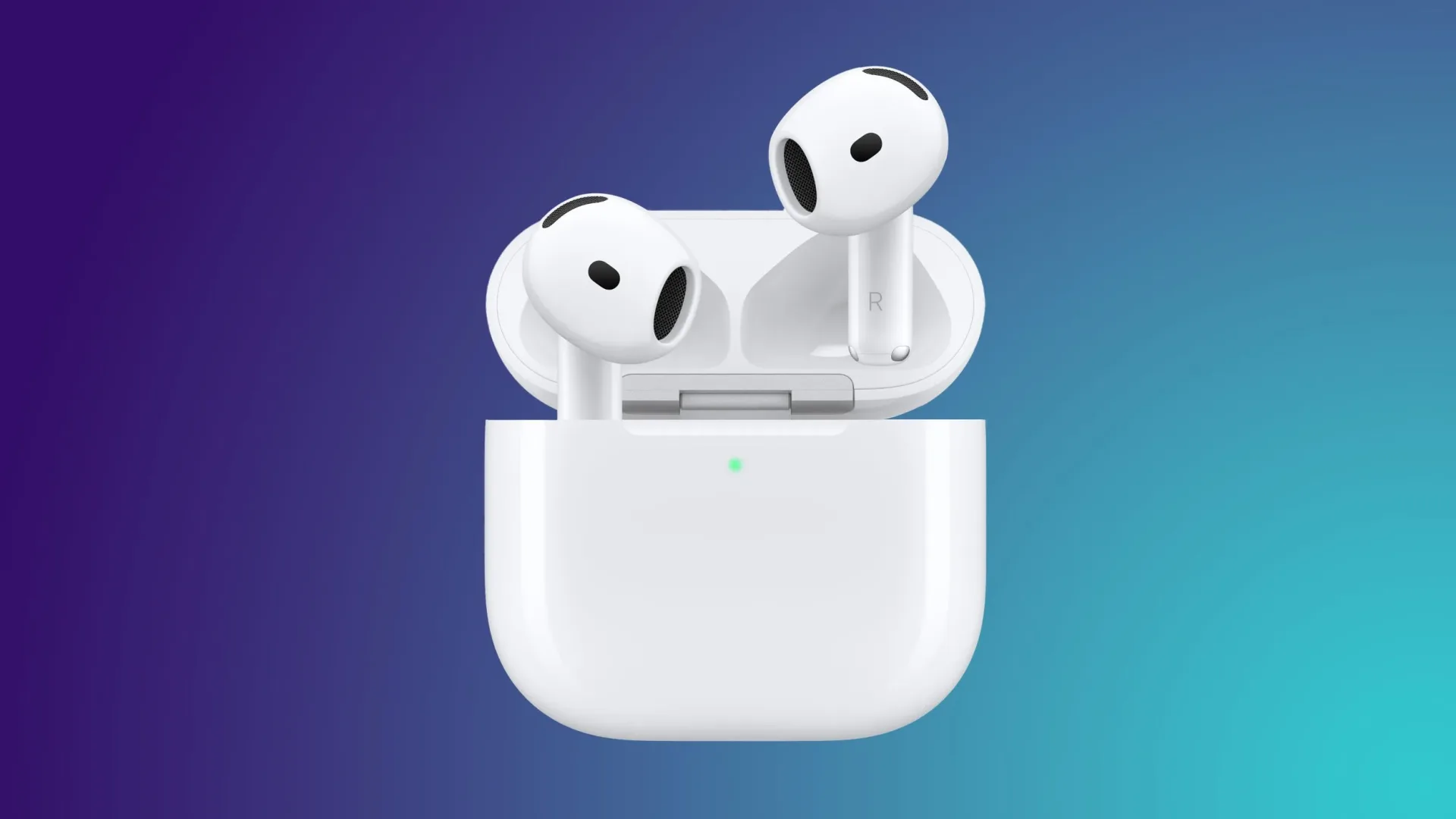
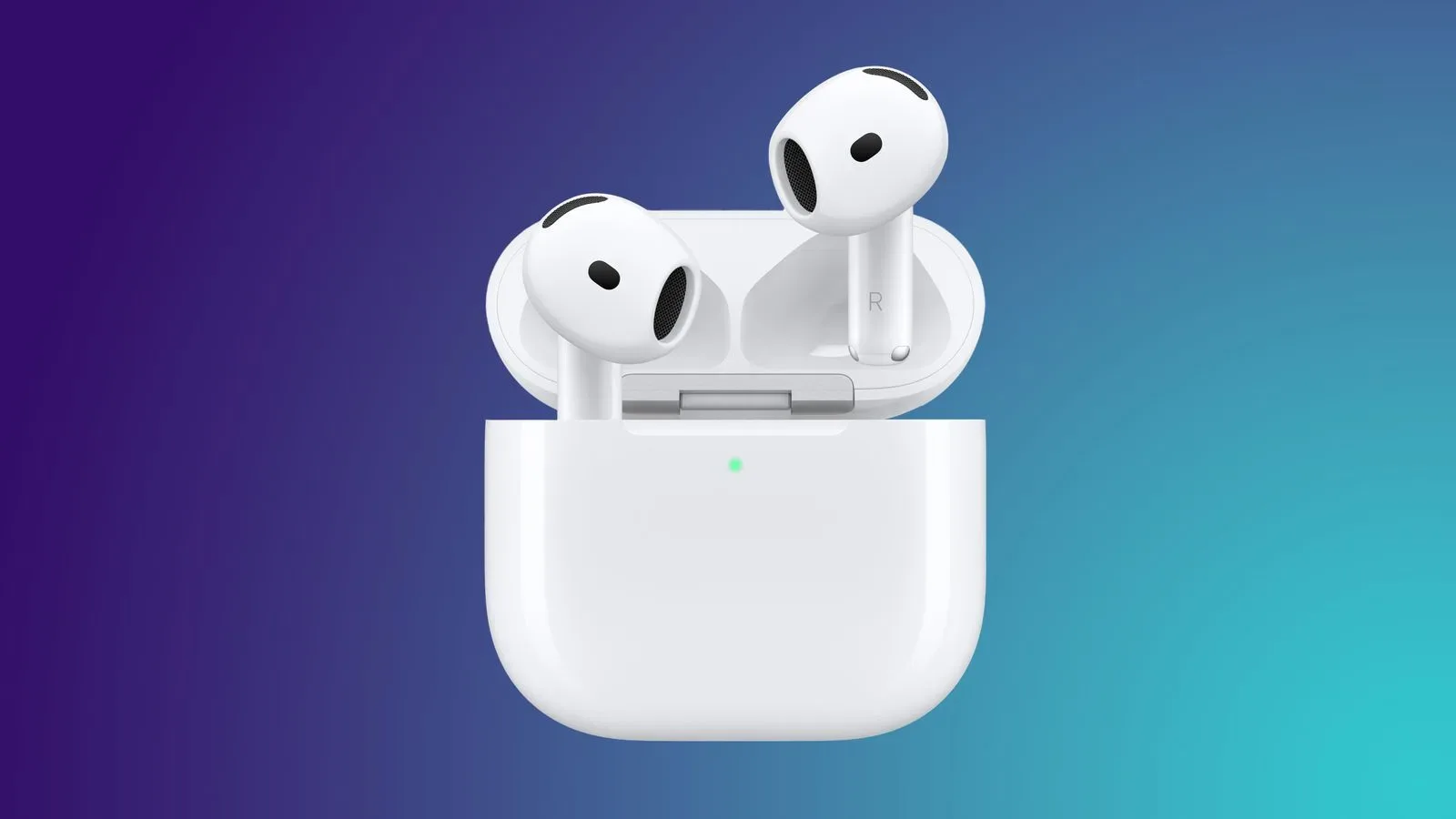
Apple has released AirPods firmware build 9B47 for the AirPods Pro 2, AirPods Pro 3, AirPods 4, AirPods 5 and AirPods Max 2. It replaces builds 9A348 and 9A350 across the affected lineup.
The immediate catch is familiar to anyone who has ever tried to make a pair of wireless earbuds update on command: there is no conventional update screen or install button for AirPods firmware. The update is delivered automatically, and Apple has not yet published a feature list or changelog explaining precisely what 9B47 changes.
That does not make the release unimportant. Firmware is the low-level software that helps hardware operate: in this case, it is the code running on the headphones themselves rather than the operating system on an iPhone, iPad, Mac or other paired device. Updates can address a broad range of behavior, but no particular fix, feature, performance improvement or security change should be assumed until Apple provides its documentation.
Which AirPods receive build 9B47?
The 9B47 rollout applies to these models:
- AirPods Pro 2
- AirPods Pro 3
- AirPods 4
- AirPods 5
- AirPods Max 2
Owners should not infer support for any model absent from that list. Firmware releases often cover selected hardware families rather than every product carrying the AirPods name, and the available information only identifies the five models above.
What is known about the update
Build 9B47 had been in beta testing for several weeks before its broader release. That establishes that the software was tested before being sent to regular users, but it does not reveal its contents. Apple has said its AirPods firmware support documentation will receive more information soon.
Until those notes appear, “firmware update” is the most accurate description. It is tempting to attach a likely explanation whenever a new build turns up—audio refinements, connection stability, microphone behavior or bug fixes are all common expectations around headphones—but expectations are not release notes. For users deciding whether they need to troubleshoot a specific issue, waiting for the official details is more useful than treating build 9B47 as a confirmed remedy.
The version jump itself is concrete: 9B47 supersedes 9A348 and 9A350. The two previous build numbers indicate that the prior software state differed across at least some of the compatible products. A single new build gives the supported models a shared destination, though that alone does not establish that every model receives identical functional changes.
How the AirPods update process works
AirPods do not present the same manual software-update workflow found on devices with screens and system settings. The practical requirements are straightforward:
- Connect or pair the AirPods with an Apple device.
- Connect the AirPods to power.
- Allow time for the firmware to install automatically.
That final step matters. The process can take several hours, so a lack of an immediate version change does not necessarily mean the update failed. There is no supported on-demand control described for forcing the firmware to download right away.
For earbuds, being connected to power generally means placing them in their charging case and ensuring the case has power available. For the AirPods Max 2, the useful takeaway is the same: keep the headphones connected with an Apple device and connected to power. Because the installation is automatic, the sensible approach is to leave the compatible hardware in that state for a while rather than repeatedly disconnecting it in search of a progress indicator.
Why no update button can be frustrating
A manual button offers certainty: select it, wait for a progress bar, and confirm a new version number. Automatic firmware delivery trades that visibility for a lower-maintenance design. In day-to-day use, there is nothing extra to manage. When a fix may be relevant to a problem, though, the lack of a direct install action means users cannot reliably rush the process.
That distinction is particularly relevant for people who use AirPods with gaming hardware nearby. Wireless audio setups often involve multiple devices, but this update is tied to pairing with an Apple device and power, not to a game console, PC game launcher or third-party headset application. It should be treated as a product-maintenance update, not as a game-specific patch.
Practical next steps for owners
If you own one of the listed AirPods models, there is little need to interrupt your routine. Pair the headphones with an Apple device, make sure they are charging, and give the automatic update time to complete. If everything is working normally, that is enough.
If you are tracking a problem with pairing, sound, calls or another behavior, it is worth recording the firmware version you had before and after the update where your device makes that information visible. That will not prove causation, but it can help separate a persistent issue from a change that coincided with the new build. More importantly, do not promise yourself that 9B47 addresses the issue until Apple identifies its contents.
Owners who have seen a beta build should also distinguish a beta-testing period from a published change log. The public rollout confirms that 9B47 is now being distributed to the named models; it does not turn unconfirmed beta observations into official features.
Why the details matter
Firmware is easy to overlook precisely because it is designed to fade into the background. Yet headphones are compact systems with their own software, charging behavior and relationship to a host device. Small changes can matter even when they do not produce a new control, a redesigned menu or a headline feature. The absence of detail is therefore not proof that the release is trivial; it simply means the scope cannot be responsibly characterized yet.
For now, the practical story is a quiet one: 9B47 is the current firmware destination for AirPods Pro 2, AirPods Pro 3, AirPods 4, AirPods 5 and AirPods Max 2, replacing 9A348 or 9A350. It installs automatically while the headphones are connected to an Apple device and power, potentially taking hours. Apple is expected to update its support documentation with further information.
For another look at how hardware details can matter beneath a familiar product surface, see this report on a MacBook Pro teardown and its internal design changes. AirPods firmware is far less visible than a chassis redesign, but both are reminders that product behavior and maintenance often depend on work happening below the interface users see.