
A cruise is one of the easiest places for a smartphone to become unexpectedly expensive. The problem is not only deliberate browsing, calls or messages. While a ship is moving through international waters, a phone left connected to cellular service can attach to a maritime network, or briefly pick up networks from places the ship passes near. That connection alone can be enough to put roaming charges in motion.
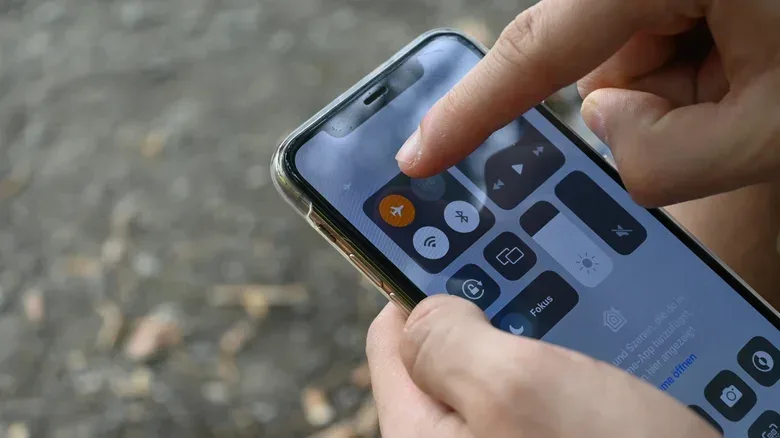
The practical default is simple: turn on Airplane Mode while the ship is at sea, then turn Wi-Fi back on if you have access to the ship’s internet. This leaves cellular radio service disabled while still allowing the phone to join Wi-Fi. It is a small distinction with a potentially large effect on a post-trip bill.
That does not mean every traveler must stay offline. A cruise line’s Wi-Fi plan, a carrier roaming option, or a travel eSIM can each have a role. The important part is understanding which connection a phone is actually using, and preventing the primary cellular line from connecting when that is not the intention.
Why cruise connectivity is different from ordinary roaming
On land, a phone generally joins its normal carrier network or a partner network covered by an international-roaming arrangement. At sea, distance from land-based towers changes the picture. As the vessel moves farther offshore and land signals weaken, maritime cellular systems can become available. One example is Cellular at Sea, which may appear on a handset as “901.”
A maritime cellular network is cellular service intended for ships in international waters. It is separate from the ordinary domestic network a customer uses at home. The usual allowances and assumptions tied to a standard phone plan may not apply after a device joins it. Charges can instead follow maritime roaming rates.
There is a second complication near ports and coastlines. A ship traveling between destinations can encounter signals associated with multiple countries or regions. A traveler may have planned for roaming at one destination yet have the phone briefly connect to another network while passing nearby. In other words, a phone does not need to be taken ashore in a country for a relevant network connection to occur.
This is why simply intending to use a ship Wi-Fi package is not, by itself, a complete safeguard. Wi-Fi and cellular are separate connection paths. If cellular remains active, the device can still join a mobile network even when Wi-Fi is available.
The background activity problem
The costly part can be invisible. Modern phones routinely carry out background tasks without a person opening an app: receiving messages, refreshing email, checking for app updates, and other network activity. If a device joins an expensive roaming network, those tasks may create traffic even when the phone has not been used for a call, text, or web search.
That is also why waiting to “use the phone only when necessary” is less dependable than disabling the cellular connection in advance. The risk begins at the connection stage, not only when a traveler consciously decides to start browsing.
Airplane Mode offers an uncomplicated control because it turns off the phone’s cellular networking. It can also reduce needless searching for a signal, and may help the phone charge faster. Crucially, Wi-Fi can be turned back on after Airplane Mode is enabled. That combination makes it possible to use supported ship internet without leaving the handset free to latch onto a maritime mobile network.
A practical at-sea setup
- Before the ship leaves port, enable Airplane Mode.
- Open Wi-Fi settings and turn Wi-Fi back on.
- Join the cruise line’s Wi-Fi network if a plan is available or has been purchased.
- Keep Airplane Mode enabled for the period the ship is underway.
- When arriving in port, decide whether to disable Airplane Mode based on the roaming plan or eSIM you intend to use.
- Enable Airplane Mode again before returning to the ship if avoiding maritime cellular service remains the goal.
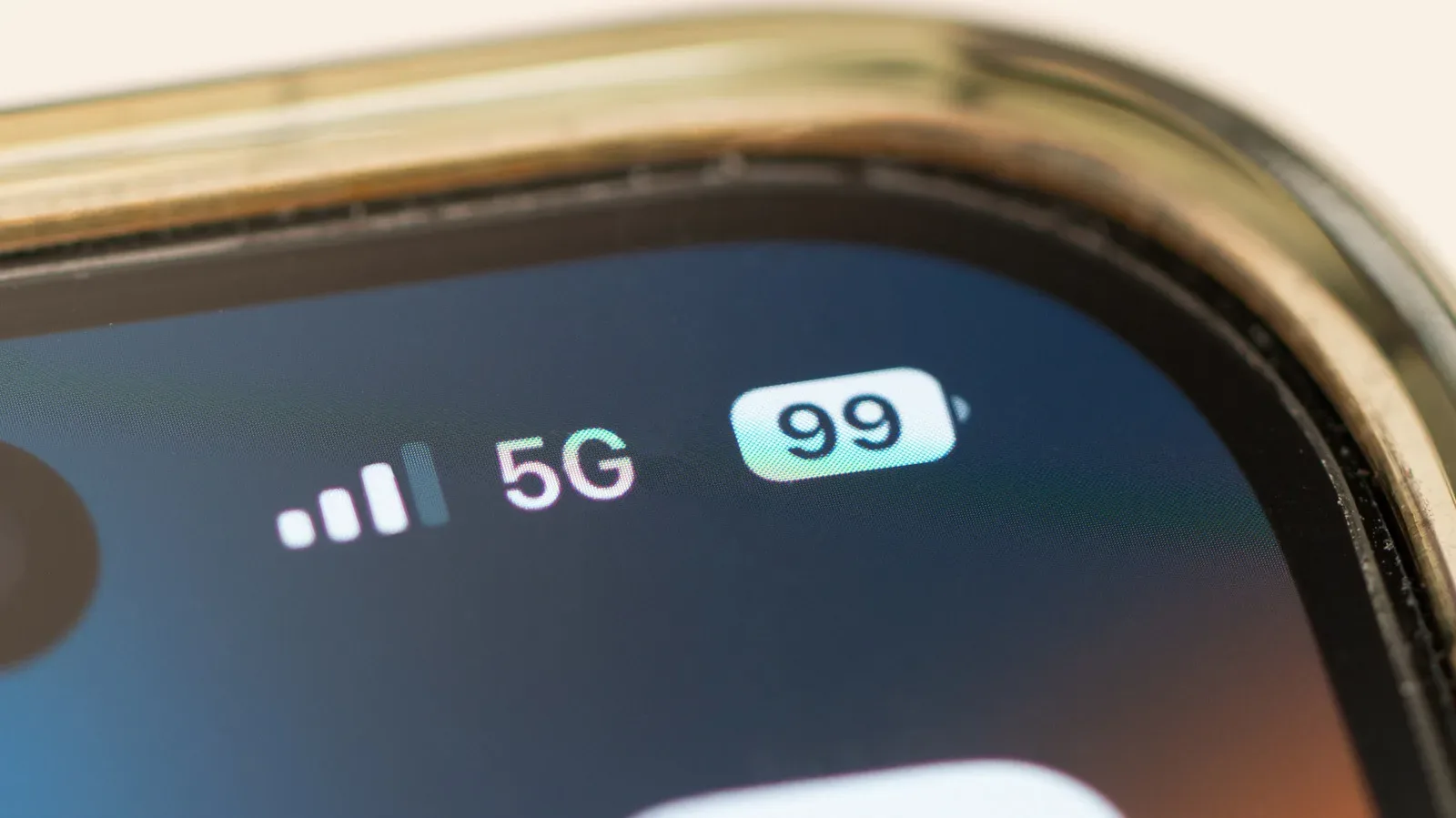
Wi-Fi quality will vary, even as cruise lines increasingly use Starlink internet and some ship connections approach 5G-like speeds. Performance, however, is a separate issue from billing. A phone may move between Wi-Fi and cellular when both are available, much as it can at home when one connection appears stronger. Airplane Mode removes the cellular side of that choice.
For anyone bringing a handheld, laptop, or phone-loaded game library aboard, this distinction is useful beyond messaging. Download needed games, updates, maps, media and authentication materials before sailing where possible. Then use the ship Wi-Fi deliberately rather than assuming a background update is harmless. Travelers thinking through portable-audio comfort for long sessions may also find our guide to open-ear versus in-ear earbuds for gaming helpful.
Airplane Mode, Data Roaming and disabling a line are not identical
These options are related but serve different purposes. Airplane Mode is the broadest, easiest travel control in this situation: it disables cellular connectivity and can be paired with manually enabled Wi-Fi. It is the clearest way to avoid an unintended cellular attachment while at sea.
Data Roaming is a setting that limits cellular data while roaming. It may be useful, but it is a narrower setting than Airplane Mode and requires navigating the relevant settings correctly. For a traveler seeking the most straightforward at-sea routine, Airplane Mode is the simpler precaution described here.
Turning off a primary line is another approach, particularly for people with more than one SIM or an eSIM arrangement. It prevents that line from connecting while leaving other configured lines available. This can be especially relevant when a travel eSIM is intended for use in a destination but the normal home number should not join a maritime network.
iPhone option: switch off the primary line
On an iPhone, the primary SIM can be disabled through Settings > Cellular > SIMs. Select the primary SIM, especially if other SIMs or travel eSIMs are present, and turn off Turn On This Line. Turn it on again when cellular access is wanted in port.
This is an alternative to Airplane Mode, not a requirement to combine every possible setting. The key is to make one intentional choice that stops the home line from connecting at sea. Travelers should remember that exact menus can differ by device and software configuration.
When a carrier plan may make sense
Some carriers offer cruise-specific or international day-pass arrangements for covered ships and destinations. Verizon’s Cruise Daily Pass provides 24 hours of connectivity for a set fee on covered cruise ships. AT&T’s International Day Pass can provide land-and-sea access at a daily rate on certain cruises to specified destinations.
Such options may suit someone who needs cellular service aboard, and they may be preferable to paying unplanned maritime rates or, in some cases, purchasing ship Wi-Fi. But coverage and destination limitations matter. A traveler should confirm that the particular ship, itinerary and intended use are included before relying on a plan. A roaming plan for time ashore should not automatically be treated as coverage for the ship’s maritime network.
A travel eSIM can likewise be useful at a destination, but it does not eliminate the need to manage the primary SIM. If the home line stays enabled, it can remain capable of joining a network when the device is at sea. Disabling that primary line or using Airplane Mode protects against that accidental path.
What still works in Airplane Mode
Airplane Mode does not turn a phone into a useless slab of glass. With Wi-Fi re-enabled, it can connect to the cruise line’s internet. Without Wi-Fi, it can still serve as a camera and run offline functions, including a cruise line’s app where its relevant information is already available offline.
That makes the setting less of a sacrifice than its name suggests. It is best understood as a cellular shutoff switch, not a demand to abandon the device for the voyage. Set the phone up before departure, use Wi-Fi consciously if needed, and only restore cellular service in port when the applicable roaming arrangement is known.