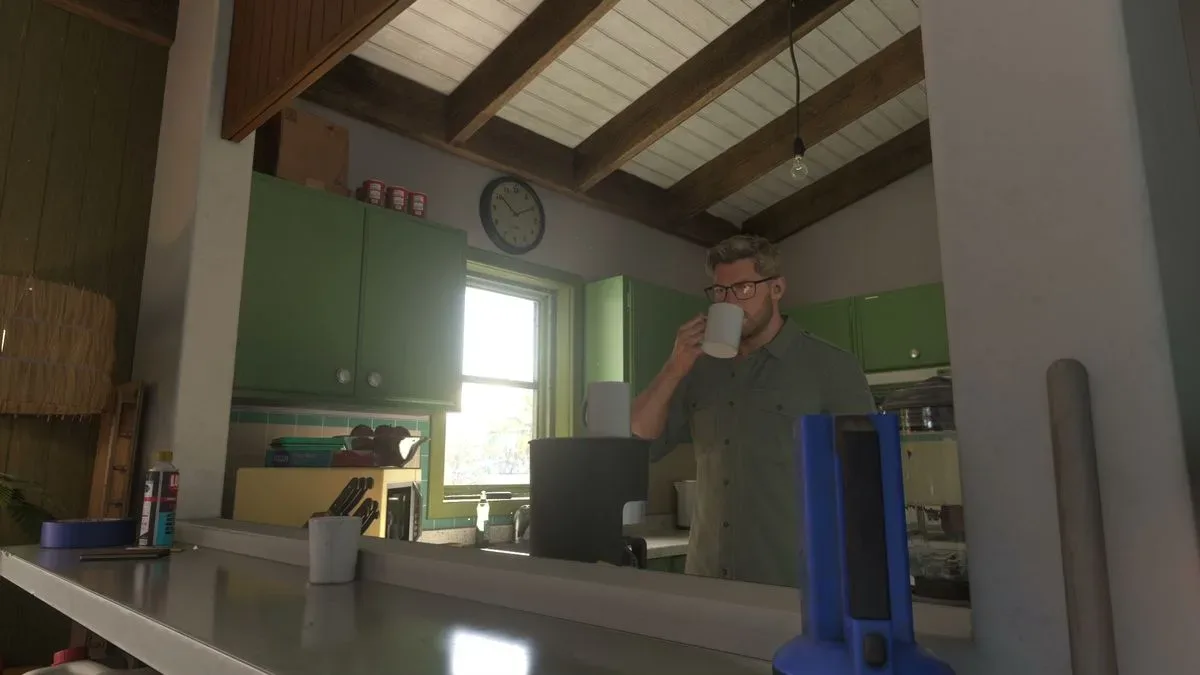
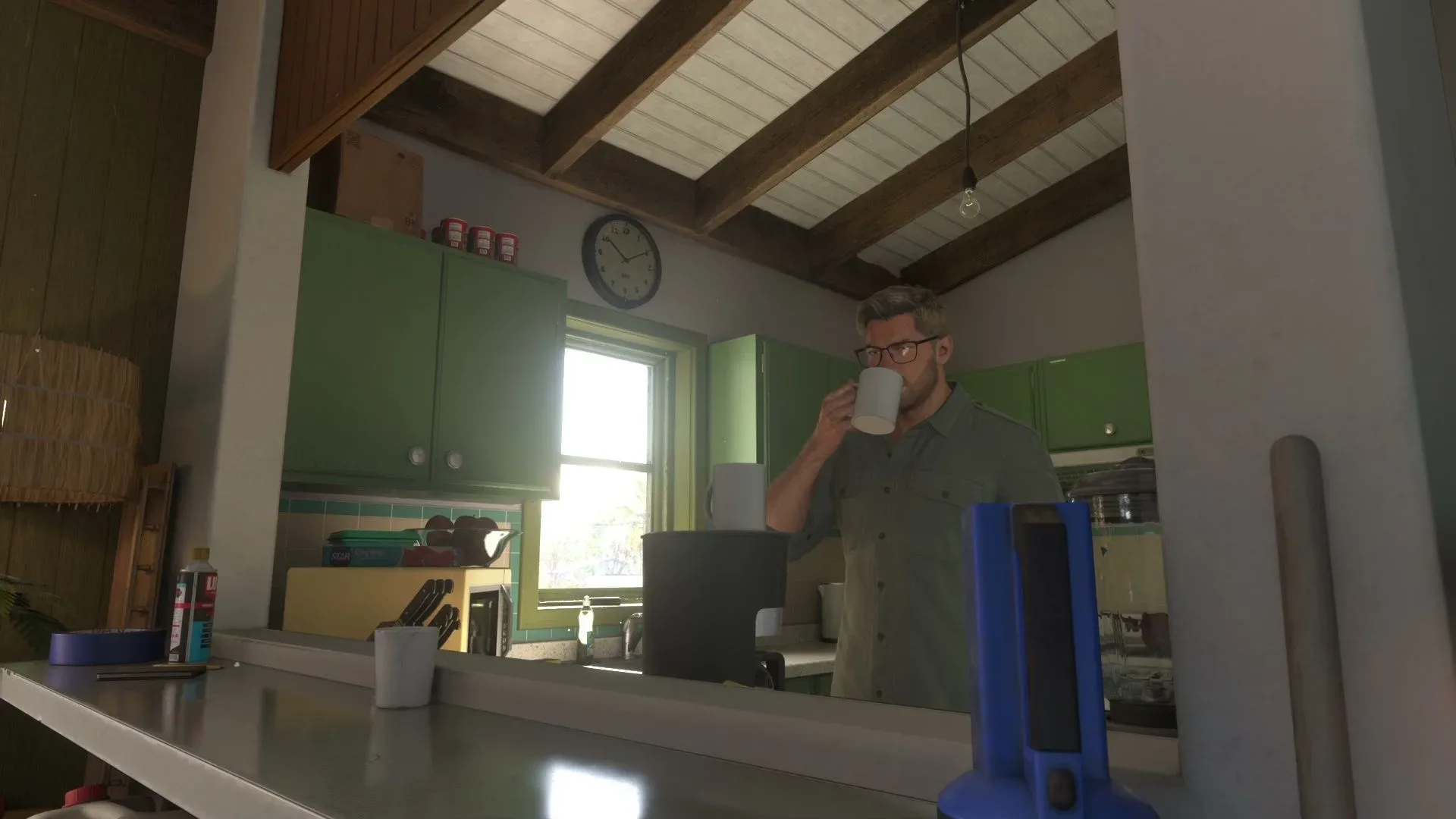
Some activities in Grand Theft Auto 6 depend on the in-game clock. A mission may require nightfall, while another event may only make sense at a different part of the day. Rather than standing around waiting for the sun to move across the sky, players can advance time through a few systems in the game.
The most direct method is sleeping at home. Other actions, including taxi travel, repairs, renovations and certain mission events, can also move time forward as part of their normal process. The important catch is that time does not advance without consequences: activities marked by an hourglass are time-sensitive, so sleeping through the relevant window can mean losing the opportunity to take part.
The reliable way to pass time: sleep at home
To deliberately skip ahead, return to the character’s home and use the bed. On lying down to sleep, GTA 6 allows a wake-up time to be selected:
- Morning
- Noon
- Evening
- Night
This makes sleep the clearest answer when an activity calls for a particular period. If it is early morning and a mission is intended for the night, choose the night wake-up option instead of waiting in real time. Likewise, choosing morning, noon or evening can bring the clock closer to the period a player needs.
In this context, passing time means advancing the game world’s clock rather than merely pausing or idling. Sleeping is useful because the player chooses from broad day-part options, rather than hoping an unrelated activity happens to take long enough.
Check for hourglass activities before sleeping
Before using the bed, inspect the GTA 6 index for activities carrying an hourglass marker. That symbol identifies missions or activities that are time-sensitive.
If one is active or available, sleeping can carry a real risk: the selected wake-up period may jump past the window in which that activity can be started or completed. The practical rule is simple: do not treat sleep as a consequence-free fast-forward button when an hourglass is visible.
- Open the GTA 6 index.
- Look for any hourglass-marked mission or activity.
- Decide whether to handle that activity before changing the time.
- Only then travel home and select the desired wake-up period.
This check matters most when the goal is simply to line up a different quest with nighttime or daytime. It is easy to solve one scheduling problem while accidentally bypassing another. Players who are unsure whether an hourglass event is worth prioritizing should avoid a major time jump until they have considered it.
Related coverage includes GTA 6: How to Skip Time and Change the Time of Day.
Other actions that can advance the clock
Sleep is the best option when the sole objective is changing the time of day, but it is not the only mechanic that moves the clock. GTA 6 can also skip time during certain activities.
Taxi rides
Taxi travel can skip ahead as part of the ride. This can be a useful choice when the player needs to travel anyway and wants the clock to progress at the same time. It is less controlled than setting an alarm in bed, but it can be efficient when the destination is more important than choosing an exact broad period such as evening or night.
Repairs and renovations
Repairs and renovation work can also advance time. One example is fixing the railing at the character’s house. These are activity-driven time skips: the clock moves because the work takes time within the game, not because the player has opened a dedicated time-selection menu.
That distinction is useful when planning. Do not start a repair or renovation merely assuming it will deliver a precise time of day. Its value is that it can progress the clock while completing a task that needs doing.
Mission and quest events
Some missions or quests include contextual events that move time forward. These skips are controlled by the activity itself, so they should be viewed as narrative or quest-specific transitions rather than a general-purpose scheduling tool.
In other words, a mission may move the world from one point in the day to another as part of its structure, but that does not mean every mission can be used on demand to reach a chosen hour. For predictable control, go home and sleep.
Choosing the best method for the situation
The right time-skipping method depends on what the player is trying to accomplish.
- You need night, morning, noon or evening specifically: sleep at home and choose the matching wake-up period.
- You are already heading somewhere: a taxi ride may advance time while also covering the trip.
- You have a repair or renovation to finish: completing it can move time forward naturally.
- You are in the middle of a quest: follow the mission flow, since it may contain its own contextual time transition.
- An hourglass appears in the index: investigate that time-sensitive activity before making a large jump.
The home requirement is the chief limitation on sleeping. Getting back to the house may be convenient or inconvenient depending on where the character currently is, so a taxi or another time-consuming activity can sometimes be the more sensible option. Still, those alternatives are situational; none offers the same clear morning/noon/evening/night choice described for sleep.
Why time of day matters in GTA 6
Time-gated content is any quest, activity or event tied to a certain in-game period. The practical result is that a player may arrive at the right place but still be at the wrong time. GTA 6’s sleep system gives players a way to correct that mismatch without passively waiting.
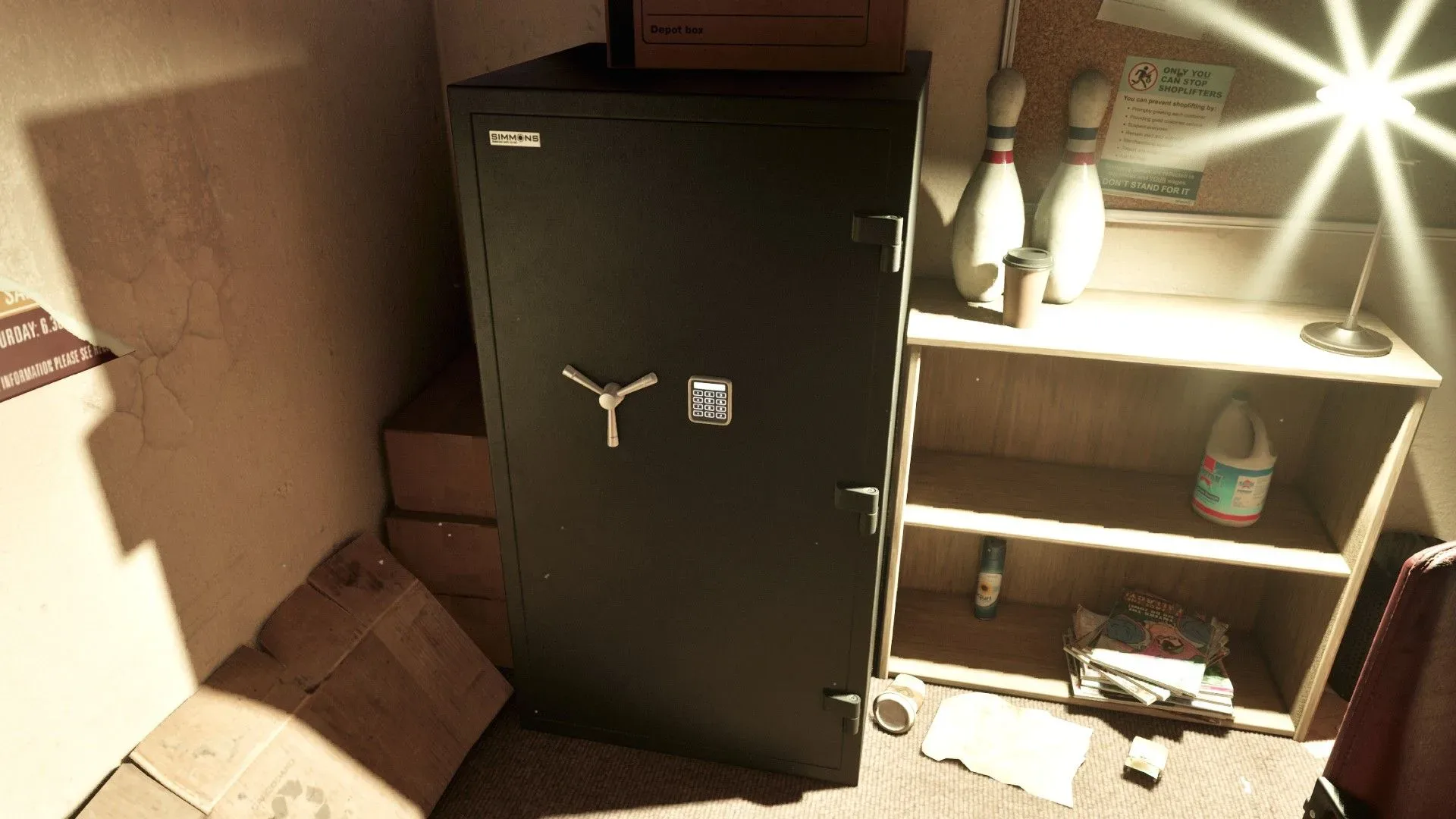
Night-oriented quest content is one reason to use the system. The Kingpin bowling alley safe guide is a separate example of how mission progress can hinge on arriving prepared for a specific objective; the broader lesson is to check the immediate requirements before committing to a detour or time jump.
The main planning habit is therefore straightforward: confirm the activity you want to pursue, scan the index for hourglass-marked obligations, then select the least disruptive way to move the clock. Sleep gives the most control, taxis and work tasks can combine time advancement with another purpose, and quest transitions should be allowed to happen on their own terms.
Quick GTA 6 time-skip checklist
- Use the bed at home for the most dependable time skip.
- Select morning, noon, evening or night when choosing to sleep.
- Check the GTA 6 index before sleeping.
- Treat hourglass markers as a warning that an activity may be missed if time advances too far.
- Use taxi rides, repairs, renovations and quest events as situational ways for time to pass.
- Prefer sleep when a quest requires a particular part of the day.