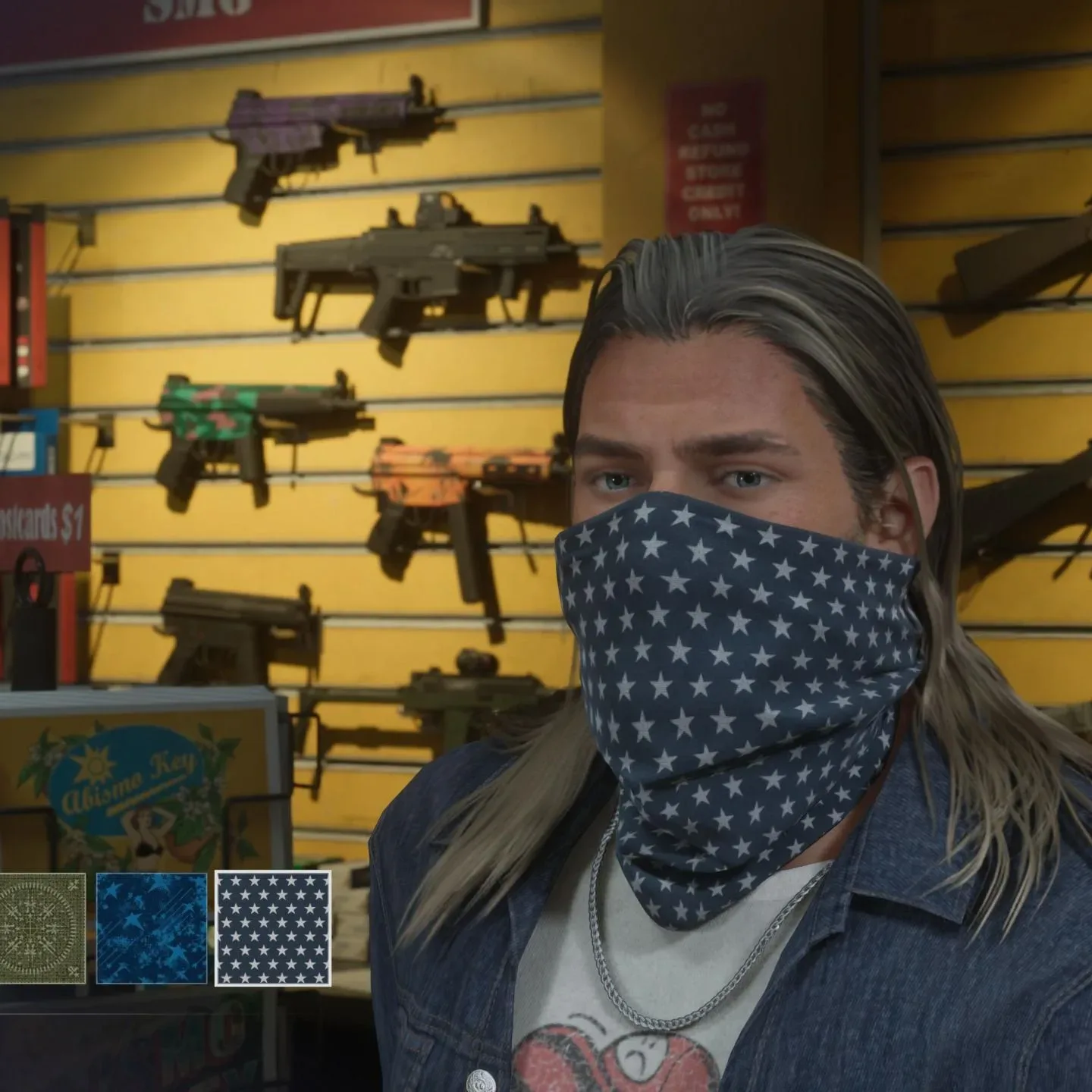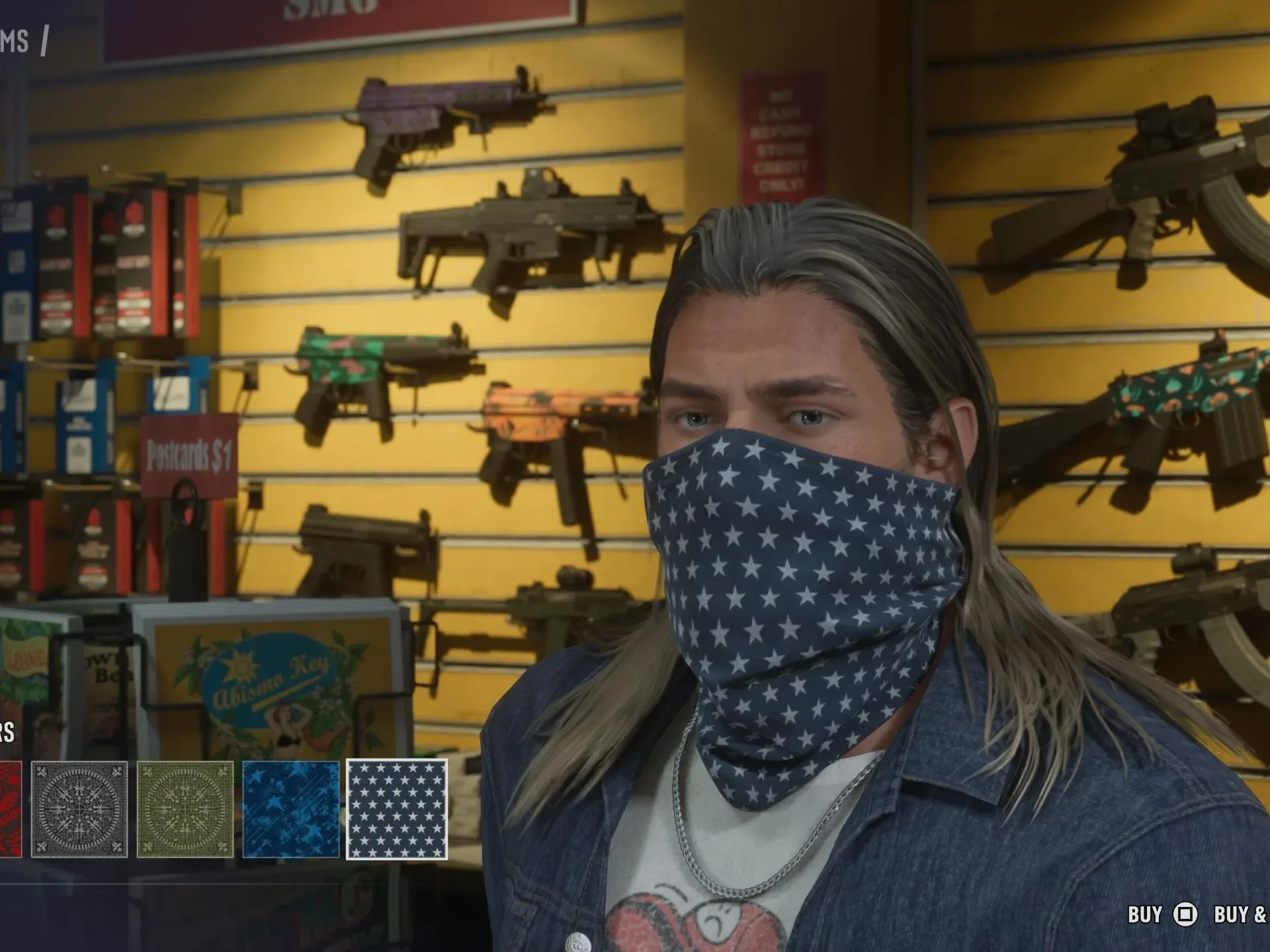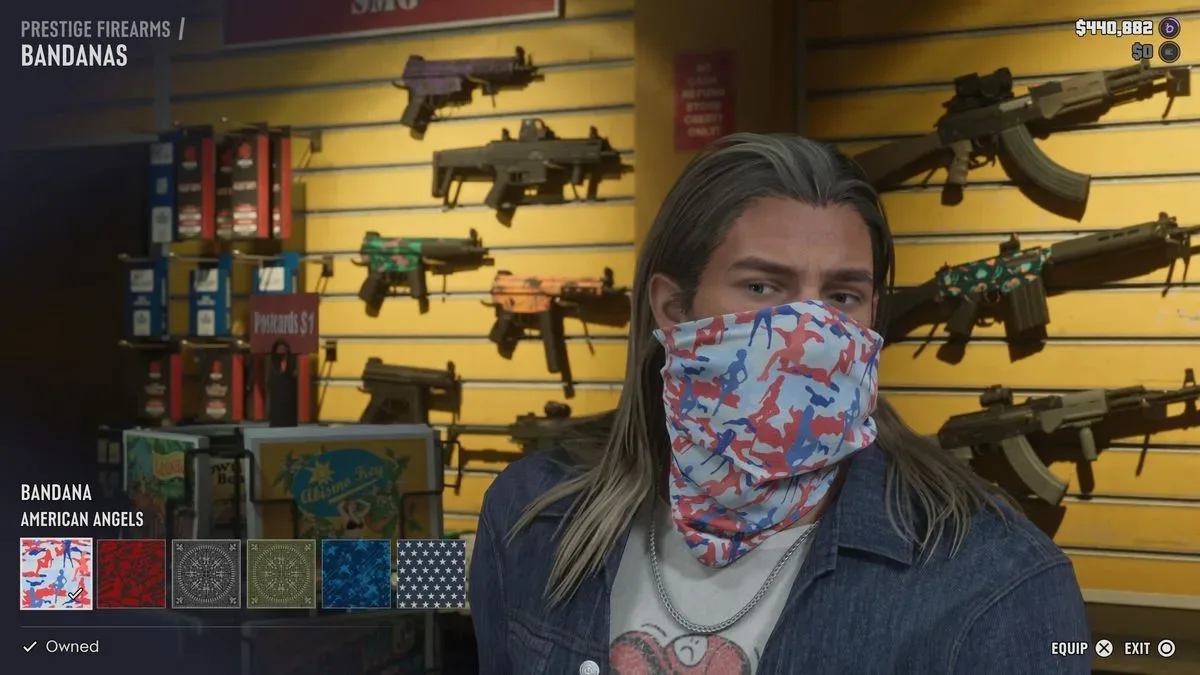
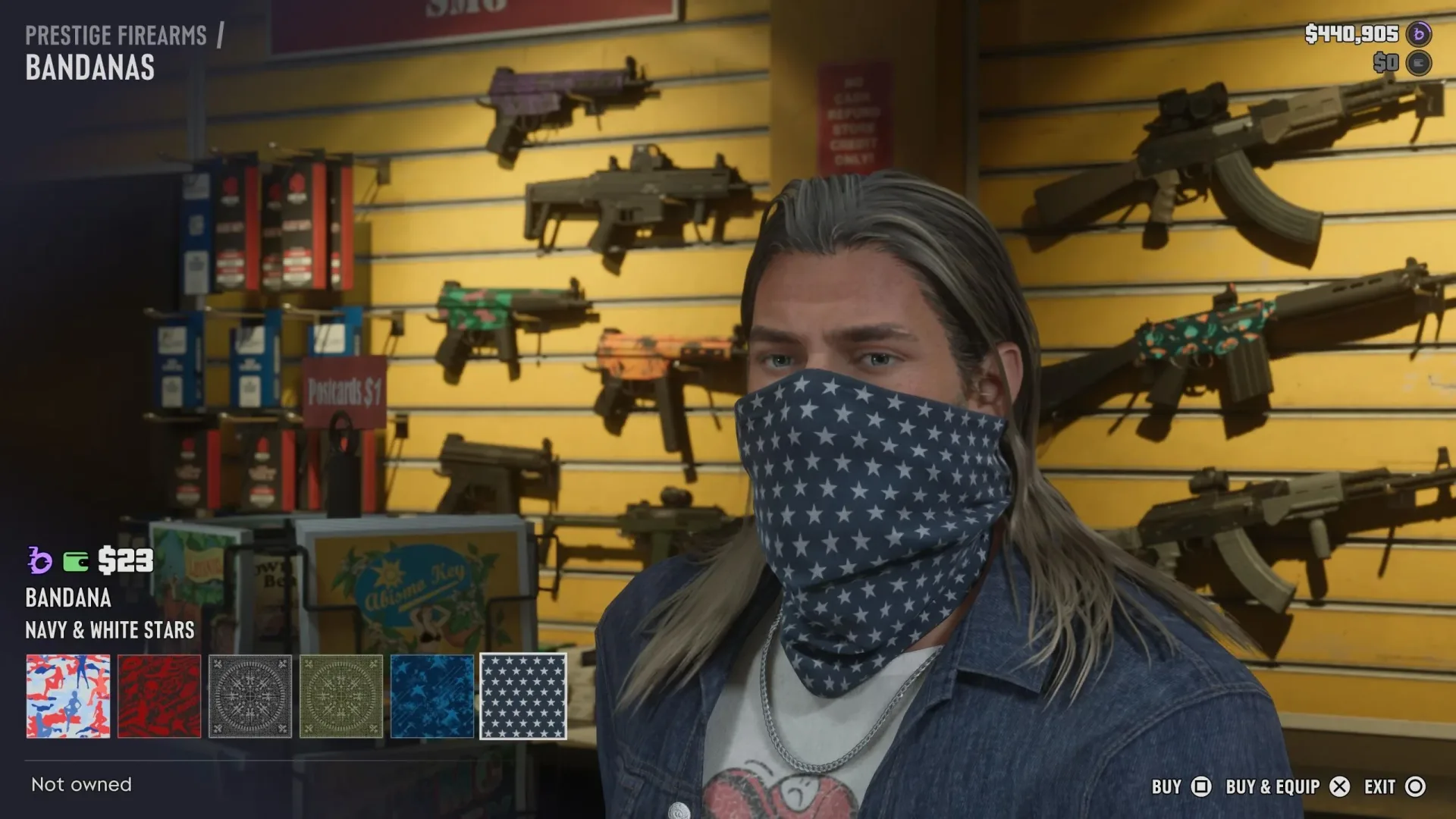
A mask is more than a cosmetic purchase in GTA 6. Face coverings sit in the game’s neckwear category, but they also matter to the Wanted system: wearing one after a crime recorded by CCTV can help reduce Appearance Heat, the part of the game’s Heat system tied to how recognisable a character looks.
The important catch is that purchasing a mask is not the same as being able to use it on the street. It needs to be placed in a character’s loadout first. Players can do that at a residence wardrobe, or keep additional choices in the trunk of a personal vehicle. Once a mask is available in the loadout wheel, it can be put on or taken off from the items menu.
Where to buy a mask in GTA 6
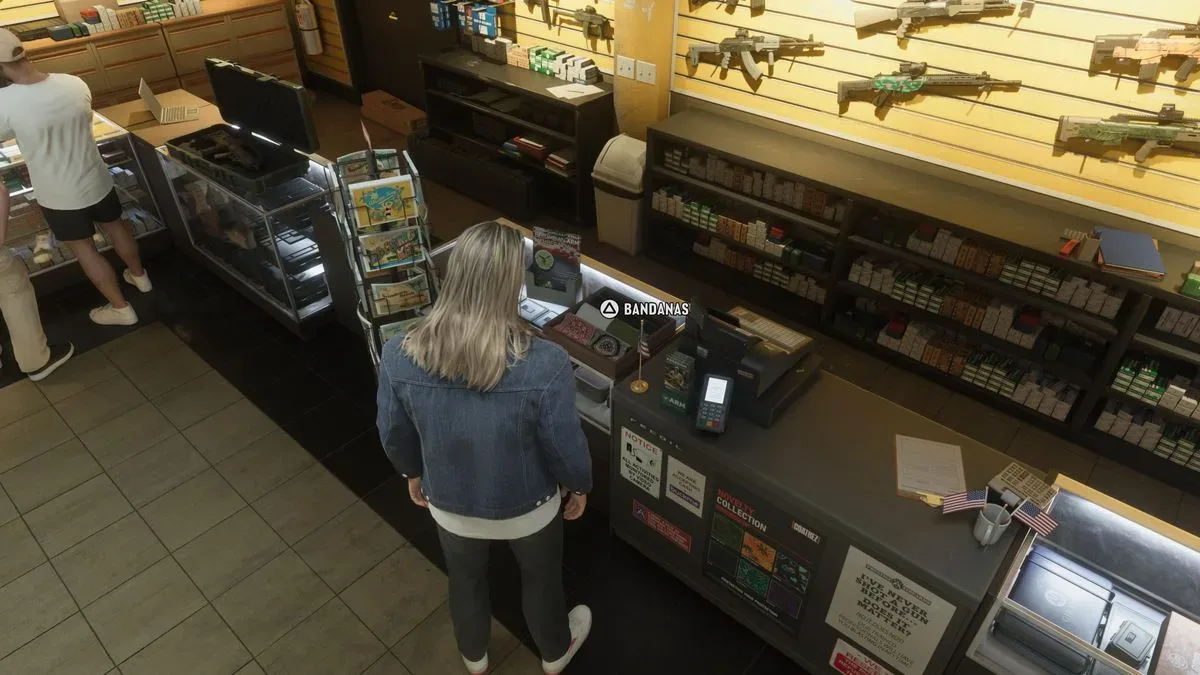
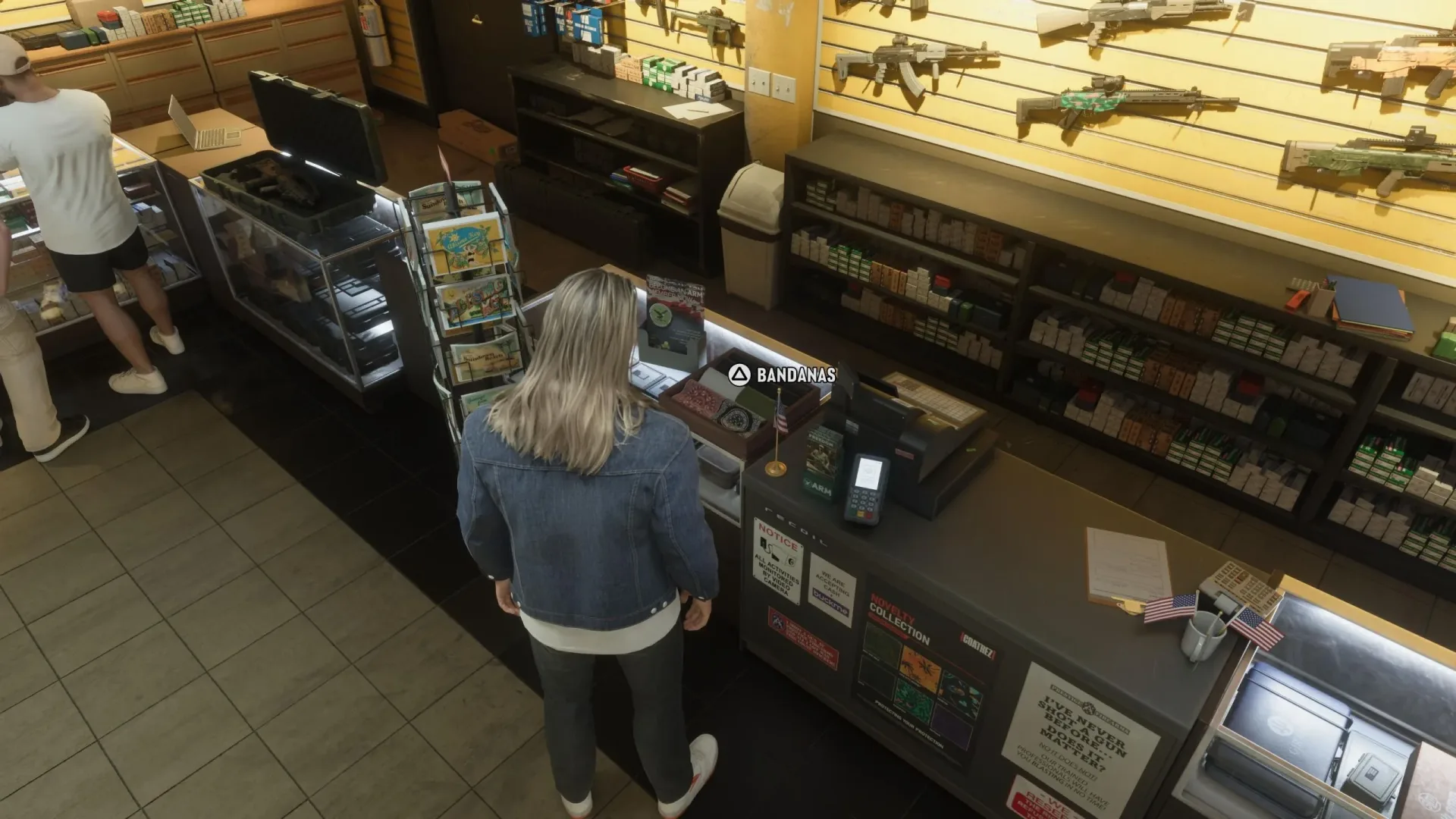
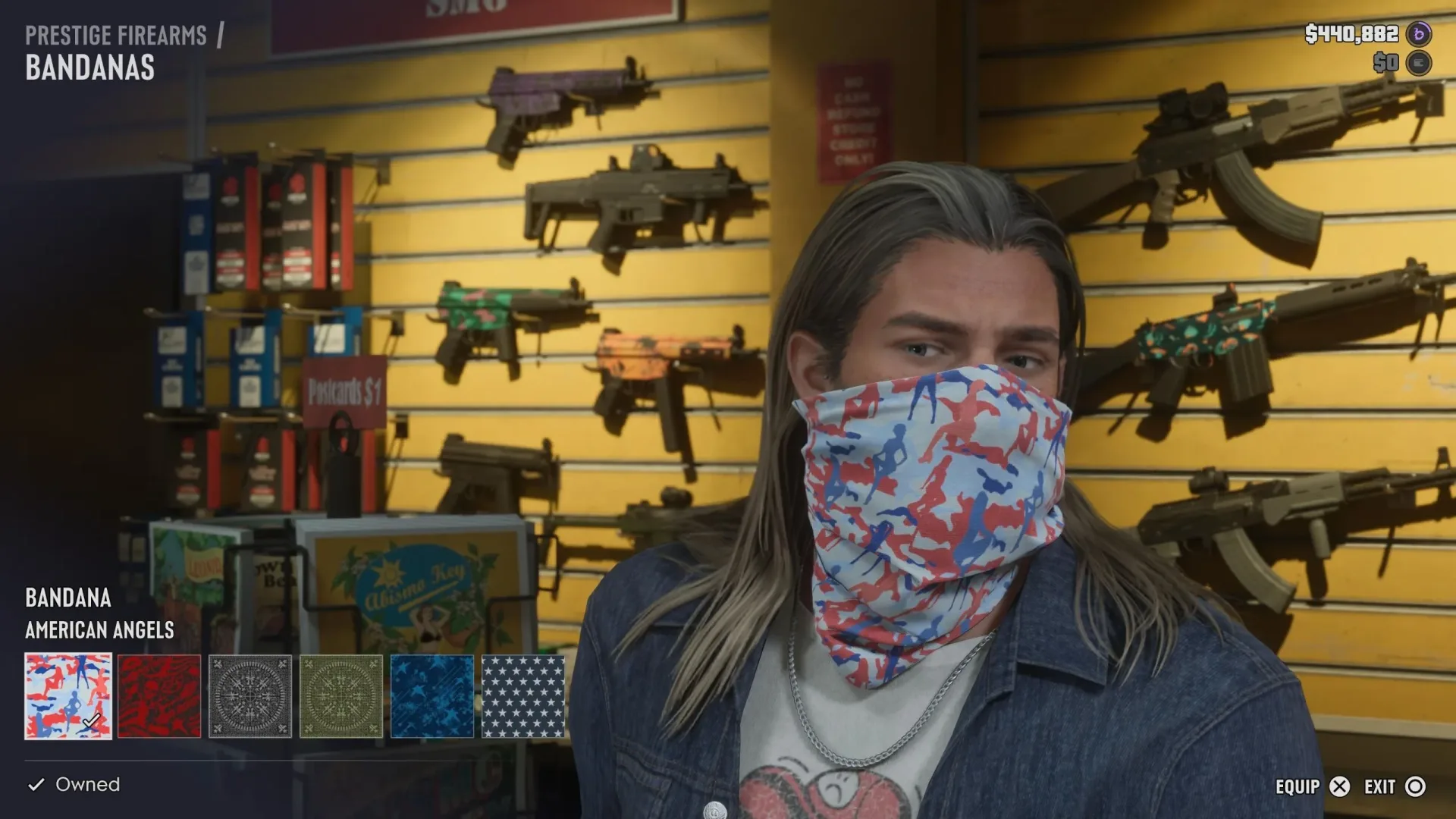
Gun stores sell masks. An early option is Chuck’s Tackle & Shot in Key Lento, which carries them from the opening of the game. Inside the shop, look for the central display stand marked by an alligator head.
More face-covering choices can be found at Ammu-Nation retailers. To locate relevant gun stores, open the GTA 6 Index, enter the weapons tab, and use it to identify the shops on the map.
As exploration expands into Vice City and Vice Beach, other types of retailer offer masks too:
- Thrift stores sell novelty masks.
- High-end retailers carry more elaborate and expensive coverings.
That gives masks two roles: a functional item for managing identification after crimes, and a wardrobe choice with options across different kinds of stores. The game separates Masks by brand in the wardrobe interface, so it is worth checking the accessories menu after buying a new one rather than assuming every purchase has gone straight into active equipment.
Add a purchased mask to your loadout
To make a mask usable from the quick-access wheel, visit the wardrobe at one of your residences. Go to the Accessories tab, then select Masks. This is the menu where masks are organised by brand and added as neckwear to the loadout.
- Visit a residence and interact with its wardrobe.
- Open Accessories.
- Select Masks.
- Choose the mask you want to include as neckwear in the loadout.
This step is easy to miss because ownership and readiness are separate concepts. A mask may be bought, but unless it has been assigned through the wardrobe, it will not appear when you open the loadout wheel.
Related coverage includes GTA 6 Masks Guide: How to Buy, Equip, and Change Face Coverings.
Keep extra masks in your vehicle trunk
For players who want more than one option away from home, personal-vehicle trunks can store masks. Highlight the item and press Square on PlayStation or X on Xbox to place it in the trunk.
That makes the trunk a useful mobile reserve for neckwear. It does not replace the need to prepare the active loadout, but it gives you a place to carry alternatives while travelling around Leonida. In practical terms, a player can use the residence wardrobe for setup and the personal vehicle for flexibility once out in the world.
How to put on or remove a mask
After a mask has been added to the loadout, use the quick menu controls below:
- Hold L1 on PlayStation or LB on Xbox to open the loadout wheel.
- Press R1 or RB to move to the items menu.
- Find the Mask option in the neckwear slot at the top, or twelve-o’clock position, of the wheel.
- Press A to put on the mask.
- Press A again to remove it.
The interaction is a toggle: the same button wears and removes the selected covering. If there is no Mask option at the top of the items wheel, return to a residence wardrobe and confirm that a mask has been assigned to the loadout.
Change how the mask is worn
GTA 6 offers two wear styles for a mask. While the neckwear slot is highlighted in the loadout, press up or down to switch between them.
One style pulls the mask up so it conceals the character’s face. This is the version that produces alarmed reactions from shop clerks. The alternate style is worn more casually and is intended to look more appropriate in ordinary situations.
That distinction is worth understanding before walking into a business. A face-concealing mask may support the goal of hiding a character’s identity, but it also visibly changes the social response of nearby NPCs. The less conspicuous wear style, meanwhile, is a presentation choice rather than the obvious choice for obscuring a face.
Why masks matter: Appearance Heat explained
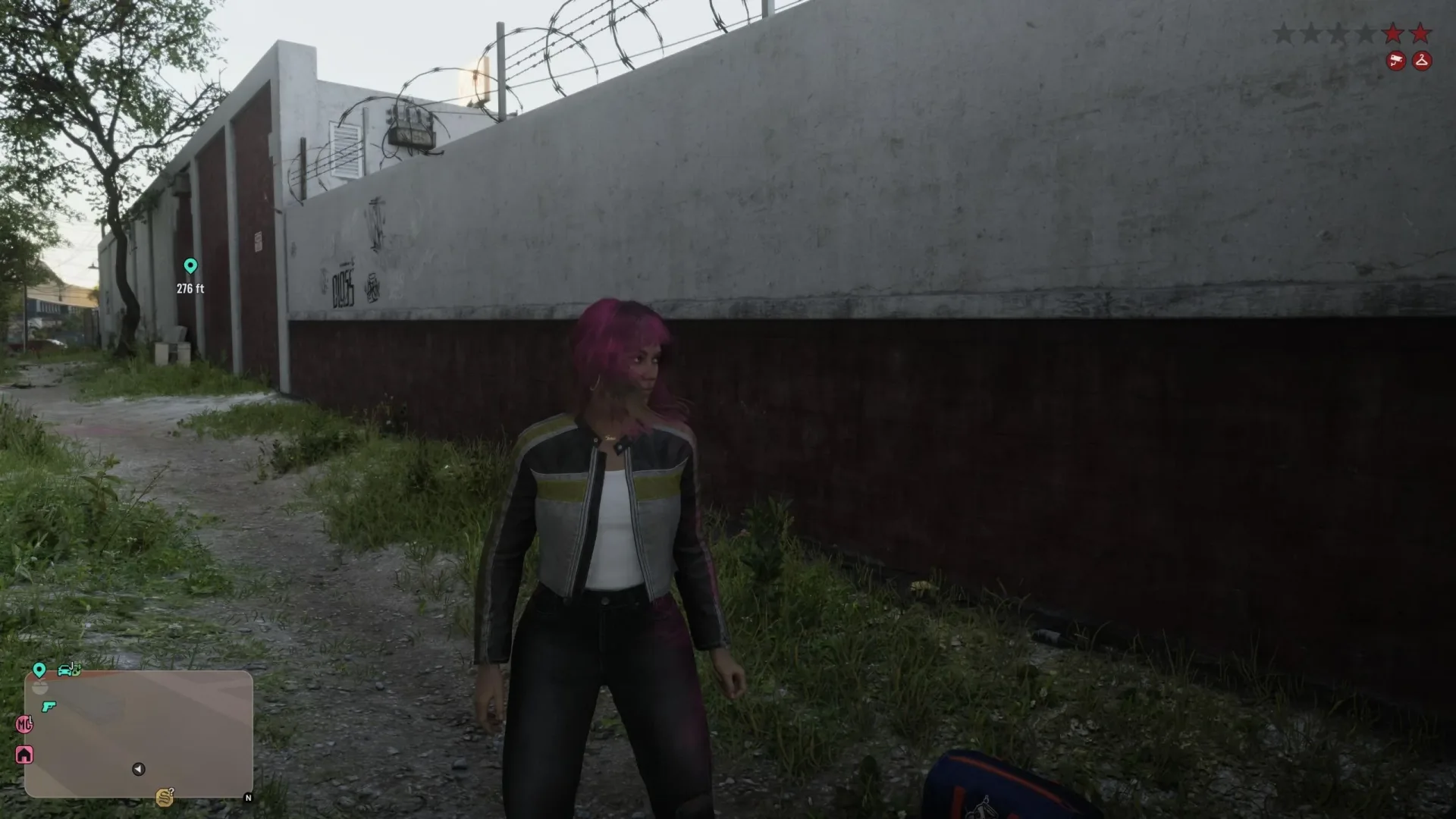
Appearance Heat is the identification-related side of GTA 6’s Wanted system. The supplied guidance specifically connects masks to reducing this Heat after a store robbery involving CCTV equipment.
The key practical point is timing. A mask is most useful when it is already accessible as part of the loadout, not when it is still sitting in a store inventory, a wardrobe menu, or a vehicle trunk. Preparing a mask before entering a situation where surveillance is present means the neckwear slot can be used immediately through the items wheel.
This does not mean a mask is described as a universal solution to every Wanted-system problem. The available information makes the narrower claim: it is important for losing some Appearance Heat following a CCTV-recorded robbery. Players should treat it as one tool within the broader Heat system rather than assume that merely owning a face covering erases every consequence of criminal activity.
Quick mask checklist
- Buy one: Start at Chuck’s Tackle & Shot in Key Lento, visit Ammu-Nation, or look in thrift and high-end stores later in Vice City and Vice Beach.
- Find stores: Use the GTA 6 Index, then the weapons tab, to locate gun shops.
- Equip it first: At a residence wardrobe, open Accessories and select Masks.
- Carry alternatives: Store masks in a personal vehicle’s trunk with Square/X.
- Wear it: Hold L1/LB, move to items with R1/RB, choose Mask at the top of the wheel, and press A.
- Change the style: Highlight neckwear and use up or down.
Masks are therefore a small but deliberate piece of preparation. Buy the covering, make sure it is actually assigned to neckwear, and learn the quick-menu route before it becomes relevant. Players looking for more GTA 6 choice guidance can also read whether to shake Mattia’s hand in GTA 6’s Day Release.