Traveling with a game console is usually less complicated than trying to explain why one more run in a roguelike absolutely could not wait until boarding. The practical challenge is knowing which parts of a gaming setup should stay with you, which items may be checked, and how to pack everything so a security screening does not turn into an impromptu hardware unboxing.
The central dividing line is the battery. A handheld such as a Nintendo Switch 2 or Steam Deck will generally use a lithium-ion battery, and devices with those batteries need to be kept in carry-on baggage. Larger home consoles present a different calculation: they can be placed in checked luggage, but their size, delicate components and value make carry-on packing the more cautious choice when it is feasible.
Security procedures can still vary at the checkpoint. Some airports use CT scanners that can inspect a bag in three dimensions, reducing the need to remove electronics. Other checkpoints may require an electronic larger than a phone to be placed in its own bin. The best packing strategy, then, is not merely to fit a console into a bag. It is to make it accessible without leaving cables, cases and accessories scattered across a screening lane.
Lithium-ion batteries are the first packing decision
A lithium-ion battery is a rechargeable battery chemistry used in many modern portable electronics. For travelers, the important detail is not the chemistry lesson; it is the safety rule. Handheld gaming devices that use these batteries should be in carry-on luggage rather than checked bags.
The reason is the possibility of thermal runaway: an uncontrolled overheating event in a lithium-ion battery that can potentially cause a fire. Keeping these devices in the cabin means a problem can be recognized and addressed rather than remaining inside a baggage hold.
For a gaming trip, that category typically includes the handheld itself and any other rechargeable, battery-powered gaming equipment. A controller can be easy to overlook because it feels like an accessory rather than a device, but many modern controllers also contain lithium-ion batteries. Those controllers should travel in carry-on luggage too.
There is a notable distinction with Xbox controllers that use AA batteries by default. Those are different from controllers using an added rechargeable charging pack. Travelers should check the particular controller and battery setup they are actually carrying, rather than assuming every controller is treated identically.
Older hardware may differ as well. A retro handheld such as a Game Boy that runs on disposable alkaline batteries is not the same lithium-ion scenario as a current portable system. That does not eliminate the need for sensible physical protection, but it does change the battery question.
Keep devices powered down in transit
A console may need to be powered on if a security officer asks for a demonstration that it is a functioning device. Outside that situation, keeping a handheld switched off is the more careful approach while it is packed away. A system that wakes from sleep mode inside a bag can create unnecessary heat and drain its battery before the journey has even begun.
That advice is particularly useful for travelers who pack a handheld tightly alongside chargers, headphones, cases and clothing. The point is not that a normal powered-off console is inherently troublesome. It is that a packed bag is a poor place to discover that a device has resumed activity unnoticed.
- Place lithium-ion handhelds in carry-on baggage.
- Include rechargeable controllers in carry-on baggage as well.
- Know whether a controller uses disposable AA batteries or a rechargeable pack.
- Turn devices off before packing, while keeping them ready to power on if requested during screening.
Home consoles may be checked, but that is not always the wise choice
A home console such as a PlayStation 5 does not use the same built-in lithium-ion battery arrangement as a handheld, so it may be placed in checked luggage. Permission, however, is not the same thing as a recommendation.
Checked bags can be handled roughly and can shift during transport. A home system contains components that are not designed to enjoy repeated impacts, pressure from other luggage or loose accessories bouncing against the console. There is also the basic property-loss concern. Across consumer claims filed with the TSA from 2002 through 2025, about 63.5 percent involved property loss.
For those reasons, travelers who have room in their carry-on may prefer to keep a home console close at hand. That choice gives the owner more control over how the system is handled and reduces the chance that it disappears from sight between bag drop and baggage claim. It also makes it easier to avoid the specific disaster in which the console reaches the destination but a rechargeable controller, packed separately, had to remain in the cabin bag anyway.
Of course, a large console will not fit comfortably into every carry-on setup. If checking it is unavoidable, protection matters. Use a properly padded protective case and arrange the console so it cannot move around inside the luggage. Cables, power supplies and other hard accessories should not be able to strike the system during handling. A tracker such as an AirTag can also help locate a bag if it goes missing, though it is not physical protection and does not prevent loss.
A practical split for a full console setup
For a traveler taking a home system, it helps to treat the console, controllers and accessories as separate categories rather than stuffing everything into the same compartment at the last moment.
- Console: Carry it on when space permits. If it must be checked, use a padded case and stabilize it within the bag.
- Rechargeable controllers: Keep them in carry-on luggage because of their lithium-ion batteries.
- Cables and power accessories: Pack them so they are easy to identify and do not press against the console.
- Tracker: If the console is checked, place a tracker in the protected luggage as an aid if the bag is lost.
This approach also makes the airport process less frantic. You will know where the device that may need to come out for screening is, and you will not need to dig through clothing and tangled cords to find it.
Checkpoint expectations depend on the scanner
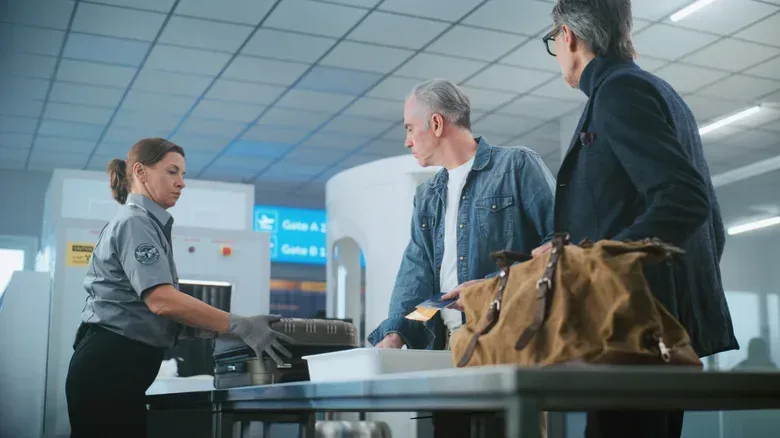
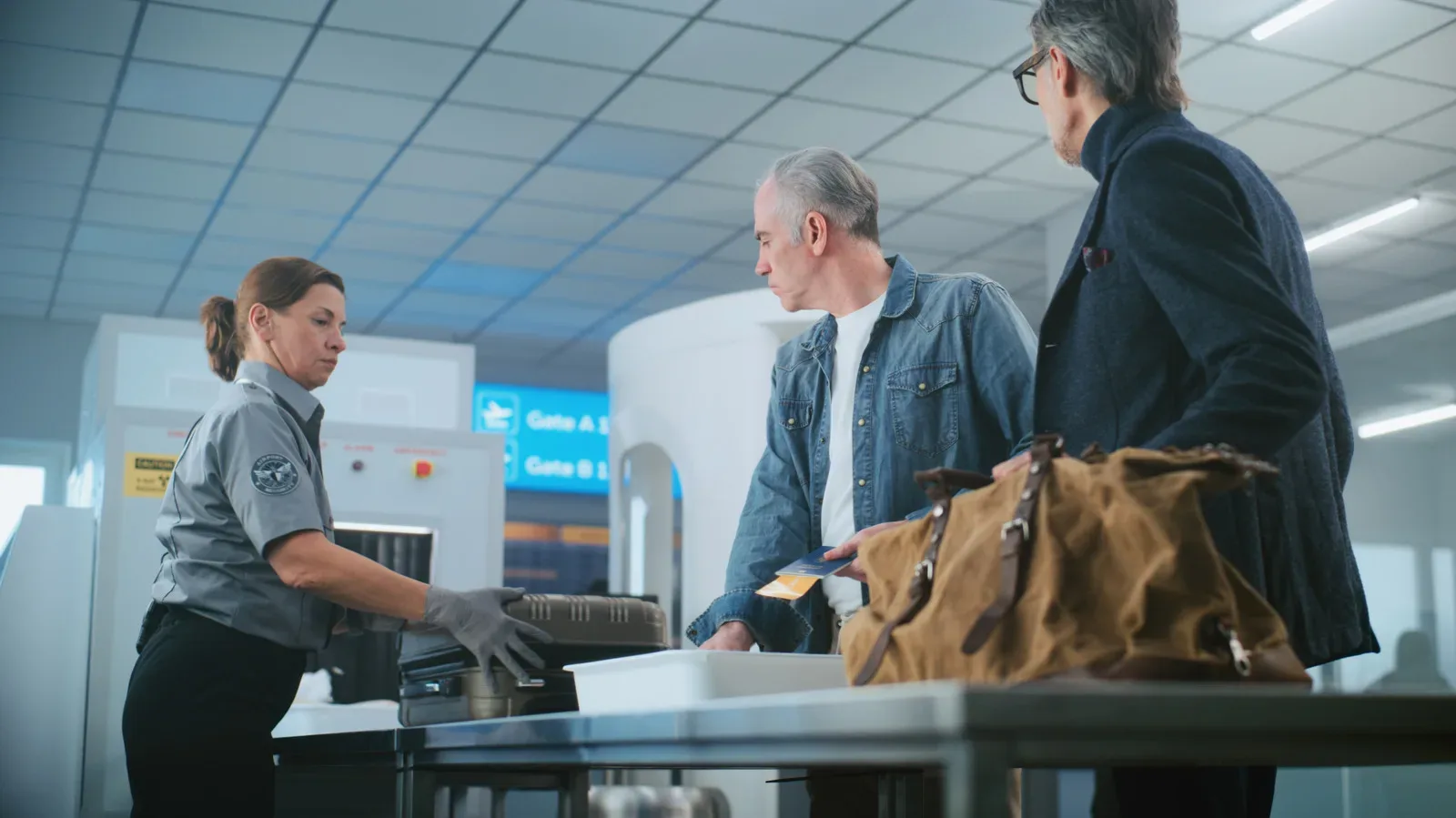
Not every security lane asks travelers to do the same thing with electronics. Airports that have installed CT scanners can generate a three-dimensional view of bag contents. That capability can eliminate the need to remove items such as liquids and electronics from a carry-on.
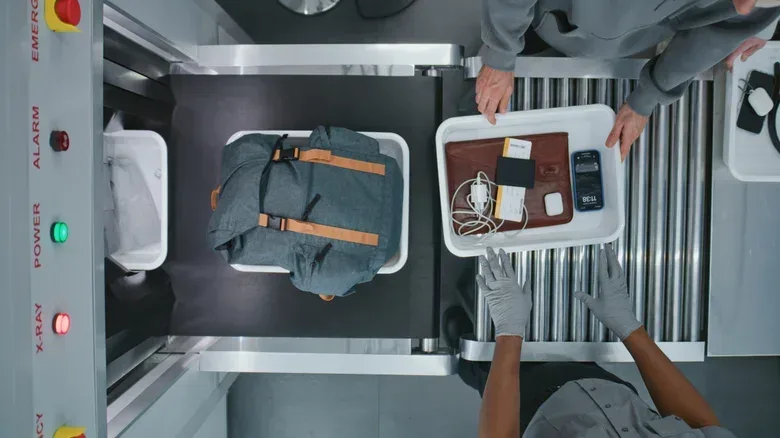
At checkpoints without that equipment, a game console is likely to be handled like other electronics larger than a phone: it may need to come out of the bag and be placed in its own bin. Since a traveler cannot always predict the exact screening setup ahead of time, the useful preparation is to pack for easy removal.
Put a handheld, a small console case or a larger system in a spot that can be reached quickly. Avoid burying it beneath items that must be unpacked first. If security does not require removal, nothing is lost. If it does, the bag can be reorganized quickly once the console has passed through the scanner.
That same organizational mindset applies to the trip around the airport. Keeping travel essentials easy to reach—and using tools that reduce needless last-minute navigation stress—can make the whole journey less chaotic. Our look at Google Maps’ quieter, clearer navigation approach explores that broader idea from a different angle.
Unusual and retro hardware deserves a direct explanation
A current handheld is likely familiar to a screening officer. An obscure retro console, an unusual custom device or hardware with a shape that does not immediately read as consumer electronics may invite closer inspection. In that situation, a simple proactive explanation is often more efficient than waiting for a bag to be pulled aside.
Tell an agent that the device is in the bag and follow the instruction they give about whether it should be placed in a separate bin. This is not a special exemption or a guarantee that the device will avoid additional screening. It is a way to make the contents of the bag easier to understand and to avoid creating confusion around an unfamiliar item.
Retro travelers should also avoid treating “old” as synonymous with “indestructible.” A Game Boy with alkaline batteries has a different battery profile from a modern handheld, but old plastic, screens, cartridge slots and accessories can still be damaged by pressure or impact. Protective packing remains important regardless of a device’s age.
The pre-airport checklist for gamers
The simplest way to avoid a security-lane scramble is to decide on the bag plan before leaving for the airport. Check whether each device is rechargeable, identify the controllers with lithium-ion packs, and put the items most likely to require removal near the opening of the carry-on.
- Handheld console: Carry-on bag; power it down before packing.
- Rechargeable controller: Carry-on bag.
- AA-powered controller: Check the exact battery arrangement; do not confuse it with a rechargeable-pack model.
- Home console: Carry-on is the more protective option where practical; checked luggage is allowed, but should be padded carefully.
- Large electronics at screening: Be prepared to remove them if the checkpoint does not use a CT scanner.
- Obscure hardware: Mention it to an agent and follow directions.
There is no need to turn a vacation into a logistics raid boss. The key facts are straightforward: lithium-ion gaming devices stay in the cabin, valuable home systems are safest when kept under your control, and checkpoint rules can depend on the equipment at the airport. Pack with those realities in mind, protect the hardware from impact, and make the console easy to access. Then the only thing left to worry about is whether the hotel television has enough free HDMI ports.