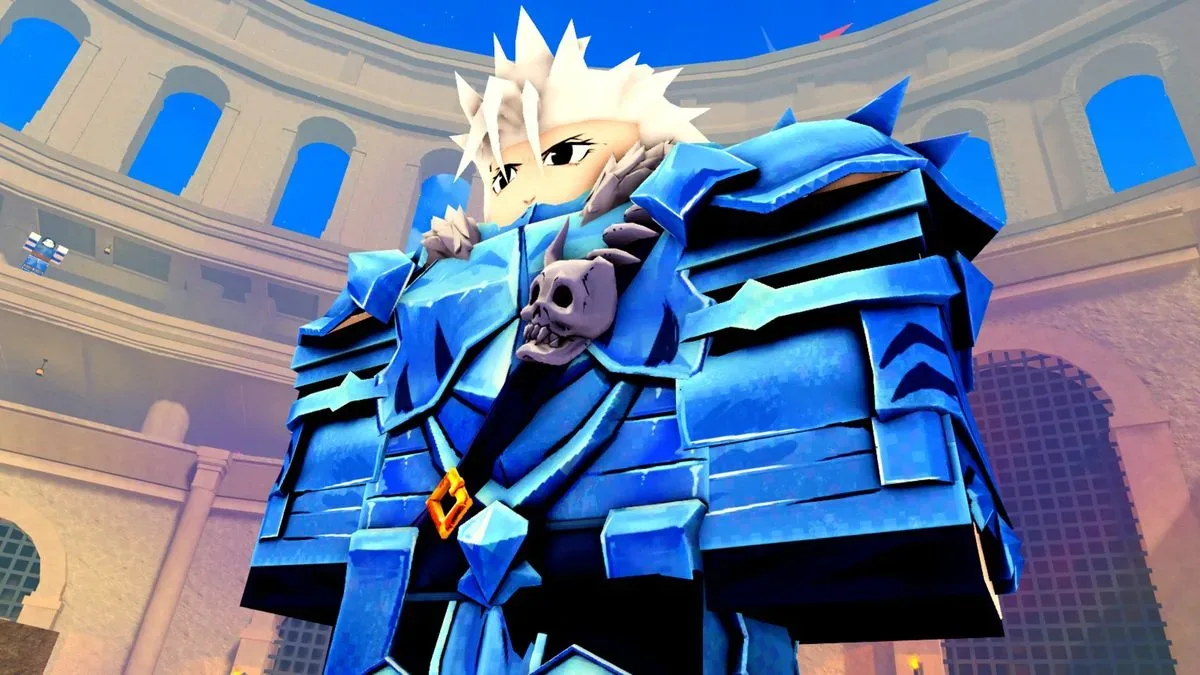
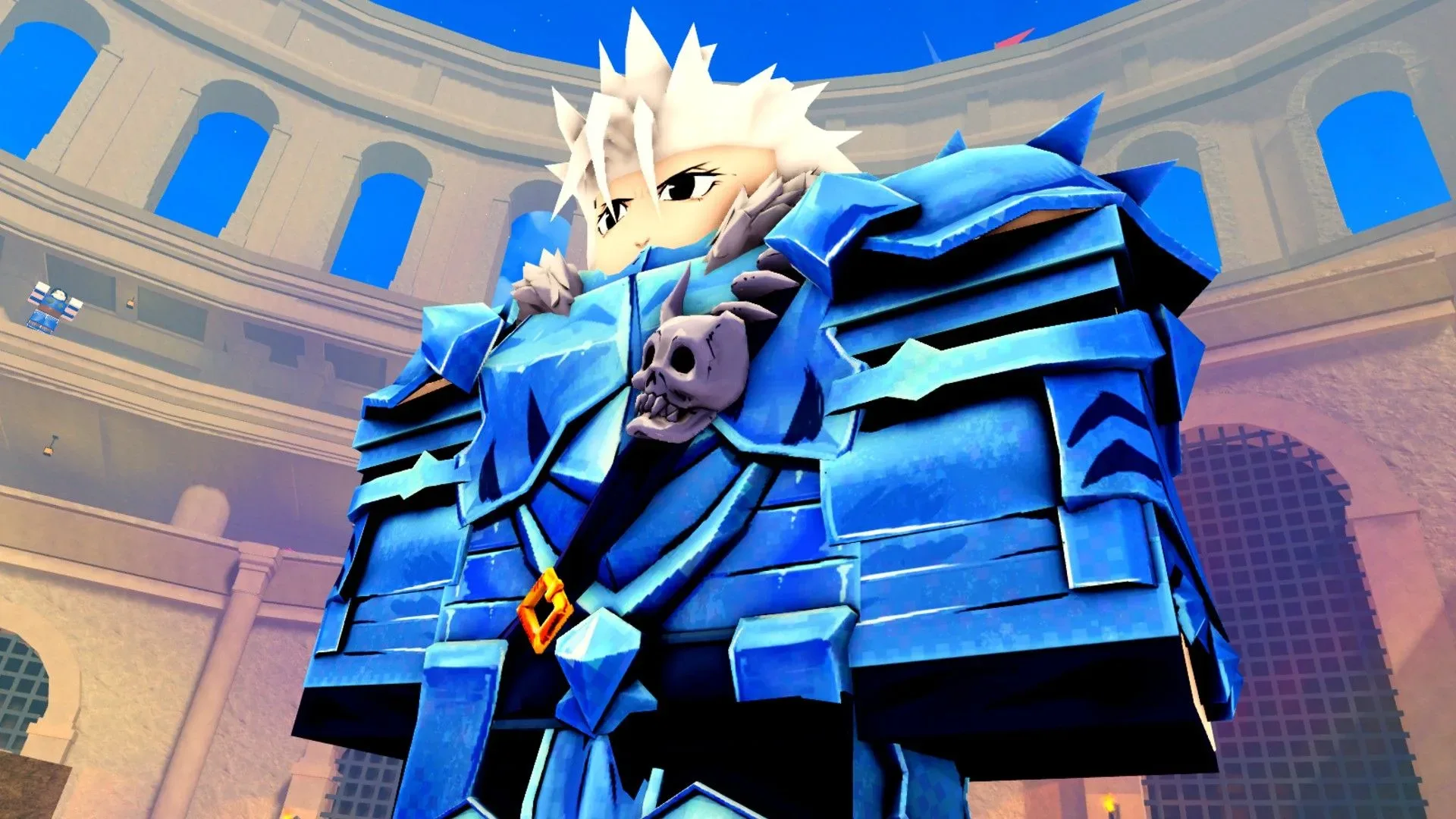
Beyond Nen gives Roblox players a Hunter x Hunter-inspired route through Whale Island, arena battles and Hunter exam training, but a strong-looking character is not necessarily a strong build. Appearance customization is free, while key build choices—including race, ability and affinity—are tied to Spins. The active code list below offers a sizeable early boost: 100 Spins in total, plus one Reset Orb from the RELEASE! code.
That makes code redemption a useful first stop before committing too heavily to a particular setup. Spins provide further chances at the categories that shape a character, with rare and legendary outcomes among the possibilities. They do not guarantee a specific result, so players should approach them as additional rerolls rather than a direct unlock for a chosen race or ability.
Active Beyond Nen codes
These codes are currently listed as active. They are case-sensitive, meaning every capital letter, number and exclamation point needs to match exactly.
- 20KLIKES — 10 Spins
- PATCH2! — 20 Spins
- THANKYOU! — 10 Spins
- PATCH1! — 30 Spins
- UPDATECOMING — 20 Spins
- RELEASE! — 10 Spins and a Reset Orb
Redeeming every code adds up to 100 Spins. The RELEASE! reward is slightly different because it also includes a Reset Orb, so it must be claimed through the full code-redeeming route rather than the customization-screen shortcut.
How to redeem Beyond Nen codes
Before entering any code, join the official Beyond Nen Roblox group. Group membership is required for redemption, so a valid code will not work until that step is complete.
- Join the Beyond Nen Roblox group.
- Open Beyond Nen.
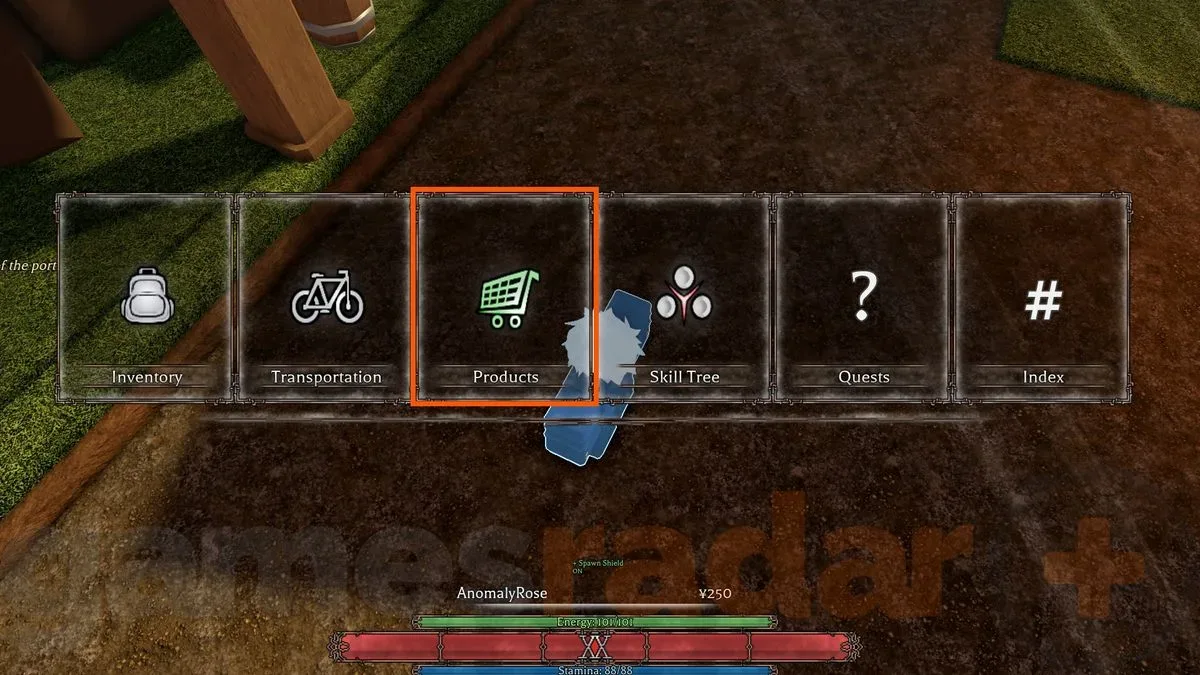
- Open the in-game Menu. On keyboard, the listed shortcut is M.
- Select Products.
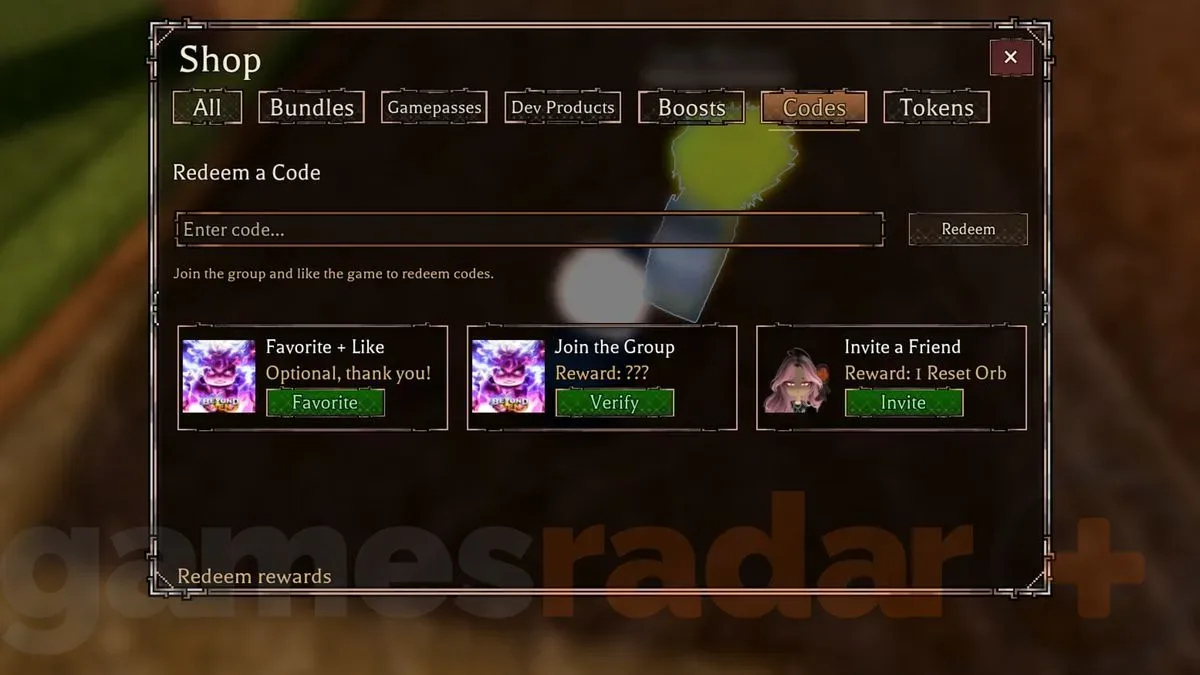
- Open the Codes tab.
- Enter one code exactly as shown.
- Select the redeem option to receive the reward.
The capitalization rule is worth taking seriously here. For example, PATCH2! includes both uppercase letters and an exclamation point, while UPDATECOMING is all capitals with no punctuation. A missing symbol, added space or lower-case character can prevent a code from being accepted.
There is also a customization-screen shortcut
Players seeking only Spins can redeem applicable codes directly from the customization screen. This can be convenient when the goal is to reroll build-defining options before beginning or continuing the adventure.
However, the shortcut has an important limitation: codes that award an item, whether alone or alongside Spins, cannot be redeemed there. RELEASE! awards both Spins and a Reset Orb, so redeem it from Menu, Products and Codes to ensure the item portion is included.
Related coverage includes Beyond Nen Codes for November 2026: All Free Spins and How to Redeem Them.
In practical terms, the safest approach is simple: use the main Codes tab for the entire list. That avoids having to separate spin-only rewards from mixed rewards and removes the possibility of claiming only part of what a code offers.
What Spins mean for a Beyond Nen build
In this game, Spins are used to take another chance on characteristics such as race, ability and affinity. Those are distinct from free visual customization because they influence the functional identity of a character rather than merely their appearance.
Race generally describes a character’s broad type. Ability refers to the power or combat option available to that build. Affinity is another build-related trait tied to the Nen-focused system. The supplied rewards do not promise any particular outcome within these categories; they provide more opportunities to roll them.
That distinction matters for anyone deciding when to use the codes. The 100 Spins are valuable not because they directly hand out a rare or legendary choice, but because they expand the number of chances a player has to pursue one. Someone content with their current combination may prefer to hold off, while someone still trying to settle their core setup has a clear reason to redeem the list promptly.
A sensible order for claiming rewards
Because codes can be disabled over time, redeeming them sooner is the lower-risk move. There are no expired Beyond Nen codes listed at present, but that status is not a guarantee that the current batch will stay available permanently.
A practical order is to join the required group first, redeem RELEASE! via the full menu path, then claim the remaining spin-only codes. This preserves eligibility for the Reset Orb and consolidates the process in one place. After that, players can decide how and when to use the Spins while working toward a preferred race, ability and affinity combination.
Why the Reset Orb deserves extra attention
The Reset Orb is the only named non-Spin reward in the active list. The available information identifies it as a reward but does not define its precise effect, so players should not assume more than is stated. What is clear is that it is bundled with RELEASE!, and that the bundle cannot be redeemed through the customization screen shortcut.
For that reason, RELEASE! is the code most likely to be mishandled if a player goes straight to customization. The shortcut may be useful for codes that contain only Spins, but the regular Codes tab is necessary where item rewards are involved.
Beyond Nen code troubleshooting
If a code does not redeem, work through the known requirements before assuming it has expired.
- Check Roblox group membership. Redemption requires being in the Beyond Nen Roblox group.
- Check every character. Codes are case-sensitive, and punctuation matters.
- Use the full menu route for mixed rewards. Choose Menu, Products and Codes for RELEASE! and any future code that includes an item.
- Do not add spaces. Enter the displayed code only, without extra characters before or after it.
- Remember that codes are one-time claims. If a reward has already been claimed on an account, entering it again will not produce another payout.
The last point is a general explanation of how one-time reward codes work rather than a special Beyond Nen rule provided here. The confirmed game-specific requirements are group membership, exact case-sensitive entry and use of the full Codes tab for codes containing items.
Current expiration status
No expired Beyond Nen codes are currently listed. That is good news for players arriving after the initial release period, but it is still sensible not to delay. Promotional game codes are often time-limited, and the active list includes update- and patch-themed entries that may eventually be retired.
For more Roblox-related coverage, see our report on Planted!’s move to PC and cross-play produce battles.
Beyond Nen codes FAQ
How many free Spins can current codes provide?
The six active codes provide 100 Spins total: 10 from 20KLIKES, 20 from PATCH2!, 10 from THANKYOU!, 30 from PATCH1!, 20 from UPDATECOMING and 10 from RELEASE!.
Which code gives the Reset Orb?
RELEASE! gives 10 Spins and a Reset Orb.
Can RELEASE! be claimed on the customization screen?
No. The customization-screen method does not work for codes that contain items or a combination of items and Spins. Redeem RELEASE! through Menu, Products and Codes.
Why will my code not work?
First confirm that you joined the Beyond Nen Roblox group. Then verify the code’s capitalization and punctuation. If the code contains an item reward, use the main Codes tab rather than the customization screen.
Are any Beyond Nen codes expired?
None are currently listed as expired.