New KytyPS5 build available across three desktop platforms
KytyPS5 has published build KytyPS5-2026-09-16-86e5e01 for Windows x64, Linux x86_64 and macOS x86_64. The release is dated September 16, 2026, and includes archives for each platform.
The supplied release notes cover four closely spaced builds: KytyPS5-2026-09-15-6a2987a, KytyPS5-2026-09-15-e6156be, KytyPS5-2026-09-16-77680ce and the newest KytyPS5-2026-09-16-86e5e01. They provide changelog references but no descriptions of individual fixes, compatibility changes or feature work, so no specific update details can be reported.
What KytyPS5 does
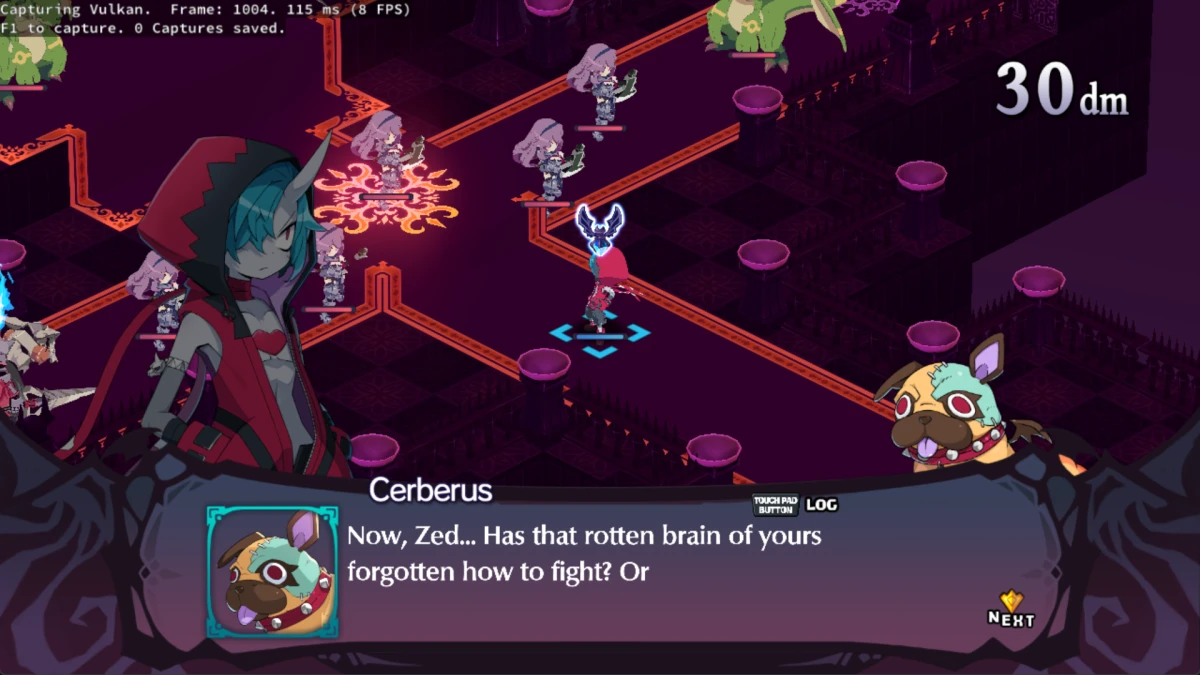
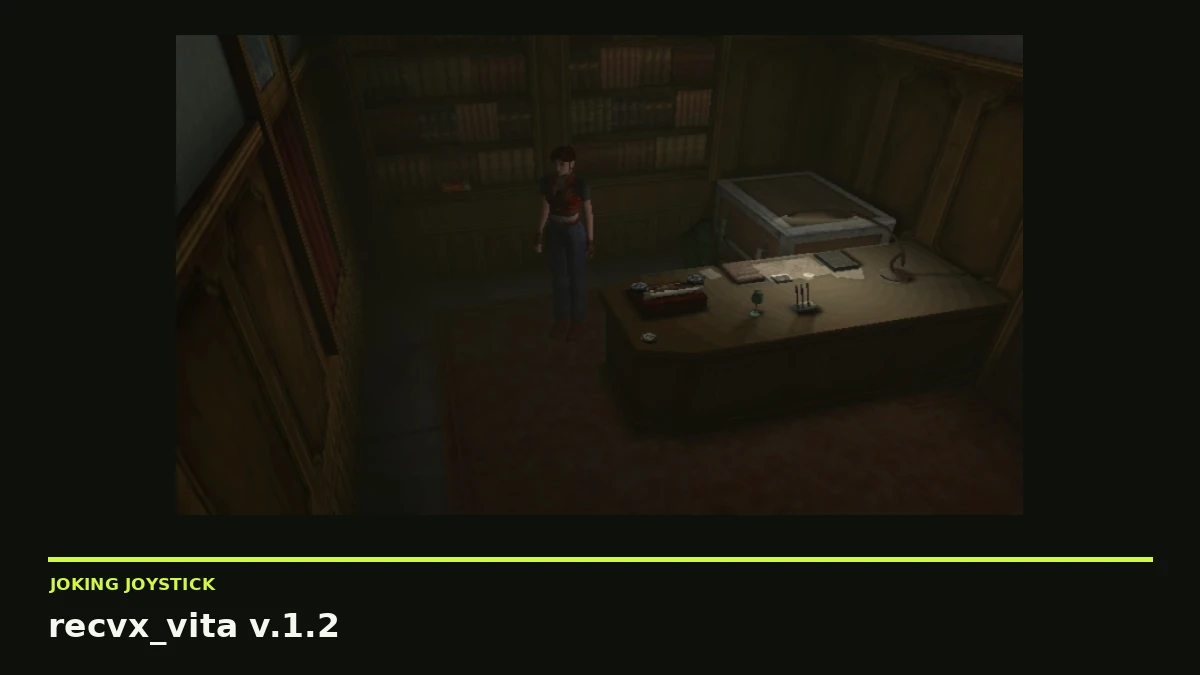
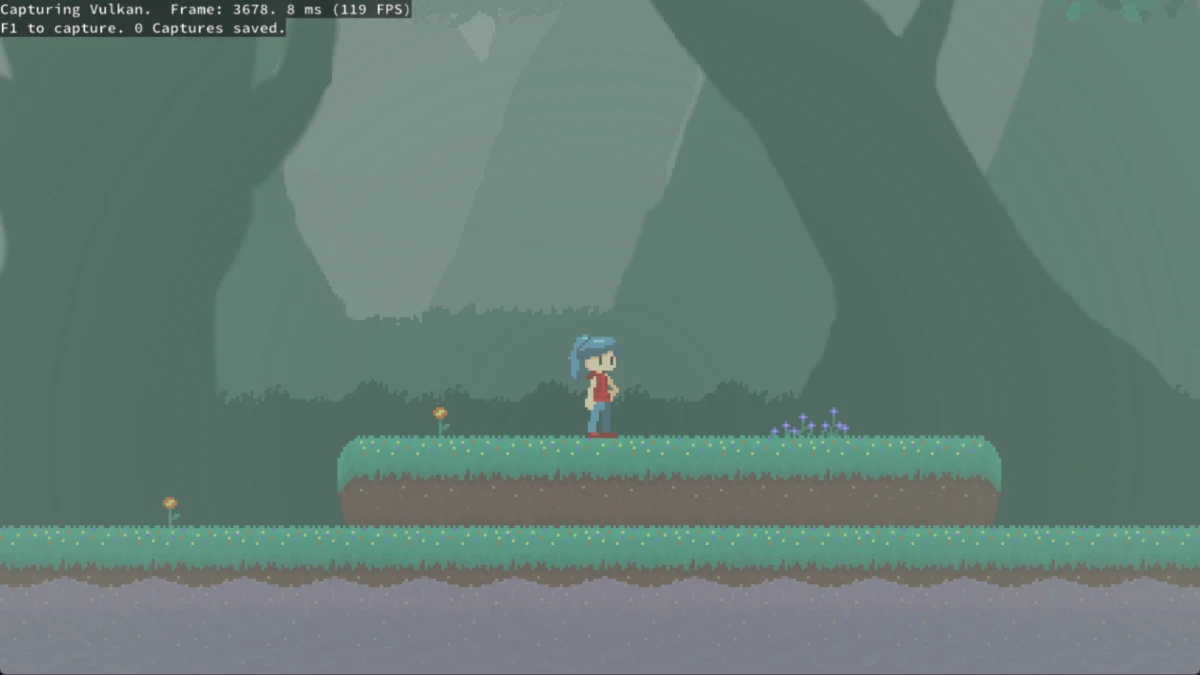
KytyPS5 is a free, open-source PlayStation 5 emulator for desktop operating systems. It can boot 2D games and a selection of 3D games, including titles built with Unreal Engine 4 or 5, Unity and custom engines.
The project remains in early development, with limited compatibility and behavior that may change significantly between builds. Its documentation warns that crashes, graphical glitches, low compatibility and poor performance are possible.
Windows is the primary platform and receives the most testing. Linux builds and runs, while macOS support is experimental. The macOS build targets x86-64 and runs on Apple Silicon through Rosetta 2, with Vulkan provided by MoltenVK.
Files included in the latest build
The newest build provides a Windows x64 ZIP archive, a Linux x86_64 tarball and a macOS x86_64 ZIP archive. The listed files are KytyPS5-2026-09-16-86e5e01-Windows-x64.zip, KytyPS5-2026-09-16-86e5e01-Linux-x86_64.tar.gz and KytyPS5-2026-09-16-86e5e01-macOS-x86_64.zip.
The documented host requirements are Windows 10 version 1803 or newer, a current Linux distribution, or macOS on Apple Silicon. A Vulkan 1.3-capable GPU with current drivers is required; on macOS, Vulkan is supplied through MoltenVK. These requirements apply to the computer running the emulator, not to a modified PlayStation 5.
Using the emulator
KytyPS5 includes a graphical launcher that searches configured folders recursively for game directories containing eboot.bin. Detected games can then be selected from the game list. The emulator can also be started directly with a legally obtained game directory or ELF file.
The project does not distribute games or copyrighted system software, so users must supply game files obtained legally. The documentation also recommends updating graphics drivers before reporting rendering problems.
Because the included release notes contain no detailed changelog, users should not assume that this build addresses a particular game, graphics issue or performance problem. KytyPS5’s early-development status and compatibility limitations remain relevant when deciding whether to update.