Debugger and achievement updates
The Qt frontend now adds threads and call stack views to its debugger. The stack view links to the memory view, and debugger breakpoints can be saved to INI files so a debugging setup can be preserved between sessions.
Game properties now show the RetroAchievements game ID. Achievement popups include category badges, while spacing has been corrected in achievement notifications and lists.
Display, settings and game-list changes
VideoPresenter now handles screen prerotation with blur and transition effects. DuckStation can also change the emulated console region while running. Hardcore mode disables forced GPU video timing, and resetting settings now turns off post-processing.
Game directories no longer receive an unwanted trailing slash, and non-sensitive user preferences are no longer copied into game-specific settings. The game list recognizes Audio CDs, while PSF and Audio CD entries cannot open game properties. The disc-selection dialog has updated styling, and the memory card editor combines its import buttons.
The release also includes a fix for a rare crash during video-device initialization and a Windows fix for a libjpeg loading regression.
Desktop platform availability
The build updates dynamic library handling for components including SDL, libpng, libjpeg, libwebp, FreeType, libplutosvg and libzip. On Linux, it logs loaded library paths and warns when LD_LIBRARY_PATH is overridden. macOS bundle handling and optional bundle creation also receive maintenance updates.
Published on September 12, 2026, this is a rolling development build and should be considered experimental rather than stable. Downloads are available for Windows 10 and 11 on x64 and ARM64, Linux AppImage packages for x64, ARM32 and ARM64, and a universal macOS package for Intel and Apple Silicon. The documented minimums are Windows 10 version 1809, an Ubuntu 22.04-equivalent Linux distribution for AppImages, and macOS 13.3.
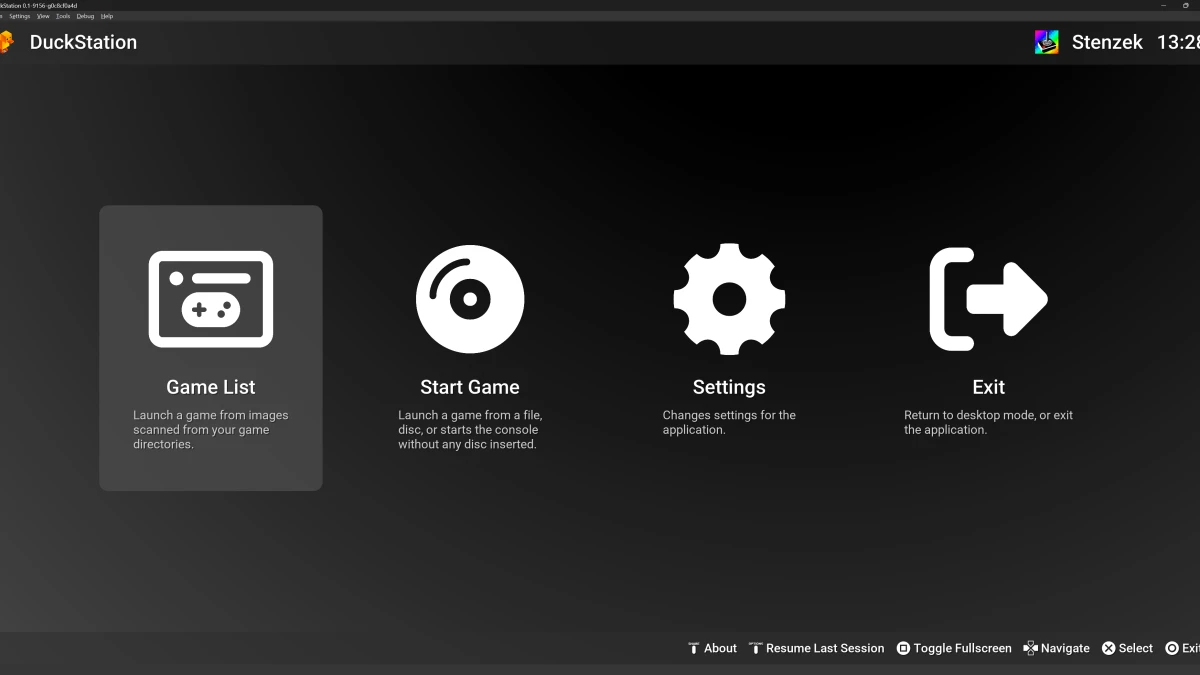
DuckStation emulates the Sony PlayStation and includes hardware rendering, upscaling, save states, memory-card management, RetroAchievements and Qt and fullscreen interfaces. A PlayStation or PlayStation 2 BIOS image is required to start the emulator, and no BIOS image is included.