Buying a used optical-drive console requires testing the right format, not merely inserting any disc that happens to be nearby. A GameCube Game Disc, a PlayStation 2 DVD-ROM, a PlayStation 2 CD-ROM and a Dreamcast GD-ROM exercise different parts of the console’s reading path. A standard DVD or audio CD may tell you something, but it cannot stand in for every native retail format.
The goal is not to prove that an aging console will work forever. It is to collect enough specific, repeatable evidence to decide whether the console suits your collection, whether the seller’s terms leave room for uncertainty, or whether you should walk away. Use the checklist before buying and again during the platform’s return window.
Start with the games you actually plan to play
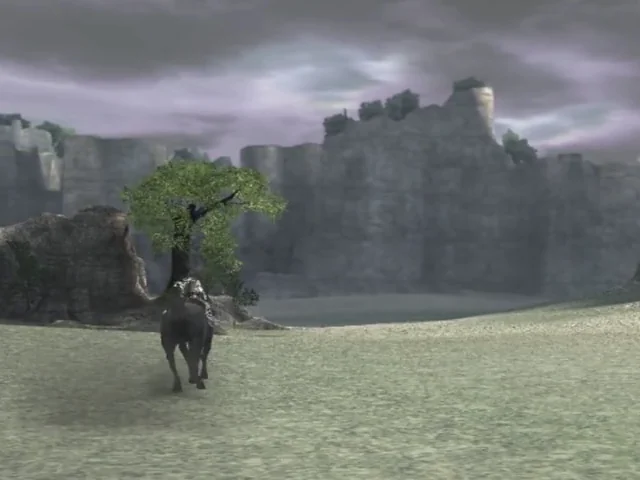
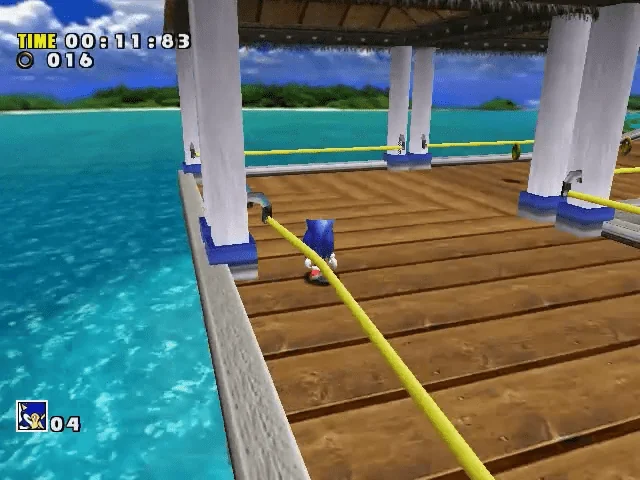
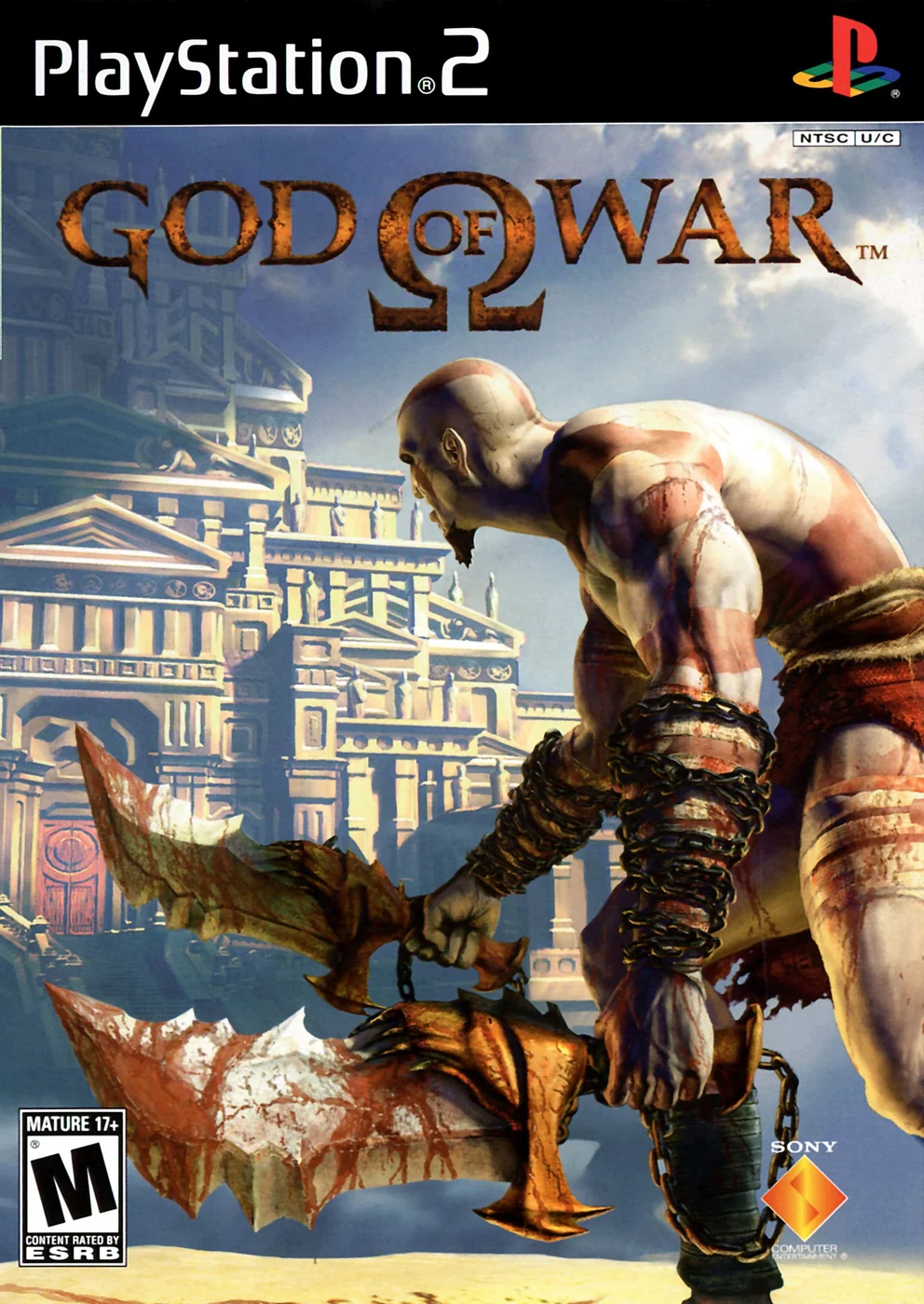
Choose the test plan from your intended library. If you want to play Mario Kart: Double Dash!! or Metroid Prime, you need evidence from an original GameCube-format disc. If Shadow of the Colossus or God of War is the reason you want a PlayStation 2, a known-good PS2 DVD test is relevant, but it does not answer whether the console can read PS2 CD-ROM games. If Sonic Adventure or Shenmue is the reason you want a Dreamcast, an original GD-ROM matters more than a successful audio-CD test.
This prevents a common buying mistake: declaring a console tested because it reads one convenient disc. A narrow collection may need only one format, while a broad collection deserves a broader test. Write down the media types that matter before contacting the seller, because it is easy to accept vague language such as tested or works fine when the listing never identifies the disc used.
- Identify the exact software formats you expect to use: GameCube Game Disc, PS2 DVD-ROM, PS2 CD-ROM, original PlayStation CD-ROM, Dreamcast GD-ROM, or a combination.
- Match the console’s region and model to the games you want. A region mismatch or modified system can change the meaning of a failed boot.
- Decide whether you need evidence of only a title-screen boot or also an initial playable state and more than one format.
- Treat a console advertised as untested as untested unless the listing provides verifiable, model-specific evidence that meets your requirements.
Match the test disc to the console’s native format
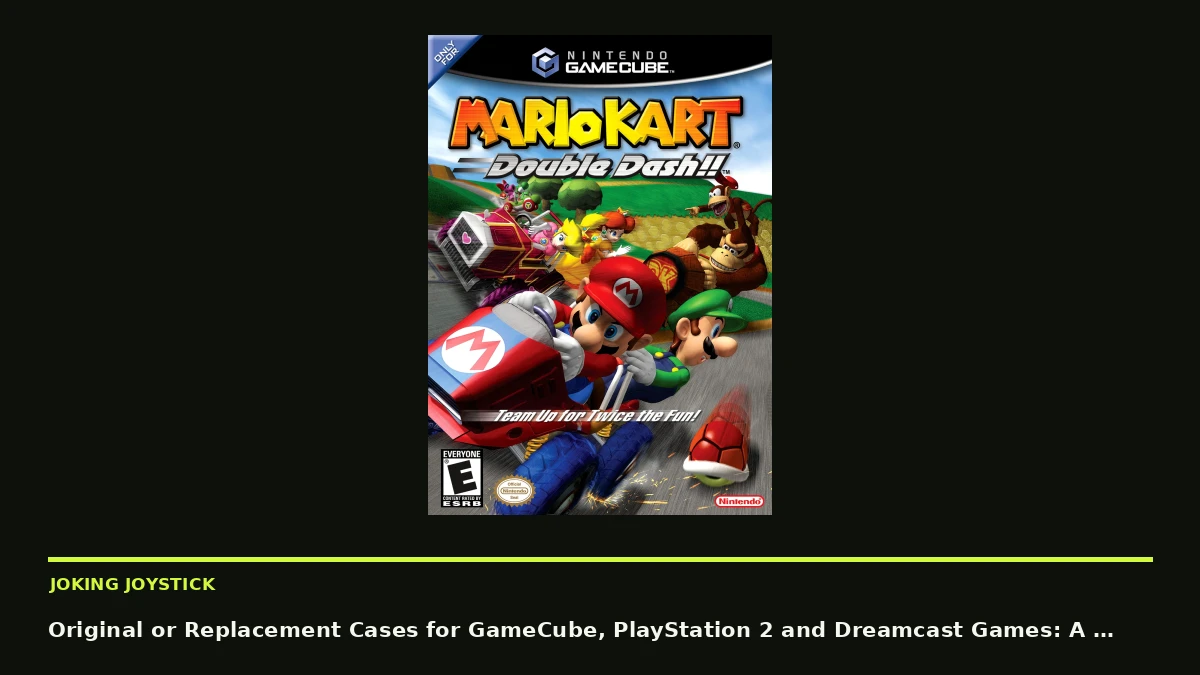
GameCube software uses Nintendo’s smaller proprietary Game Disc rather than a standard full-size DVD. Nintendo’s safety guidance specifically instructs owners to load only GameCube Game Discs, so a DVD movie, audio CD or PlayStation 2 game is not a direct GameCube drive test. Use an original GameCube Game Disc, and preferably use two separate known-good discs if the purchase matters. Mario Kart: Double Dash!! and Metroid Prime are recognizable examples, but recognition does not make either title automatically inexpensive or expendable.
PlayStation 2 software appears on both CD-ROM and DVD-ROM. A DVD copy of God of War or Shadow of the Colossus is useful for the DVD path, but a buyer who wants the system’s CD-based games should add a known-good PS2 CD test. An original PlayStation CD can be useful when that compatibility path matters, but it is not a substitute for a PS2 CD-ROM game if that is the software you intend to own. Consult the manual for the exact console model because supported disc types and regional behavior can vary.
Dreamcast retail games use Sega’s GD-ROM format. An audio CD can provide additional information about the drive’s CD-reading behavior, but it is not equivalent to an original Dreamcast game. Sonic Adventure is a straightforward single-game example. Shenmue requires more care because a complete set contains multiple discs; testing one disc does not verify the others.
- For GameCube, use original GameCube Game Discs, not full-size DVDs, audio CDs or unrelated burned media.
- For PS2 DVD software, use a known-good PS2 DVD-ROM. Add a known-good PS2 CD-ROM when CD games are part of your plan.
- For Dreamcast, prioritize an original GD-ROM. Treat an audio-CD result as supplementary evidence only.
- Record the exact title, region, disc number and format used. Do not accept an unidentified disc as strong evidence.
- Do not use a valuable collector copy simply because it appears in the listing or matches your desired game.
Choose media that is safe to risk
The best test disc is not necessarily the most famous game. It is clean, known-good, compatible with the console, common enough to replace and inexpensive enough that careful handling will not create a serious loss. A rare copy with collector value is a poor diagnostic tool when a more ordinary replacement can answer the same question.
Known-good means more than a clean-looking label. Ideally, the disc has already been confirmed on a compatible console, has no center-ring crack, has no serious label-side damage, is not visibly warped and has no residue or corrosion. A disc can look attractive while still having read problems, and a resurfaced disc may work today while offering less confidence about its remaining condition. Marketplace photos are claims to inspect, not proof of function or authenticity.
Consider whether the disc is replaceable before using it in an uncertain console. A common loose copy may be appropriate for testing, while a scarce regional edition, promotional disc or complete collector set may be better kept out of the process. If the seller owns a separate ordinary test disc, ask for that one to be used instead.
- Compare the replacement cost and collector importance of the proposed test disc before inserting it.
- Prefer a common, ordinary copy over a scarce edition, promotional disc or valuable complete-in-box example.
- Confirm the disc’s region and format independently from the seller’s title wording.
- Ask whether the disc has been tested on a compatible console and whether it has been resurfaced.
- Reject a disc with a crack near the center hole, severe label-side gouging, obvious warping, corrosion, residue or damage to the reflective layer.
- Keep the test disc in a proper case or holder; never let it move loose inside a shipping box.
Inspect the disc before blaming the console
Photograph both sides of the test disc before use, including the center ring and label side. Light surface marks may be less concerning than a crack, deep gouge or damage to the label side, where information-bearing layers can be exposed. Scratches, pinholes, bronzing, residue and warping can cause a read failure independently of the console.
Also note evidence of resurfacing. A uniformly polished appearance, visible machine marks or an unusually broad circular pattern may indicate previous repair, but appearance alone cannot establish how much material was removed or how long the disc will remain readable. Conversely, a factory-looking disc is not guaranteed to work. Record observable condition without turning it into an authenticity verdict.
If the disc fails once, stop and inspect it rather than repeatedly forcing the same uncertain test. Nintendo recommends cleaning a contaminated GameCube disc with a soft, slightly damp cotton cloth using movements from the center toward the edge, rather than circular rubbing. Do not use abrasive products, aggressive polishing or improvised repair methods. A damaged test disc produces weak evidence and can make an otherwise sound console look faulty.
- Take clear before-and-after photos of the data side, label side and center hole.
- Look for cracks, deep radial scratches, label damage, pinholes, corrosion, residue and heat-related warping.
- Note resurfacing evidence without assuming that resurfacing proves either quality or failure.
- Use the disc’s condition to qualify the result: a failure on damaged media is not a console diagnosis.
- Stop testing if the disc begins to crack, sheds material, binds or shows signs of unsafe mechanical damage.
Ask the seller for test details, not reassurance
A seller’s statement that a console is tested is incomplete unless it identifies what was tested and how. Ask for the console model or regional version, the exact disc title and format, whether the disc belongs to the listed console, and what appeared on screen. A photograph or video should show the same console and the exact test disc when practical; a generic gameplay clip proves nothing about the item being sold.
The useful distinction is between recognized, booted and playable. A console may spin a disc without identifying it, reach a title screen without completing a later load, or load a game while showing intermittent read retries. Ask whether the console reached an initial playable state, whether it was restarted, and whether more than one compatible disc was tried.
You should also ask about modifications. A region modification, optical-drive replacement or other undocumented alteration may not be disqualifying, but it changes what a normal test means and may affect compatibility with your collection. The seller should describe known modifications rather than relying on a broad working claim.
- What is the exact console model and region?
- Which title and disc number were tested, and is it GameCube, PS2 CD, PS2 DVD or Dreamcast GD-ROM media?
- Did the console recognize the disc, reach the title screen and enter an initial playable or loading state?
- Was the console restarted, and was a second compatible disc tried?
- Were the original power supply, video cable, controller and lid or tray mechanism used?
- Is the console modified, region-switched, repaired or fitted with a replacement optical drive?
- Will the seller accept a protected return if the stated test cannot be reproduced?
Run a short, repeatable test in the right order
When testing in person, use the console in its normal operating position and with the accessories that will accompany it. First inspect the exterior, power it on and check the tray or lid operation without forcing anything. Then insert the identified disc, observe whether it spins and whether the system recognizes it. Continue to the title screen and, where practical, an initial playable state or early loading transition.
For GameCube, test two known-good GameCube Game Discs if possible. Repeated failure across compatible, healthy discs is more meaningful than one failure from a scratched copy. For PS2, test the DVD game first if that is the main collection, then add a PS2 CD game when CD compatibility matters. For Dreamcast, prioritize the original GD-ROM game; an audio CD can be an additional check but cannot replace it.
Keep the test brief and reversible. Do not open the console, adjust laser settings, force a tray, repeatedly cycle a failing disc or attempt electrical repair during a purchase meeting. The purpose is to document behavior, not to turn a sale into an improvised service session.
- Confirm power, video output, controller response and tray or lid operation before judging disc behavior.
- Use the same console orientation and accessories that the seller provides.
- Record spinning, recognition, title-screen arrival, initial loading and playable-state behavior separately.
- For PS2, test both DVD and CD media if both formats matter to you.
- For Dreamcast, test an original GD-ROM before treating CD results as relevant.
- Repeat a result with a second healthy disc rather than repeatedly retrying one questionable disc.
- Do not open the console or perform invasive adjustments during the purchase.
Interpret a successful boot without overclaiming
A successful boot is positive evidence for one disc, one console and one set of conditions. It shows that the system recognized and loaded that medium at least far enough to reach the observed screen. It does not prove that every disc will work, that the optical pickup is strong across the entire data area, or that the console will remain reliable during a long session.
For PS2, one DVD boot does not establish CD reading, dual-layer behavior or extended reliability. For GameCube, one disc does not establish compatibility with every GameCube region or every later loading sequence. For Dreamcast, one GD-ROM boot does not establish that every disc in a multi-disc set, including Shenmue, will load or that the outer data area will read correctly.
A failed test is similarly limited. Dirt, disc damage, region incompatibility, a lid or spindle problem, a substituted cable, a modified system or an optical-drive fault can all produce confusing symptoms. Do not infer a specific failed laser, capacitor, motor or board from a single read error without qualified diagnosis.
- Label the result as tested with one disc, tested across multiple discs, or tested across multiple formats.
- Do not describe a title-screen boot as proof of long-session reliability.
- Treat a console that reads one exceptionally clean disc but fails another as conditionally tested.
- Keep separate notes for disc condition, format, region and console behavior.
- Assume uncertainty remains around thermal stability, save retention, controller ports, video output and later loading.
Protect the purchase and set stop conditions
Before payment, calculate the total cost rather than comparing only the listing price. Include shipping, a replacement test disc, required cables, a memory card or VMU, possible return postage and the cost of qualified inspection. An apparently inexpensive console with no test evidence may be less attractive once you price the missing proof and the possibility of a return.
Use the marketplace’s checkout and protection process. eBay’s Money Back Guarantee generally covers eligible transactions when an item does not arrive, is faulty or damaged, or does not match the listing, but the buyer must meet the policy’s checkout and timing requirements. Mercari’s current guidance gives buyers 72 hours after confirmed delivery to report an eligible item that is not as described, and advises using the platform’s return process rather than sending an item back independently.
Keep the listing, seller messages, photos, tracking information, packing materials, disc condition photos and your first-day test notes. Do not send payment off-platform or return an item independently when the platform requires a particular process. A seller who refuses to identify the test disc, will not show the listed console operating, insists on off-platform payment, hides modifications or offers no workable return path has not supplied enough evidence. You can treat the console as untested and adjust your limit, request a qualified inspection, or pass.
- Use only the platform’s protected checkout and stated return process.
- Confirm the inspection and claim deadline before placing the order.
- Save listing screenshots and seller messages before the listing changes.
- Photograph the console, model information, packaging and discs when they arrive.
- Test the console promptly using the agreed format and your own known-good media.
- Stop if the item arrives materially different, unsafe to operate, missing essential parts or unable to reproduce the seller’s stated test.
- Stop before checkout if the seller requests off-platform payment or refuses reasonable evidence.
Choose the evidence level that fits your collection
There is no single perfect test disc for all three systems. A GameCube buyer needs GameCube Game Disc evidence. A PS2 buyer with a mixed library should normally use both a DVD-ROM and a CD-ROM. A Dreamcast buyer should prioritize an original GD-ROM, with CD testing treated as secondary. Within each category, select clean, compatible and replaceable media rather than valuable copies.
The most defensible buying decision combines format-matched evidence, documented physical condition, a short repeatable test and a protected return. If the seller provides only one successful boot, describe the console accurately as having passed a limited test. If several healthy discs across the formats you need work, confidence improves, but even then the drive is not certified for every future session or disc. Buy only when the remaining uncertainty, total cost and return path fit your tolerance.
- GameCube: two healthy GameCube Game Discs when possible.
- PS2: one healthy DVD-ROM plus one healthy CD-ROM when both media types matter.
- Dreamcast: one healthy original GD-ROM; optional CD evidence does not replace it.
- Any system: document disc condition and exact observed behavior.
- If the evidence is incomplete, price the purchase as untested rather than silently assuming success.
- Choose a protected return or pass when the remaining risk is higher than the collection value warrants.
The right test disc narrows uncertainty; it does not eliminate it. Match the medium to the console’s native format, use media you can afford to risk, and record recognition, booting and initial loading as separate observations. A single title screen is useful evidence, but it is never a complete health certificate for an aging optical drive.
Buy when the seller’s evidence matches the formats you need and the platform gives you a practical way to verify the claim. Otherwise, keep your limit low enough to account for replacement media, accessories, inspection and return costs—or leave the listing behind.