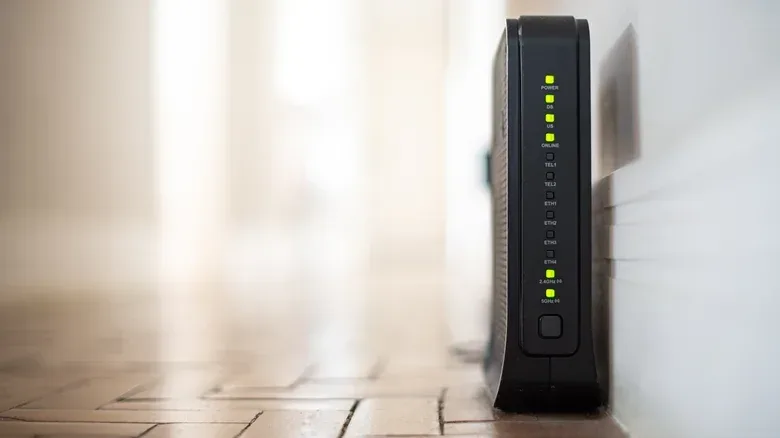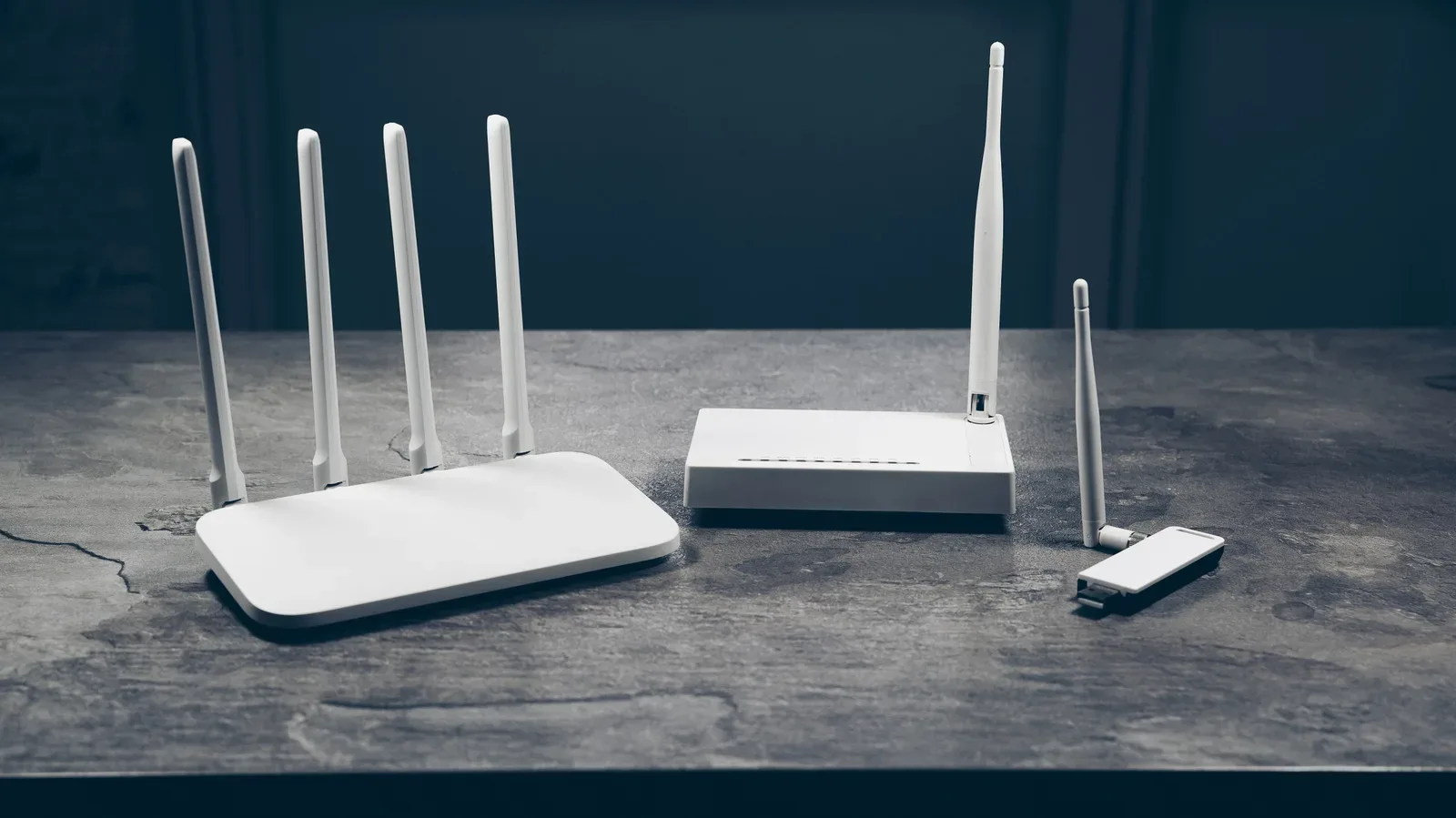
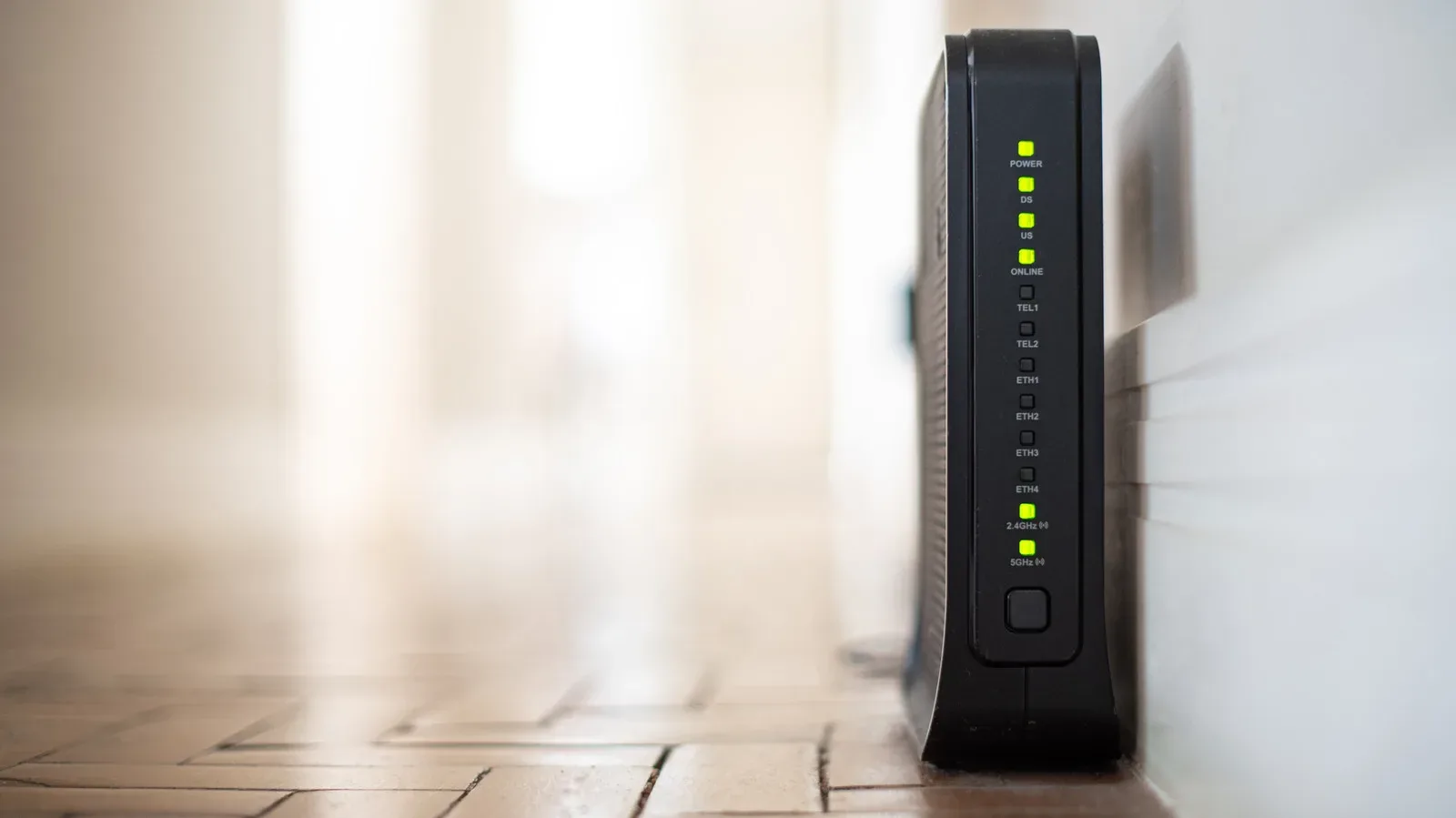
An old router can feel like one of the least urgent things to replace. It still connects consoles, PCs, phones and streaming boxes; the Wi-Fi may even appear perfectly adequate. But a connected device does not need to look broken to become a security problem. The real dividing line is whether its maker still supplies firmware updates and security patches.
That distinction matters in homes filled with always-connected equipment. A forgotten camera, smart plug, appliance or previous-generation router may remain on the network for years. If it is no longer supported, a vulnerability found after support ends may never be fixed. Strong passwords and good habits still matter, but they cannot repair a flaw in the device’s own software.
The practical message is not that every older gadget must be thrown out immediately. It is that a home network needs an inventory and a support check, rather than an assumption that a device is safe simply because it still turns on.
Why “end of life” is more important than age alone
End of life, often shortened to EOL, means a product has reached the point where it no longer receives software updates or security patches from its manufacturer. A device can be physically functional at that point. Its camera can still record, its router can still route traffic and its app may still open. Yet newly discovered bugs may remain permanently exposed.
Firmware is the specialized software that runs on hardware such as routers and connected cameras. Firmware updates can improve reliability, but their security role is the more urgent one: they close known weaknesses that could otherwise be exploited from outside the home network or by an attacker who gets access another way. Automatic updates reduce the chance that an available patch sits uninstalled, but they cannot help once updates have stopped altogether.
A 2024 study of smart appliances found that support timelines are often difficult for shoppers to determine in advance. Of 19 major smart-appliance brands examined, only three told customers how long software support would be maintained. Even the longest stated commitment was around five years, below an expectation of 10 years. That uncertainty makes periodic checking important, particularly for products bought for longevity rather than as short-term tech accessories.
For replacement timing, there is no single clock that fits every product. Security cameras have been framed as candidates for replacement after roughly five to seven years, while Netgear recommends replacing router hardware every four or five years. Those are useful planning signals, not substitutes for confirming an individual model’s update status. A device could lose support earlier or remain supported longer. Slower connections can be a warning that a router is aging, but security support should be checked before performance becomes irritating.
One neglected device can affect more than itself
Home networks are shared environments. A laptop, phone, game console, TV, camera and smart appliance may all use the same router. That is convenient, but it means an exposed device can create a path into a network containing more valuable accounts, files and devices.
Related coverage includes Old Smart Devices Can Leave Your Home Network Exposed.
In 2025, the FBI warned that EOL routers were being compromised. The warning highlighted routers from 2010 or earlier as likely no longer receiving updates and advised replacement. It also described malware called TheMoon, which can infect routers and install proxies. A proxy in this context is a system that routes traffic for someone else; criminals can use it to make their activity appear to originate from a compromised device rather than themselves.
TheMoon example is especially important because it was described as exploiting open ports and a vulnerable script rather than requiring a password. An open port is a network-facing channel that is available for communications. Some ports and services are necessary in certain setups, but unnecessary exposure can offer attackers a route to probe a device. This is why changing a default password is essential but not a complete defense: authentication cannot protect a flaw that bypasses it.
Compromised routers and smart devices can also be added to a botnet. A botnet is a collection of hijacked internet-connected devices controlled to carry out coordinated activity. One possible use is flooding a website or service with traffic in an attempt to take it offline. The owner may not realize their device is participating, which is one reason invisible, unattended hardware deserves attention.
The persistence of old flaws is the problem. A Cisco report found that nearly 40% of the vulnerabilities most targeted by attackers affected EOL devices, while about one-third of exploited vulnerabilities were at least a decade old. The report centered on businesses, but the underlying lesson translates cleanly to households: attackers continue to pursue old hardware because unsupported vulnerabilities do not receive repairs.
Start with an inventory, not a shopping cart
Replacing every connected object is neither necessary nor the first step. Begin at the router’s administration page and review the list of connected devices. This is an opportunity to find equipment that has slipped out of mind: a spare camera, an old smart plug, an appliance, or a device left connected after its original purpose disappeared.
The names in that list may not always be immediately recognizable. Work methodically. Compare the entries with the devices currently in the home, and investigate anything unfamiliar before taking action. The goal is to distinguish an overlooked legitimate device from something that should not be on the network.
- Log into the router’s admin page and record the devices shown as connected.
- Identify each device, including cameras, plugs, appliances and older routers or extenders.
- Check whether each manufacturer still releases firmware or security updates for that exact product.
- Turn on automatic updates wherever the option exists.
- Prioritize replacement when a router is EOL or no longer gets firmware updates.
A regular audit turns an uncertain collection of “smart” equipment into a manageable maintenance task. It also helps reveal whether the connected function is worth keeping. If an old appliance no longer receives automatic updates, disabling its connected features may be a sensible choice when those features are not needed. That reduces its role on the network, though it does not make data already held on the device immune to risk.
Use WPA3 where the router supports it
Wireless security settings are another place to check. WPA3 is the latest router security standard referenced here. In a router’s admin page, look for the wireless security setting and select WPA3 if it is available. If older devices cannot connect after that change, a WPA2/WPA3 compatibility mode can keep them working while allowing the newer standard where supported.
Compatibility is useful as a transition measure, but it is also informative. If the router has no WPA3 option at all, that is a sign it is time to replace the router. An upgrade is not merely about faster connections; it is also a chance to move the network to a current security standard.
Gamers and PC users often focus on router upgrades through the lens of connection quality. That is understandable, since lag, dropouts and weak coverage are immediately noticeable. But the security dimension is just as practical. The router is the device coordinating access for the rest of the household, making unsupported router hardware a poor place to economize. Routine endpoint upkeep belongs in the same broader maintenance mindset as software housekeeping, such as clearing a Mac app cache without making it a monthly ritual, although cache clearing and network security solve very different problems.
Settings that reduce avoidable exposure
There are several basic actions worth applying to supported router hardware:
- Replace the default router password. Use a strong password rather than the credential supplied with the device.
- Turn off remote management. Remote management permits access to router administration from outside the local network. Disabling it removes that exposure when it is not needed.
- Enable automatic firmware updates. This helps install fixes as they are offered rather than relying on manual follow-up.
- Review wireless security. Select WPA3 when available, or use WPA2/WPA3 if legacy devices require a compatibility option.
These actions improve the posture of a supported router. They should not be treated as a way to extend the safe life of one that has reached EOL. The core problem with unsupported equipment is the absence of future fixes, including fixes for weaknesses that have not been discovered yet.
Separate older smart gear from important devices
When replacement cannot happen immediately, placing older gadgets and smart appliances on a separate network is a useful risk-reduction step. The purpose is to keep a compromise of that older equipment from readily reaching more important devices such as a phone or laptop.
This is containment, not a cure. Segmentation limits what an intruder may be able to reach across the home network, but it does not remove the vulnerability from the older camera, appliance or plug. Its own information remains at risk. The strongest outcome remains replacing hardware that no longer receives updates, especially network infrastructure such as a router.
It is also worth separating priorities. An old smart appliance with connectivity disabled may be less pressing than an unsupported router handling every device in the home. A supported router with automatic updates, a strong non-default password, remote management disabled and WPA3 enabled is a stronger starting point. From there, an inventory can identify the older devices that need replacement, isolation or a decision to retire their connected features.
Connected gadgets age in two different ways: their physical hardware wears down, and their software support expires. The second kind of aging can be invisible until it becomes a problem. A short device audit, followed by support checks and a few router-setting changes, is a practical way to find the weak link before someone else does.