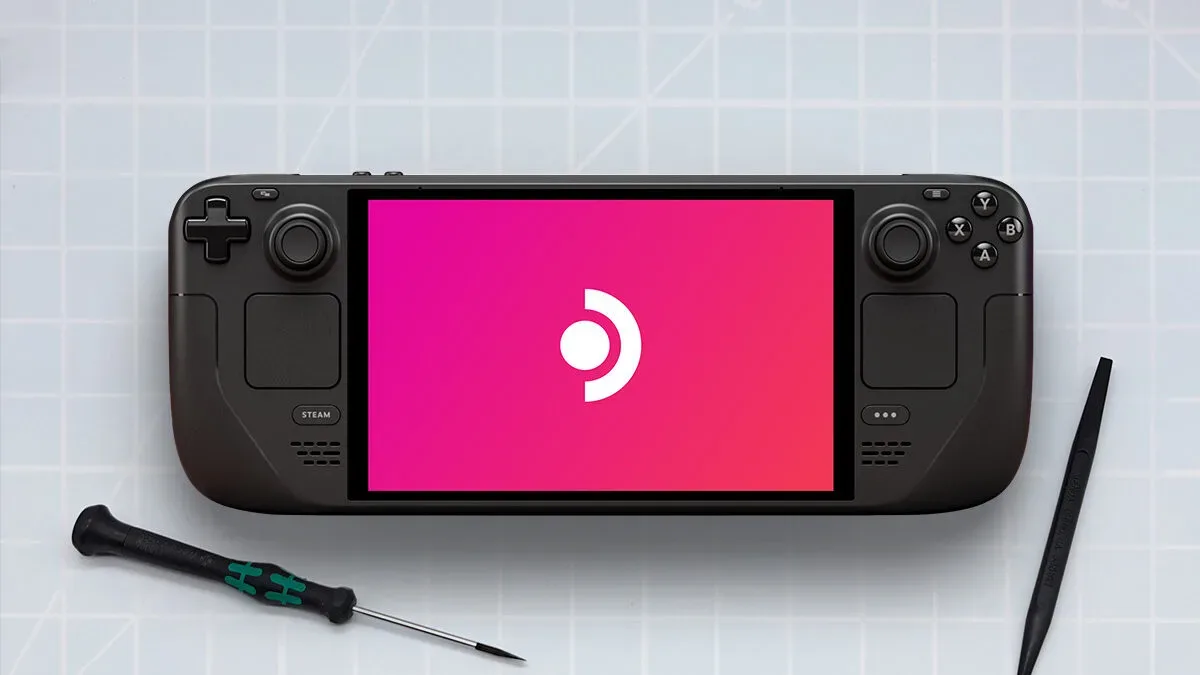
Steam has updated its store pages with a more practical performance signal for Steam Deck owners: average frame-rate information drawn from players who have opted to share their data. For supported games with enough reported data, the Steam Deck compatibility section can now show an average FPS figure, with an expandable histogram intended to show how that performance is distributed and how often players encounter hitching or stuttering.
It is a small-looking store-page addition with a sizeable purpose. A compatibility label can tell a prospective buyer that a game is expected to function on the handheld, but “works” covers a lot of ground. A game may launch, accept controller input, and be readable on Steam Deck while still delivering uneven performance. Average frame-rate data gives players another way to judge the experience before they commit.
What Steam Deck shoppers can now see
The new information appears in the additional Steam Deck compatibility details on a game’s store page. It is based on performance information contributed by other players who have chosen to share it, rather than a single claim about how the game runs.
Steam is presenting two related pieces of information:
- Average frame rate: a headline FPS number for the relevant Steam Deck hardware.
- An expandable histogram: a graph that provides more context around the average, including how common particular frame-rate results are and indications of hitching or stuttering.
FPS means frames per second: the number of individual rendered images displayed each second. In broad terms, a higher frame rate can make movement look smoother and make controls feel more immediate. But the average alone is not a complete measure of how a game feels, which is why the graph matters.
A title can produce a respectable average while still suffering noticeable slowdowns in demanding scenes. Conversely, a lower average can be relatively consistent. The histogram is meant to help distinguish those cases by showing the spread behind the one-number summary. It can also indicate how frequently players experience hitches or stutters: interruptions in smooth frame delivery that can be especially conspicuous during movement, camera turns, loading transitions, or effects-heavy moments.
Why a Verified label does not settle the performance question
Steam Deck compatibility remains useful, but it answers a different question from a performance readout. Compatibility communicates whether a game is expected to operate suitably on the device under the relevant criteria. It does not necessarily define what every player considers an acceptable visual smoothness level.
Steam itself notes that its existing compatibility information is based on standardized testing criteria and that those designations may not align with every customer’s personal bar for acceptable play. That distinction is important. One person may be content with a lower, stable frame rate when playing a turn-based game or visual novel. Another may want much higher and steadier performance for a fast action game. Some players prioritize image quality, while others would rather reduce settings in pursuit of smoother motion.
Related coverage includes Steam Adds Average Frame Rate Data to Help Steam Deck Owners Judge Performance.
The new store-page figures do not replace the compatibility label. Instead, they add the missing performance-oriented question: if it runs, what is the range of results people are actually seeing on this handheld?
A compatibility designation and an FPS figure should be read together: the first addresses whether the game is expected to work, while the second offers evidence about how it performs for participating players.
Early examples show why the extra detail is useful
The feature is already live for games that have sufficient data points to generate an average. Current examples show a substantial difference between two games on Steam Deck OLED hardware. Final Fantasy VII Rebirth displays an average of 37 FPS, while Hades II shows an average of 88 FPS on the same hardware.
Those numbers should not be turned into a simplistic ranking of one game against another. They are different games with different technical demands and design goals. Their usefulness is more immediate: somebody considering either purchase gets a concrete starting point that a general compatibility mark cannot provide by itself.
For Final Fantasy VII Rebirth, an average of 37 FPS gives a buyer a clearer expectation than a vague assumption that a compatible game will necessarily be smooth at any moment. For Hades II, 88 FPS signals a markedly different performance profile on Steam Deck OLED. In both cases, the expandable graph is likely to be the more valuable follow-up view for players concerned about consistency rather than merely the average.
How to read the data without over-trusting it
The figures are best treated as decision support, not a guarantee. They represent a consensus built from opted-in player data, and Steam only displays the average once there are enough data points. That is a better foundation than isolated anecdotes, but it is still an aggregate.
For a prospective buyer, a sensible reading order is:
- Check the compatibility details. Confirm the title is represented in Steam Deck information and see whether FPS data is available.
- Read the average as a broad expectation. It provides an accessible first estimate of what participating players see.
- Open the histogram. Look beyond the center number to understand the distribution and the reported hitching or stuttering context.
- Match that profile to the kind of game. A performance pattern that feels fine in one genre may be unacceptable in another.
- Remember the data is not a personal promise. Steam cautions that standardized criteria do not map perfectly to everyone’s standards, and the same general restraint applies to crowd-derived performance summaries.
This is particularly useful for PC players who do not want to spend their time deciphering technical performance discussions. Rather than requiring every shopper to understand specialized measurements or track down scattered reports, Steam is placing a readable starting point directly beside the purchase information.
The histogram is the important part of the update
Average FPS will be the most immediately recognizable part of the feature, but the histogram is what can prevent an average from becoming misleading shorthand. An average compresses a great deal of behavior into one result. It cannot, on its own, explain whether performance is tightly grouped around that number or whether it swings widely between fast and slow stretches.
A histogram is a graph that groups results into ranges, showing how common those ranges are. In this context, it can help a player see whether the reported performance tends to cluster around the displayed FPS or is spread across different results. Steam also says the view will show how often games hitch or stutter for players. That extra signal matters because smoothness depends on consistency as well as speed.
There is no universal “good” FPS threshold contained in this update. Steam’s own warning about differing standards reinforces that point. Instead, the value is in making the trade-off visible. Players can make a more informed call based on the game they are considering and their own tolerance for fluctuations.
A player-data approach fits the handheld PC audience
Handheld PCs occupy a space where performance details are unusually relevant. They are PCs, so games can have different performance characteristics and users can have different expectations. At the same time, they are portable devices, where players often want a straightforward answer before downloading or buying something for a trip, a commute, or casual play away from a larger system.
The Steam Deck is part of a wider portable PC landscape that includes devices such as the ROG Ally and Ayn Thor. Steam plans to expand the frame-rate information beyond Steam Deck to more devices, which could make the underlying idea useful to a broader range of PC players. The available details do not specify a timetable or which devices will receive the information, so that expansion remains a stated plan rather than a completed rollout.
That potential expansion is significant because a store page is where hardware uncertainty often becomes a purchase problem. A shopper may know a game is popular, but not whether its performance aligns with the portable hardware they already own. Device-specific, player-informed FPS data can narrow that uncertainty without pretending that a single number settles every preference.
What this changes for buying decisions
The practical benefit is not that every player must begin shopping by chasing the highest FPS number. It is that players have a clearer basis for deciding whether a game suits their device and expectations. The update can be especially helpful when choosing between a portable purchase and playing the same game elsewhere, or when deciding whether a title with demanding presentation is likely to be comfortable on a handheld.
It also gives players a more approachable entry into performance terminology. FPS is a straightforward measure of output rate; hitching and stuttering describe interruptions to consistent motion; a histogram supplies the variation that an average masks. Steam’s presentation brings those concepts into the normal store flow rather than reserving them for dedicated benchmarking discussions.
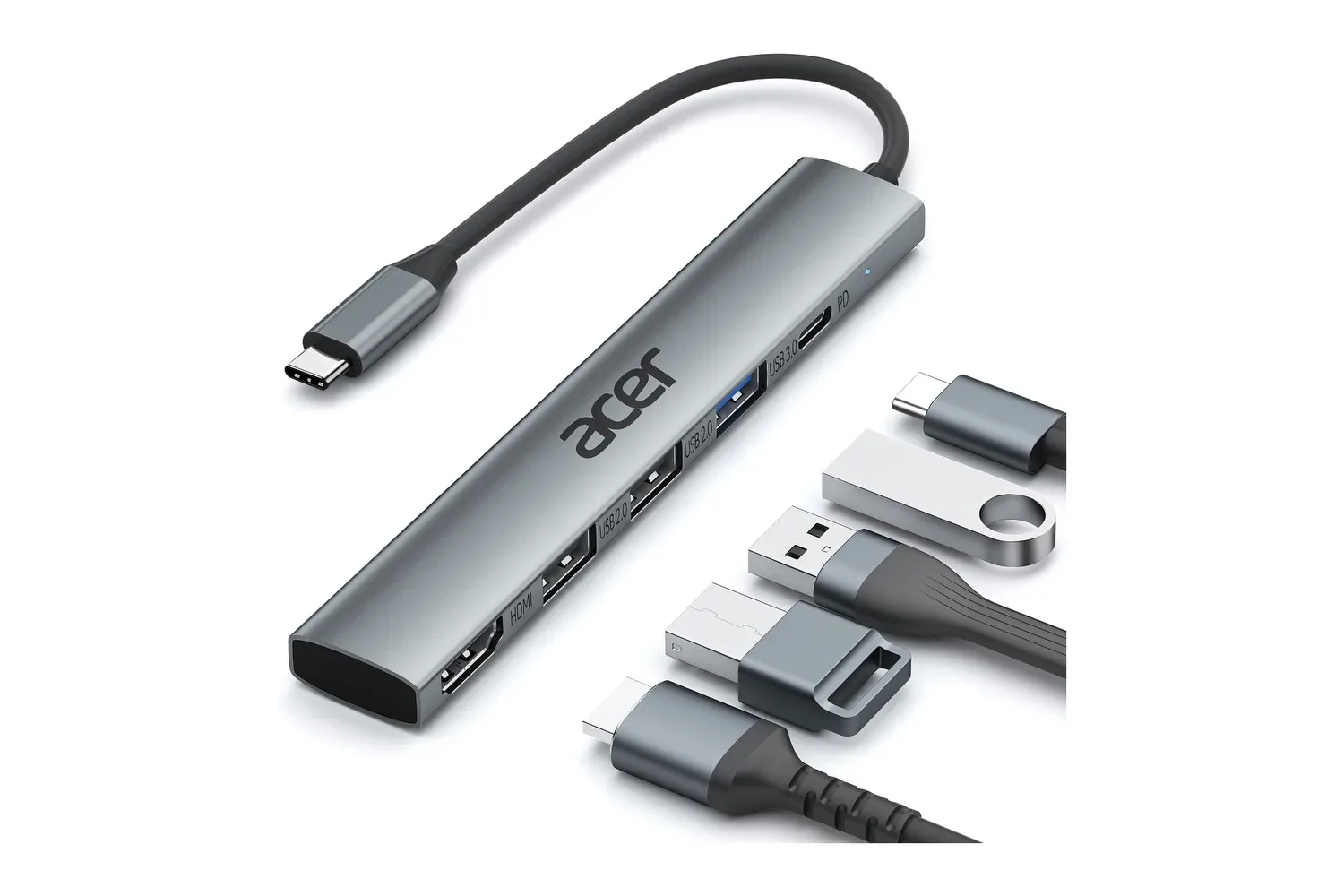
Hardware decisions still extend beyond a single metric. Display preferences, controls, storage and accessories can all shape a portable or desktop setup. For players comparing the peripheral side of a PC gaming arrangement, our look at a USB-C hub with HDMI, charging and additional ports covers one example of how connectivity considerations can enter the picture. Steam’s new performance data addresses a different, but equally basic question: what a game is likely to feel like once it is running.
More context, not a substitute for judgment
Steam’s addition is most promising as a layer of transparency. The compatibility system can identify whether a game meets standardized requirements. The new player-data display adds an observable performance profile for titles with enough participating users. Neither one dictates what an individual should accept, and Steam explicitly acknowledges that standards of acceptable gameplay vary.
That is the right framing for the feature. A buyer considering Final Fantasy VII Rebirth at its displayed 37 FPS average on Steam Deck OLED may decide the figure and its graph are acceptable. Another may conclude they would prefer another device. A Hades II shopper seeing 88 FPS gets a different expectation, but should still use the graph for a fuller view. The update makes those calls more informed without claiming to make them automatic.
For Steam Deck owners, the main result is refreshingly direct: performance information is moving closer to the buy button, and it is becoming more specific than a simple yes-or-no compatibility designation.