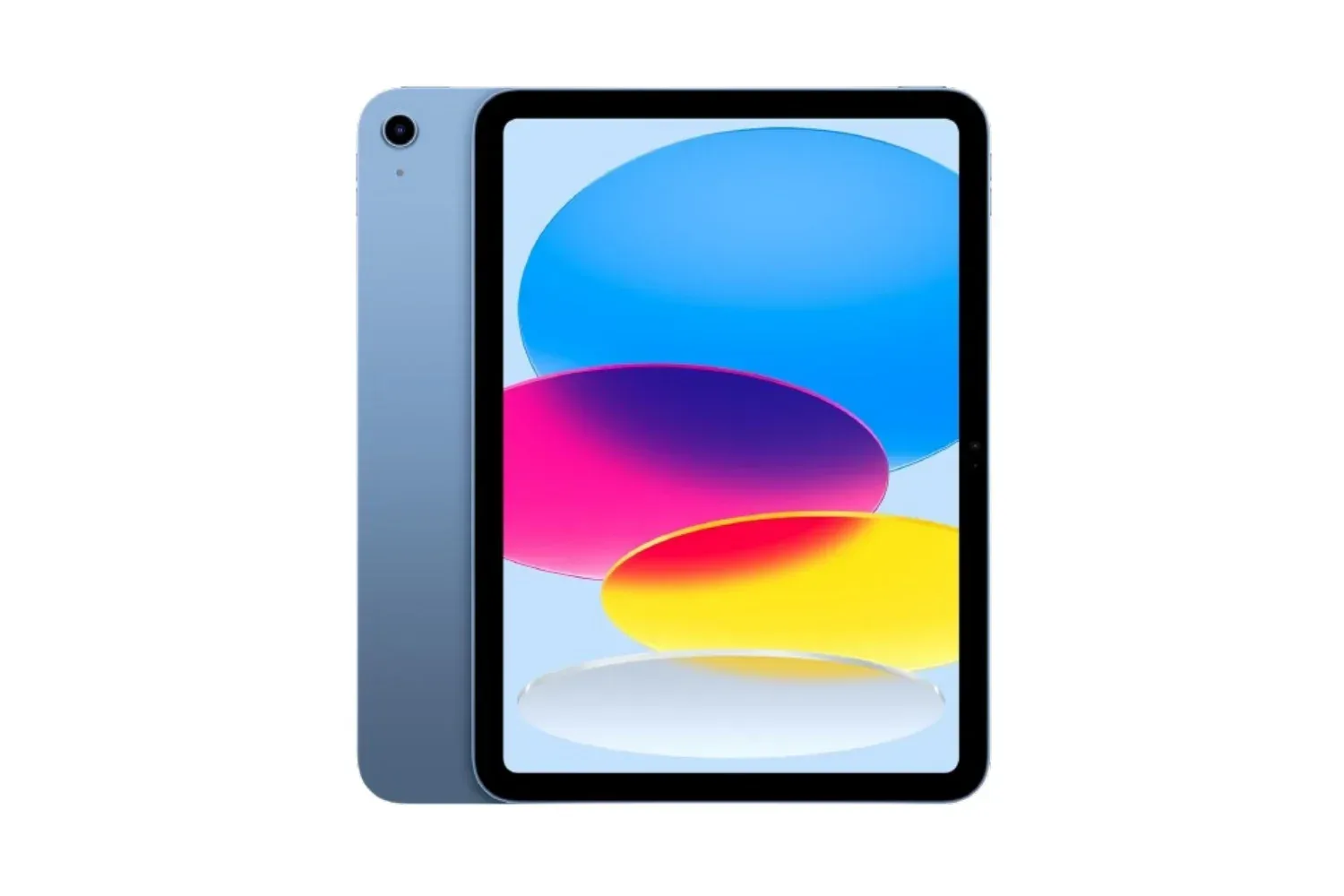

The 11-inch iPad Air with Apple’s M4 chip has been listed at $650 for its 128GB Wi-Fi configuration, down $99 from $749. For players who want an Apple Arcade machine that can also cover everyday tablet duties, that is the important number: it lowers the entry cost for a current iPad Air while retaining the same 11-inch screen and M4 processor described for the wider range.
The reduction applies across the available color options: Starlight, Space Gray, Purple, and Blue. Other storage and connectivity variants are also listed below their stated regular prices, though the size of the saving varies significantly. As with many retailer promotions, shoppers should treat the listed figures as time-sensitive and verify the selected configuration before checking out.
The listed iPad Air prices
- 11-inch iPad Air, 128GB, Wi-Fi: $650, down from $749.
- Wi-Fi + Cellular version: $855, down from $899.
- Base 256GB model: $750.
- 1TB model: $1,277, described as a 5% discount.
The 128GB Wi-Fi version is therefore the clearest value point in the group, based on the stated $99 difference. Moving to cellular connectivity costs considerably more, while the 256GB option costs $100 more than the discounted 128GB unit. The 1TB configuration is a separate proposition altogether: its modest percentage reduction does not change the fact that it is intended for buyers who specifically need much more local storage.
Storage is worth considering before treating the cheapest model as the automatic choice. A tablet used mainly for streamed video, browsing, email, cloud documents and a rotating selection of games has different demands from one that keeps large games, downloaded media, photographs or project files on-device. The provided information does not specify individual game sizes or usable storage after system software, so buyers should avoid assuming that 128GB and 256GB will feel identical over a longer ownership period. The sensible comparison is the extra upfront cost against the kind of files and downloads a person expects to keep locally.
Why the M4 chip matters for a gaming-focused tablet
The headline component is Apple’s M4 chip. In plain terms, the chip is the device’s main processing hardware, responsible for handling the work behind apps, games, image tasks and general multitasking. A more capable chip does not guarantee that every game will be available on a platform, nor does it promise a particular frame rate in a specific title. It does, however, matter when selecting hardware meant to remain responsive across demanding apps and several open tasks.
Here, the M4 is positioned as capable of handling complex AI-oriented tasks, including image generation and photo editing, alongside ordinary work and entertainment. That broader capability is relevant to the gaming crowd because an iPad often lives as a multipurpose device rather than a dedicated console. A player may jump between a game, a guide, messages, a video call and media playback. The appeal of a powerful tablet is not only peak performance in one application; it is also the expectation that the device can take on varied workloads without becoming the bottleneck.
Apple Arcade is the clearest gaming connection in the offer. Eligible purchases can include up to three free months of Apple Arcade, Fitness+, and News+, along with free standard shipping. The wording is important: this is an offer of up to three months, rather than an assurance that every purchaser receives every service for that exact period. Eligibility and redemption details should be checked at purchase.
For someone primarily interested in Apple Arcade, the short promotional access can be useful as a way to explore the service on the new hardware without immediately adding another subscription bill. It should not be treated as a permanent part of the tablet’s value. The stronger buying case is whether the iPad Air itself fits the buyer’s expected mix of games, productivity, entertainment and communication once the promotional period ends.
Related coverage includes 11-Inch M4 iPad Air Drops to $650 on Amazon.
Screen, software and the everyday use case
This model has an 11-inch Liquid Retina display. “Liquid Retina” is Apple’s display branding; the practical takeaway from the available details is an 11-inch screen presented as bright and sharp for streaming, video calls and other visual tasks. Screen size is one of the more personal factors in a tablet purchase. Eleven inches gives players more viewing room than a phone while preserving the tablet format for browsing, reading and carrying between rooms or trips.
It runs iPadOS and has access to apps through the App Store. The platform’s usefulness therefore extends past games: the tablet is designed for built-in apps as well as additional downloads. Apple Intelligence is also described as assisting with writing, summarizing and organization in supported apps, including rewriting text or turning a long email into bullet points.
That distinction is useful when reading AI claims. Apple Intelligence, as characterized here, is a collection of assistance features for tasks such as text handling and organization. It is not a substitute for choosing appropriate storage, deciding whether Wi-Fi is sufficient, or checking whether a desired game or app is available. For people using a tablet for school, work or creative projects between gaming sessions, those tools may add convenience; their value depends on the person’s workflow.
Touch ID provides biometric sign-in. Biometric authentication means using a physical characteristic—in this case a fingerprint—to unlock or approve access rather than entering a password each time. That can make routine logins more convenient while keeping an access check in place.
Wi-Fi or cellular: choose for the places you actually play
The base $650 model is Wi-Fi only. That is likely sufficient for people who mostly use the iPad at home, at work, or in other places with reliable wireless internet. The Wi-Fi + Cellular model adds the option to connect through cellular service when Wi-Fi is unavailable, and is listed at $855 rather than $899.
Cellular is not simply an abstract upgrade. It changes how independent the tablet can be away from familiar networks, particularly for online games, downloads, cloud-synced saves, browsing or communication. But it comes at a $205 premium over the discounted 128GB Wi-Fi configuration based on these listed prices. Buyers should weigh that difference against how often they genuinely expect to use the tablet away from Wi-Fi. The supplied information does not specify carrier plans or ongoing cellular costs, so those details need separate confirmation before treating the cellular model as a straightforward one-time upgrade.
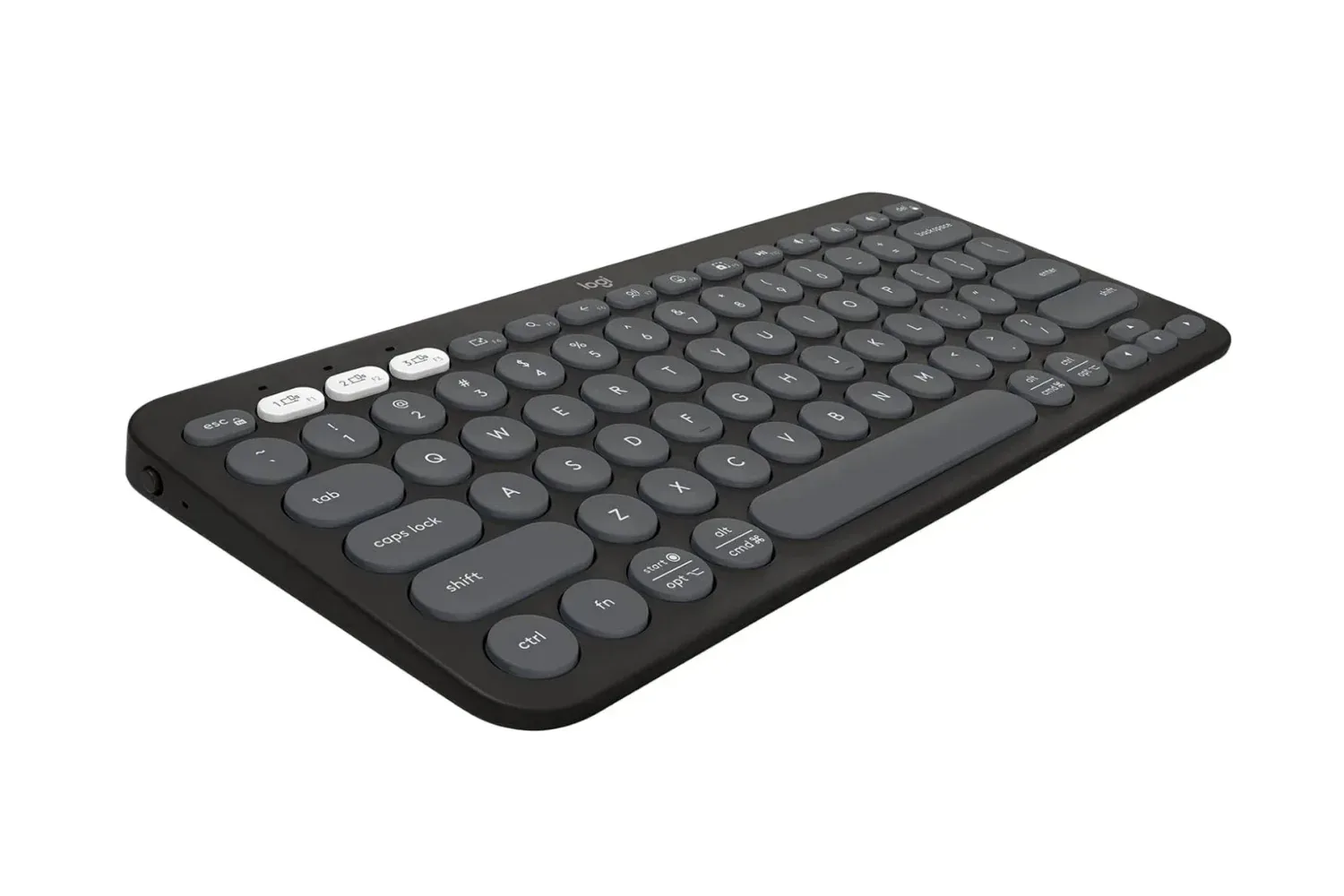
A gaming setup can also benefit from accessories that work across more than one device. Those considering a compact typing option alongside the iPad may want to compare it with the Logitech Pebble Keys 2 K380s wireless keyboard listing, especially if the tablet will be used for messages, notes or longer writing as well as play.
What to check before buying
- Confirm the configuration: Ensure the cart shows the intended storage capacity and Wi-Fi or Wi-Fi + Cellular connectivity. Similar-looking iPad listings can carry very different prices.
- Choose storage around local use: Consider whether the tablet will hold a sizable game library, downloaded entertainment, photos or editing projects, rather than only streamed content and a few apps.
- Separate the tablet from the trial: Promotional Apple Arcade, Fitness+, and News+ access may be valuable, but it is temporary and eligibility should be checked.
- Match connectivity to routine: Wi-Fi is the lower-cost option; cellular is for buyers who expect to need an internet connection beyond Wi-Fi coverage.
- Recheck the final price: The discounts are retailer listings and can change, so the displayed total matters more than an earlier advertised figure.
At $650, the 128GB Wi-Fi M4 iPad Air is the notable deal in this set because it combines the largest stated dollar reduction with the lowest entry price. The 256GB, cellular and 1TB models may each make sense for more specialized needs, but they should be selected for their storage or connectivity advantages—not merely because they are also marked down.
Shop the products
Check current price, model and availability at the retailer.