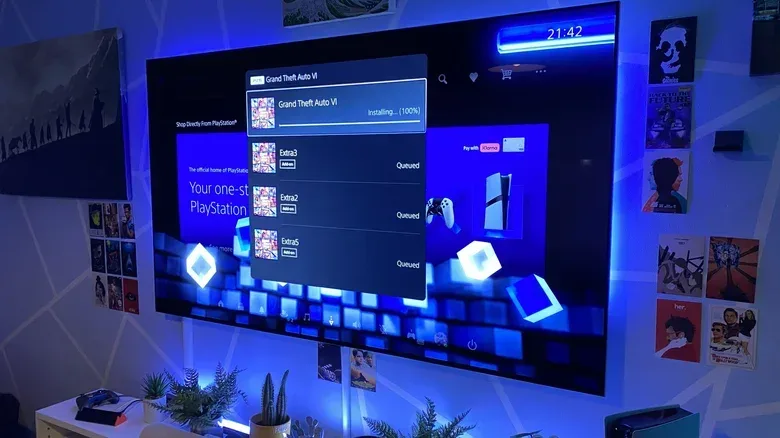
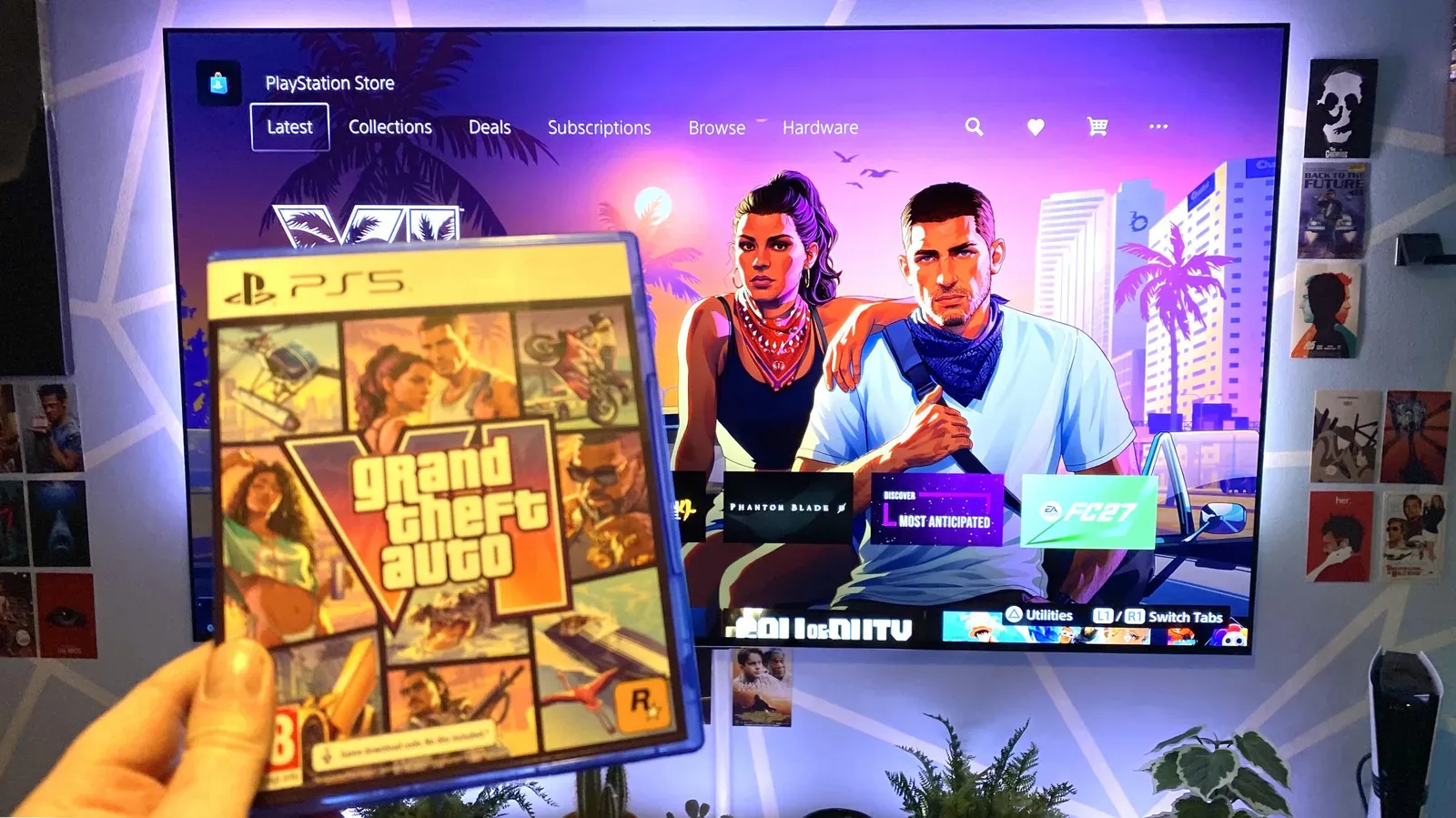
Grand Theft Auto VI’s reported preload weighs in at 212GB, making the trip to Leonida a sizable download before anybody has even stolen their first virtual vehicle. Rockstar is expected to make the file available one week before release, which is useful news for anyone whose launch-day plan involves playing rather than watching a progress bar develop its own criminal empire.
The practical answer to “how long will GTA VI take to download?” is that it depends less on the number printed on an internet plan and more on the speed a console can sustain at that particular moment. Using a US broadband range of 143Mbps to 314Mbps, a download of this size could take roughly three hours and 56 minutes at the lower figure, or about 90 minutes at the higher one. Those are estimates, not promises: the console storefront, household traffic, Wi-Fi conditions and launch-week demand can all move the number dramatically.
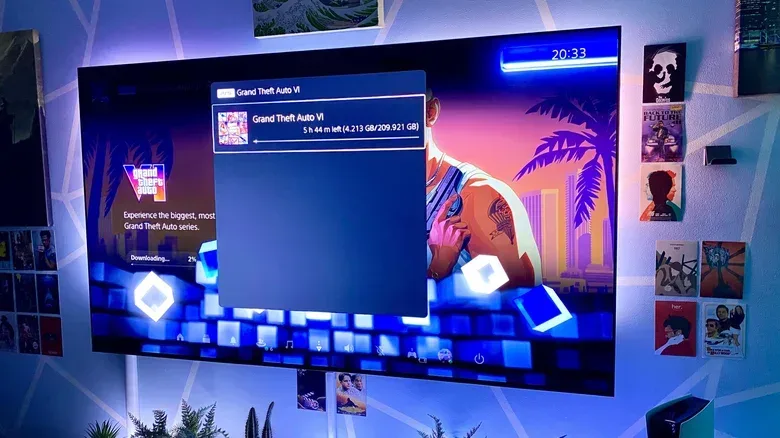
For perspective, a PS5 Pro connected by wired Ethernet completed a roughly 209.921GB GTA VI download in 63 minutes and 30 seconds after reporting around 568Mbps in a connection test. The same console, when downloading over Wi-Fi, was observed at 76.8Mbps with an estimated wait of five hours and 44 minutes. That gap is the important part of the story. A fast home connection helps, but the path between the console and router can be just as decisive.
What the 212GB figure means in practice
File size is not download time. Storage is generally described in gigabytes (GB), while download rates are normally displayed in megabits per second (Mbps). The lowercase distinction matters: a byte contains eight bits. A 212GB game therefore represents far more than 212,000 megabits of data to transfer, before accounting for the way consoles and services report their figures.
That is why a connection advertised in hundreds of megabits per second does not translate to “hundreds of gigabytes per second,” no matter how aggressively the box at the internet provider’s shop uses lightning graphics. It also explains why a download can look large but still be manageable on modern broadband when started ahead of time.
The stated 212GB figure is the official preload size, while one console measurement landed just below that at 209.921GB. Small differences like this can arise in how a platform presents installed or downloaded data, so players should treat either number as a planning figure rather than as a guarantee of the exact free space their own machine will show. The sensible move is to make sure there is comfortably more room than the listed download size before preload day.
Estimated GTA VI download times by connection speed
The following examples use the reported 212GB preload as a broad guide. Real results can be slower because transfer rates fluctuate, and these calculations should not be mistaken for a forecast from PlayStation, Xbox or Rockstar.
- 143Mbps: around 3 hours and 56 minutes
- 314Mbps: around 90 minutes
- 568Mbps sustained in a wired console test: a real-world roughly 209.921GB download was completed in 63 minutes and 30 seconds
- 76.8Mbps over Wi-Fi in an observed console download: an estimated 5 hours and 44 minutes
The contrast illustrates a basic but frequently frustrating truth: a broadband tier is not the same thing as a console’s actual download rate. The 143Mbps-to-314Mbps range is useful for setting expectations, but a speed test on a phone, laptop or even the console itself is only a snapshot. It measures conditions then, not necessarily the conditions when millions of eager players begin reaching for the same enormous install file.
Related coverage includes GTA 6 Download Times: How Long a 212GB Install Could Take on PS5 and Xbox.
Why a 1Gbps internet plan rarely produces a 1Gbps game download
A 1Gbps connection is capable, in theory, of transferring up to 1,000Mbps. That does not mean a PS5 or Xbox will continuously show 1,000Mbps while downloading. The connection between a console and the game service has several links: the home network, the internet provider’s network, intermediary infrastructure and the storefront’s servers. The slowest or busiest link can set the pace.
This is especially relevant for a release as prominent as GTA VI. Preloads shift some demand away from launch day, but they also create a period in which a huge number of people may attempt to retrieve the same large file. Storefront infrastructure has to distribute those requests across many users. If the service limits the rate available to an individual connection, changing router settings will not magically force it to send data faster.
Variable speeds are therefore not automatic evidence that a console is broken or that an internet provider is failing. A rate that rises and falls during a download can reflect the remote service balancing concurrent requests. It can also reflect normal changes inside a home: another device begins streaming, a Wi-Fi signal is obstructed, or someone starts a second download.
That does not mean local troubleshooting is pointless. It means it is worth identifying whether the bottleneck is in the home or beyond it. If a wired console repeatedly tests much lower than expected even when the household is quiet, the practical checklist in this guide to diagnosing Ethernet that is slower than Wi-Fi can help narrow down the problem.
Ethernet is the best simple move for a faster preload
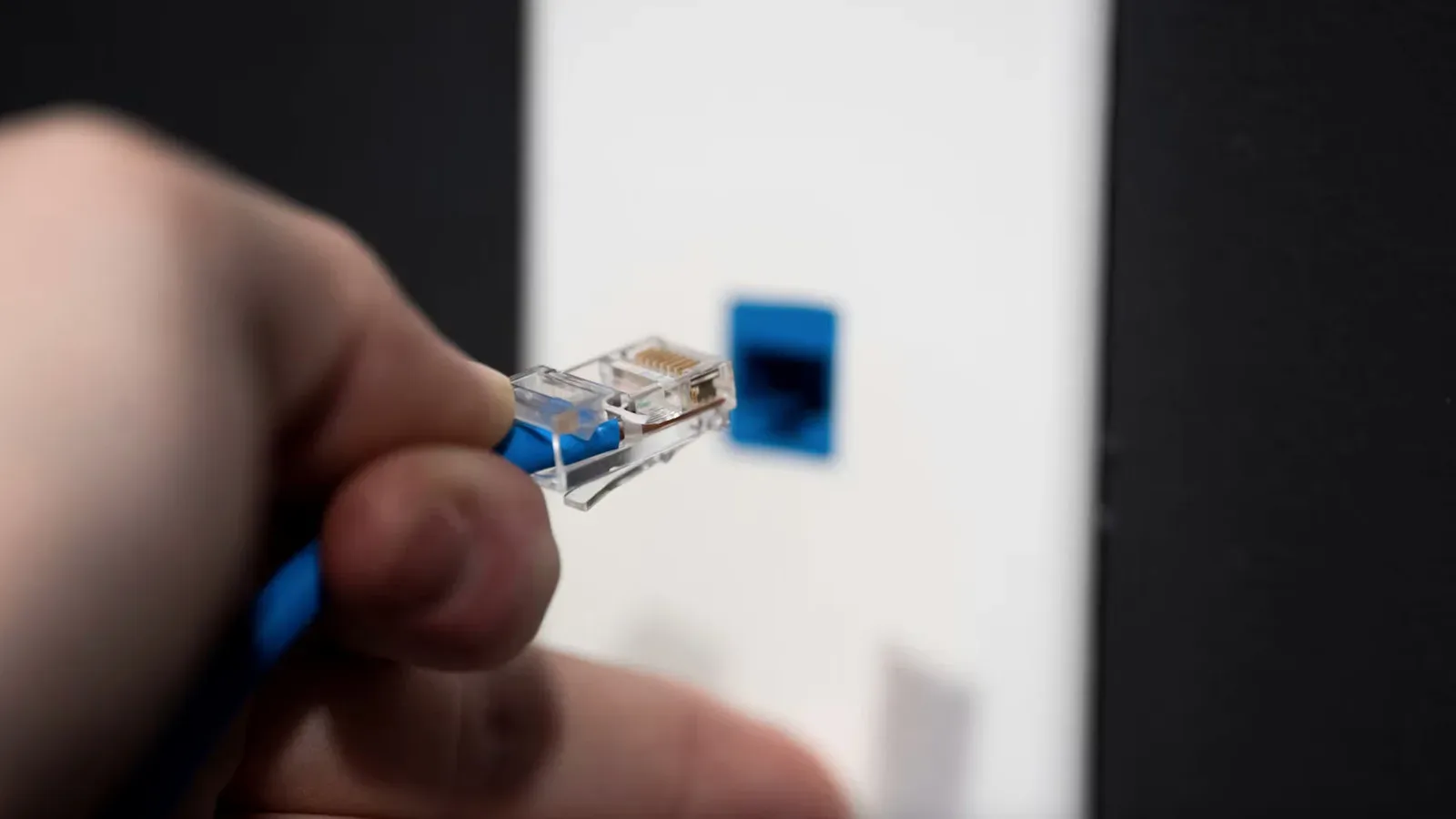
Every console in the current comparison—PS5 Pro, base PS5, Xbox Series X and Xbox Series S—has a 1Gbps Ethernet port. Ethernet is a wired network connection between the console and router. Its central advantage is not glamour; it is consistency. The cable provides a direct route rather than asking the console to compete across the air with other devices and nearby wireless networks.
Wi-Fi is more convenient, and a modern Wi-Fi setup can theoretically exceed the console’s 1Gbps Ethernet-port limit under ideal circumstances. Ideal circumstances are doing heavy lifting there. Wireless performance depends on distance, wall materials, signal strength, the number of devices in the home and interference from neighboring networks or other signals using similar bands. Every obstacle between router and console creates another opportunity for the download rate to sag.
The observed results underline how severe that difference can be in an ordinary setup: around 568Mbps on wired LAN versus 76.8Mbps on Wi-Fi. Those numbers are not universal benchmarks. They should not be read as “Wi-Fi is always seven times slower.” They are a concrete example of why a cable is worth considering for a one-off 212GB preload, particularly when the console normally sits far from the router.
Practical ways to reduce the wait
- Start the preload as soon as it is available. A one-week preload window gives slower connections time to absorb the download without turning release day into a scheduling problem.
- Use Ethernet if it is practical. A temporary cable for the preload can be enough; it does not have to become a permanent living-room fixture.
- Do not actively play another game during the download. Active gameplay can restrict available bandwidth and lengthen the wait for the new install.
- Reduce other household network use if possible. Streaming and downloads on other devices may compete for the same connection.
- Check the console’s own network test. On PS5, go to Settings, then Network, Connection Status and Test Internet Connection. On Xbox, the equivalent is under Settings, General and Network settings.
- Leave extra storage capacity. A listed preload size is not a reason to run the console’s storage down to its final megabyte.
How to interpret a console connection test
A console’s network test is a useful diagnostic, not a contractual guarantee. It gives a sense of the maximum download rate the machine may be able to achieve under current conditions, but it cannot account for every change at the store server or wider network once the game download begins.
If the result is substantially lower than expected on Wi-Fi, the most productive first questions are physical ones: Is the router far away? Are there several walls between it and the console? Are other devices actively using the wireless network? In that situation, moving the console closer temporarily or using Ethernet is usually a more grounded response than endlessly restarting equipment.
If a wired test looks healthy but the storefront download remains slower, the limitation may simply be outside the home. The best response is often patience, leaving the console to continue, and avoiding bandwidth-heavy activity. Repeatedly pausing and restarting may make a person feel like they are participating in the rescue mission, but it does not change the capacity available from a busy server.
The launch-week planning takeaway
GTA VI’s reported 212GB preload is huge, but it should not automatically consume an entire weekend for players with average broadband. At the supplied US averages, the reasonable expectation is a wait measured in hours, not days. The main caveat is that averages do not overcome the demands of a major launch, uneven Wi-Fi, or a household treating the internet connection like a communal all-you-can-eat buffet.
Players with slower service should take the preload window seriously and begin early. Players with fast service who want the shortest practical wait should connect by Ethernet, avoid running another game during the transfer and keep expectations realistic about full gigabit speeds. A console can possess a 1Gbps port and an expensive broadband plan yet still receive data at a lower, changing rate.
In other words, the most valuable equipment for GTA VI preload day may not be a new router or console upgrade. It may be an Ethernet cable, a little free storage, and the rare discipline to let the download finish before launching anything else.