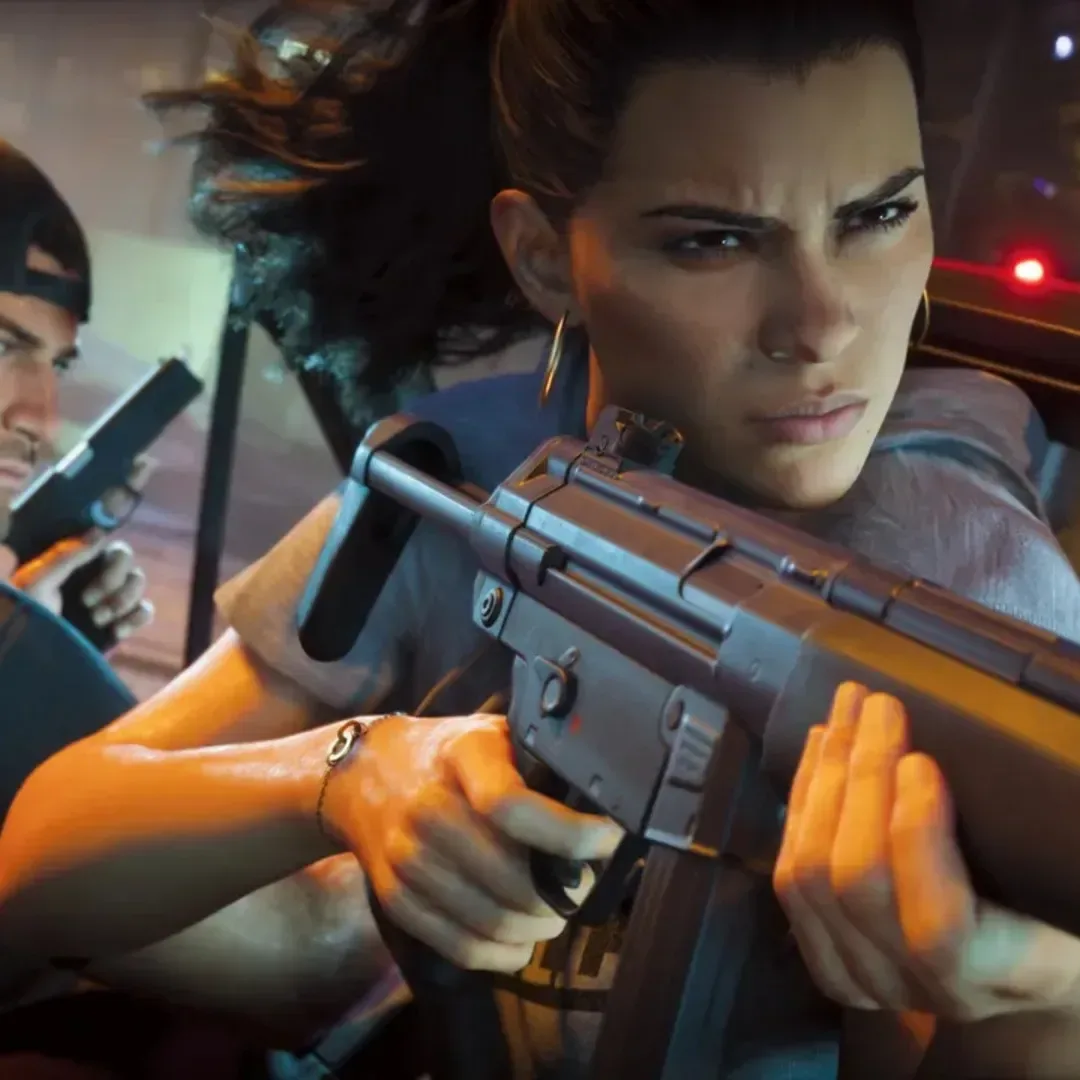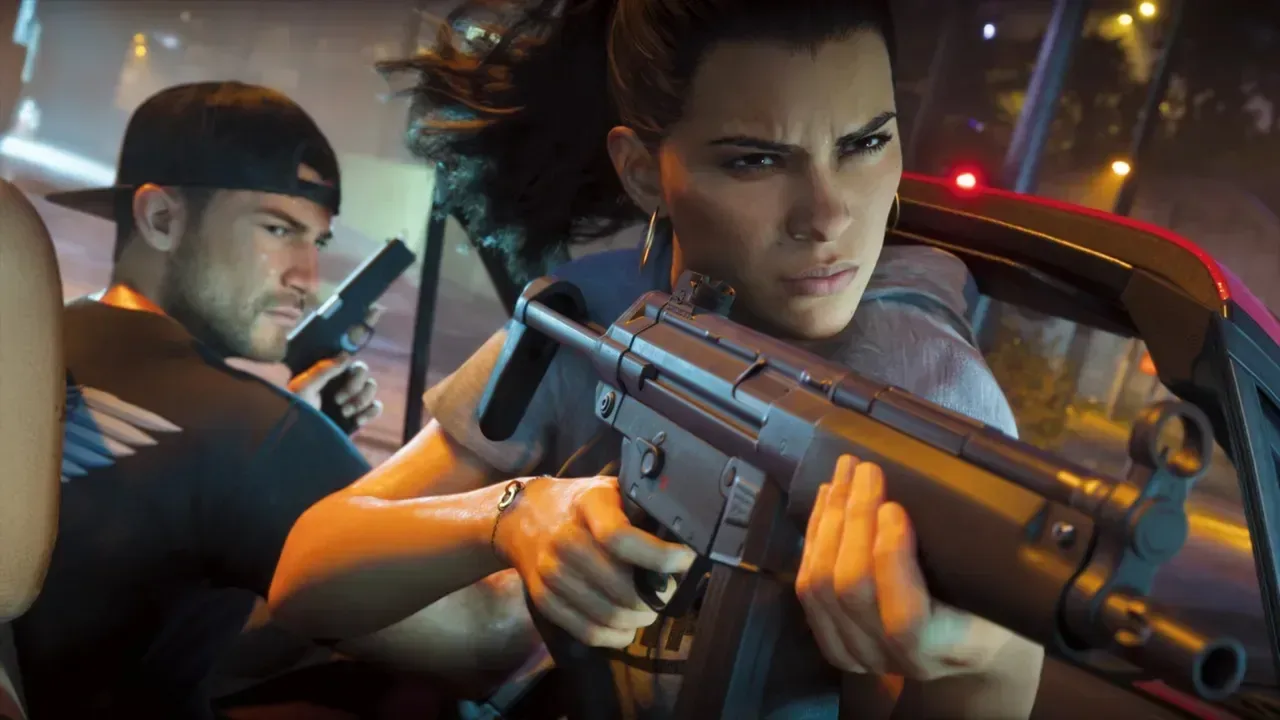
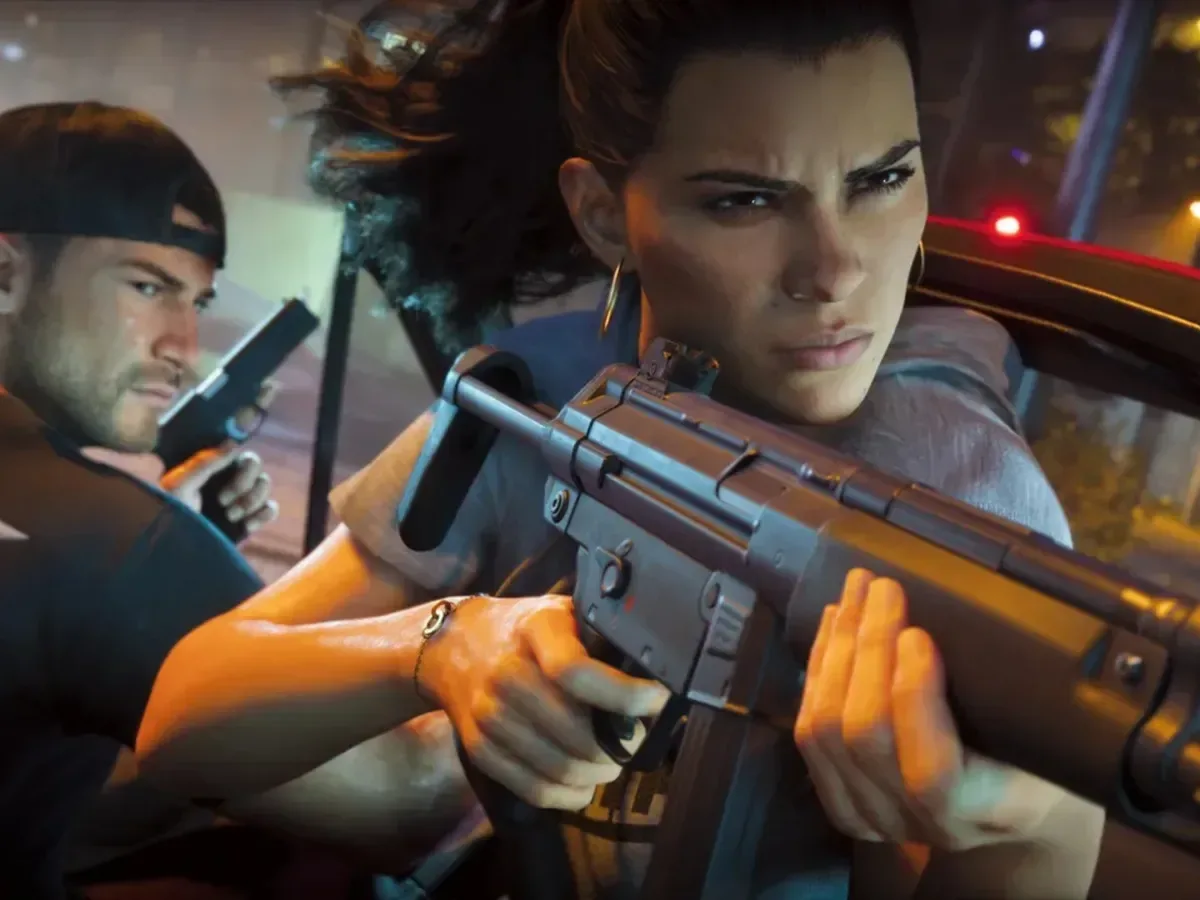
Grand Theft Auto VI will be playable on an Xbox One—but not in the usual, install-it-and-run-it-on-the-console sense. Rockstar has confirmed that the game can be accessed through Xbox Cloud Gaming on Xbox Series X|S and Xbox One consoles. The streamed edition will use Xbox Series S graphics settings, while local versions are reserved for PS5 and the Xbox Series console family.
That distinction matters. An Xbox One is not suddenly receiving a native version of GTA 6, nor is it doing the rendering work itself. In cloud gaming, the game runs on remote hardware in a data centre. The player’s console receives a video stream, sends controller inputs back across the internet, and functions more like a gateway to the remote session than the machine playing the game locally.
For people still using Microsoft’s 2013-era console, that creates an alternative route into one of the biggest releases on the horizon. It also comes with a more demanding checklist than simply making enough room on a drive, especially for a game where image quality, responsiveness and access can be affected by both a home connection and the cloud service behind it.
Rockstar has also said GTA 6 is targeting 30 frames per second on current-generation consoles, including Xbox Series S. The exact visual breakdown of the Series S version has not been detailed, so there is still no confirmed list of resolution, ray tracing, quality-mode or performance-mode settings for the cloud edition. What is clear is that the streaming baseline is Series S, not Series X or PS5.
What Xbox One support actually means
“Available on Xbox One” can be an easy phrase to misunderstand. In this case, the Xbox One’s hardware is not being asked to load GTA 6 locally. Rockstar’s wording identifies Xbox Cloud Gaming as the delivery method and specifies that the game will use Series S graphics settings.
That leaves two separate ways to play:
- Local play: GTA 6 runs directly from a PS5 or Xbox Series console. The console handles the game itself, and the player’s internet connection is not responsible for carrying every frame and controller response during ordinary play.
- Cloud play: GTA 6 runs on Microsoft’s remote infrastructure and is streamed to an Xbox Series X|S or Xbox One console. The player watches a compressed video feed and sends control inputs over the network.
The payoff is obvious for an Xbox One owner who does not have a newer machine: cloud access could remove the immediate need for a current-generation console. But it does not turn the older system into equivalent hardware. The experience depends on the streaming pipeline, from local broadband and home Wi-Fi conditions to network congestion and the availability of Microsoft’s servers.
It is also important not to stretch this confirmation beyond what has been stated. The supported cloud-console devices named are Xbox Series X|S and Xbox One. Earlier speculation had imagined the game reaching a broad spread of cloud-capable screens, including PCs and phones, but Xbox strategy chief Matthew Ball clarified that GTA 6 would not stream to PC. The confirmed console route is therefore more limited than the widest early assumptions suggested.
Related coverage includes GTA 6 Cloud Streaming Will Reach Xbox One, but It Will Use Series S Settings.
Why Series S settings are the key detail
Xbox Series S is the less powerful of Microsoft’s two current-generation Xbox consoles. Rockstar’s decision to use its settings for cloud streaming establishes the expected visual target for streamed GTA 6 sessions. It does not, by itself, confirm precisely how the Series S version will look.
Graphics settings is an umbrella term for the technical choices used to balance image quality and performance. Depending on the game, those choices can involve resolution, rendering detail, lighting, shadows, draw distance and effects. No complete GTA 6 settings sheet is available here, so it would be premature to claim which individual options will be reduced. A lower-resolution result is a reasonable possibility for Series S compared with more powerful hardware, but it has not been formally outlined.
The practical reason for choosing a Series S-level stream may be scale. Cloud gaming must encode and deliver a live video feed to each active player. A version that requires less data per frame can be less taxing to distribute at enormous demand. GTA 6 is the kind of release likely to attract a huge number of players at once, making the efficiency of the streaming profile especially relevant.
That is analysis rather than a confirmed technical explanation from Rockstar or Microsoft. The confirmed point is simpler: the cloud version uses Series S graphics settings. Players should set expectations around that baseline rather than presume Xbox Series X-level presentation on an Xbox One screen.
30fps is the target, not a promise that streaming feels identical
Rockstar has said it is targeting 30fps across the current-generation consoles, Series S included. Frames per second, or fps, describes how many distinct images a game displays each second. A 30fps target means the game aims to show 30 frames in one second of gameplay.
Cloud streaming adds another consideration: latency. Latency is the delay between an action—such as pressing a button—and seeing its result on screen. With a local game, that response is handled primarily by the player’s own console and display setup. With cloud gaming, the button press must travel to remote hardware, the game must process it, and the resulting frame has to be encoded and returned to the player. Each stage can add time.
That does not mean cloud play cannot work well. It means that a stable and fast connection is central to the result, and it means two players may have noticeably different experiences even while using the same streaming service. A 30fps game delivered locally and a 30fps stream are not automatically identical in responsiveness or clarity.
Streaming can also introduce compression artifacts: visual imperfections created when the service compresses a game image so it can travel as video data. These can be more visible when available bandwidth drops or when a scene contains lots of rapid movement and fine detail. GTA’s traffic-heavy streets, lighting and fast camera movement could make a reliable connection particularly valuable, though the exact impact will vary from setup to setup.
The cloud caveats are not small print
For an Xbox One owner deciding whether cloud gaming is an acceptable substitute for upgrading hardware, the biggest question is not just whether the game launches. It is whether the connection and service conditions are good enough for how they want to play.
- Internet quality: Streaming depends on a connection that can consistently carry the video feed and input data. Connection instability can lead to lag, degraded image quality or interruptions.
- Server availability: A cloud session relies on Microsoft’s infrastructure. If service capacity is strained or servers are unavailable, players can be unable to continue or may be disconnected.
- Bandwidth-related artifacts: Fluctuations in the connection can produce compression issues, rather than the clean image a locally rendered game may provide.
- Play-time limits: Xbox Cloud Gaming limits that took effect this month mean Game Pass Ultimate subscribers have 15 hours of game time before needing to purchase more.
That final limitation is especially consequential for a vast open-world game. Fifteen hours may cover a meaningful opening stretch, but it is not an unlimited cloud entitlement. Anyone planning to make cloud streaming their main way to play should understand how the additional time requirement applies before committing to that route.
There is a broader ownership and convenience difference, too. A local console version puts the performance burden on hardware in the player’s home; a cloud version moves that burden to remote servers but makes the player more dependent on an ongoing service. Neither arrangement is automatically better for every player. The Series X|S local route is likely to be the more self-contained option, while cloud access offers a bridge for Xbox One users willing to accept the service’s constraints.
Local players need to plan for 212GB
Players choosing a local install should prepare for a very different bottleneck: storage. GTA 6 is listed at 212GB. That is a substantial amount of space to set aside on a PS5 or Xbox Series console, particularly for anyone whose internal storage is already crowded with large games.
Preloads are now live, which gives players an opportunity to download the game in advance rather than wait for the full installation after it becomes playable. Preloading does not change the eventual need for 212GB of storage, but it can reduce the risk of a long launch-day download standing between a player and the opening session.
For a game of this scale, the choice is therefore fairly clear in principle:
- Use a PS5 or Xbox Series system for a local installation, reserving 212GB and downloading ahead of time if launch-day access matters.
- Use Xbox Cloud Gaming on an Xbox One or an Xbox Series console, accepting the Series S graphics baseline and the reliance on network quality, server access and streaming time limits.
The Xbox One option is significant because it extends access to players with older hardware, but it should be viewed as cloud access rather than a last-generation port. GTA 6 remains a current-generation local release. Streaming simply gives an older Xbox a seat in the remote-control booth—provided the internet behaves itself, which is occasionally a bigger ask than escaping a five-star wanted level.
For more on the download lead-up, see our coverage of the GTA 6 preload trailer.