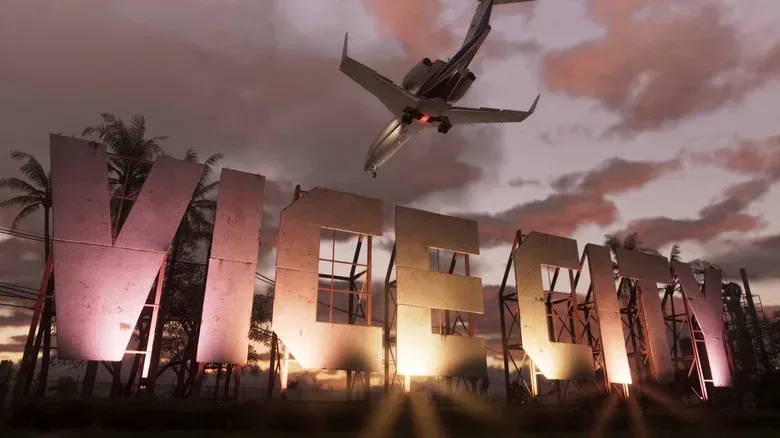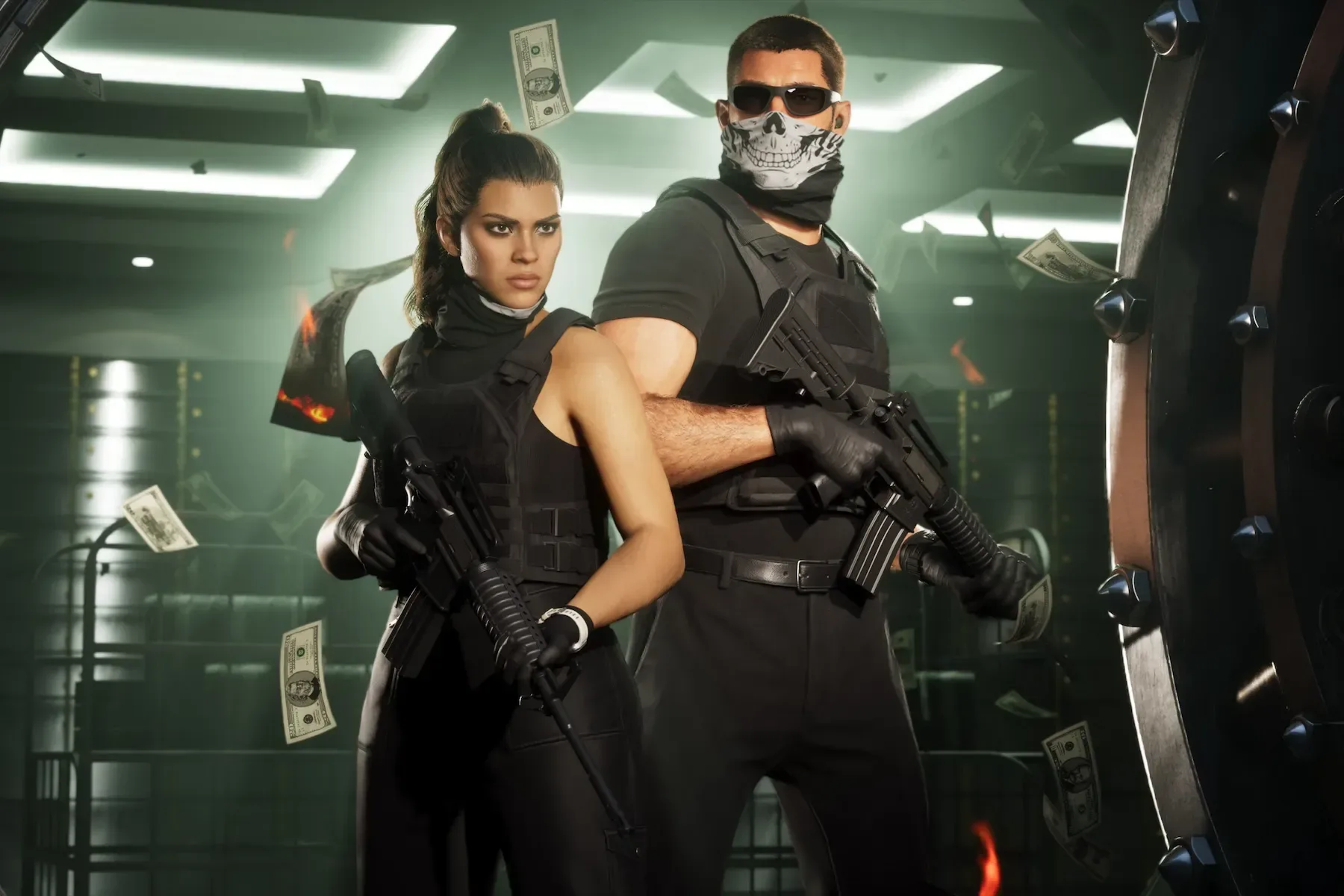
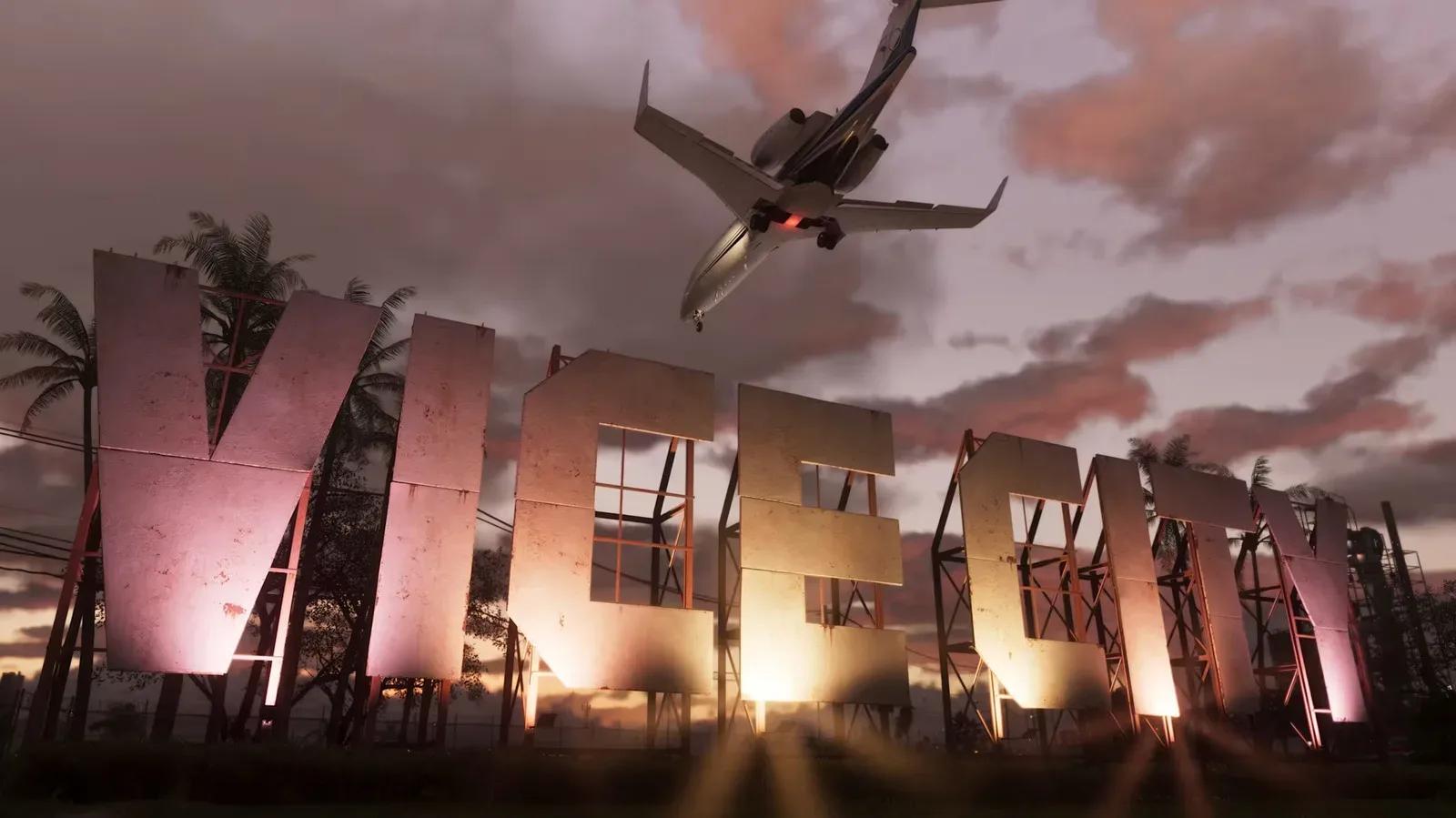
Grand Theft Auto VI is now available to preload for customers who have pre-ordered it on PlayStation 5 and Xbox Series X|S in most regions. The game is scheduled to unlock on November 19, and the advance download matters more than usual because its reported install size is 212GB. That is a major commitment of console storage, and potentially a long download for households with slower connections.
The rollout has not used a single worldwide start time. Xbox Series X|S preloading began at 7 p.m. EST on November 9. On PS5 and PS5 Pro, it opened at midnight local time on November 10 across regions. Players who intend to start as soon as the game becomes available can now download the core game files, rather than waiting for release-day traffic to begin.
What preloading does—and what it does not do
Preloading is the option to download and install a digital game before its official release time. The installed files remain locked until the game unlocks, but the lengthy part of the process—moving a very large amount of data from the platform’s servers to a console—is handled early.
That distinction is important for a release of this size. A preload is not early access, and it does not guarantee that every file needed at launch has already arrived. A day-one patch, meaning an update released at or around the time the game becomes playable, may still be required. The practical advantage is that players can deal with the largest known download in advance, confirm they have enough free drive space and leave themselves room for any launch update.
The reported 212GB figure should also be treated as the currently stated install requirement rather than a promise that storage use will never change. Launch updates can affect the final footprint, so leaving additional capacity available is the sensible move.
A 212GB install can reshape a console library
For PS5, PS5 Pro and Xbox Series X owners with expanded storage, 212GB is still a notable slice of capacity. For an original 512GB Xbox Series S, however, the math is much more immediate: only approximately 362GB is usable, meaning Grand Theft Auto VI would consume more than half of the accessible internal storage by itself.
That is why preloading is as much a storage-management event as a convenience feature. Before selecting install, it is worth checking the console’s available space and deciding which games can be removed or moved. Players should not plan around exactly 212GB free; retaining a buffer is prudent in case the download size shifts or a patch needs space to unpack and install.
A practical storage checklist
- Check the console’s free storage before beginning the download.
- Make room beyond the reported 212GB requirement rather than cutting capacity to the exact number.
- Review installed games you are unlikely to play before November 19 and remove them if needed.
- Start the preload well ahead of launch, especially on a metered or slower connection.
- Keep automatic updates enabled if you want the console to fetch eligible updates without manual intervention.
- Before launch, verify that the game is fully installed and watch for any required update.
Deleting a digital game is generally a library-management step, not the loss of a purchase: it can be downloaded again later through the account that owns it. The trade-off is time and bandwidth, which is precisely why clearing space early is less stressful than attempting it on launch day.
Related coverage includes GTA 6 Preloads Open on PS5 and Xbox Series X|S Ahead of November 19 Launch.
How to start the GTA 6 preload on Xbox
Xbox players who have pre-ordered Grand Theft Auto VI can go to the Microsoft Store, search for Grand Theft Auto VI, and choose the install option. The supplied search wording contains a typo, so using the full official game title is the clearest way to find the listing.
There is also an automatic approach. In the Xbox settings menus, go to System, then Updates, and enable Keep My Games & Apps Up to Date. This setting can help the console download available game content and updates automatically. It remains wise to check the installation manually afterward, particularly where storage is tight, since automatic downloading cannot solve a lack of free capacity.
Xbox owners choosing between a Series X and a 512GB Series S will feel the storage difference especially sharply with an install of this size. The Series S example illustrates why the free-space number shown by the console, rather than its capacity printed on the box, is what matters for planning.
How to start the GTA 6 preload on PS5 or PS5 Pro
On PlayStation 5, open the PlayStation Store listing for Grand Theft Auto VI and select its preload option. Players who would rather have the system handle the download can open their Game Library, select the GTA 6 pre-order, and enable the Auto-Download setting.
PS5 Pro owners are not exempt from planning simply because a 2TB console has much more room than a 512GB system. A 212GB game still takes a substantial share of any drive, especially for players who keep several large titles installed at once. Checking space now avoids discovering a problem after an automatic download has already begun.
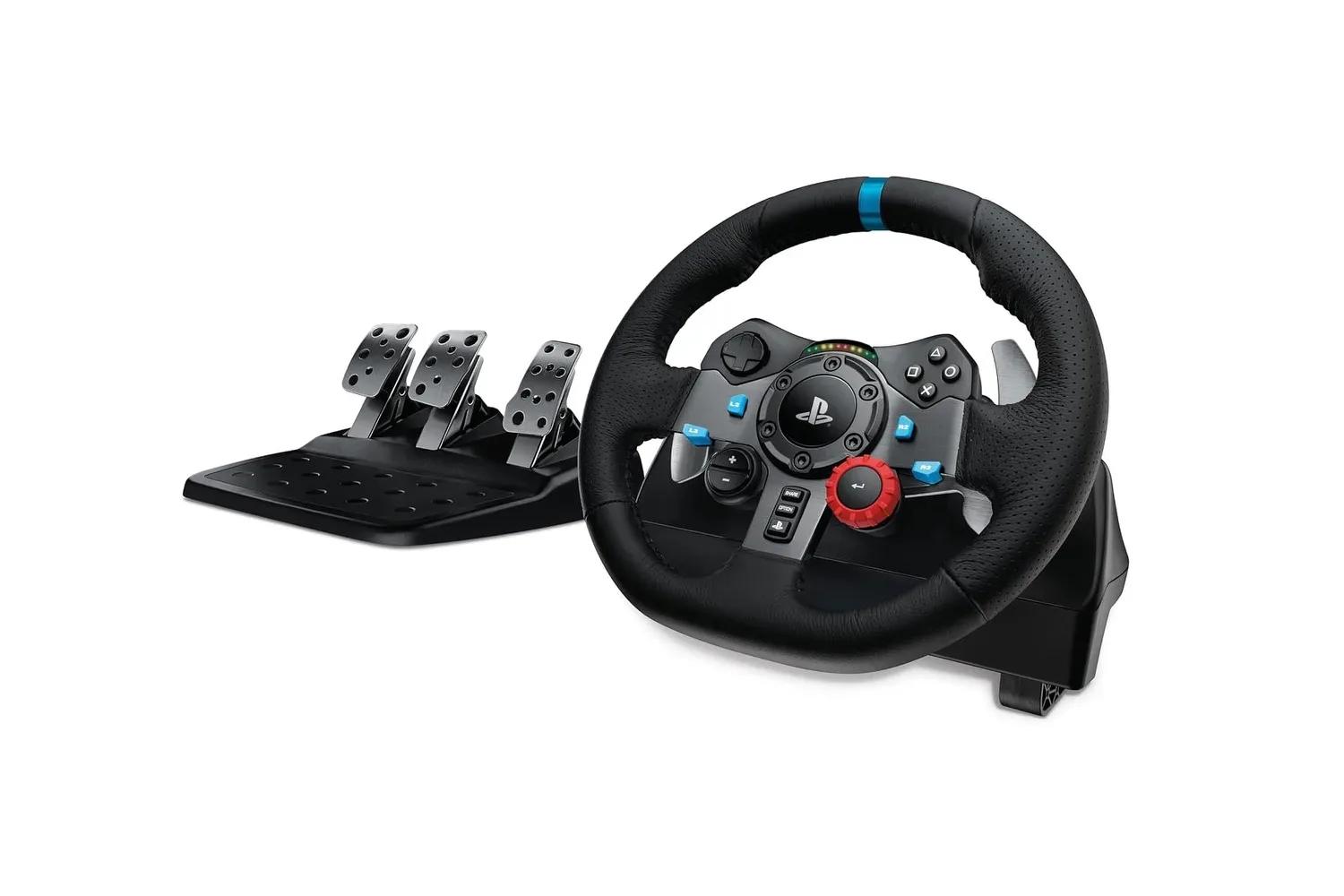
For players thinking about a more driving-focused setup around open-world games, Joking Joystick has also covered Logitech G29 and G920 racing wheel sets listed for PlayStation, Xbox and PC. That hardware story should not be read as confirmation of GTA 6 compatibility; it is simply a relevant look at wheel options by platform.
Physical copies can preload too, after they arrive
Players buying a physical version are not necessarily excluded from getting the game files early. Physical copies are set to begin shipping and arriving at retail stores on November 12. A code included in the box will allow the preload once the copy is in hand.
This makes the delivery or pickup date more consequential for disc buyers than for digital customers. The preload cannot start until the box—and its included code—has arrived. Anyone selecting the physical edition mainly to avoid a large download should note that the described process still uses a preload code, so internet access and sufficient storage remain relevant.
Why downloading early is particularly useful here
A 212GB download may take hours, depending on the connection. Actual timing will vary with broadband speed, household usage and the conditions of the download itself. The game’s expected demand adds another reason not to leave the task until the last moment: pre-release sales have been reported at around 8 million copies. That figure is reported rather than independently established here, but it underlines the possibility of intense launch-period demand.
Preloading cannot eliminate every bottleneck. It does, however, move the biggest predictable one into a quieter window before the November 19 unlock. It also gives users time to notice failed downloads, insufficient storage warnings or an internet issue without sacrificing the opening hours of a highly anticipated release.
The central decision is not only whether to preload, but whether the console is genuinely ready: enough free space for the reported install, time for the download to complete, and room for any update that follows.
Edition prices and the decision to preorder
Grand Theft Auto VI is listed at $80 for the Standard Edition and $100 for the Ultimate Edition through the Xbox and PlayStation stores, as well as retailers including Amazon and Walmart. Preloading requires an order first, so it is a benefit for people who have already made that purchase decision rather than a reason on its own to rush one.
The reported information does not detail what differentiates the two editions, so buyers should review the store listing carefully before choosing. What is clear is that both platform ecosystems are now offering the ability to prepare the installation ahead of the November 19 release.
For those already committed to playing at launch, the next steps are straightforward: confirm the preorder is tied to the correct account, free more storage than the reported 212GB requirement, begin the preload, and check the console closer to release for final update needs. The game may still be locked until its launch time, but the waiting for the main download no longer has to begin then.
Shop the products
Check current price, model and availability at the retailer.