Grand Theft Auto VI is now preloading ahead of its November 19 unlock, and its 212GB file size turns the wait for Vice City into an immediate storage-management problem. A download of that scale can eat a dramatic portion of a console’s usable space, particularly for players whose PS5 libraries have quietly accumulated years of PS5 releases, PS4 favorites, updates and games kept around for the someday-I’ll-return-to-it pile.
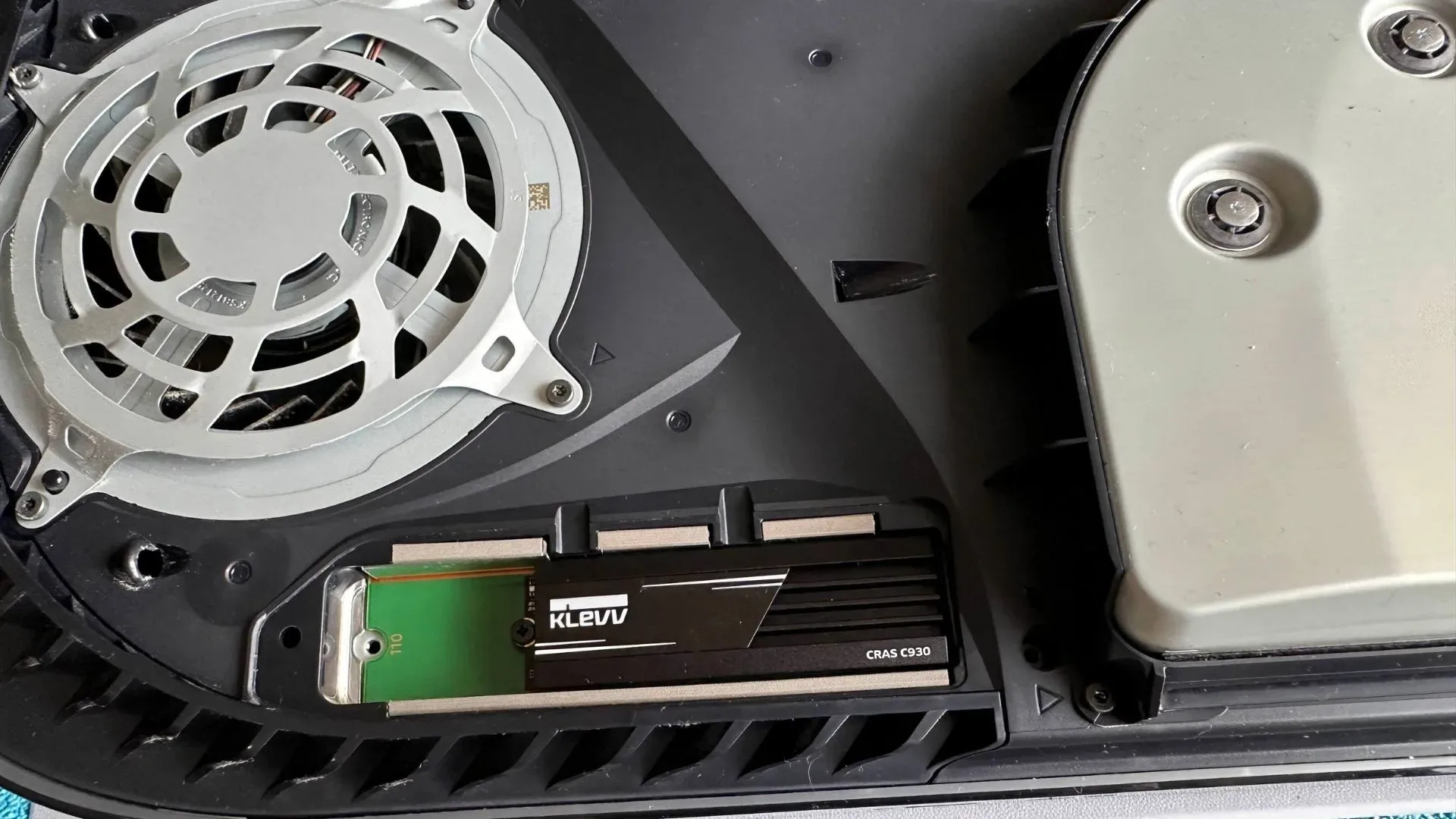
The instinctive solution is understandable: buy a larger internal SSD, install it, and stop worrying about deleting anything. But that is not automatically the sensible move—especially for a PS5 owner with a substantial PS4 library. The more practical short-term play may be to separate the games that benefit from speedy solid-state storage from the ones that do not need to occupy it.
That means considering an external hard drive as a home for PS4 games, while preserving the PS5’s internal storage or compatible SSD expansion for PS5 software and the enormous GTA 6 install. It is not as glamorous as adding more high-speed storage, but it can be substantially cheaper and can reduce the number of painful delete-and-redownload decisions.
Why 212GB changes the usual cleanup routine
Large games are hardly a novelty, but 212GB is a serious demand to make of any active console library. It is not merely one title replacing another in a rotation. It can mean deciding whether several medium-sized games stay installed, whether dormant games are deleted, or whether a storage upgrade is required before the preload can finish.
A preload is a game download made available before its official release or unlock date. It lets the console retrieve the large game files early, so players do not have to begin with a full download on launch day. The game remains inaccessible until its scheduled unlock—in this case, November 19—but the storage requirement arrives now.
For people who primarily play current-generation PS5 games, an SSD upgrade may be a straightforward answer. For anyone juggling PS4 and PS5 titles, however, the important question is not simply, “How can I add 2TB?” It is, “Which files actually need to live on expensive, fast storage?”
That distinction matters because PS5 games and PS4 games do not have the same storage rules on the console. A PS5 can play PS4 titles directly from an external hard drive. PS5 games, meanwhile, can be stored externally but cannot be played there; they must be transferred back to the internal storage or SSD expansion when it is time to play. Moving files still takes time, but it can be preferable to downloading massive games again from scratch.
The practical split: PS5 storage for PS5 games, external space for PS4 games
The case for an external hard drive is most persuasive when a player’s installed collection includes plenty of PS4 games. Those games can be moved off the main drive yet remain immediately playable from a compatible external drive. This clears valuable internal or expansion-SSD capacity for software that requires it, including GTA 6.
Related coverage includes GTA 6's 212GB Preload Is Here: How to Make Space Without an Expensive SSD Upgrade.
In simple terms, an SSD, or solid-state drive, is high-speed storage with no spinning parts. The PS5’s current-generation games rely on that kind of performance. An external hard drive is generally slower and uses spinning storage media, but that does not prevent it from running PS4 games on PS5. The key is matching the job to the storage type rather than paying premium SSD pricing to house every older game by default.
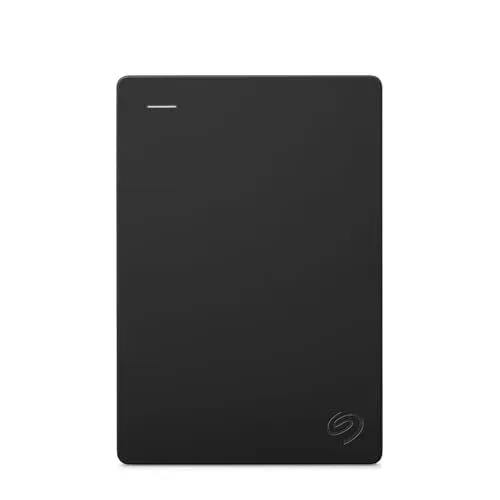
A 2TB Seagate Portable external hard drive is one example of the kind of drive that can serve as a PS4 archive-and-play library. The idea is not that an external hard drive replaces an SSD in every situation. It does not. It is that it can take over the work of holding older games, allowing the faster storage to be reserved for the games that actually require it.
There is a meaningful convenience advantage here too. Keeping PS4 games externally attached means they do not have to be deleted merely to make room for one major release. A player can still open those PS4 games without reclaiming space and without waiting for another install. That is particularly valuable for large games that would be annoying to download again after a temporary purge.
What an external hard drive can and cannot do on PS5
- It can play PS4 games directly: PS4 titles can run from the external drive, freeing the PS5’s faster storage.
- It can store PS5 games: A PS5 game may be kept on the external drive when it is not being played.
- It cannot play PS5 games directly: To play a PS5 title stored externally, it has to be moved back to the PS5’s internal drive or installed SSD expansion.
That final limitation is the trade-off. An external drive is not a magic extension of the PS5 game library. Yet it remains useful insurance against redownloading. Transferring a stored PS5 game between drives can take less time than downloading and installing it all over again, while PS4 games can stay available to play where they are.
SSD pricing makes the cheaper workaround more compelling
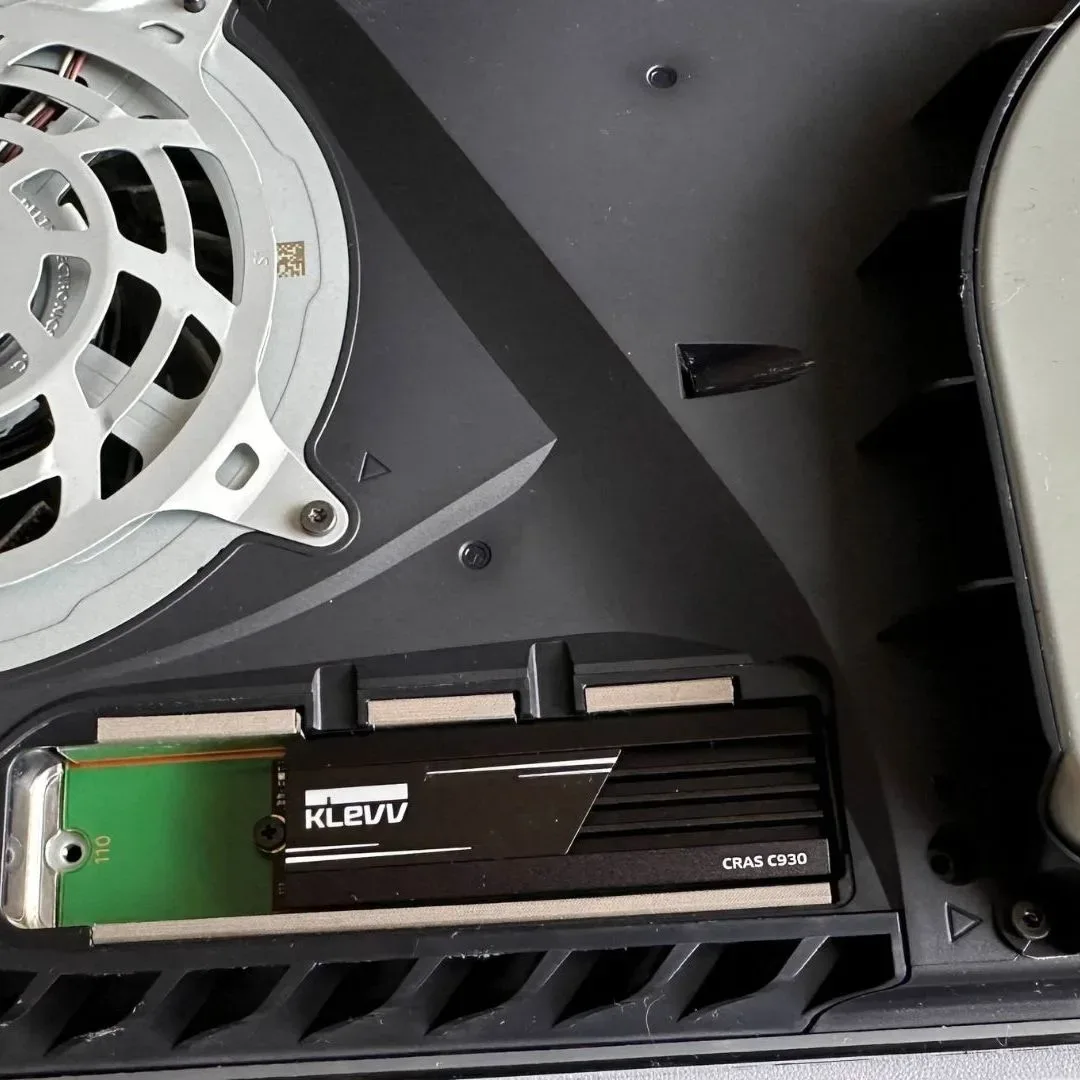
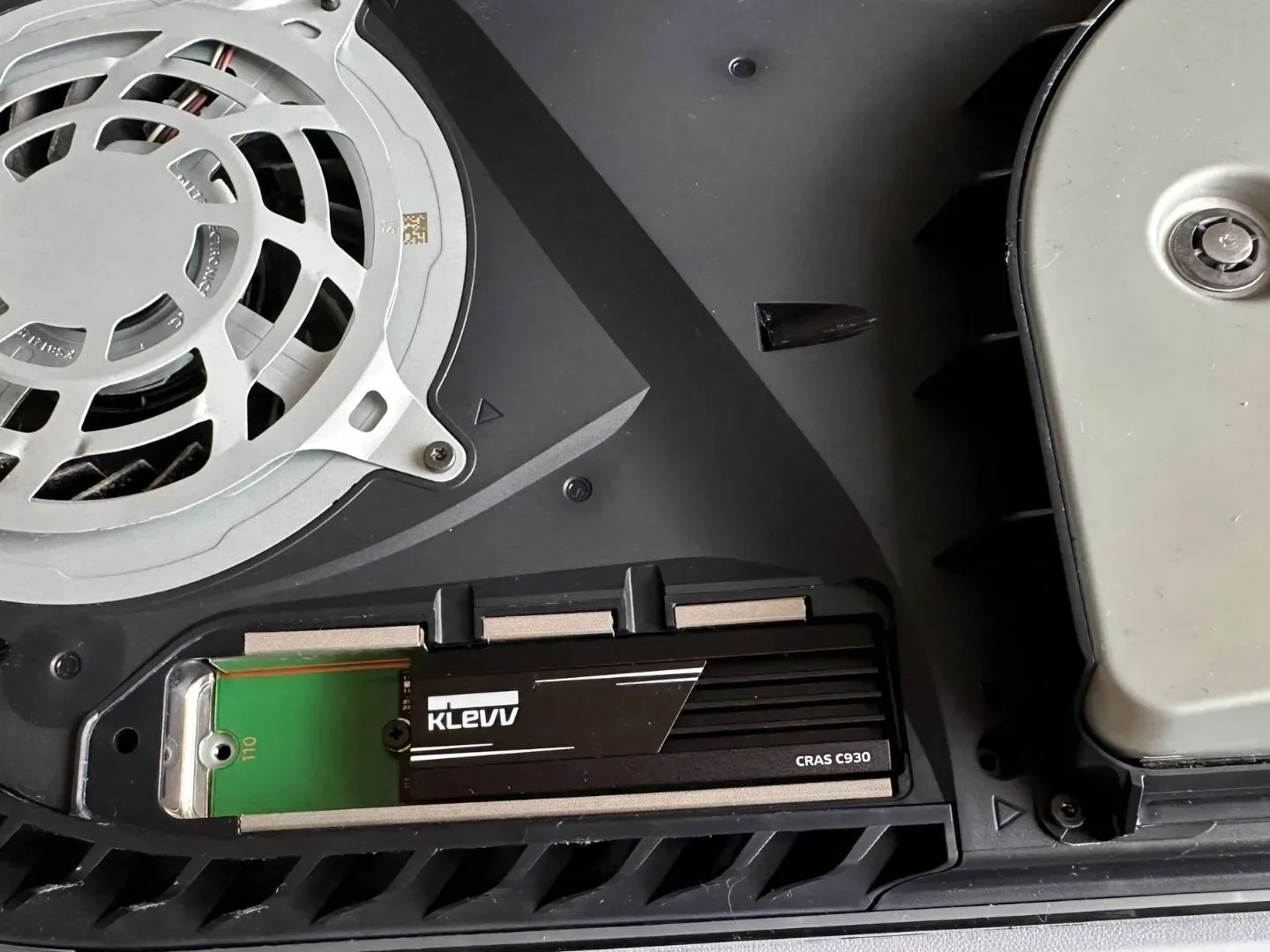
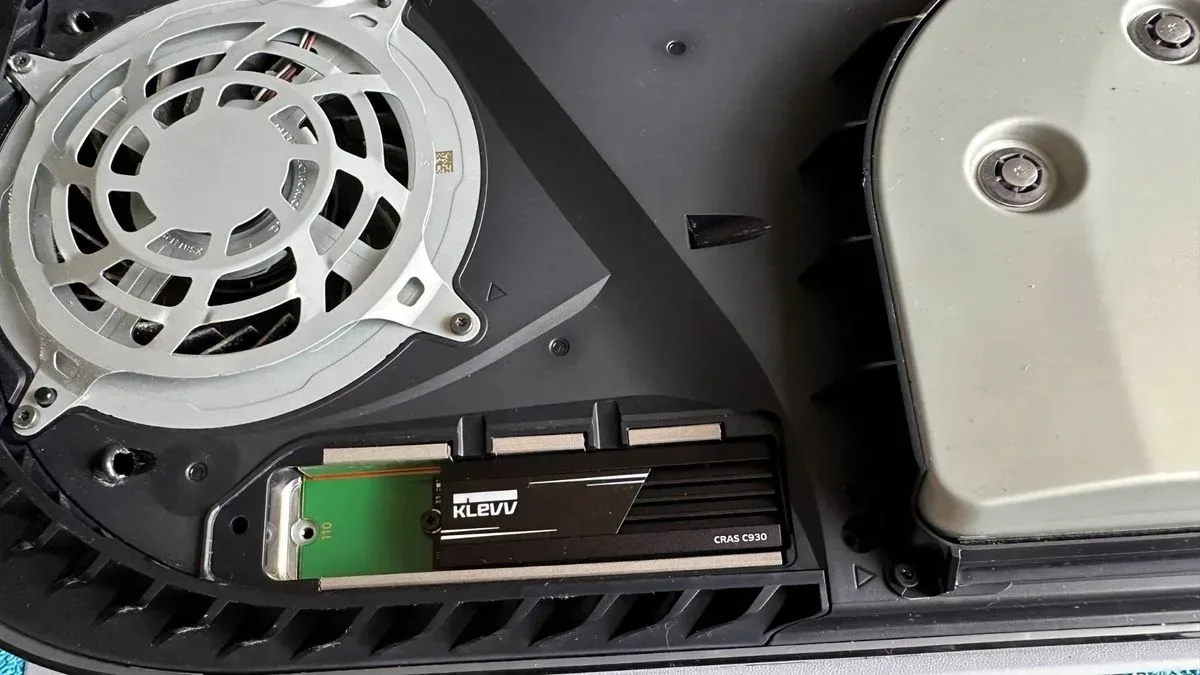
The storage decision is not only about convenience; it is also about a sharp difference in cost. A 2TB Samsung 9100 Pro SSD has been listed at $399.99 on sale from $679.99. Separately, an average drawn from the first ten 2TB SSD results at Newegg came to roughly $316. Those figures underline why a player should not treat an SSD purchase as the automatic response to one unusually gigantic install.
A sensible target for a necessary 2TB SSD purchase is presented as roughly $250 to $300. But “necessary” is doing important work in that sentence. If a player cannot make sufficient room through transfers, deletion, or moving PS4 software to external storage, then an SSD expansion could be the right purchase. If they can make room without it, buying at an inflated price just to avoid a little housekeeping is harder to justify.
External hard drives have not seen the same price pressure described for PS5 SSDs. As a result, using one to relocate a PS4 library can reduce the cost of a storage upgrade by roughly $200 compared with buying a 2TB SSD. The exact value depends on the drive and current deal, but the broad principle is solid: cheaper capacity is more attractive when it is serving games that do not need SSD-level speed.
There is no need to frame this as choosing permanently between external storage and an SSD. Players who expect to maintain a large, constantly installed PS5 library may eventually want both. The immediate GTA 6 preload is simply a reason to prioritize: buy fast storage only when its special capabilities are needed, and use less expensive external capacity for the role it handles well.
A no-panic plan before the GTA 6 preload fills the drive
- Check how much free space is actually available. Start with the installed library rather than guessing. GTA 6 requires 212GB for its preload, so the goal is to create enough room before initiating or completing the download.
- Identify installed PS4 games. These are the strongest candidates for moving to an external hard drive because they can still be played from that drive on PS5.
- Move, do not delete, when preserving a big download matters. If a PS5 game is not in the current rotation but is likely to be revisited, external storage can hold it until there is room to transfer it back.
- Delete the games that are genuinely finished. Storage triage works best when it is honest. An external drive preserves options, but it does not make every old install essential.
- Buy an SSD only if the remaining constraints demand it. A larger SSD is still the better fit for a heavily active PS5 library, but it should solve a continuing need—not merely rescue one weekend of preloading.
Library management is becoming part of the console routine
GTA 6’s preload illustrates a broader reality of current console gaming: storage is no longer an invisible utility. It shapes what stays installed, which games get revisited, and how much a player spends after buying the console. Large subscription libraries can add another layer to that pressure; the November PS Plus catalog additions, for example, are another reminder that the list of potential installs rarely gets smaller.
The useful response is not to panic-buy the most expensive drive available. It is to treat storage as a tiered system. Put PS5 games that need high-speed access on the internal drive or SSD expansion. Put PS4 games on an external hard drive where they remain playable. Keep temporarily inactive PS5 games stored externally if avoiding a future redownload is worth the transfer time.
For GTA 6 specifically, 212GB is enough to force that conversation now. For PS5 players with an older library taking up premium space, moving PS4 games to external storage is the cleanest way to prepare without turning one blockbuster preload into a $300-or-more hardware purchase.
Shop the products
Check current price, model and availability at the retailer.